
How to coordinate seasonal-worker access and asset offboarding
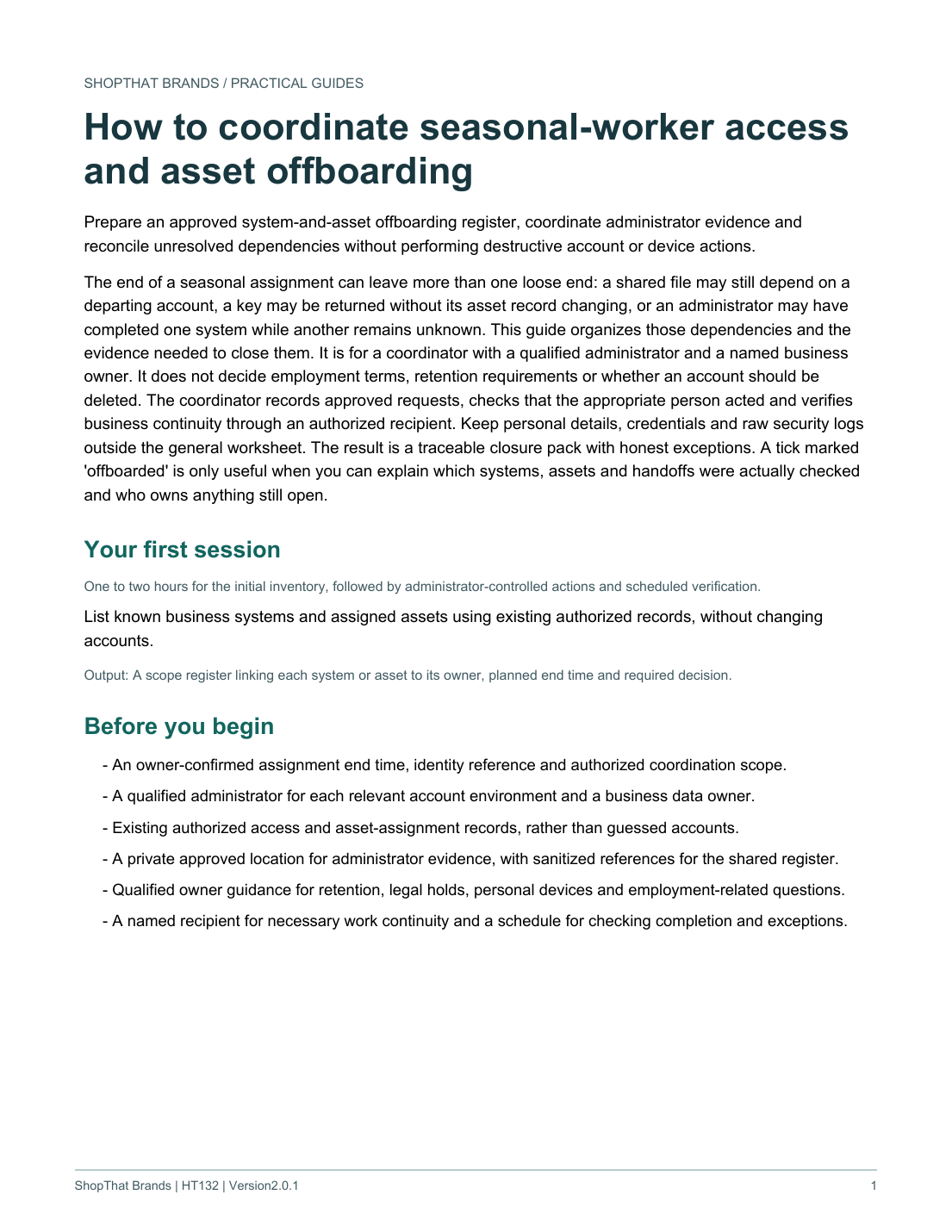
Keep the end of a seasonal assignment from becoming one unsupported 'done' checkbox. This guide helps a small-team coordinator work with qualified owners and administrators to account for known systems, business continuity and assigned physical assets.
Eight explained steps cover scope and timing, dependency inventory, preservation decisions, approved administrator requests, asset receipts, action evidence, delayed results and honest closure. A complete fictional example reconciles five systems and four assets while keeping a preservation hold and a missing kit visible. It separates business handoff verification from technical access actions and physical returns.
Four tools support the process: a system and dependency inventory, an approved request/evidence register, an asset-return reconciliation, and a closure/exception brief. Specific fields, help and examples make responsibilities traceable. Troubleshooting addresses unsupported completion claims, failed successor access, unresolved preservation questions and delayed results.
You receive a PDF guide, offline HTML and TXT worksheets. No account-management integration, deletion script or device-wiping procedure is included. Qualified owners decide retention and employment matters; authorized administrators perform technical work using current vendor guidance. The coordinator records approvals and evidence. Finish with a private, reviewable closure pack that states what was verified and who owns anything still open.
Included files: PDF guide, offline HTML guide, 4 distinct editable tools in HTML and TXT. Extract the ZIP before use. No paid software is required to read this guide or edit its supplied tools. Third-party services discussed may have their own costs. No XLSX, Canva, Notion or video files are included.
Text and template wording were generated with AI and reviewed for clarity and consistency.
License: Personal or internal business use only. You may edit the templates for that use; do not redistribute or resell the supplied files or templates.
HTML tools do not autosave. Use Save filled copy before closing to download and keep your completed entries.