
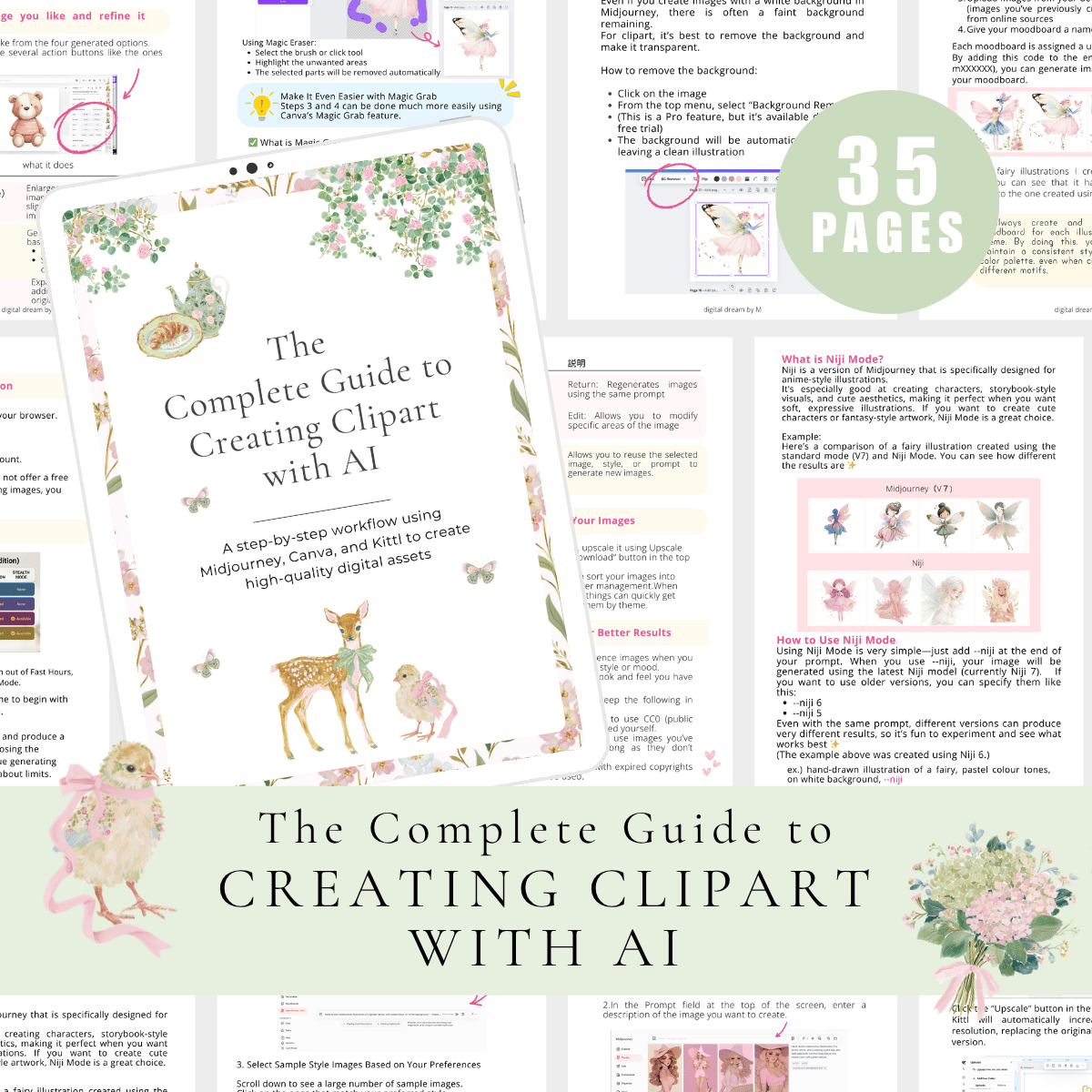
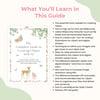
The Complete Guide to Creating Clipart with AI
Create Beautiful Clipart with AI — No Drawing Skills Needed
Limited-Time Launch Price
Over 300 people purchased the Japanese version of this guide in just 6 months ✨
You don’t need to be an artist to create your own illustrations.
I started with zero design experience, no drawing skills, and very limited time—just working on this in between mom life and my daily routine.
By using AI tools, I was able to create my own clipart and turn it into something useful and high-quality.
This guide shows you exactly how to go from AI-generated images → polished, ready-to-use clipart and digital stickers.
Everything is broken down into simple, beginner-friendly steps.
💛 Perfect for you if:
- You can’t draw but want to create your own designs
- You’ve tried AI images but don’t know what to do next
- You want to create digital products at your own pace
- You’re new to Midjourney or Canva
- You love soft, cute, or storybook-style designs
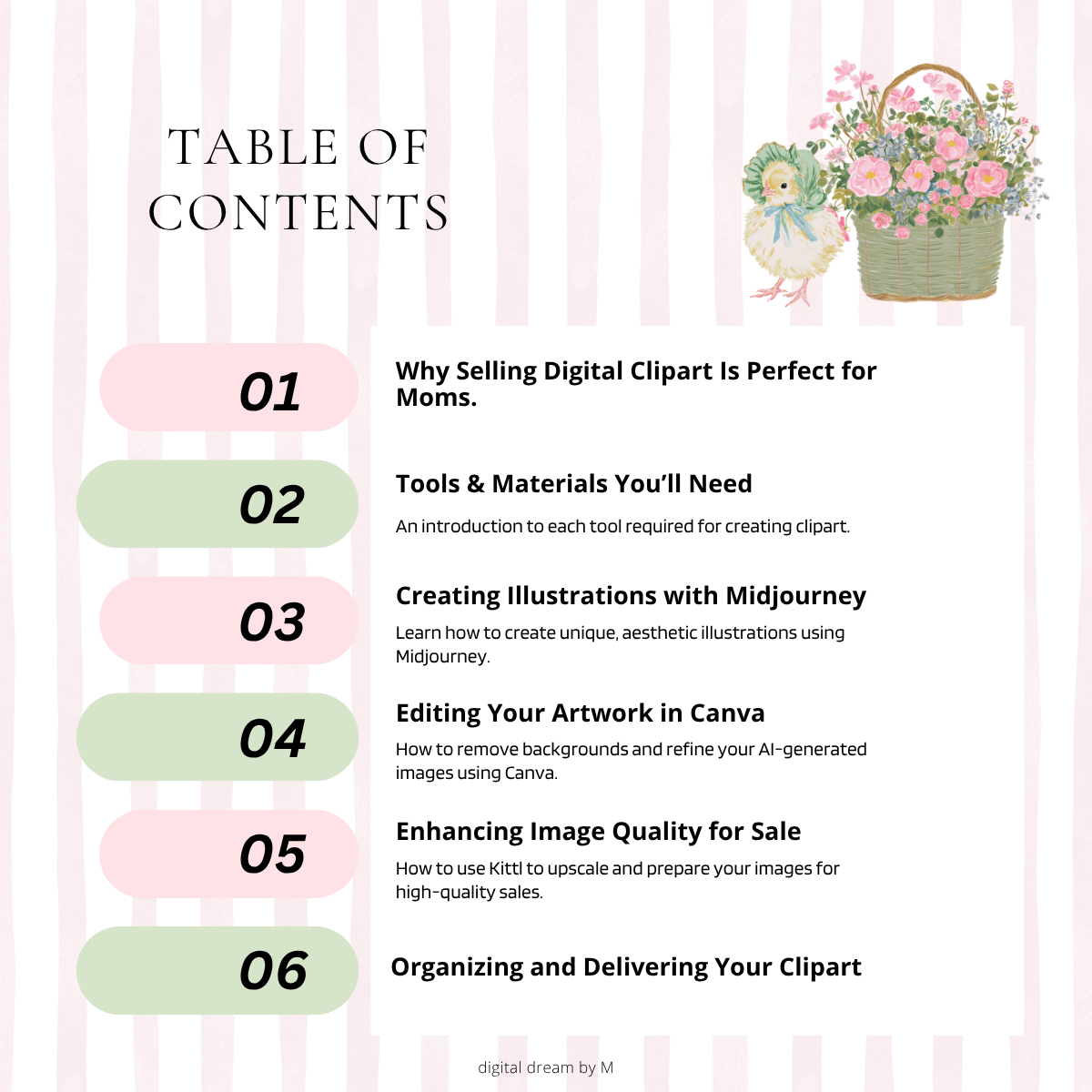
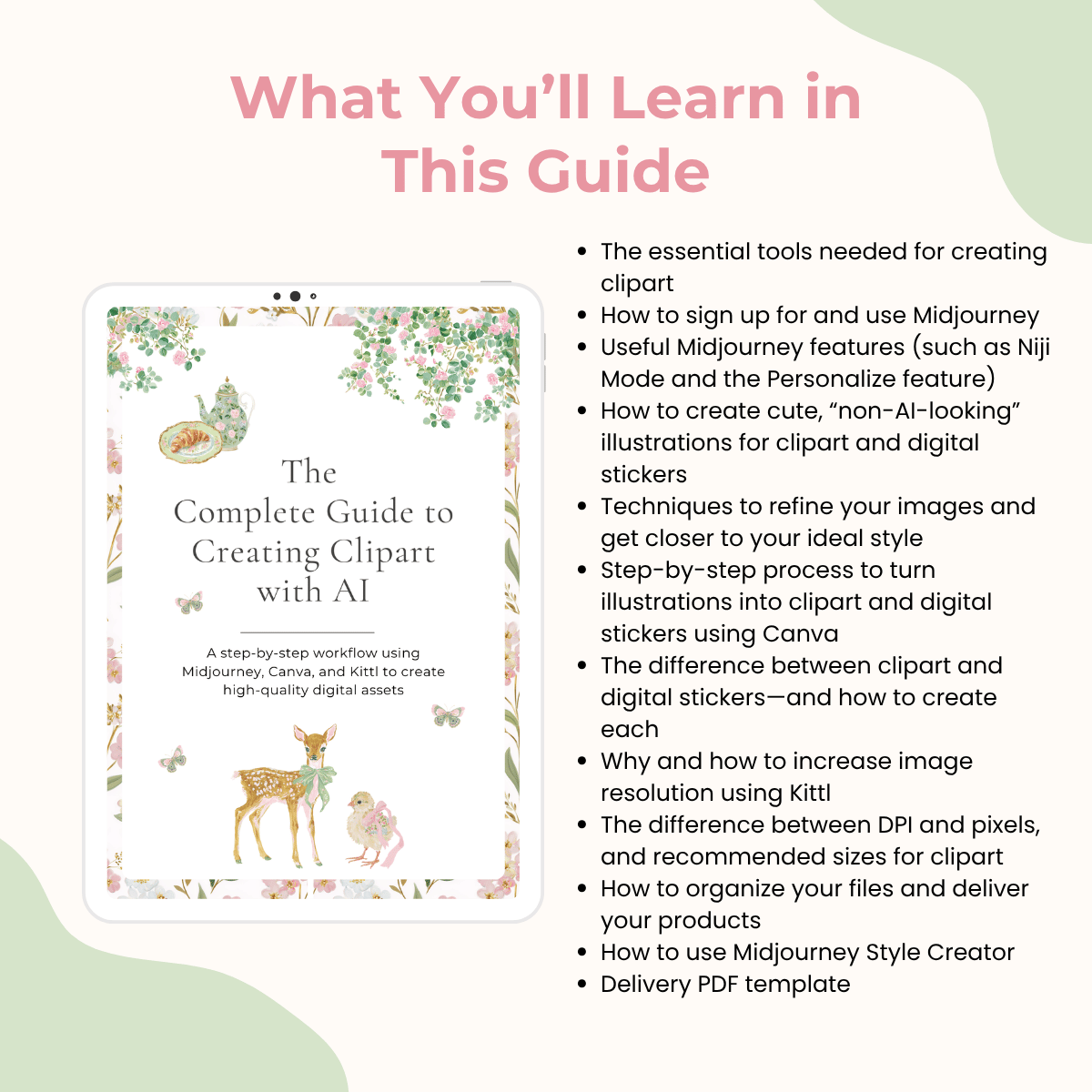
📌 Inside the guide:
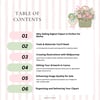
- The tools you need to get started
- How to use Midjourney
- Niji Mode, Personalize, and other useful features
- How to create “non-AI-looking” illustrations
- How to refine your images to match your style
- How to turn your images into clipart using Canva
- Clipart vs digital stickers (and how to create both)
- How to improve image quality using Kittl
- DPI, pixels, and recommended sizes
- How to organize and deliver your files
- Style Creator (new Midjourney feature)
- Delivery PDF template included
Everything in this guide is based on the exact workflow I personally use.
📥 How it works
This is a digital product.
After purchase, you’ll receive a PDF with a link to access the full guide via Google Drive.
You don’t need to be perfect.
You just need to start ✨
⚠️ Important
This guide is for personal use only.
Please do not copy, share, or redistribute any part of this content.