
UK Household Budget & Bills Planner 2026/27 – Excel Budget Spreadsheet with Bills Calendar & Debt Snowball
A household budget spreadsheet made for UK homes, in pounds, with the bills British households actually pay: rent or mortgage, Council Tax, energy, water, broadband, TV licence, car tax and insurance, childcare and subscriptions.
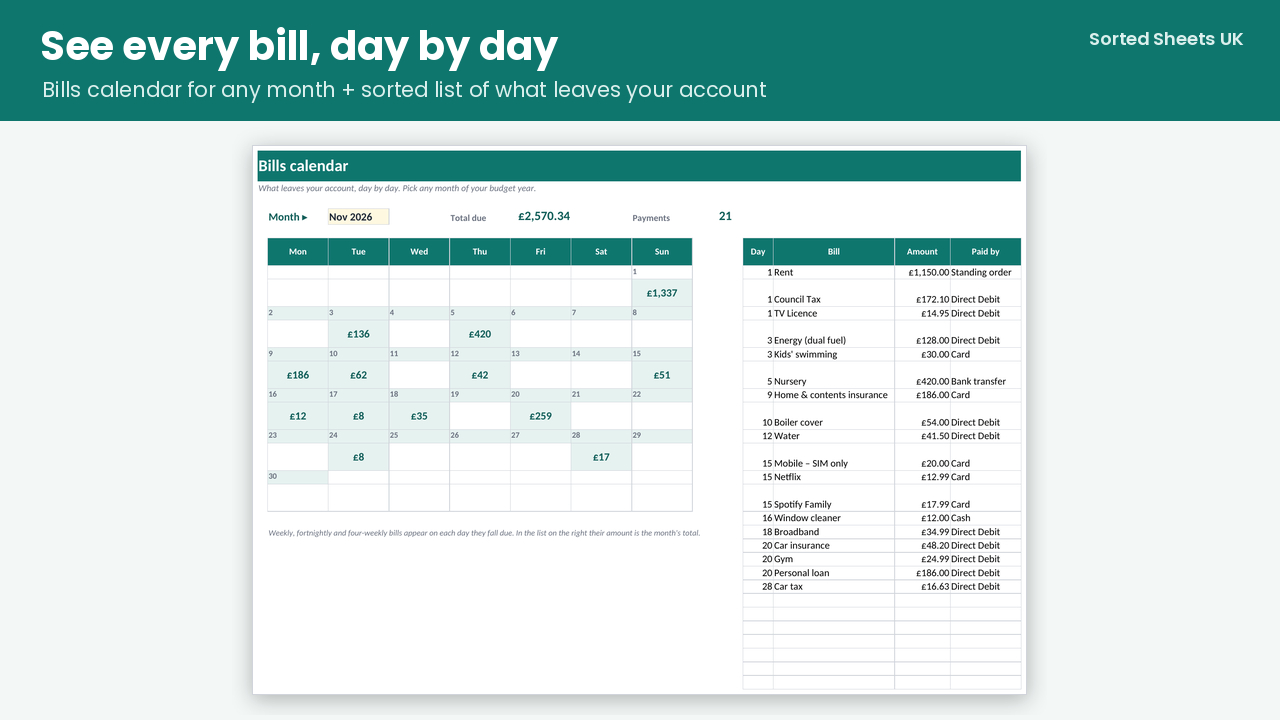
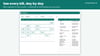
Plan each month, log what you spend, and see straight away what's left. Every bill goes into a calendar so you know which day money leaves your account. Trackers for Council Tax, energy and subscriptions show where you can save, and the debt snowball shows your debt-free date.
WHAT'S INSIDE
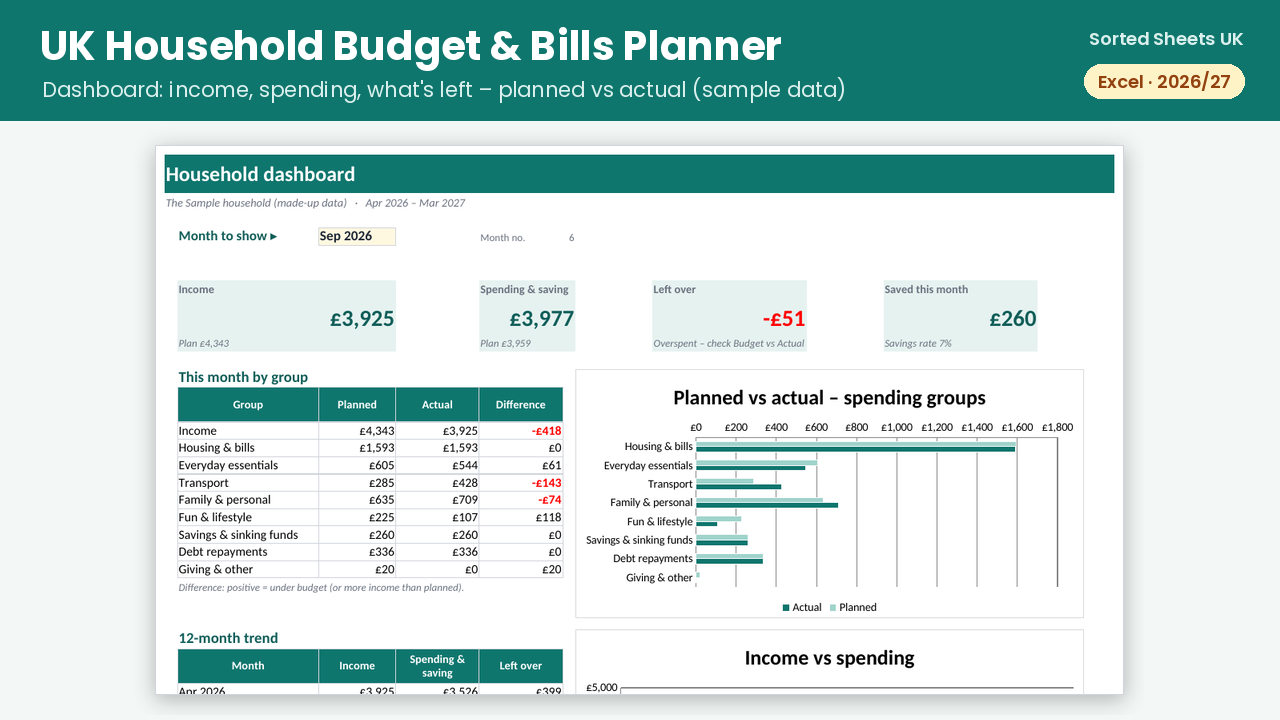
- Dashboard: pick any month to see income, spending, what's left, savings rate, planned vs actual by group and a 12-month trend chart
- Monthly budget for 45 UK categories (rename them if you like). Plan once and every month copies it, then adjust months like Christmas or holidays
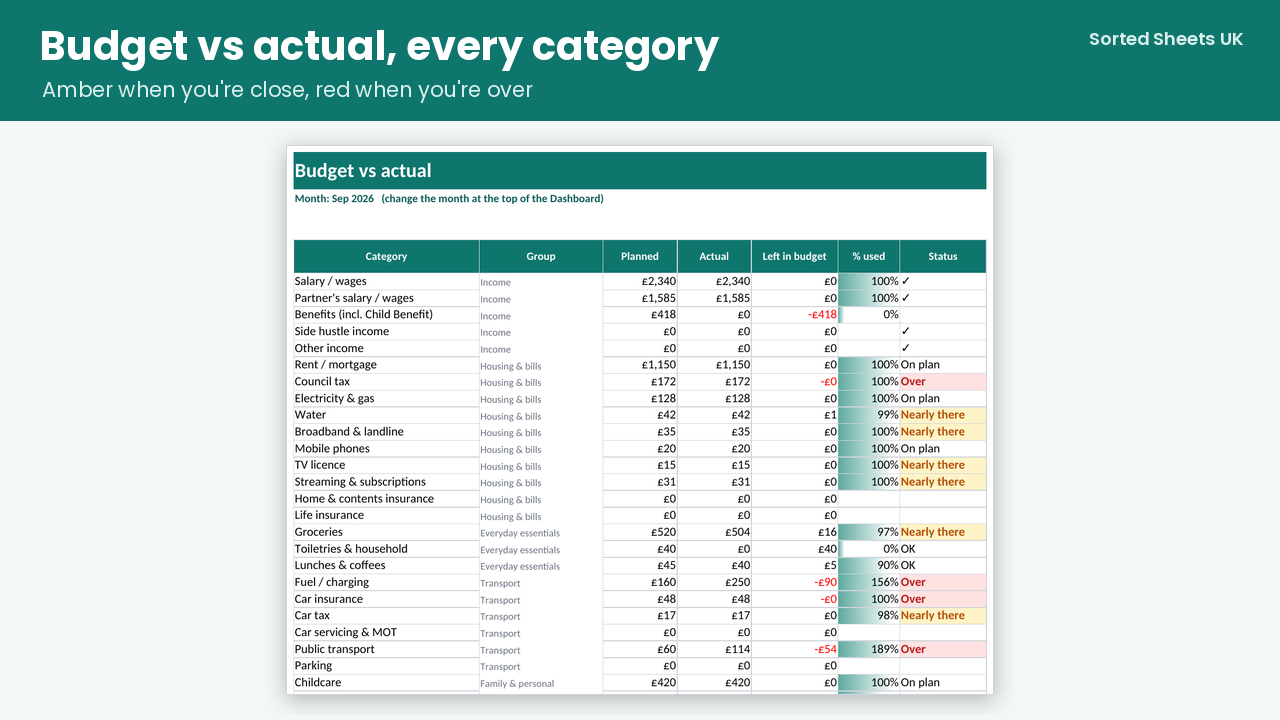
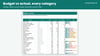
- Budget vs actual for every category: amber when you're close to the limit, red when you go over
- Bills list and bills calendar: monthly, weekly, fortnightly, four-weekly, quarterly, annual and Council Tax's 10 monthly instalments, with renewal alerts so you know when to shop around
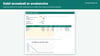
- Council Tax planner with instalment dates and amounts, and what's paid and still to pay
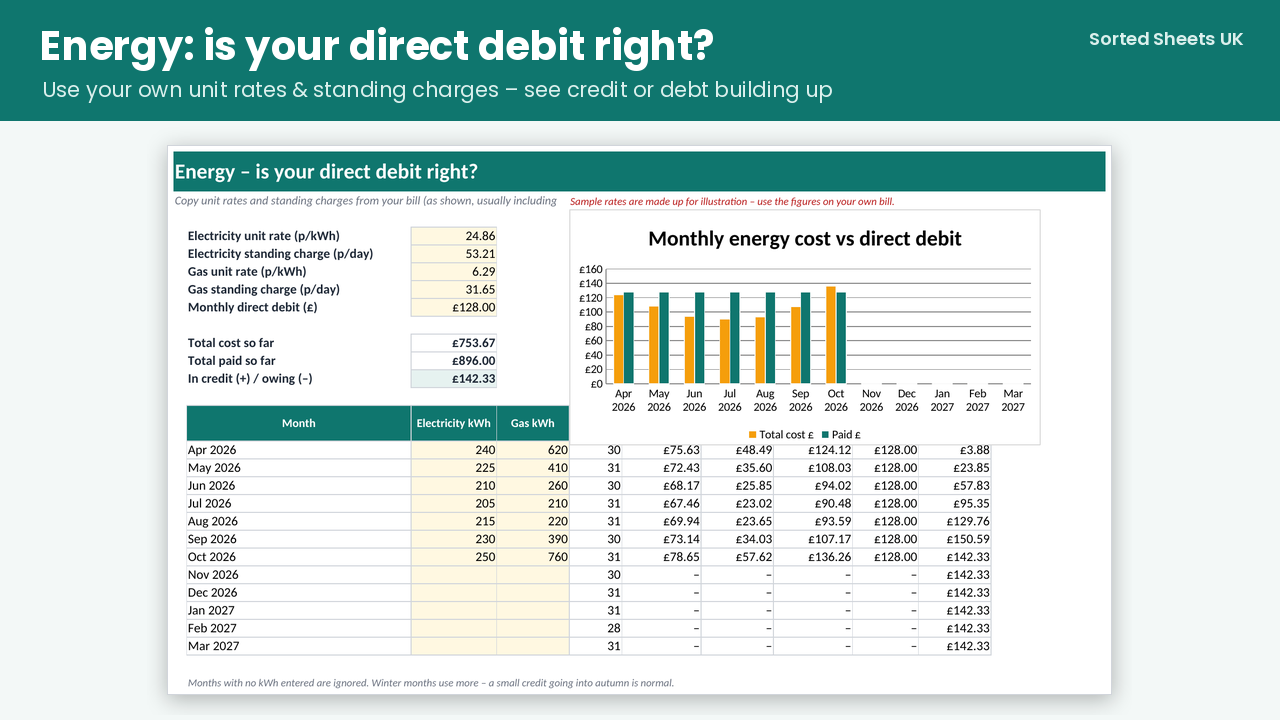
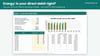
- Energy checker: enter the rates from your bill and your monthly kWh to see whether your direct debit is building credit or debt
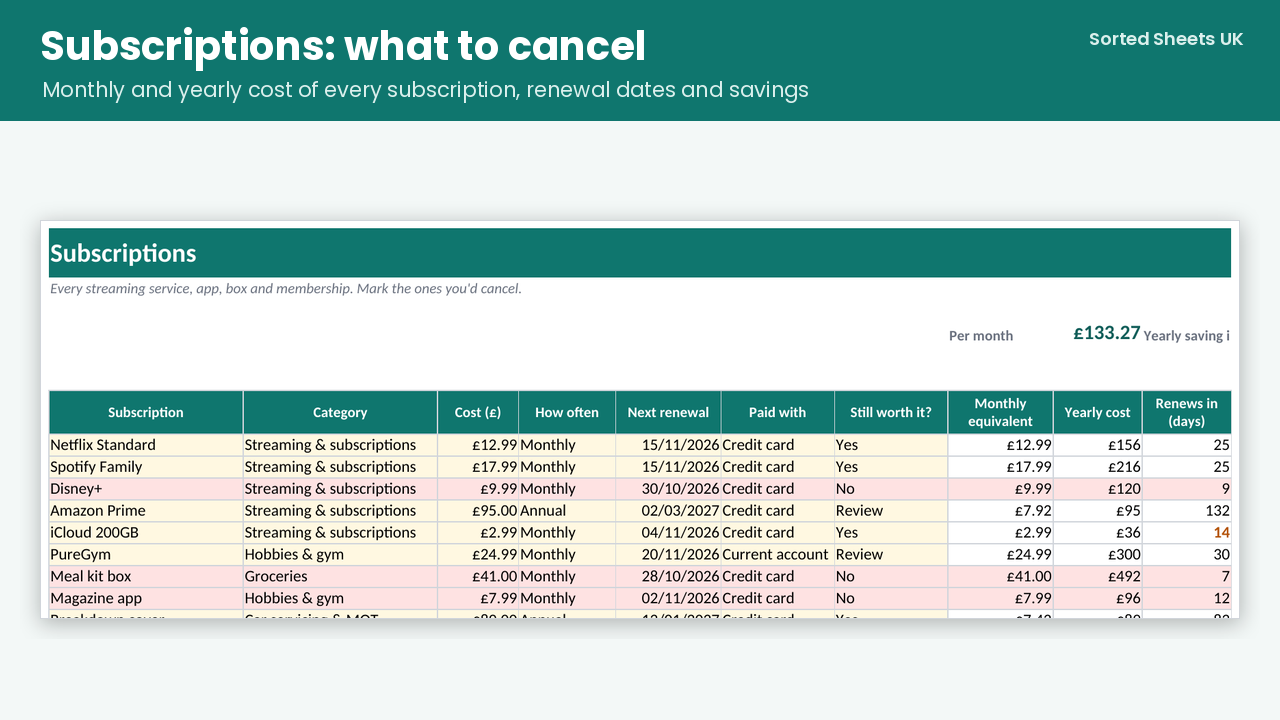
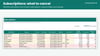
- Subscriptions audit: monthly and yearly cost of each one, plus the yearly saving if you cancel the ones you don't use
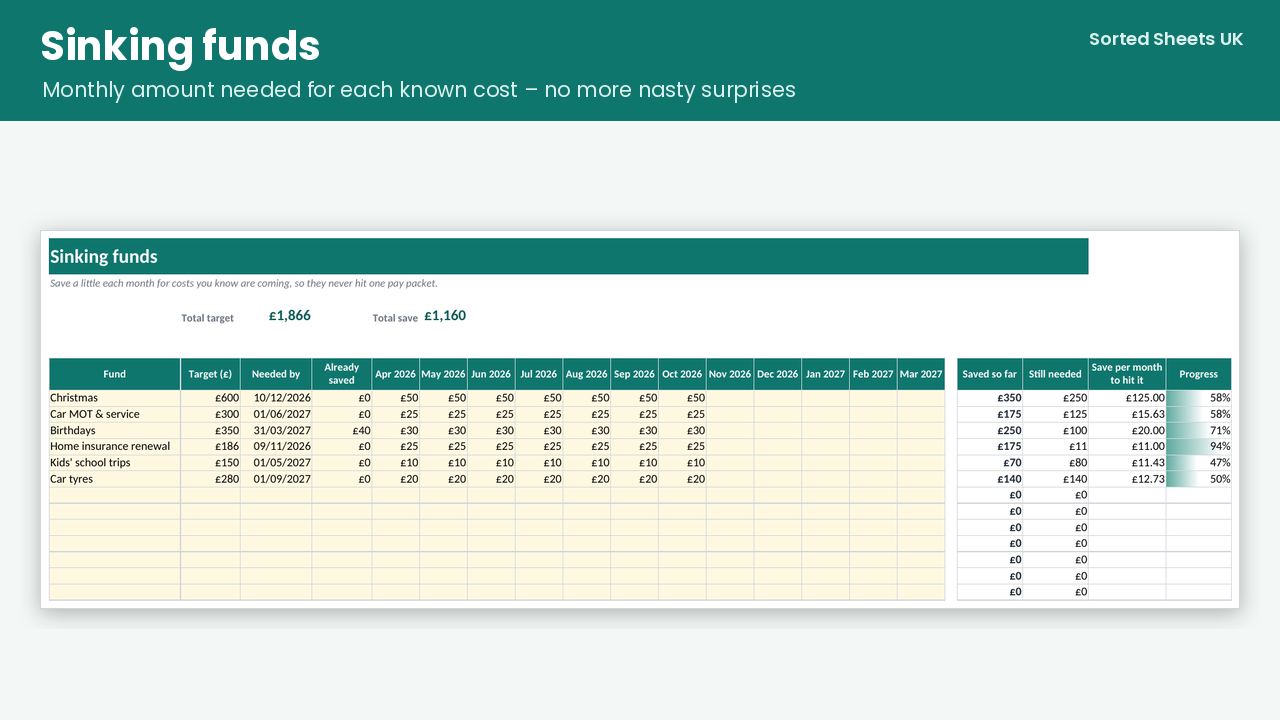
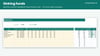
- Sinking funds for Christmas, MOT, car tax and insurance renewals, showing how much to save each month
- Savings goals with progress bars, projected finish dates and an on-track check
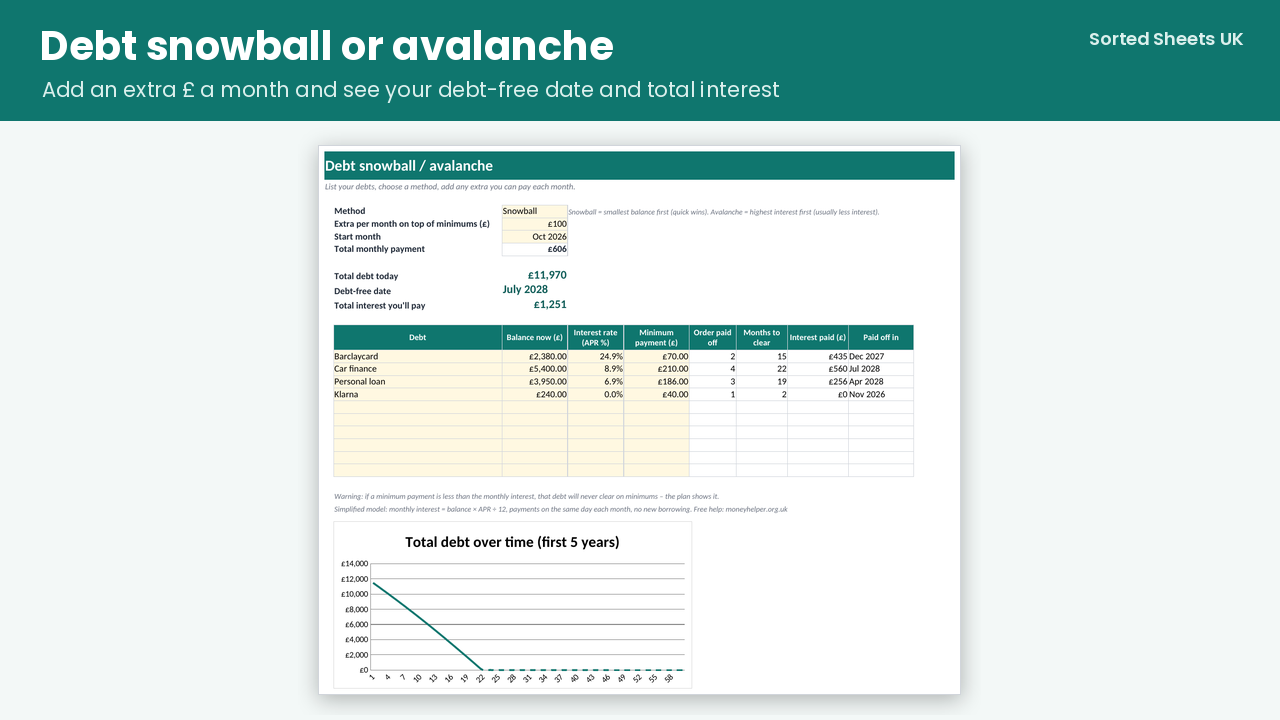
- Debt snowball or avalanche for up to 10 debts: payoff month for each, total interest and your debt-free date
- Year overview of every category by month
WHAT YOU GET
- Blank planner (.xlsx) for your own figures
- Sample planner (.xlsx) filled with clearly labelled made-up figures, so you can see how it all works
- Quick-start guide (PDF)
Works in Microsoft Excel 2016 or later and Microsoft 365 on Windows and Mac, and in Google Sheets (upload the file; charts may look slightly different). No macros, no subscription, no bank connection. Your numbers stay in your own file. Instant download.
This is a budgeting tool, not financial advice. No energy prices are built in: you use the figures on your own bill.
FAQ
Does it work in Google Sheets? Yes. Upload the .xlsx to Google Drive and open it with Google Sheets. Formulas and drop-downs work; charts can look slightly different.
Does it connect to my bank? No. You type or paste transactions, for example from your bank's CSV download. That keeps your data private.
My budget year starts in January. Can I change it? Yes. Set the first month on the Start Here sheet and every month label, total and chart updates.
Is it only for 2026/27? You can reuse it for any year: save a copy and change the start month.