

Simple Expense Tracker Spreadsheet UK | No Formulas Needed, Just Type | Easy Beginner Budget Template | Google Sheets & Excel
No formulas needed – just type your numbers.
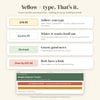
If spreadsheets make you nervous, this one is for you. Every cell you type in is yellow. Everything else is already worked out for you and locked (in Excel) so you can't break it. A friendly Start Here tab walks you through 5 numbered steps with pictures, and a 6-page picture guide shows you exactly how to open it on your laptop or phone.
What's inside (6 tabs)
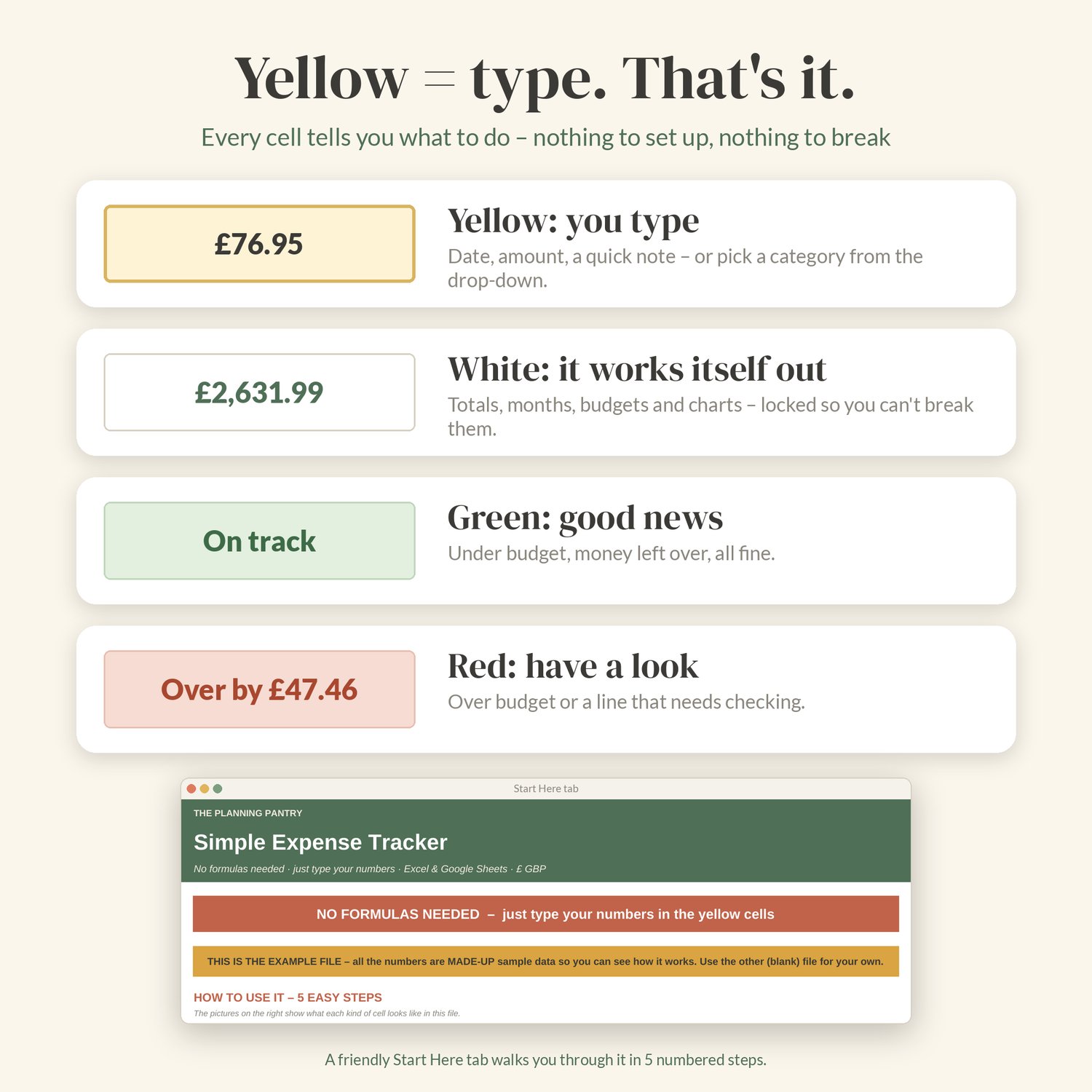
- Start Here: 5 easy steps, a colour key (yellow = you type, green = good, red = check this) and quick answers.
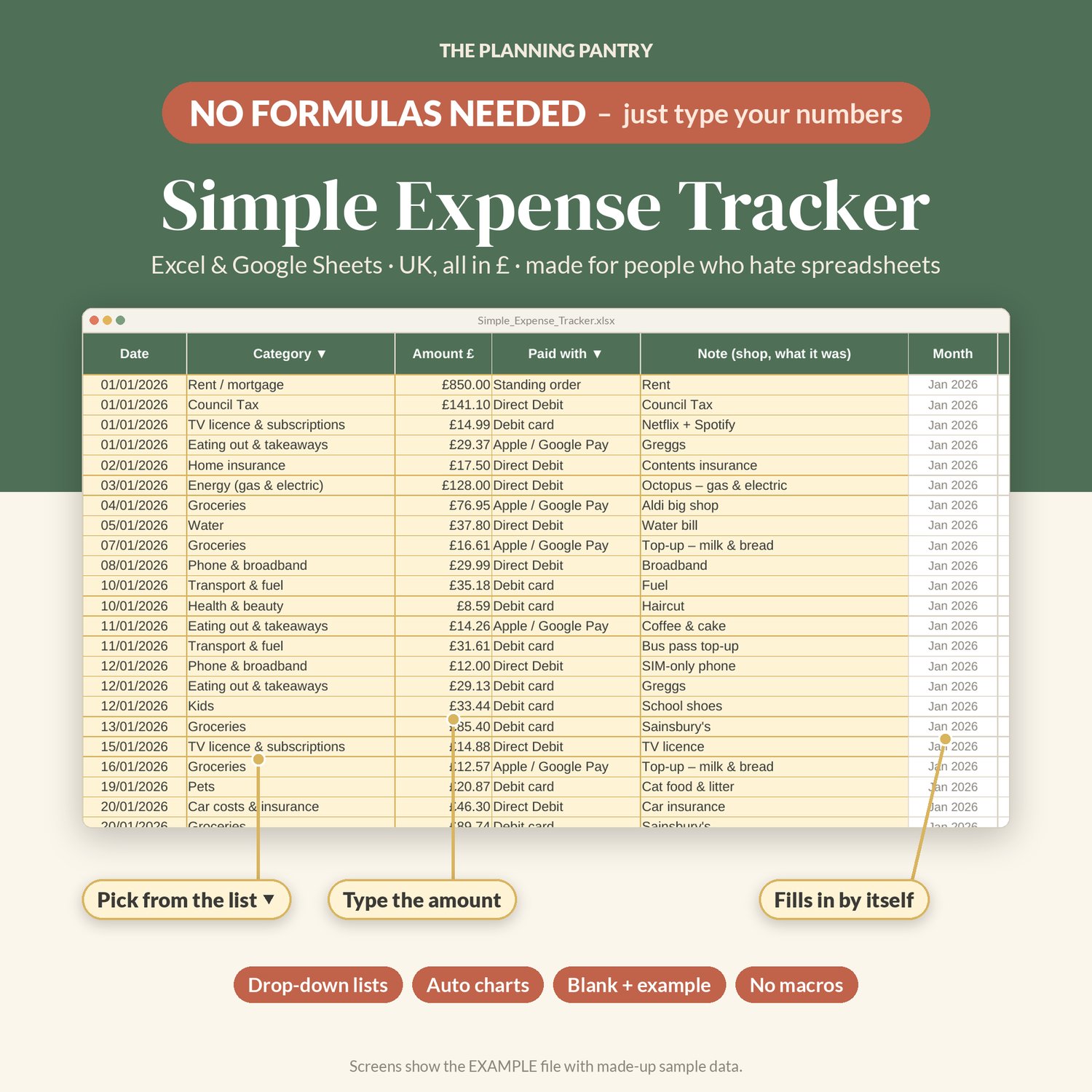
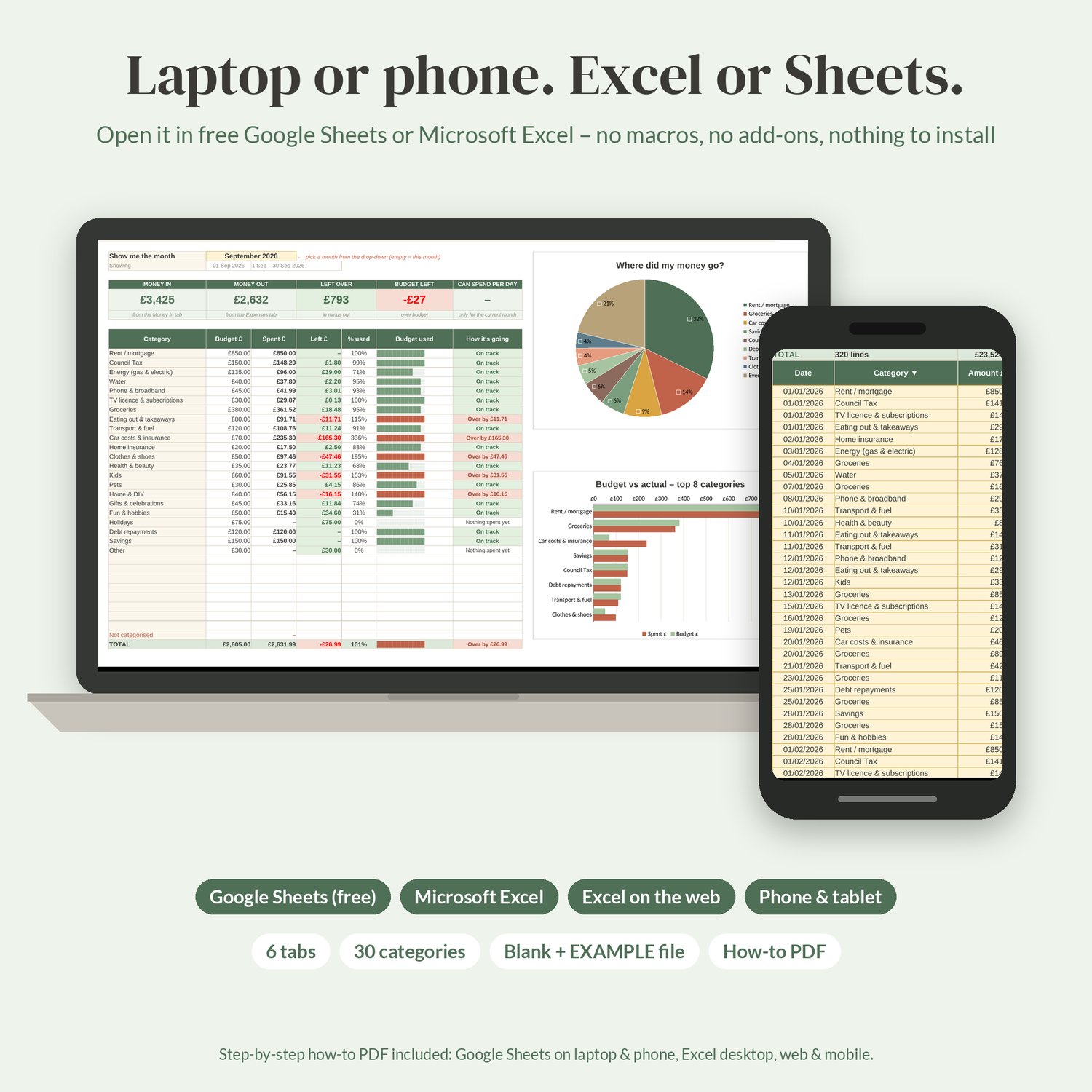
- Expenses: one line per spend – date, category (drop-down), amount, how you paid (drop-down) and a note. Room for 1,000 lines. Lines can go in any order. A Check column turns red if something's missing (no category, no amount, a typo in the date) and tells you what to fix.
- Money In: wages, benefits, refunds, side income – one line each (300 lines).
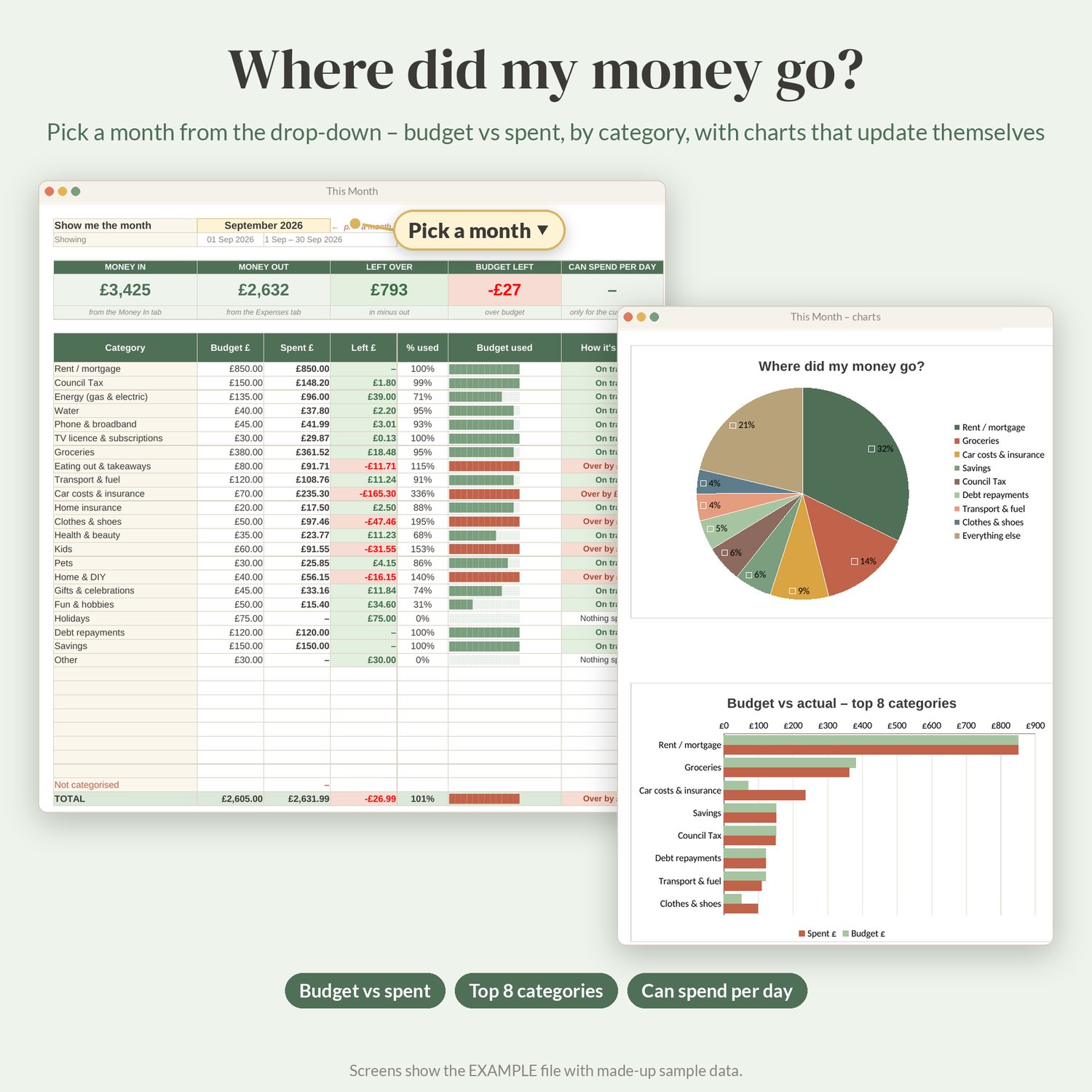
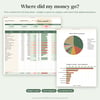
- This Month: pick a month from the drop-down (or leave it on the current month). See money in, money out, what's left, how much you can spend per day for the rest of the month, every category against its budget in green or red with progress bars, your biggest spends, a pie chart and a budget vs actual chart.
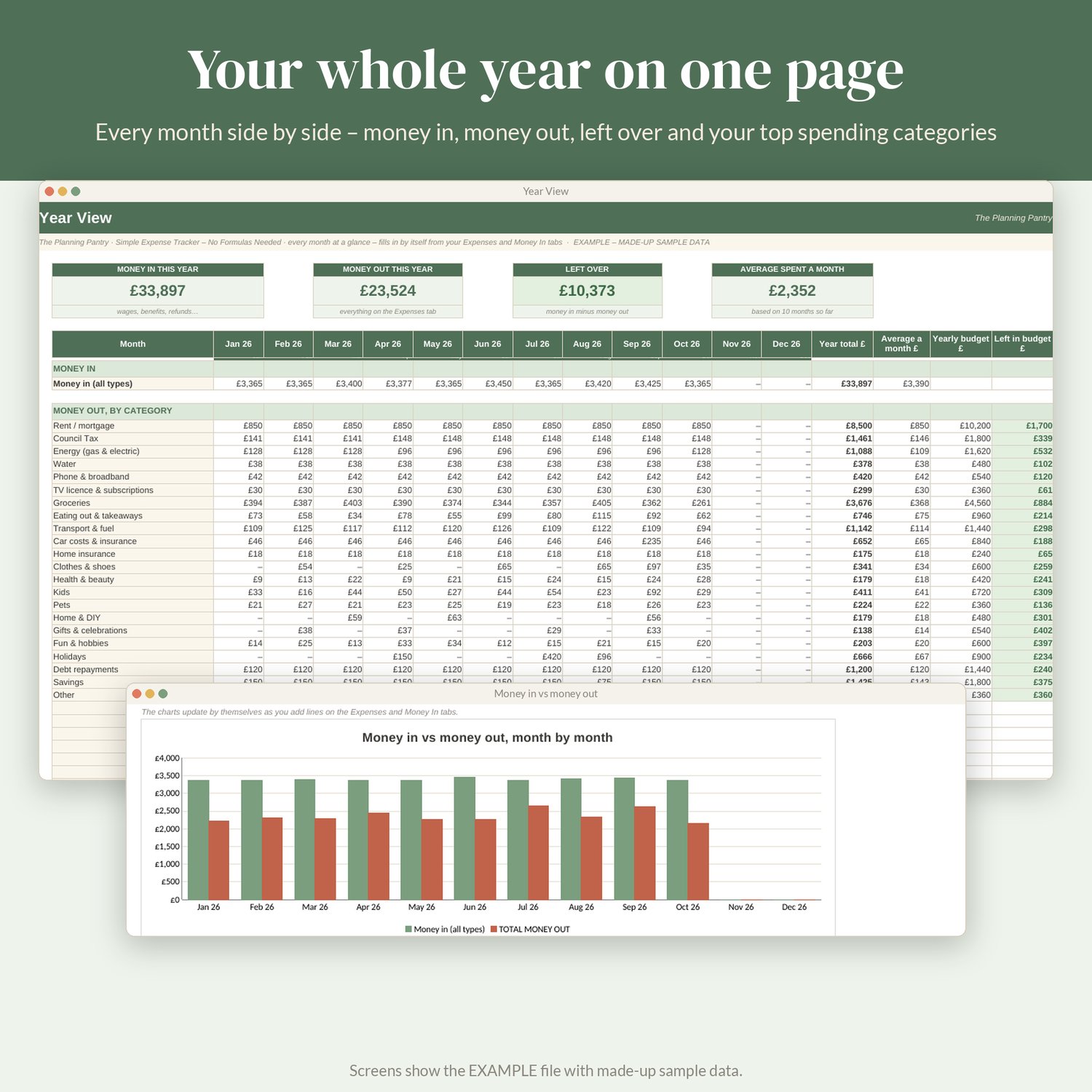
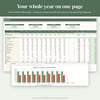
- Year View: all 12 months side by side for every category, money in vs money out each month (with a chart), yearly budget vs spent and your top 10 spending categories. Start your year in any month – January, or April for the tax year.
- My Categories: 22 ready-made UK categories (rent/mortgage, council tax, energy, groceries, TV licence & subscriptions, transport, kids, pets…), up to 30. Rename them, add your own and type a monthly budget for the ones you want to watch. Also your payment methods (debit card, Direct Debit, Apple/Google Pay, buy now pay later…) and types of money in.
Made for beginners
- Highlighted yellow "type here" cells – everything else is calculated.
- Drop-downs wherever possible, so you never have to remember what you called something.
- Plain-English notes on the trickier cells.
- Green/red colours so you can see at a glance how you're doing.
- Charts update themselves.
- Frozen headers, sensible column widths and print-ready pages.
- Tested with empty months, zero budgets and messy typing – no error messages or #DIV/0!.
What's included
1. Simple_Expense_Tracker.xlsx – your tracker, with categories ready and everything else empty.
2. Simple_Expense_Tracker_EXAMPLE.xlsx – the same tracker filled with made-up sample data (a year of household spending), so you can click around and see how it works before you start.
3. How_to_use_Simple_Expense_Tracker.pdf – a 6-page A4 picture guide: how to open it in Google Sheets (laptop and phone) or Excel, then the 5 steps.
4. How_to_open.txt – the quick version.
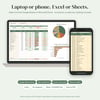
Works with Google Sheets (free – on your laptop and phone) and Microsoft Excel 2010 or later, Excel for Mac and Excel for the web. No macros, no add-ons, no subscription and no bank connection.
Instant digital download. Nothing is posted.
Please read before buying
- This is a spreadsheet you type into – it doesn't connect to your bank or import statements.
- Google Sheets doesn't keep Excel's cell locks, so in Sheets just stick to the yellow cells (Undo and Version history are there if you slip).
- Apple Numbers isn't supported – use free Google Sheets on a Mac or iPhone instead.
- Charts can look slightly different in Excel and Google Sheets; the numbers are the same.
- A tracking tool, not financial advice.
How to use it
1. Open it: Google Sheets – drive.google.com → New → File upload → open it → File → Save as Google Sheets (set File → Settings → Locale to United Kingdom). Excel – open the .xlsx and click Enable Editing.
2. On My Categories, pick when your year starts and type monthly budgets for what you want to watch.
3. Add each spend on Expenses and money coming in on Money In.
4. Look at This Month and Year View – they fill in by themselves.