

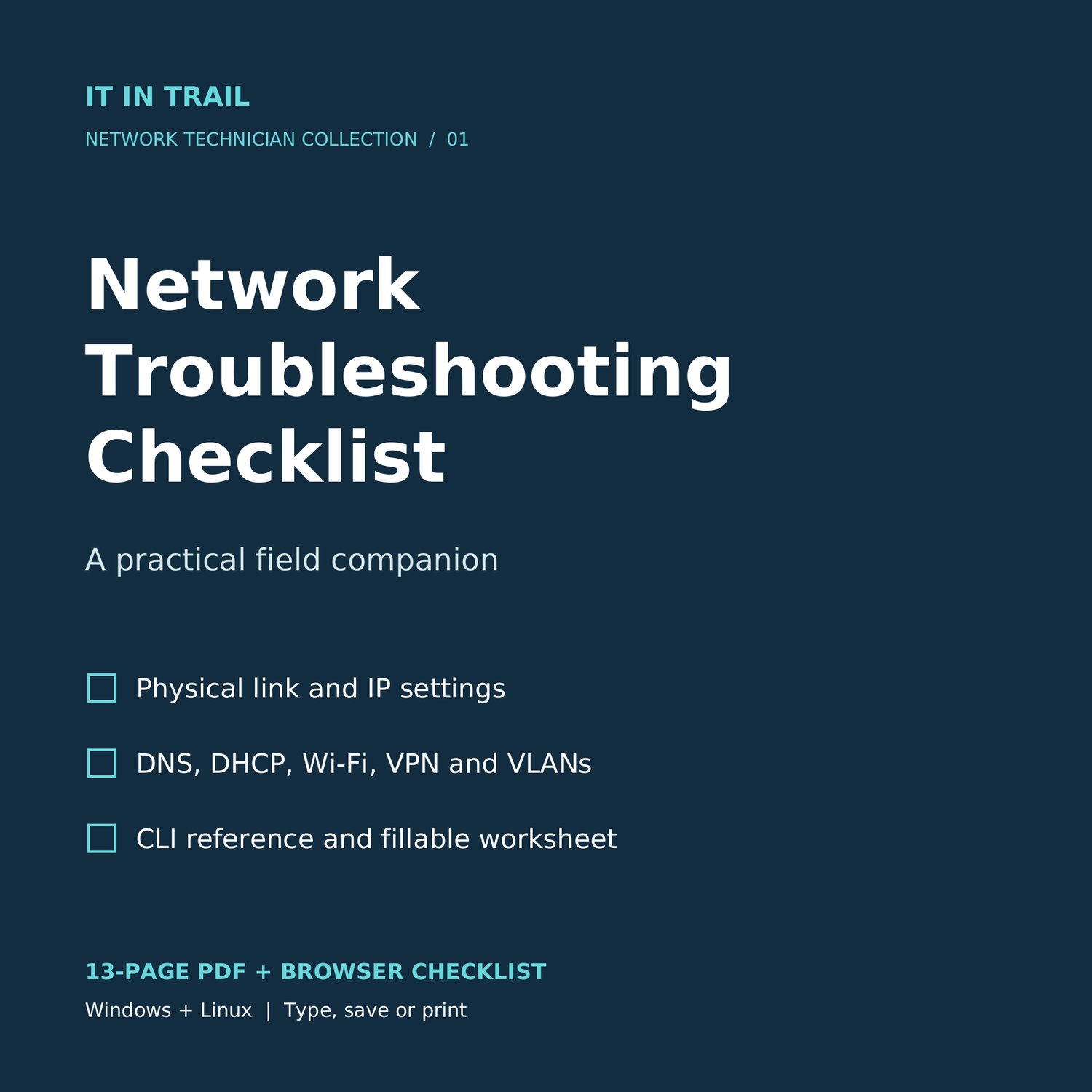
Network Troubleshooting Checklist
When a device has an IP address but still cannot reach what it needs, the next test matters.
The Network Troubleshooting Checklist helps you work through everyday connectivity faults in a consistent order. Keep the PDF open on your laptop or phone, print the pages you need, or use the browser companion to tick off checks and record your findings.
What you receive
- A 13-page, searchable PDF in US Letter format, with clickable contents and PDF bookmarks.
- A browser checklist with clickable checkboxes, notes fields and text export. It runs locally in a compatible browser and does not execute commands.
- A fillable PDF incident worksheet with 11 text fields for the device, network settings, tests, changes and final result.
- A one-page Windows/Linux CLI reference and clearly styled command blocks.
- A short getting-started file explaining both formats.
Inside the checklist
- Start here.
- Windows and Linux CLI reference.
- Choose the next check.
- Physical link and Wi-Fi.
- IP address subnet and gateway.
- Gateway route and service.
- DNS and local name resolution.
- DHCP and unexpected addresses.
- Switch port and VLAN.
- Wi-Fi authentication and roaming.
- Host security and VPN paths.
- Verify and hand over.
- Incident worksheet.
Essential command examples sit beside the relevant checks, including ipconfig, ping, arp, tracert, nslookup, ip, dig and Test-NetConnection. Each command is labeled with where to run it.
Who it is for
Junior IT technicians, help-desk staff and home-lab learners who want a practical sequence to follow during common network faults.
The main workflow uses IPv4, with brief IPv6 observations. It covers Ethernet, Wi-Fi and vendor-neutral switch checks. It is a field checklist, not a networking course or a full command encyclopedia.
Format and use
Downloadable files only; no physical item is shipped. The PDF has manual checklist checkboxes and 11 interactive text fields on the incident worksheet. Use a PDF viewer with form support; save a copy with your changes, then reopen it to verify the entries. Tablet preview apps vary. Printing to PDF may flatten the fields. The HTML companion needs a browser that can open local HTML with JavaScript enabled. Some phone file-preview apps cannot run it; the PDF is the dependable phone reference. Notes are not automatically saved, so export them before closing the browser.
A single-purchaser license allows your own professional use and printing. You may share completed incident records with clients or your employer. Sharing, reselling or publicly uploading the blank product is not included.
Get the Network Troubleshooting Checklist for US$2.99.