
Batch Artwork Resizer: Print Ratio ZIP Packs, White Borders & Crop | PrintPack Desk
Keep the whole artwork, then prepare an organized delivery pack for each design.
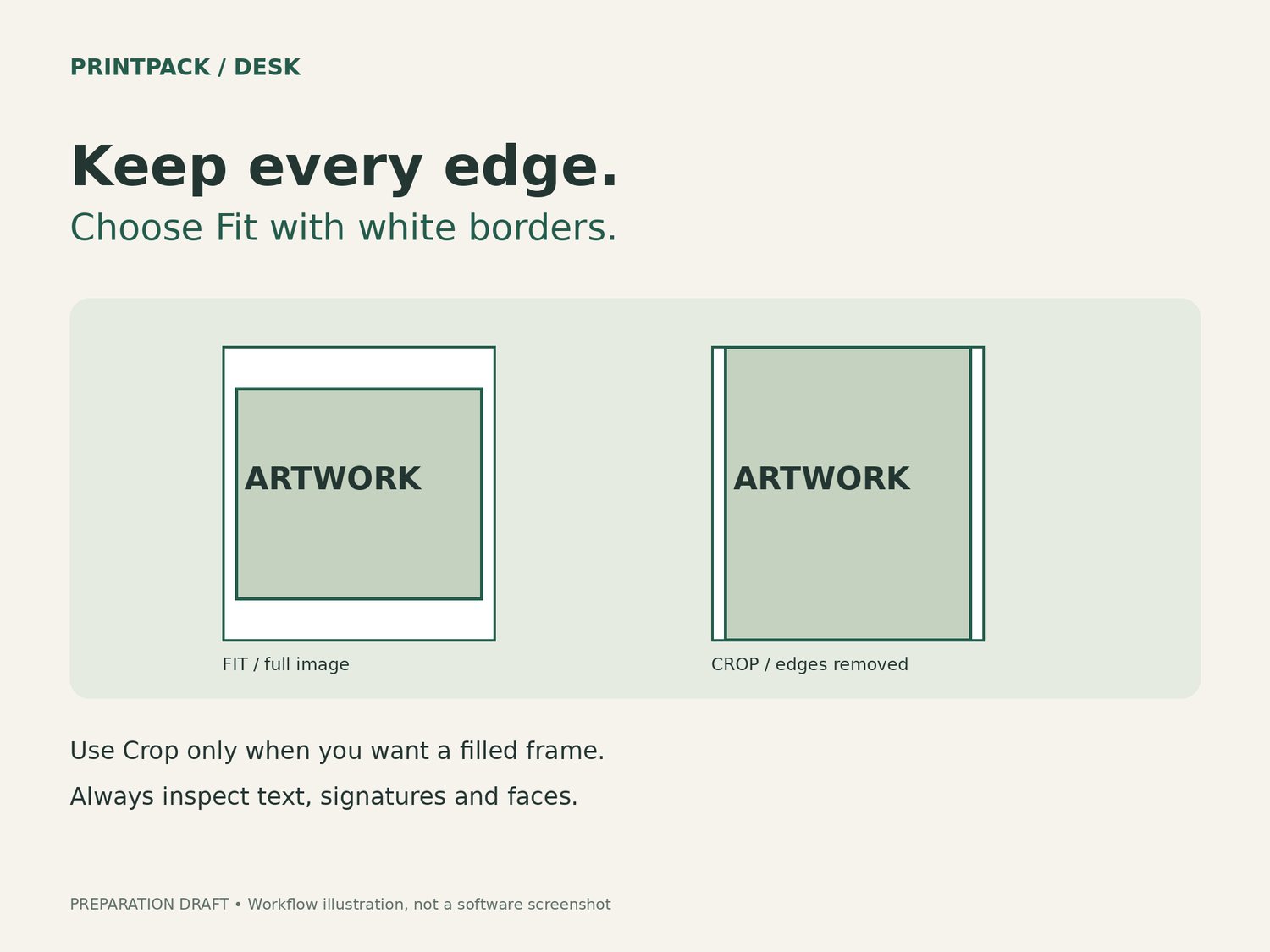
PrintPack Desk is a downloadable image-preparation tool for sellers who already have their own JPEG or PNG artwork. Choose white borders to preserve the complete image, or crop to fill the frame and adjust the focal position. Review the ratios before exporting.
WHAT IT DOES
• Process up to 20 images in one batch.
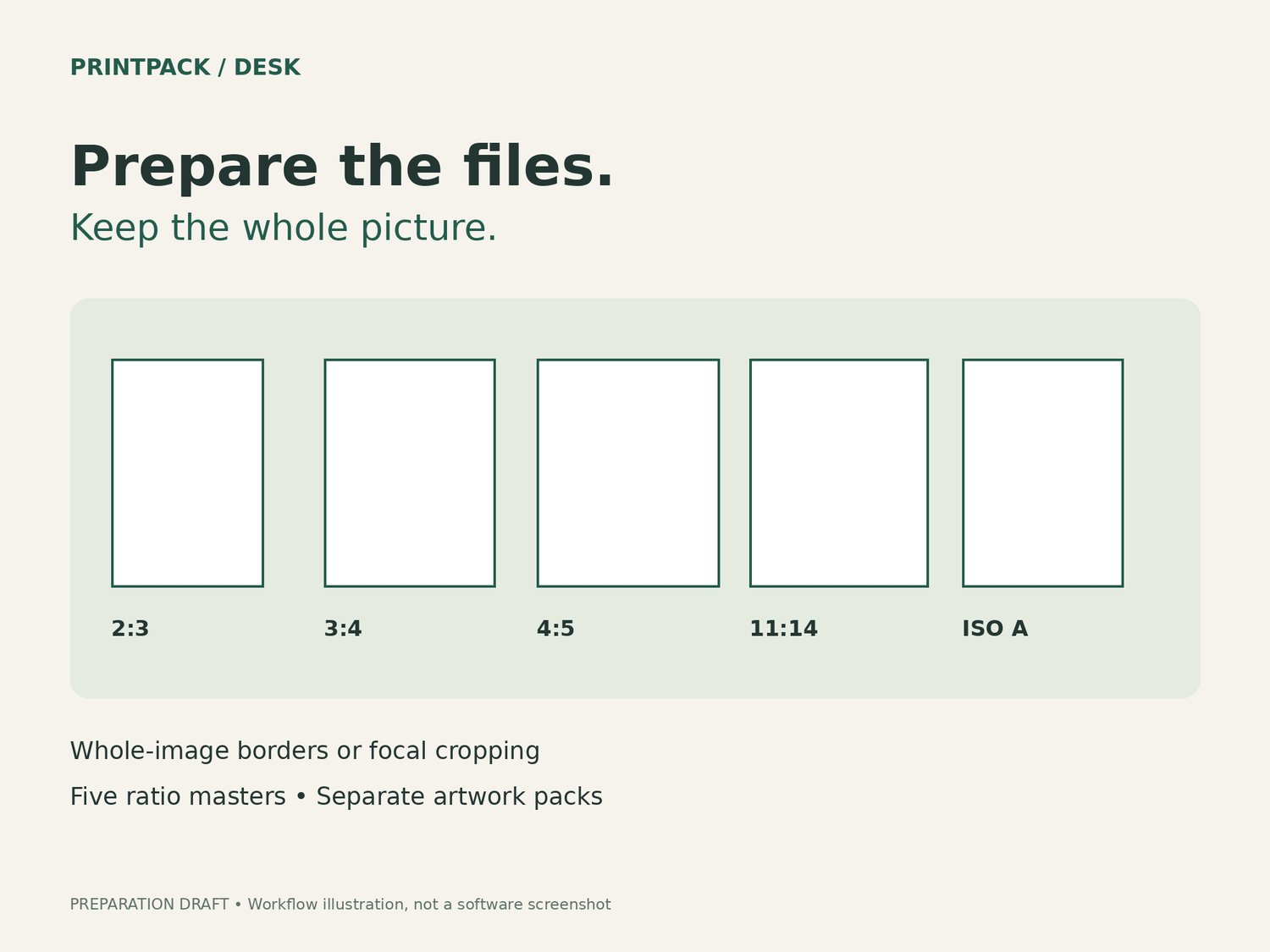
• Preview 2:3, 3:4, 4:5, 11:14 and ISO A-series ratio masters.
• Use portrait, landscape or automatic orientation.
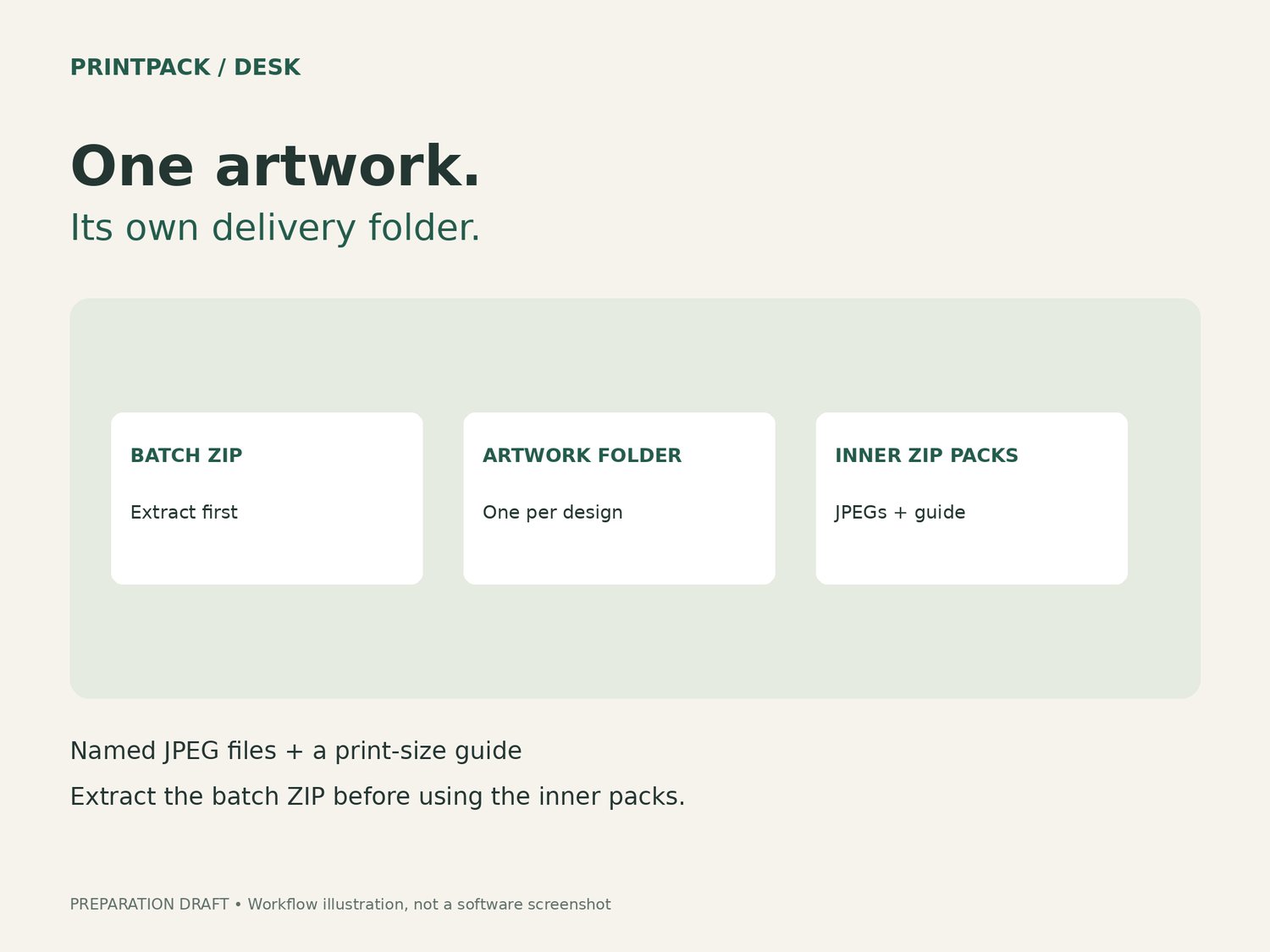
• Export named JPEG files, separate ZIP packs for each artwork and a plain-text print-size guide.
• Process images locally in the downloaded HTML tool without an account or image upload.
WHAT YOU RECEIVE
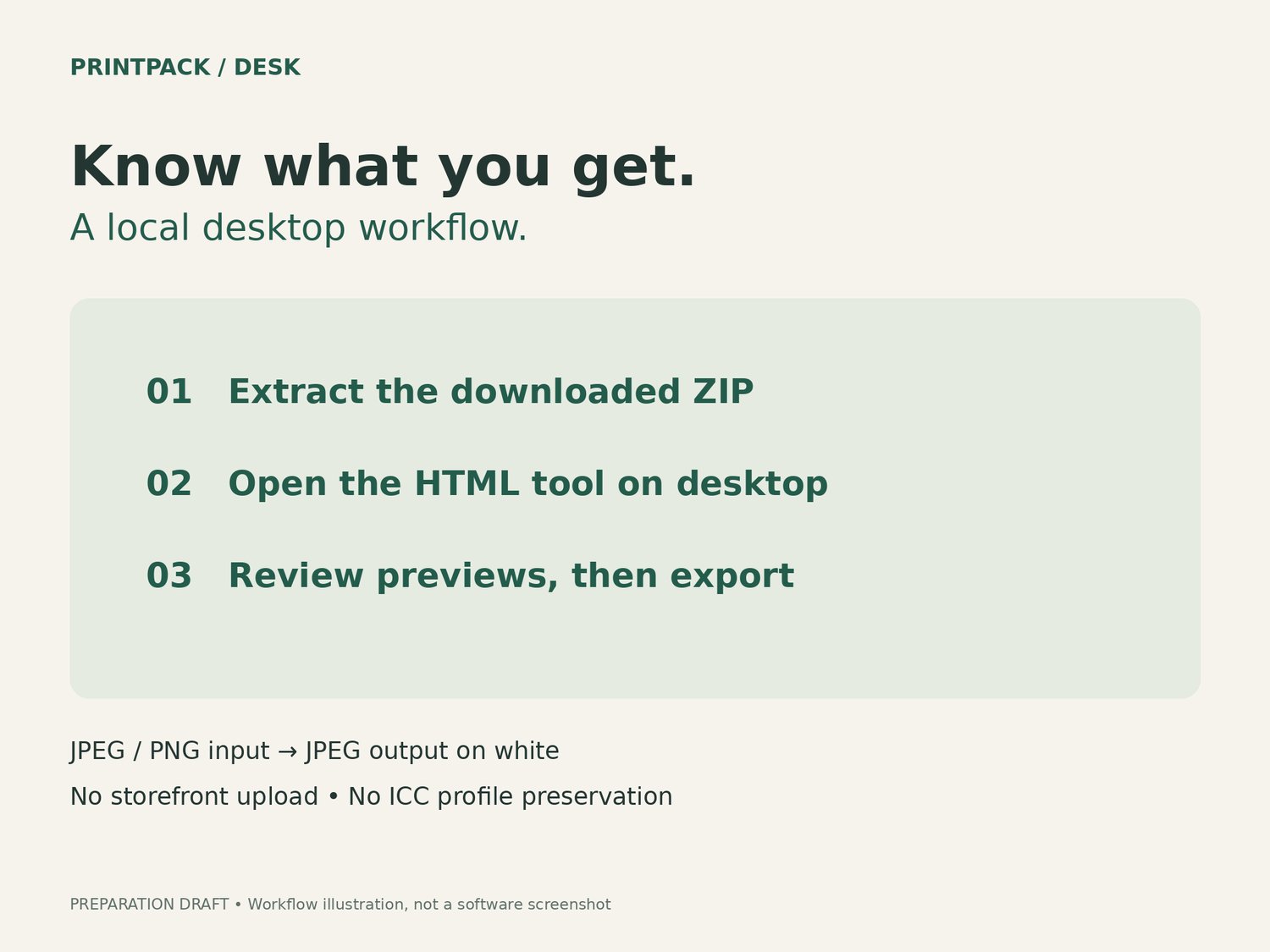
One ZIP containing the HTML tool, an English getting-started guide and software use permission. No physical product or artwork collection is included. Extract the ZIP before opening the HTML file.
PLEASE CHECK BEFORE BUYING
Desktop workflow, tested in Google Chrome on Windows: Fit, Crop, cancellation and offline export. Exact tested browser version was not recorded. Other browsers, macOS and mobile devices have not been verified.
Inputs: JPEG/PNG only, up to 25 MB and 24 megapixels per image, minimum 32 pixels per side. Output: JPEG on white, one master per selected ratio. No upscaling. ICC profiles and source metadata are not preserved. This is not a professional color-management tool.
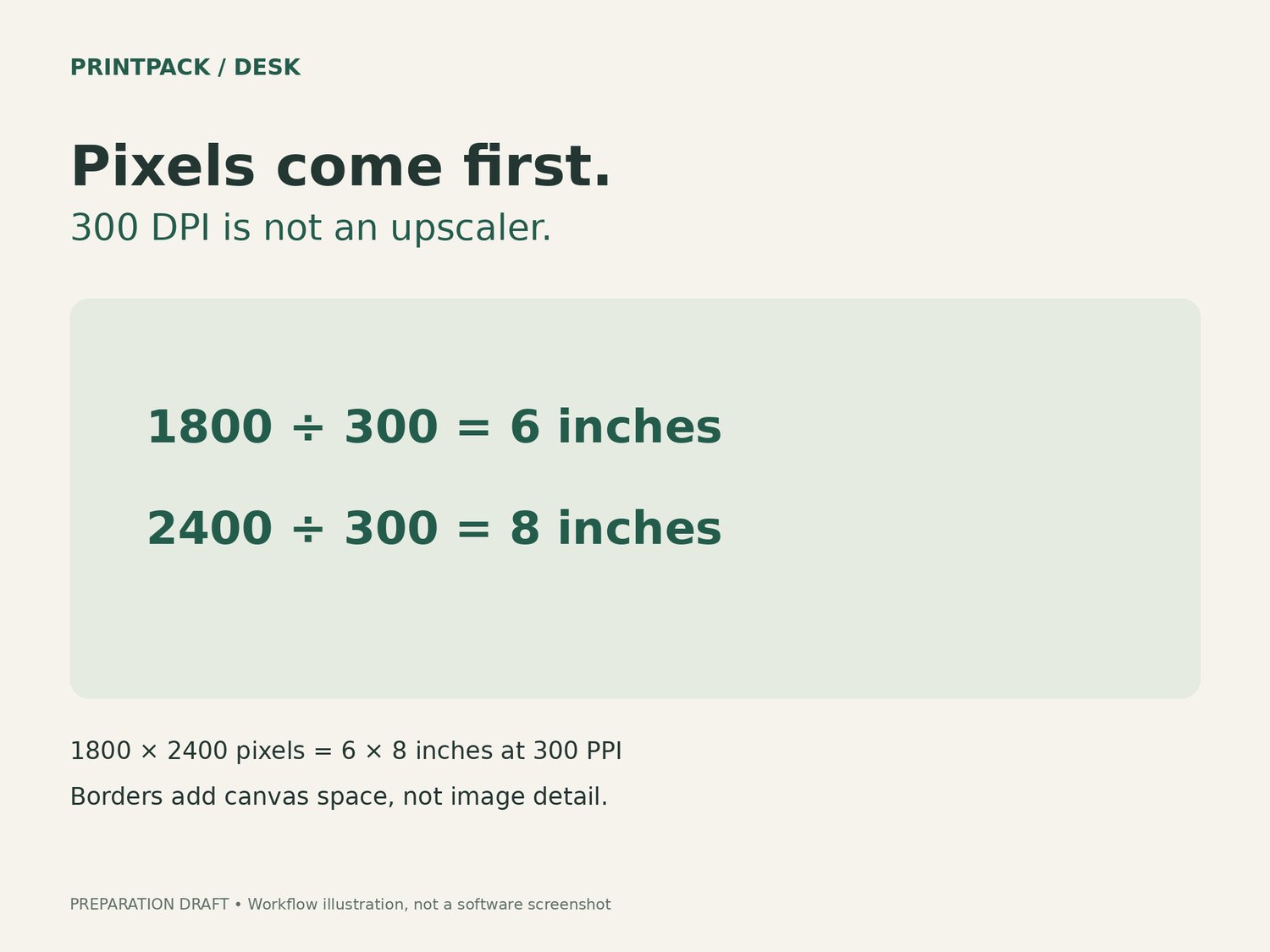
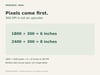
Transparent areas become white. Crop mode can remove text, signatures and image edges. Review every preview and exported file. Pixel dimensions, not the 300 DPI metadata alone, determine usable print size.
No Etsy upload, store management, design creation, image-generation service or guaranteed print result is included. The tool is independent of Etsy and not endorsed by it.
DEVELOPMENT DISCLOSURE
Developed with AI-assisted coding and human project direction. Demonstration graphics explain the workflow and are not customer artwork or endorsements.
GETTING STARTED
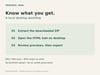
Extract the downloaded ZIP first, then open PrintPack-Desk.html on your desktop. Start with the included test-image button, review Fit and Crop, and export a small batch. The outer ZIP contains separate folders for each artwork. Read START-HERE.txt and LICENSE.txt before use.
EN + DE: Deutsche Dateien und Anleitung im zusätzlichen DE-ZIP enthalten.