
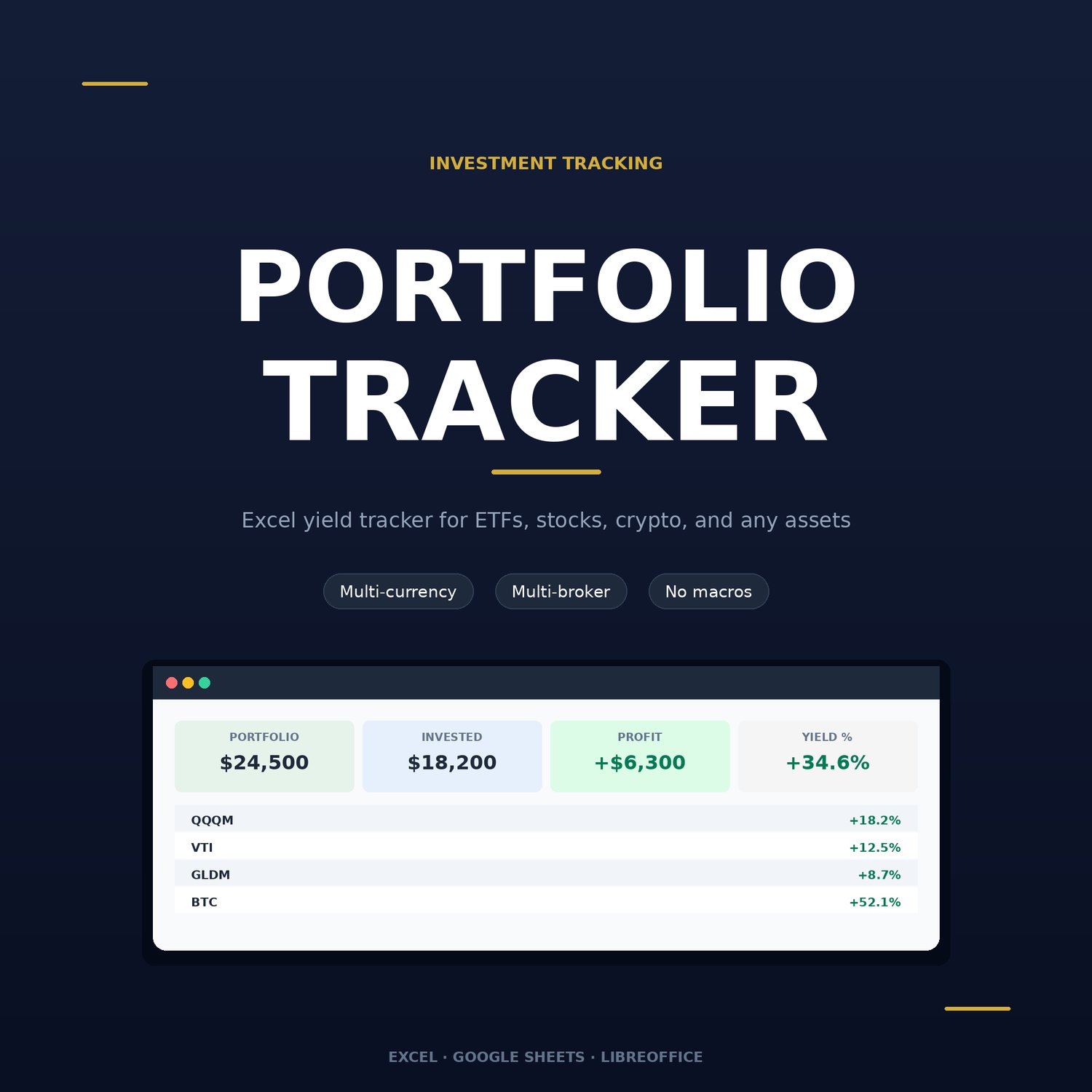



Investment Portfolio Tracker
INVESTMENT PORTFOLIO - Return Tracker
📊 Control all your investments in one place!
❌ TIRED OF THIS?
- Investments scattered across multiple brokers?
- Don't understand your real portfolio return?
- Lost in currency conversions?
- Spending hours on manual calculations?
- Don't know where's profit and where's loss?
✅ SOLUTION IS HERE!
Professional Excel investment portfolio tracker — everything you need to control your returns!
🎯 WHAT YOU GET
📈 Full portfolio control
- All assets in one place
- Multiple brokers simultaneously
- Stocks, ETFs, bonds, cryptocurrency
- Automatic return calculation
💰 Multi-currency support
- USD, KZT, EUR and others
- Automatic conversion by rates
- Everything in one base currency
- Real picture of profit/loss
📊 Smart analytics
- Total portfolio return in %
- Profit for each asset
- Realized and unrealized profit
- Return by brokers
⚡ Maximum automation
- Enter only deals
- Everything else calculates automatically
- Updated prices → results ready
- No complex formulas
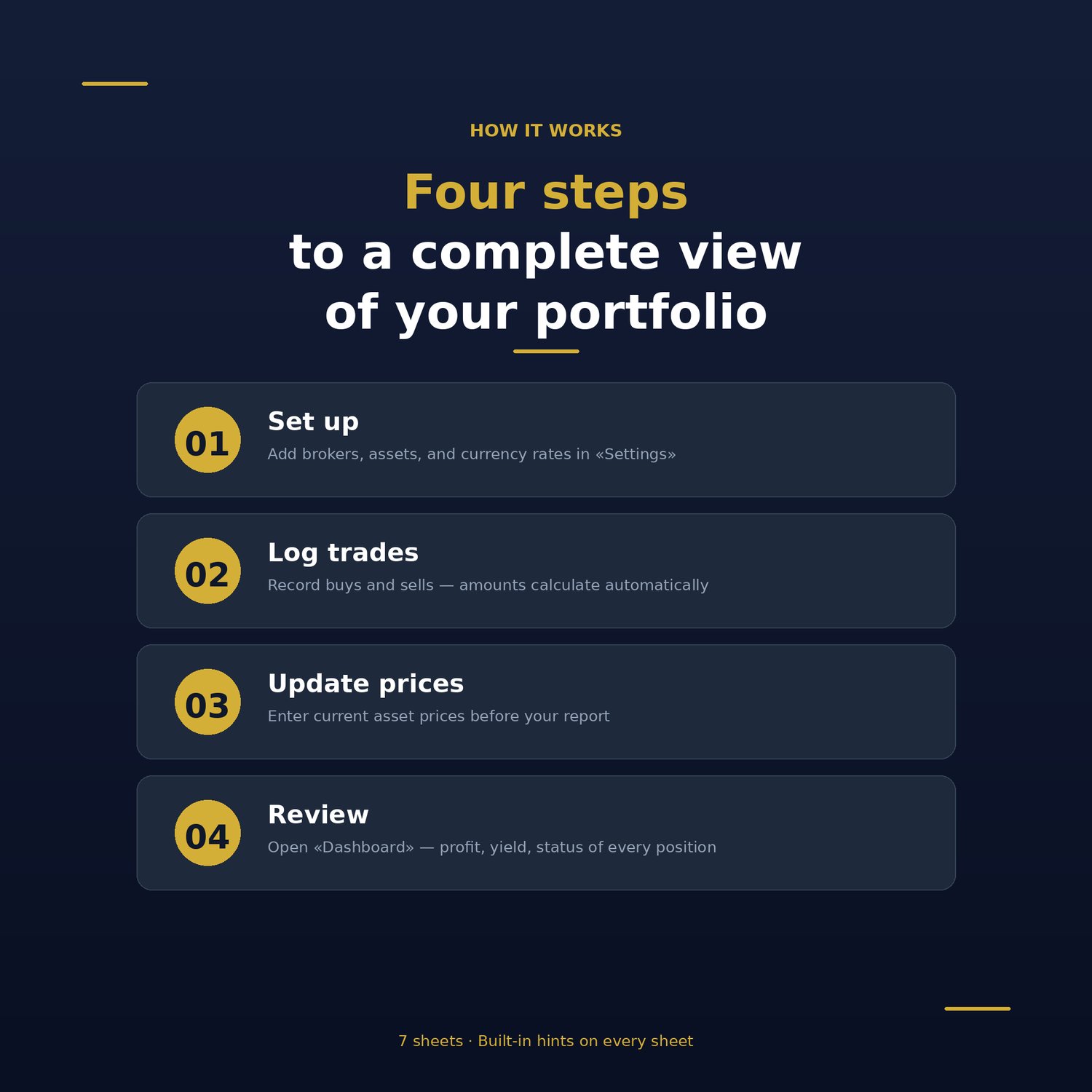
💼 HOW IT WORKS
1️⃣ Set up once (2 minutes)
- Specify base currency
- Add exchange rates
- List your brokers
2️⃣ Add your assets
- AAPL, BTC, VOO — anything
- Asset type and currency
- Once and done
3️⃣ Record deals
- Bought? Record: BUY
- Sold? Record: SELL
- Commissions counted automatically
4️⃣ Update prices
- Once a week update current prices
- Everything recalculates automatically
- View results in Dashboard
🎁 WHAT'S INSIDE
📁 Excel file with 7 sheets:
- Settings ⚙️
- Portfolio base currency
- Exchange rates (updateable)
- List of your brokers
- Assets 📋
- Directory of all instruments
- Asset type and currency
- Your notes
- Deals 💼
- History of all purchases/sales
- Automatic amount calculation
- Conversion to base currency
- Commission tracking
- Current prices 💰
- Current asset prices
- Last update date
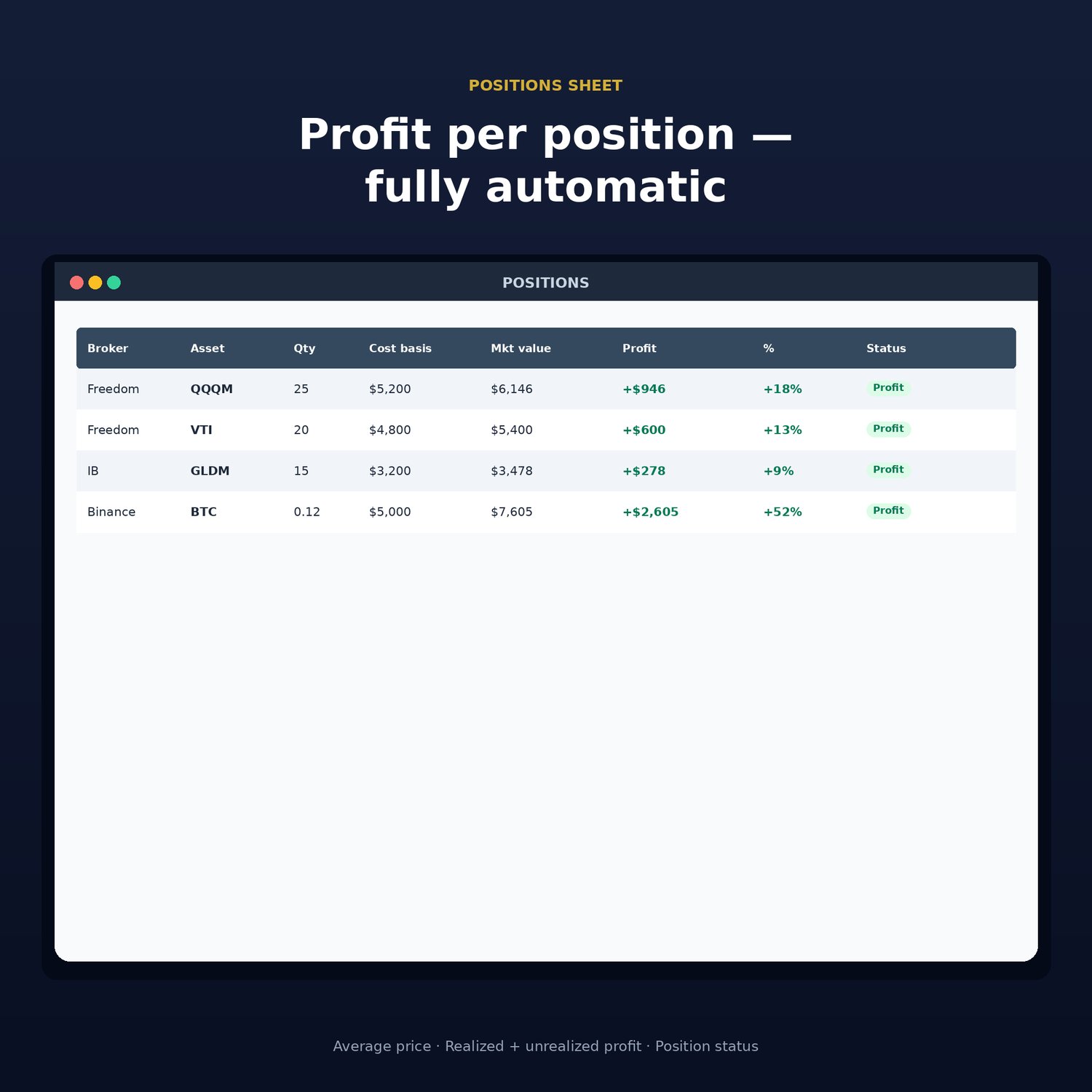
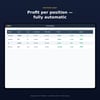
- Positions 📊
- Current positions by brokers
- Number of shares (bought - sold)
- Average purchase price
- Cost basis and market value
- Profit/loss for each position
- Return in %
- Cash flows 💸
- Money movement history
- For return calculation
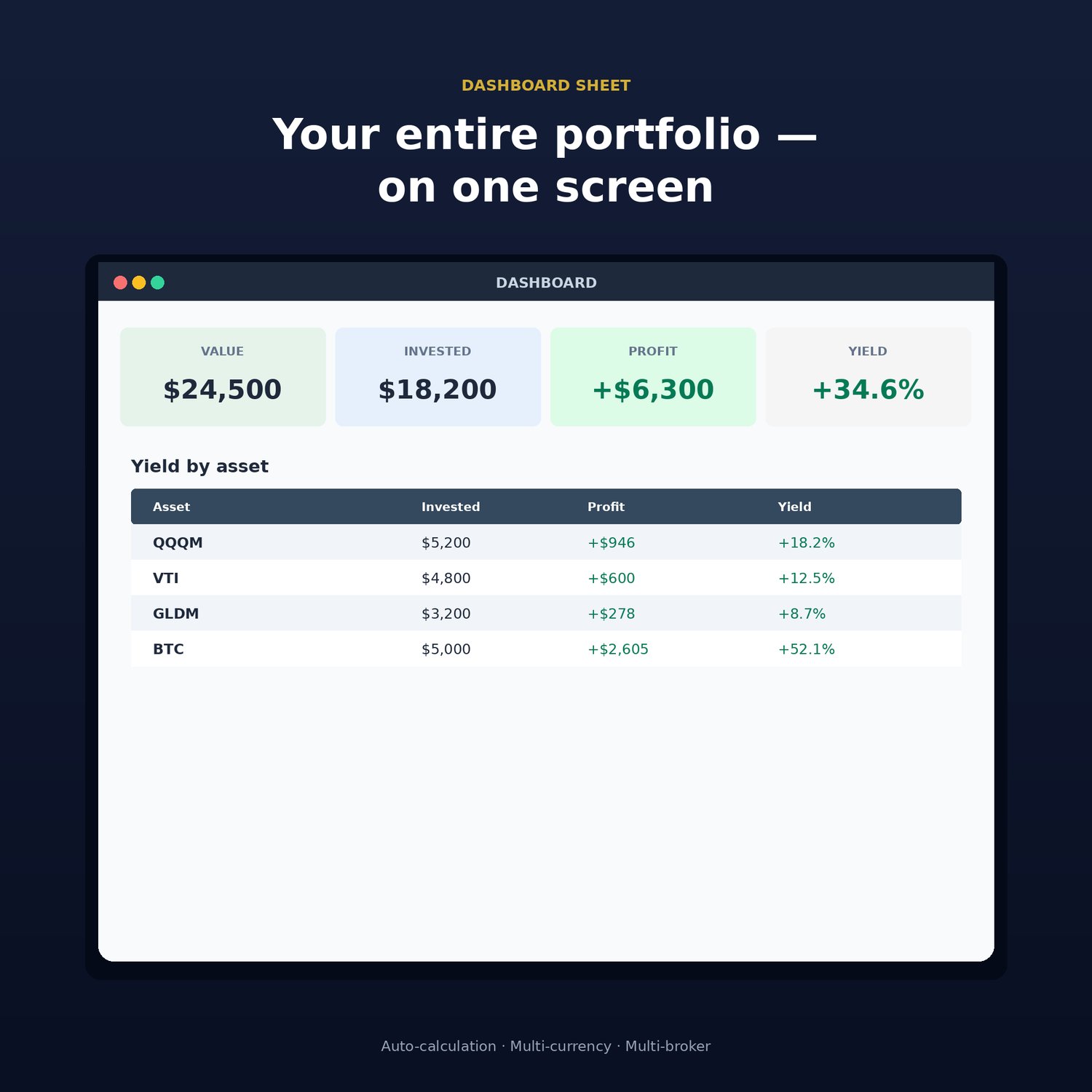
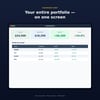
- Dashboard 🎯
- MAIN SCREEN!
- Total portfolio value
- Total invested
- Total profit
- Portfolio return %
- Return for each asset
📖 Detailed guide
- Quick start in 5 minutes
- Step-by-step instructions
- 3 usage examples
- FAQ (10 questions)
- Problem solving
✨ KEY FEATURES
🎨 Intuitive interface
- 🟨 Yellow cells = you fill
- ⬜ Gray cells = calculates automatically
- Clear even for beginners!
🌍 Multi-currency
- Bought in tenge? ✅
- Sold in dollars? ✅
- Everything converts to USD/KZT/EUR
- Real profit with exchange rates
📈 Accurate return calculation
- Weighted average purchase price
- Realized profit (on sold)
- Unrealized profit (on current)
- Total return in %
🔄 Sales tracking
- Sold part of position? ✅
- Closed completely? ✅
- Realized profit calculated
- Balance recalculates automatically
🎯 WHO IS THIS FOR
✅ Perfect if you have:
- 2+ brokers (Interactive Brokers, Binance, etc.)
- Different assets (stocks, ETF, crypto)
- Operations in multiple currencies
- Desire to understand real return
✅ Suitable for:
- Beginning investors
- Experienced traders
- Long-term investors
- Crypto enthusiasts
- Everyone who wants portfolio order
❌ NOT suitable if:
- You have only 1 asset in 1 currency (too simple)
- Need tax calculation (not in file)
- Want automatic price loading (manual only)
💡 USAGE EXAMPLES
Example 1: Multi-broker portfolio
Interactive Brokers: AAPL, VOO, MSFT (USD) Binance: BTC, ETH (USD) Freedom Finance: Kazakhstan stocks (KZT)
→ File will show total return in USD → You'll see best/worst assets → Understand where real profit is
Example 2: Partial sales
Bought: 10 AAPL shares at $150 Bought: 5 AAPL shares at $160 Sold: 3 shares at $175
→ Average price: $153.33 → Balance: 12 shares → Realized profit: +$65.01 → Unrealized profit: at current price
Example 3: Multi-currency tracking
Bought BTC for $45,000 Bought stocks for 520,000 tenge
→ Tenge converts to USD (rate 0.0019) → Total value: $45,988 USD → Return in single currency
🚀 START RIGHT NOW
What to do after purchase:
Step 1 (2 minutes)
- Download file
- Open in Excel/Google Sheets
- Specify base currency
Step 2 (3 minutes)
- Add your brokers
- List assets
- Update exchange rates
Step 3 (5 minutes)
- Record all your deals
- Update current prices
- Fill "Positions"
Step 4 (30 seconds)
- Open Dashboard
- ENJOY THE RESULTS! 🎉
❓ FAQ
Q: Does it work in Google Sheets? A: Yes! File is compatible with Google Sheets.
Q: Do I need to know Excel? A: No! Just fill yellow cells. Everything else is automatic.
Q: Can I add my own currency? A: Yes! Guide has section on how to do this.
Q: Are dividends tracked? A: In current version no. Only capital gains.
Q: How many deals can I add? A: Up to 1000 deals. More than enough for most investors.
Q: Is there support? A: Yes! Detailed guide in English included.
🎁 What you get: ✅ Excel file with 7 ready sheets ✅ All formulas configured and working ✅ Detailed guide (25+ pages) ✅ FAQ and problem solving ✅ Lifetime use
One-time payment. No subscriptions.
🌟 TESTIMONIALS
"Finally figured out my portfolio! Didn't understand where's profit and where's loss before. Now everything is clear!" — Alex, investor
"File paid for itself in first week. Realized one asset was eating all profit. Now rebalancing consciously." — Maria, trader
"Using 3 brokers in different currencies. It was hell before. Now — one button to update prices and done!" — Dmitry, long-term investor
✅ Full portfolio control ✅ Understanding real return ✅ Time savings (hours → minutes) ✅ Confidence in investments ✅ Professional tool
Time = Money. Don't waste it on manual calculations!
File created by professional investors for investors Compatible with Excel 2016+ and Google Sheets Interface language: English