

Price Creep Checker — Free Excel Tool for Buyers
On Sale
$0.00
A supplier raises a price by a few cents. It looks small. This free sheet shows what that rise costs you in one year.
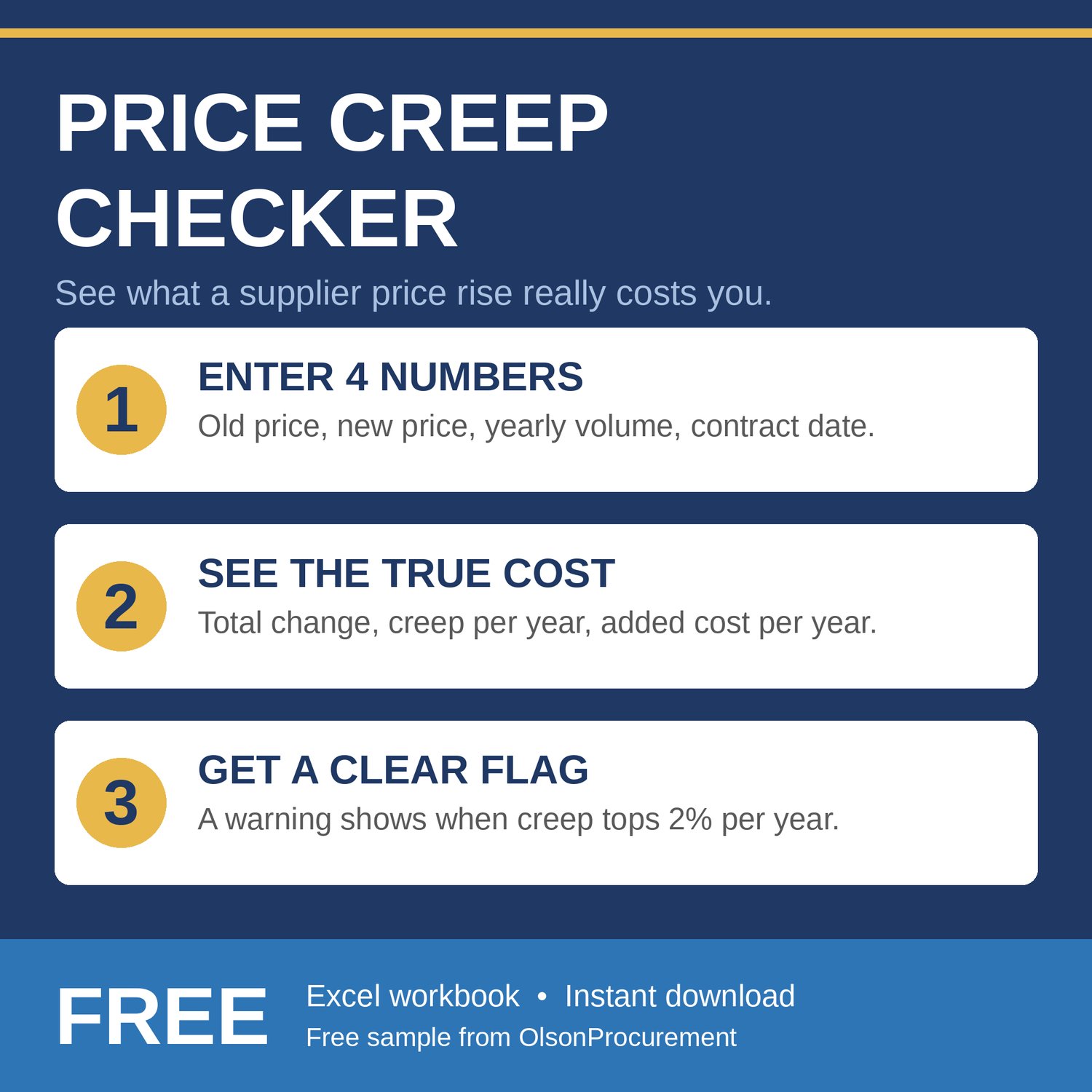
You type four numbers for one SKU. The sheet does the rest. It shows the total price change. It shows the creep per year. It shows the added cost per year at your volume. A flag line warns you when creep tops 2% per year.
What you get:
- One Excel file with live formulas. It works in Excel and Google Sheets.
- Two sheets: Start Here instructions and the Checker.
- One fictional example SKU with full math. Replace it with your own part.
What it computes:
- Total price change: new price vs old price.
- Years since the contract date: counted to today, automatic.
- Price creep per year: the yearly rate, with compounding.
- Added cost per year: the rise times your annual volume.
- Flag: a clear warning when creep is above 2% per year. Green when it is not.
How you use it:
- Type the old price and the new price.
- Type your annual volume and the contract date.
- Read the flag line. Follow the What To Do Next box.
Who it fits:
- Buyers and owners at small manufacturers and machine shops.
- Anyone who gets price-rise letters from suppliers.
- Anyone who wants proof before a call with a supplier.
What you need:
- Microsoft Excel or Google Sheets.
- One SKU with an old price, a new price, a yearly volume, and a contract date.
This is a free sample. It covers one SKU. The full Procurement Template Pack checks your whole price list.
No setup. No monthly fee. One file. Use it in your shop. Do not resell it.