
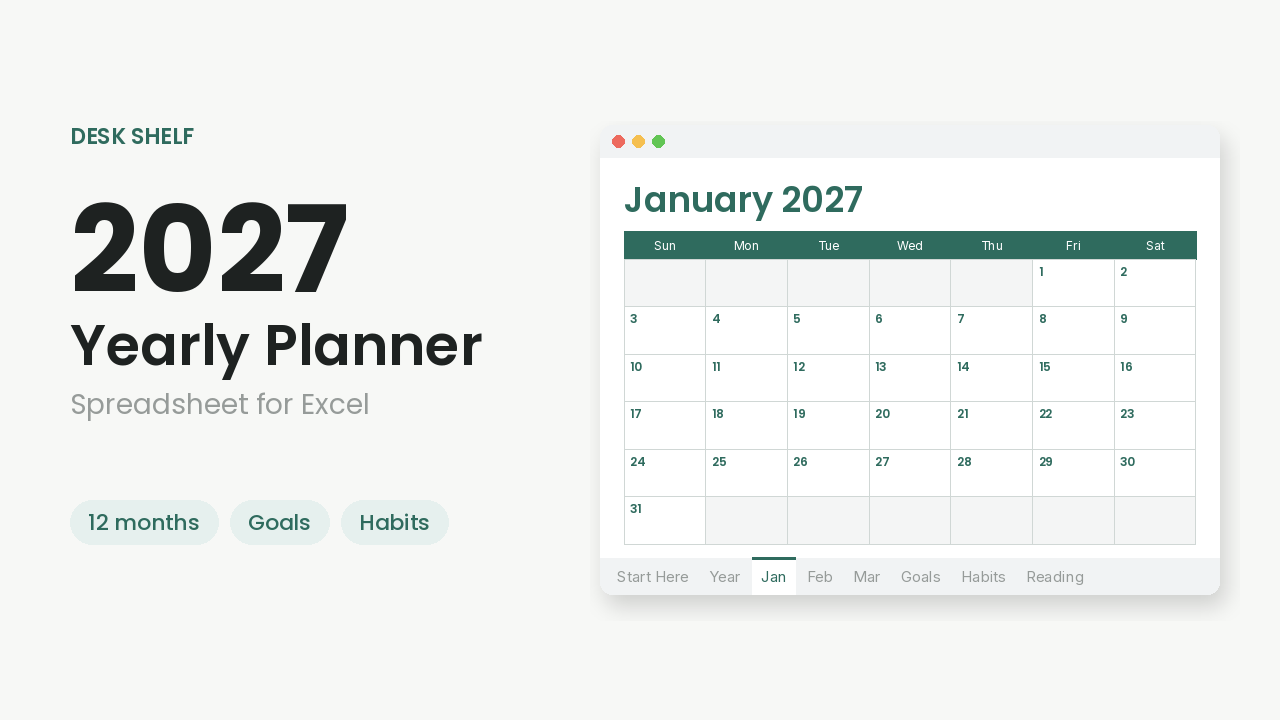
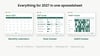
2027 Yearly Planner Spreadsheet for Excel
Plan all of 2027 in one place. This spreadsheet planner gives you a full year of Sunday-start monthly calendars, a Year at a Glance page, and simple trackers for the things you care about, in a calm, easy-to-read design.
Designed for Microsoft Excel. Open the .xlsx in Excel and save a personal working copy before you start. Recalculation was tested in LibreOffice; native Microsoft Excel, Excel mobile, and Google Sheets were not verified for this release, so a compatible desktop spreadsheet app that opens .xlsx files is required.
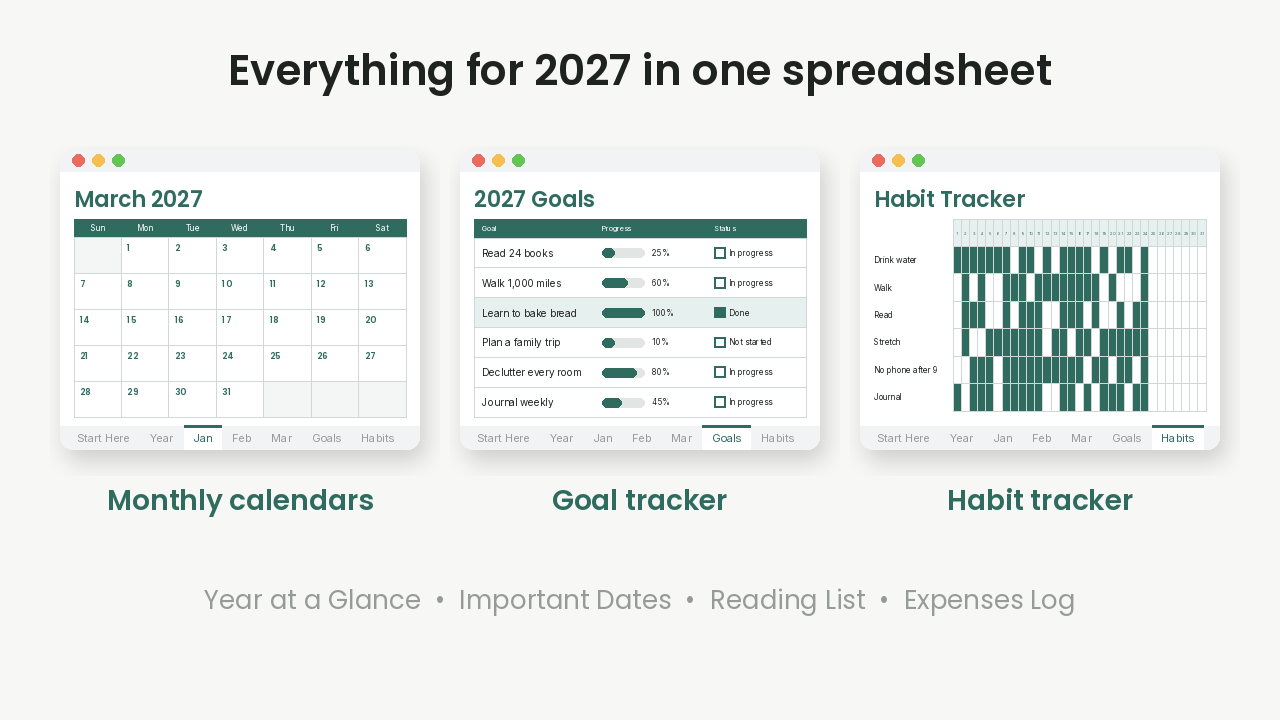
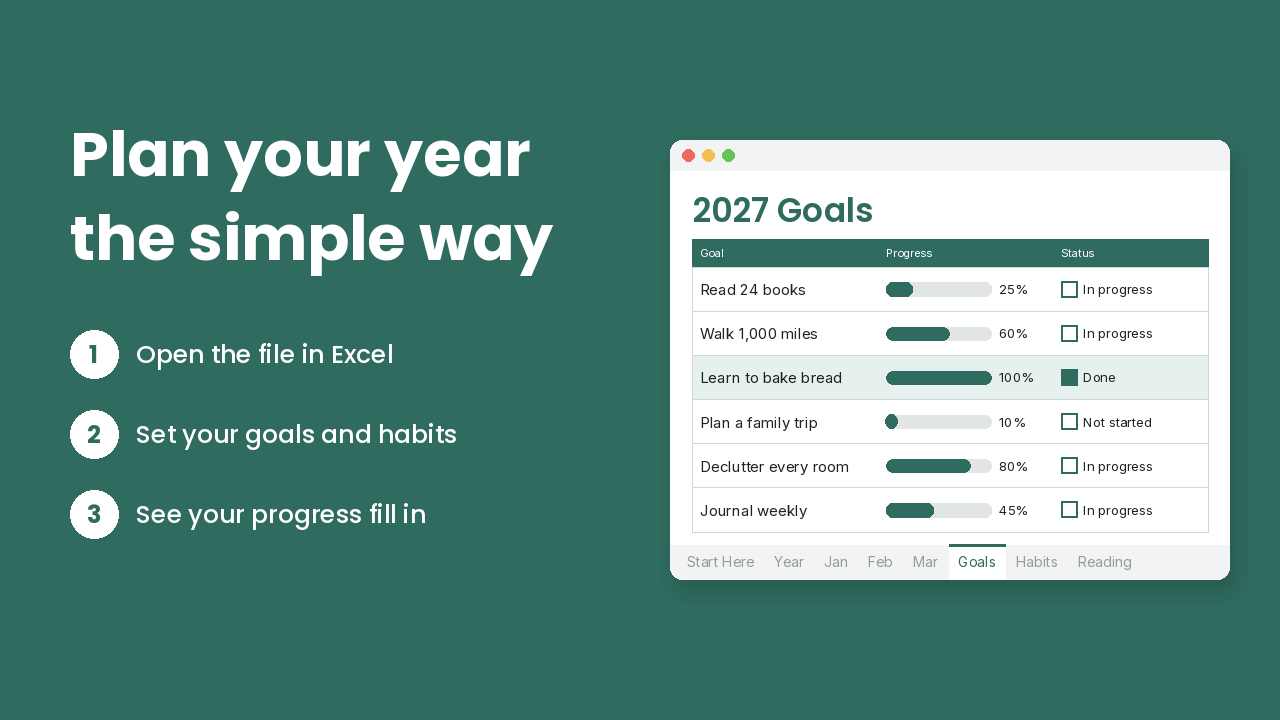
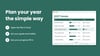
Set yearly goals and watch progress percentages update as you enter numbers. Track habits by typing x on the days you complete them (text cells, not clickable checkboxes). Keep birthdays and appointments in one list; 2027 US federal holiday actual dates are filled in, with weekend observance notes. Track books you want to read and finish. Log expenses with automatic monthly and yearly totals (no category subtotals).
No add-ons and nothing extra to install beyond a spreadsheet app that opens Excel files.
What's included
- Start Here tab with Excel setup steps
- Year at a Glance: all 12 months of 2027 on one page
- 12 monthly tabs (January-December): calendar grid with space under each day, Top 3 Goals and Notes
- Goals: target, current number, automatic progress %, status dropdown, summary count
- Habit Tracker: up to 10 habits per month; type x to mark a day; automatic completion %
- Important Dates & Birthdays: weekday fills in; 2027 US federal holidays + observance notes
- Reading List: status and star-rating dropdowns; finished-book count
- Expenses Log: purchases with automatic monthly and yearly totals (combined by date, not by category)
- Print-friendly: tabs set to fit one page wide
File: 1 .xlsx (2027-Yearly-Planner.xlsx)
FAQ
Does it work in Excel?
Designed for Microsoft Excel. Open the .xlsx and save a copy. Native Excel verification for this build is still pending; LibreOffice recalculation testing passed.
Does it work in Google Sheets or on a phone?
Not verified. Use a compatible spreadsheet app on a computer for the best setup experience.
Do I need to know formulas?
No. Type in the white cells; percentages and totals update on their own.
How do habits work?
Type the letter x in a day cell to mark it done. Leave it blank if not. These are text inputs, not clickable checkboxes.
Does the week start on Sunday?
Yes.
Can I print it?
Yes. Each tab is set to fit one page wide.
Is this a physical product?
No. Digital download only.
Can I share it?
Personal use license. Please don't resell or share the file.