




IncrediMenu for Zen Cart
Zen Cart IncrediMenu
A PRO-Webs, Inc. extension developed by Melanie Prough.
PRO-Webs, Inc. · Zen Cart 2.1.0 - 2.2.2 · PHP 8.2 - 8.5 · GPL-2.0-only
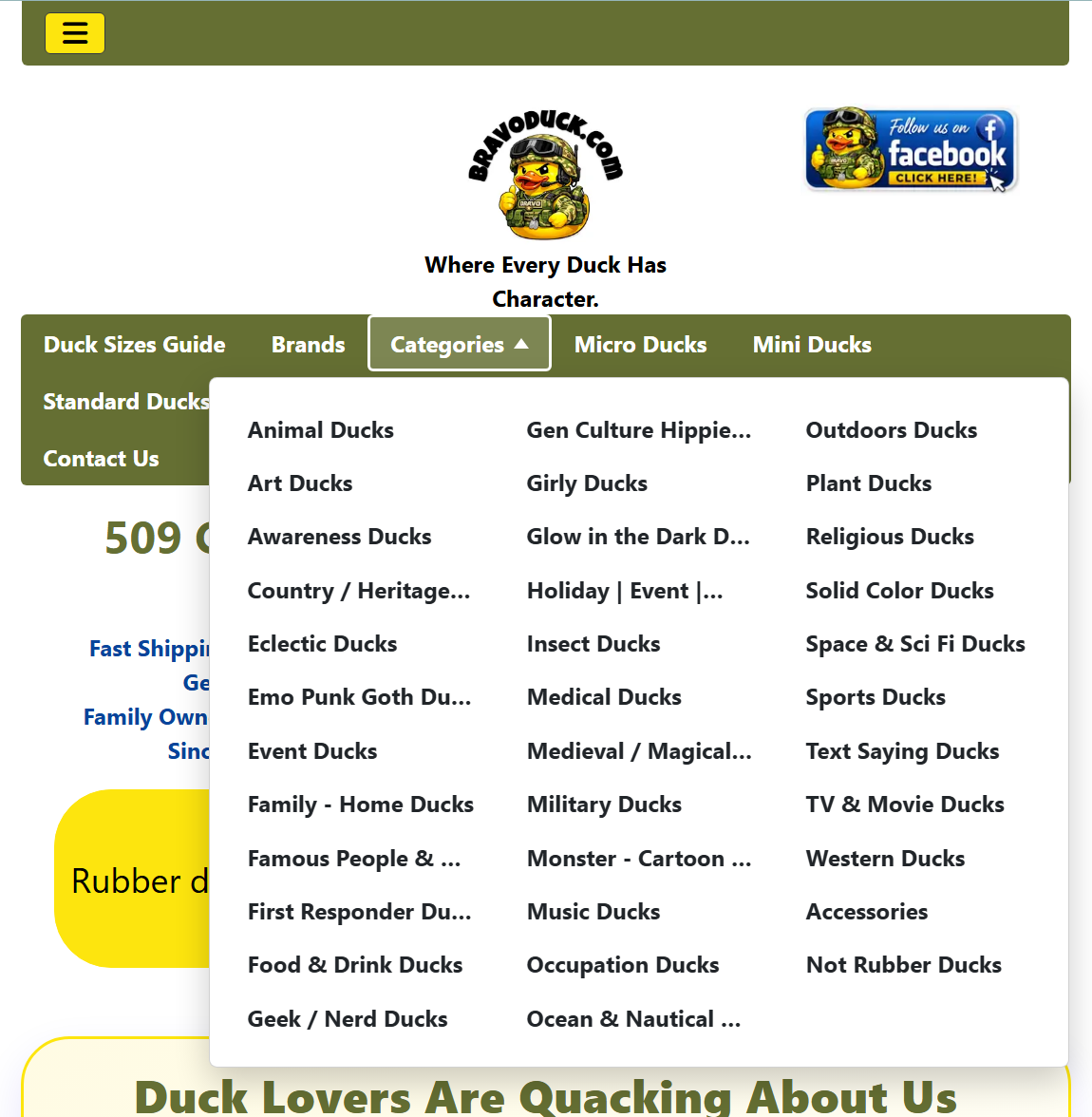
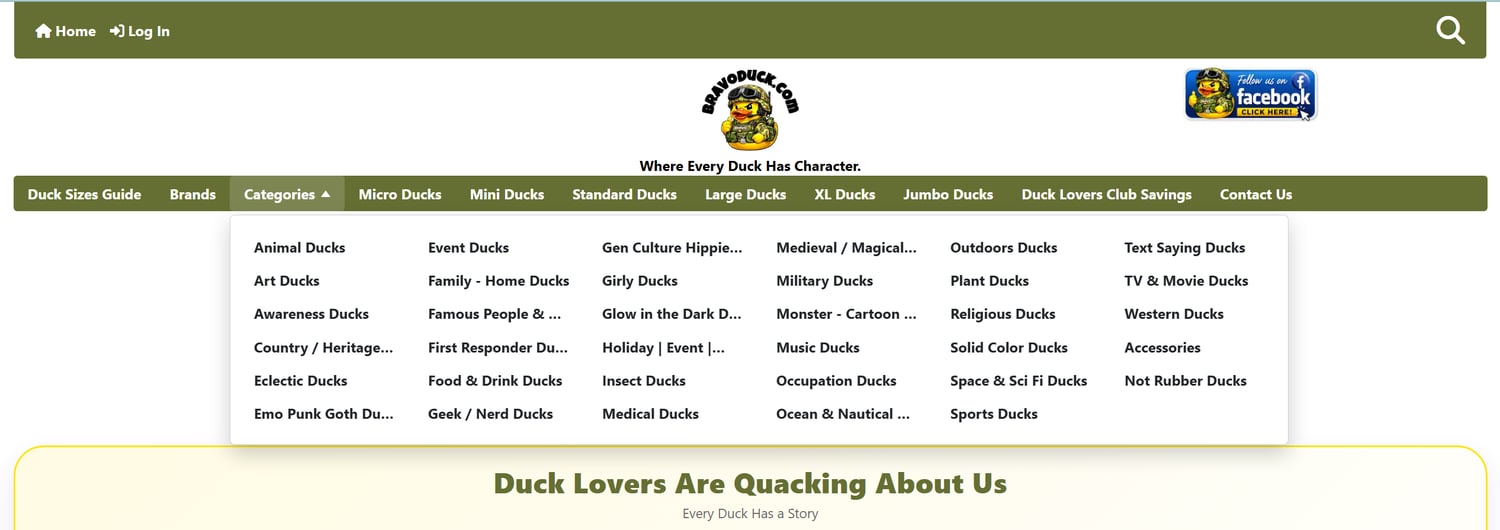
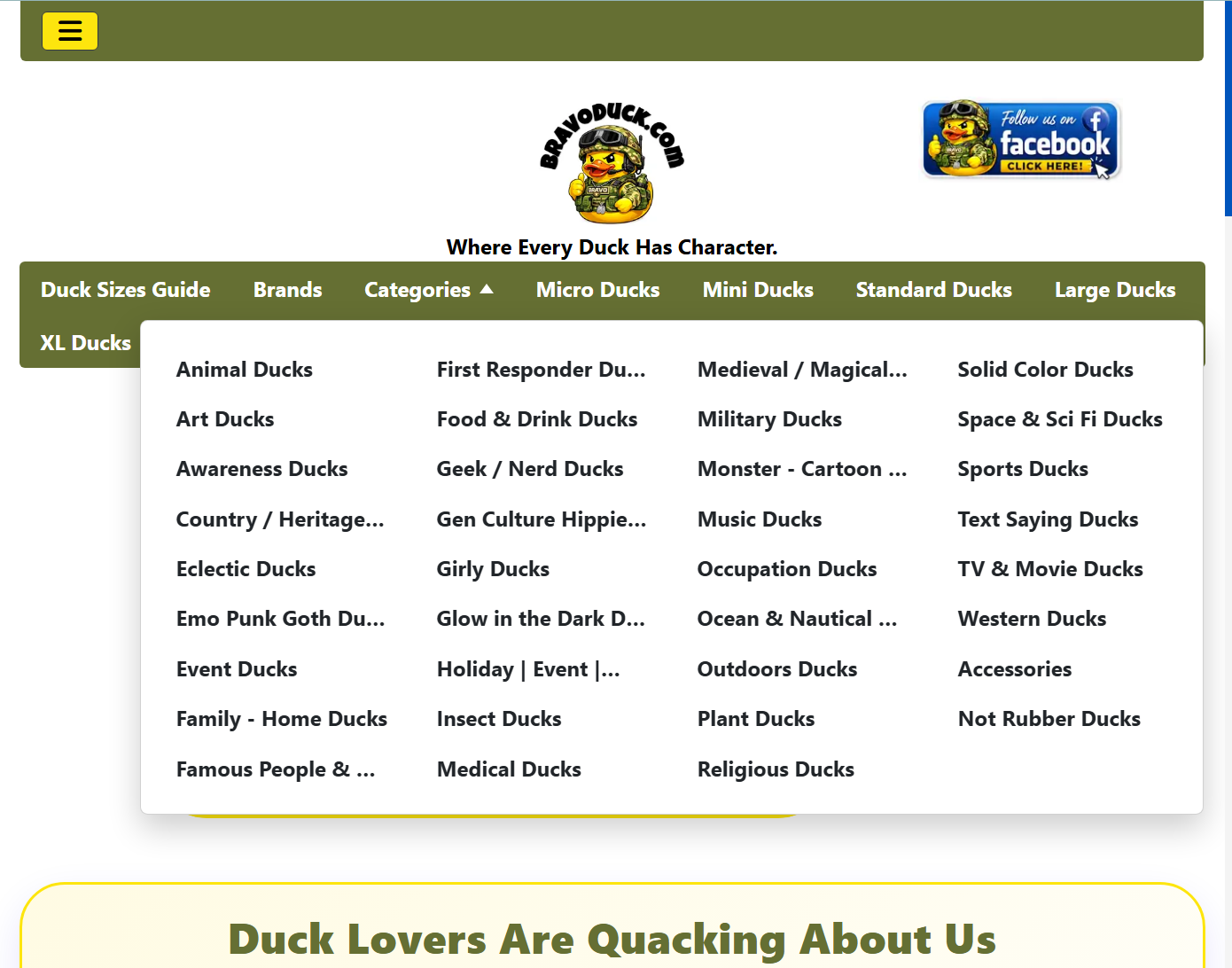
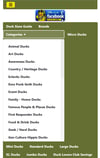
IncrediMenu turns one ordinary EZ-Page header entry into a responsive, accessible, multi-column dropdown containing Zen Cart's top-level categories.
It is designed for stores whose category-tabs row has become too long or whose traditional dropdown wastes vertical page space. Categories fill down a limited number of rows and then continue into additional columns, using wider desktop real estate instead of creating an excessively tall menu.
Key behavior
- Compatible with Zen Cart 2.1.0 - 2.2.2 and PHP 8.2 - 8.5.
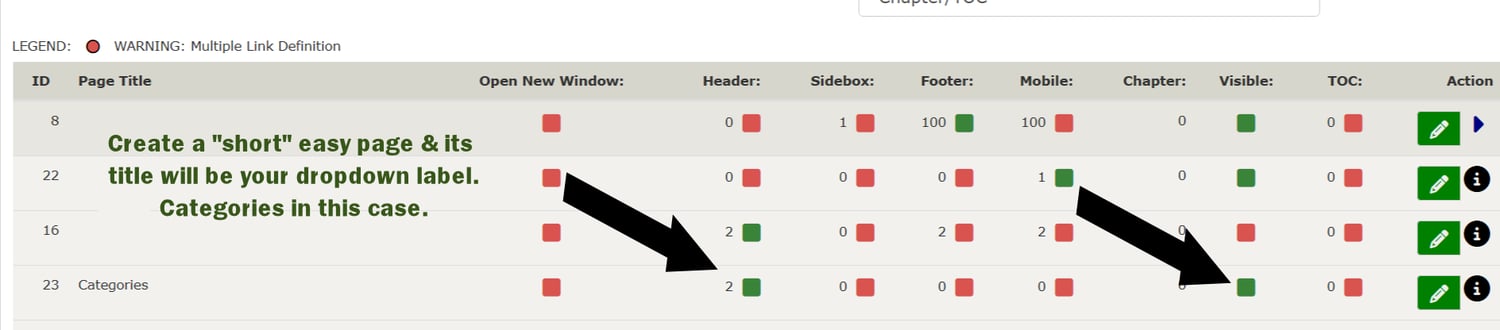
- Uses an EZ-Page as a placement marker; no PHP is placed in EZ-Page content.
- The EZ-Page title becomes the dropdown label.
- EZ-Page Header Yes/No controls visibility.
- EZ-Page Header Sort Order controls the dropdown's exact position among other EZ-Page links.
- EZ-Page Footer status and Footer sort order can independently place the same menu in the footer.
- Sidebox is intentionally unavailable; the placeholder is automatically suppressed from the EZ-Pages sidebox.
- Reads enabled top-level categories directly from Zen Cart in the current language.
- Uses category sort order followed by category name.
- Distributes categories down columns, then across the available desktop width.
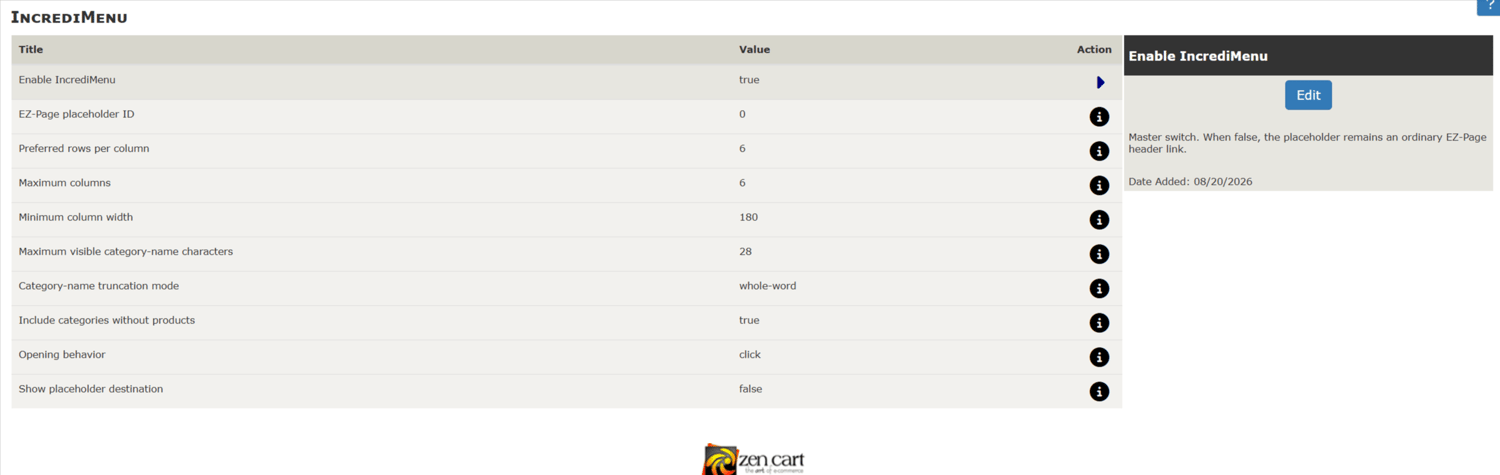
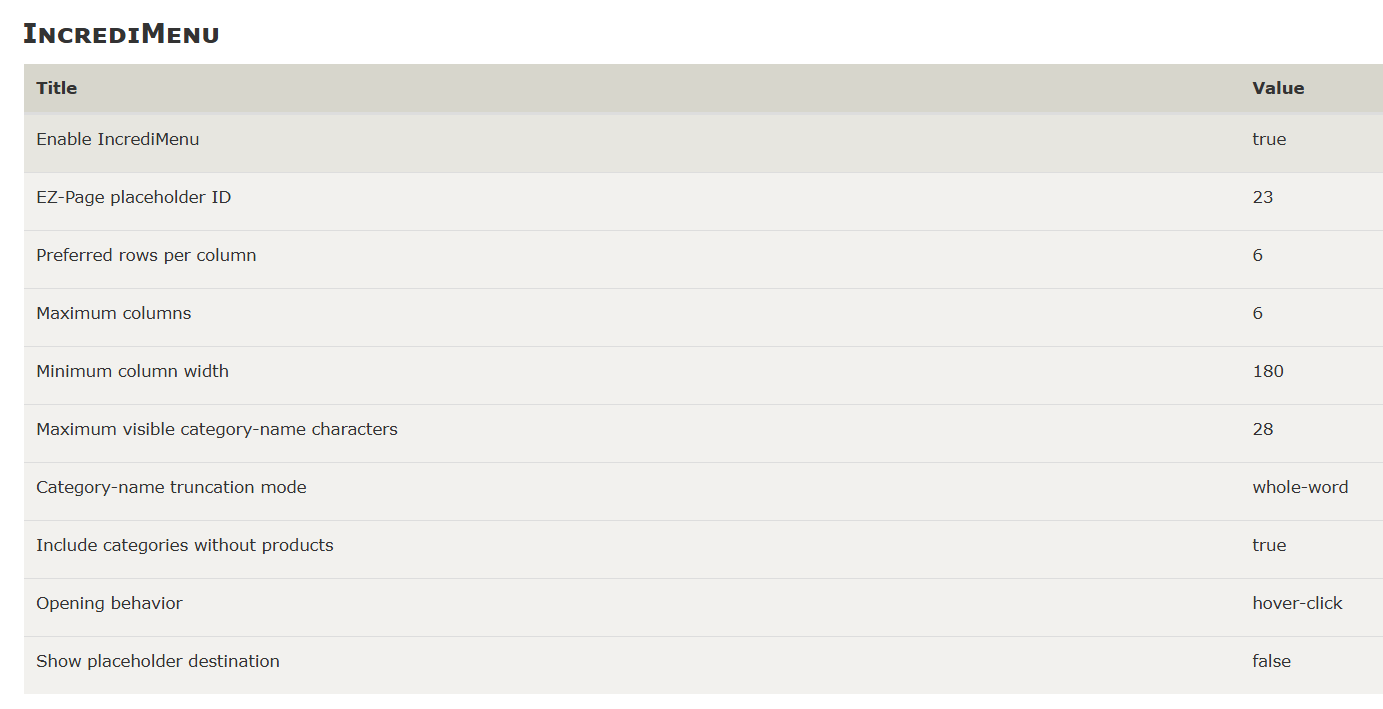
- Keeps every category name on one line and truncates long names at a configurable character limit without shortening the accessible name.
- Lets the storeowner choose whole-word truncation or an exact hard character cut.
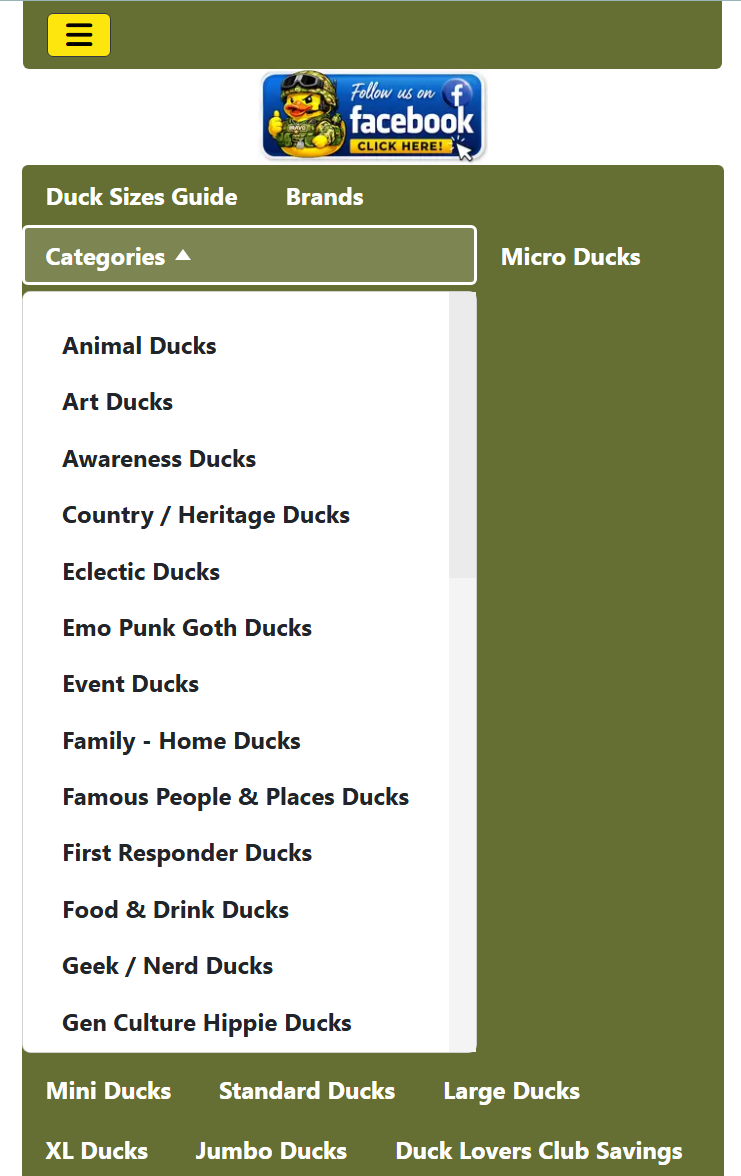
- Adapts to a one-column, scrollable mobile panel.
- Supports keyboard activation, Escape-to-close, focus management and outside-click closing.
- Includes optional desktop hover plus click operation.
- Works through the plugin's universal template-default layer; Bootstrap or Responsive Classic is not required.
- Does not modify Zen Cart core files or the EZ-Pages database schema.
- Clean uninstall removes plugin settings but preserves the storeowner's EZ-Page.
How the EZ-Page works
The EZ-Page contains no executable code. It is a normal administrative record:
Title: Shop categories
Header: Yes
Header sort order: 30
Content: blank is allowed
When Zen Cart builds the EZ-Pages header bar, each link includes its EZ-Page ID. IncrediMenu detects only the configured ID and renders the category dropdown in that record's position. Every other EZ-Page continues to render normally.