

Safe-to-Spend Budget System for Excel | Paycheck Budget, Bills & Savings Tracker
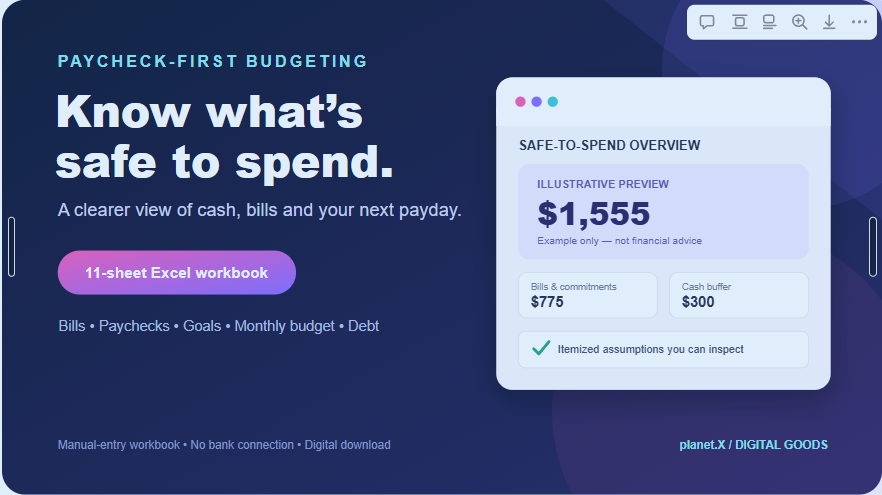
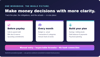
A clearer answer to “Can I afford to spend this right now?”
Your bank balance does not always tell the whole story. Some of that money may already be needed for rent, subscriptions, upcoming bills, planned savings or a buffer you do not want to dip below.
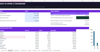
Safe-to-Spend Budget System helps you organize those obligations in one practical spreadsheet. Enter your available cash and next payday, maintain your bill and transaction records, and configure the buffer and commitments you want to reserve. The dashboard lays out the assumptions behind its safe-to-spend estimate so you can review the calculation instead of relying on a vague feeling about your balance.
This is a manual-entry workbook—not a bank-connected app. You remain in control of the data and can inspect the figures and formulas.
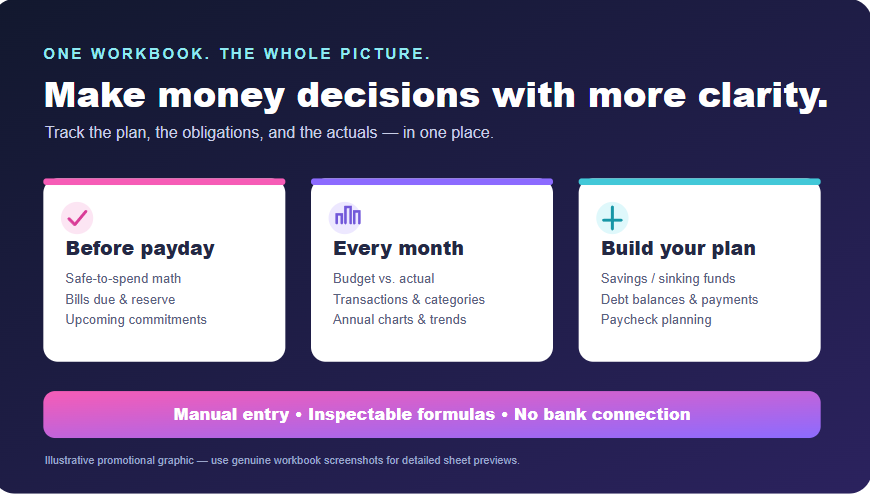
What’s included
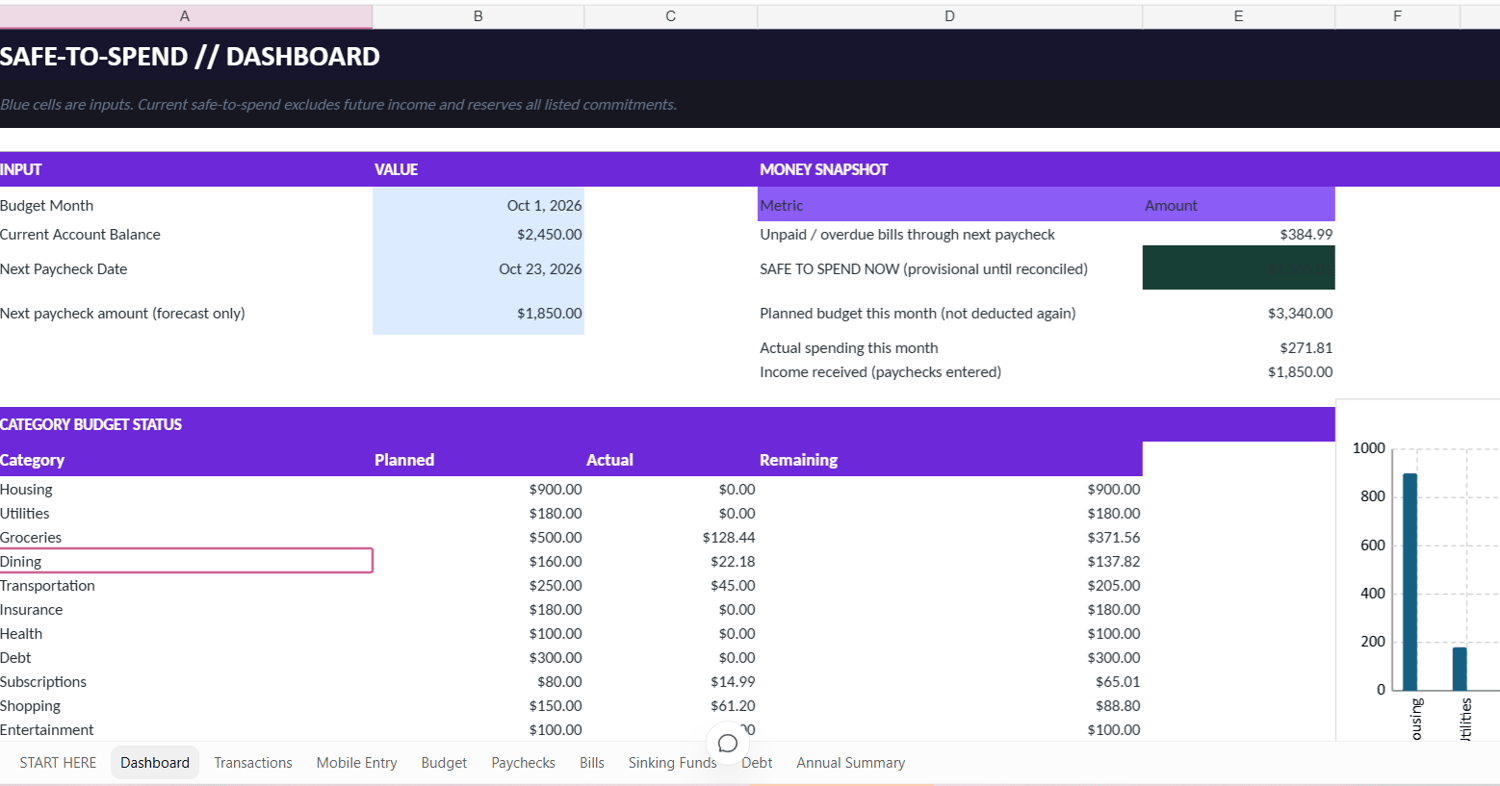
- Safe-to-Spend dashboard: An at-a-glance estimate with an itemized view of bills and configured commitments.
- Paycheck planner: Record regular or irregular income and distinguish received income from forecast income.
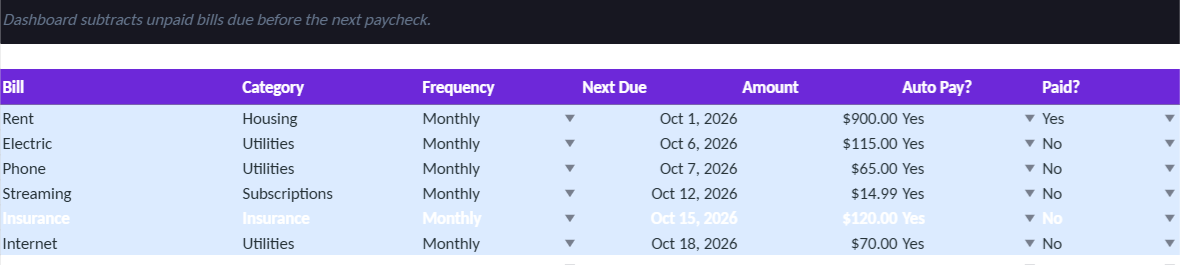
- Bills and subscriptions: Track due dates, payment status and overdue obligations.
- Transactions ledger: Maintain income and expense records by date and category.
- Mobile Entry sheet: A narrower entry layout for convenient manual entry; duplicate flags are review prompts, not automatic deletion.
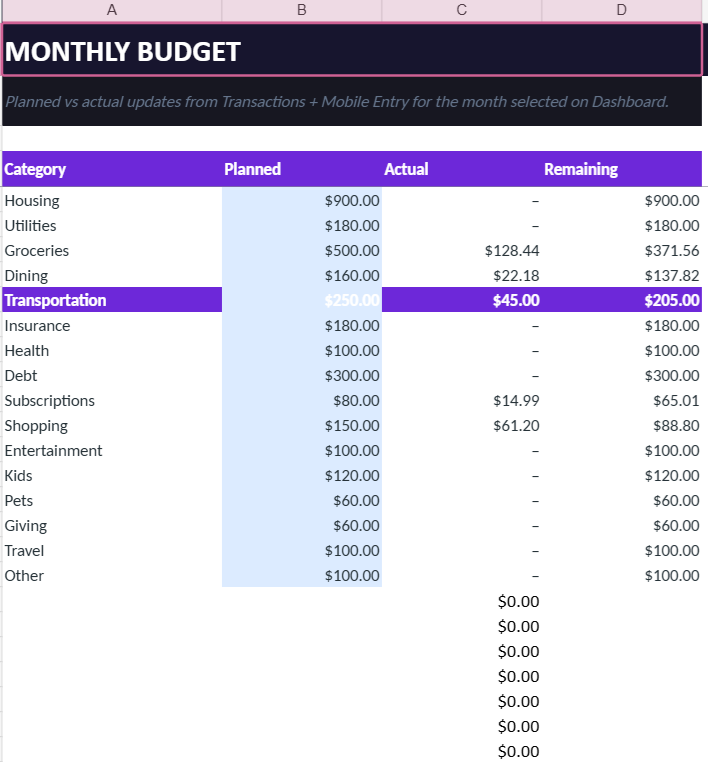
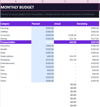
- Monthly budget: Compare planned and actual spending by category.
- Savings / sinking funds: Organize named savings goals and contributions.
- Debt tracker: Record balances and payments, with clearly labeled rough payoff estimates.
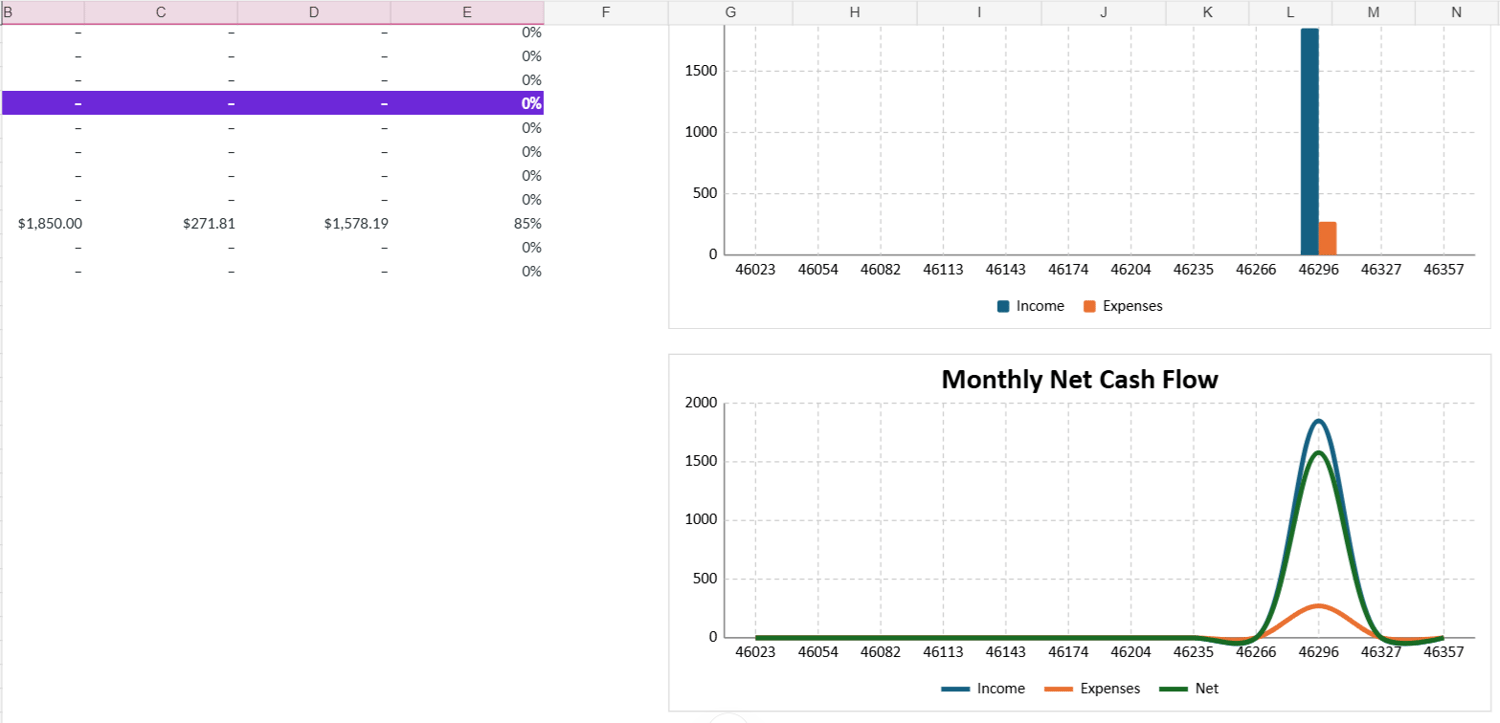
- Annual Summary: Review income, expenses, net results and savings-rate trends with charts.
- Setup and reference material: Quick-start guide, FAQ and troubleshooting notes.
- Two workbook versions: A clean customer template and a separate fictional-data demo workbook.
How it works
- Start with your current available cash and next payday.
- Add or maintain upcoming bills and transactions.
- Set the minimum cash buffer you want to preserve and any extra commitments that are not already recorded elsewhere.
- Review the dashboard’s safe-to-spend estimate and itemized assumptions.
- Keep records updated as bills are paid, income arrives and spending occurs.
Future or forecast income is displayed separately; it is not treated as cash already available. If required inputs are missing, the result is intended to show as unavailable rather than imply false precision. A negative result signals a shortfall against the configured commitments.
Who it’s for
- People who budget around weekly, biweekly, twice-monthly or irregular paydays.
- Households that want to see upcoming bills before deciding what to spend.
- Spreadsheet-comfortable beginners who prefer a structured tool over a complex finance app.
- People organizing savings buckets, monthly categories and debt payments in one place.
Important details and limitations
- Manual entry only; there is no bank connection and no automatic transaction verification.
- Recurring bill dates need to be maintained manually.
- Duplicate warnings are prompts to review possible duplicates; they do not delete records.
- Debt payoff duration is a rough estimate and does not account for every interest, fee or lender-specific condition.
- This workbook is for organization and educational planning, not individualized financial, tax or investment advice. It does not guarantee savings, debt reduction or a particular financial outcome.
- The .xlsx workbook was recalculated and scenario-tested in LibreOffice Calc. Desktop Microsoft Excel open/save/reopen QA and Google Sheets import QA are not yet independently documented here. Do not advertise Google Sheets compatibility until tested.
- Entry ranges are prepared through row 1004 for the relevant ledgers.
- Digital download only. No physical product is shipped.