
Drag Capture + Korean OCR — Screenshot to Text Chrome Extension (Offline)
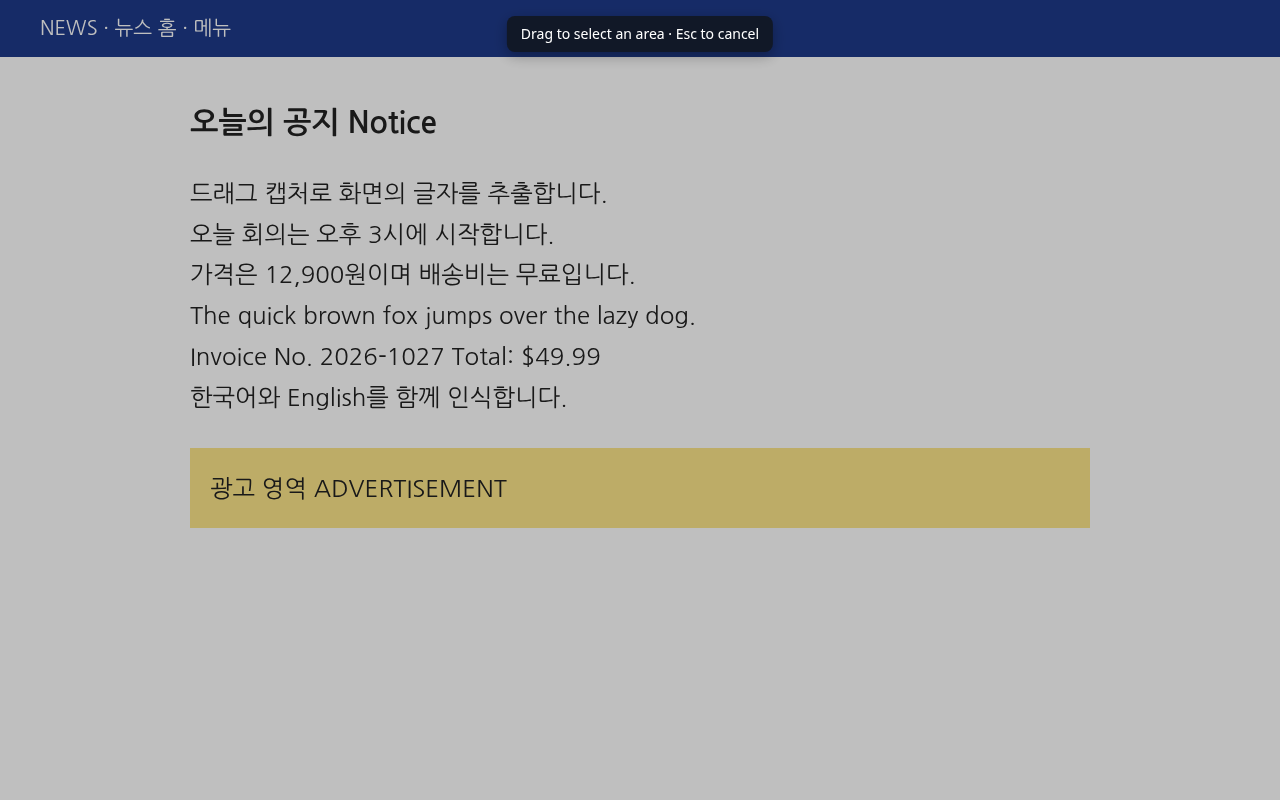
Drag over anything on screen, get the text. / 드래그 한 번으로 화면 속 글자를 텍스트로.
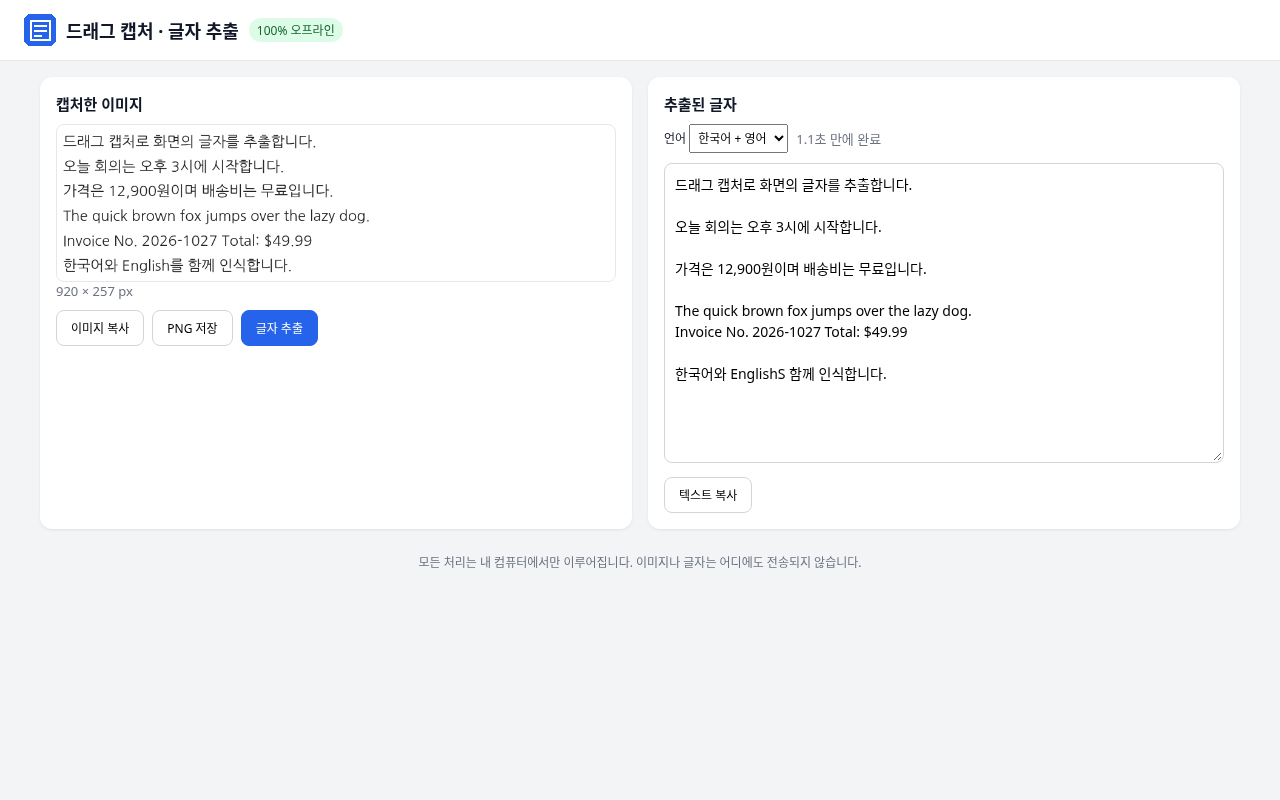
Copy text from images, locked tables, video frames or scanned PDFs. Korean and English together, processed 100% offline on your own computer.
Why you'll like it
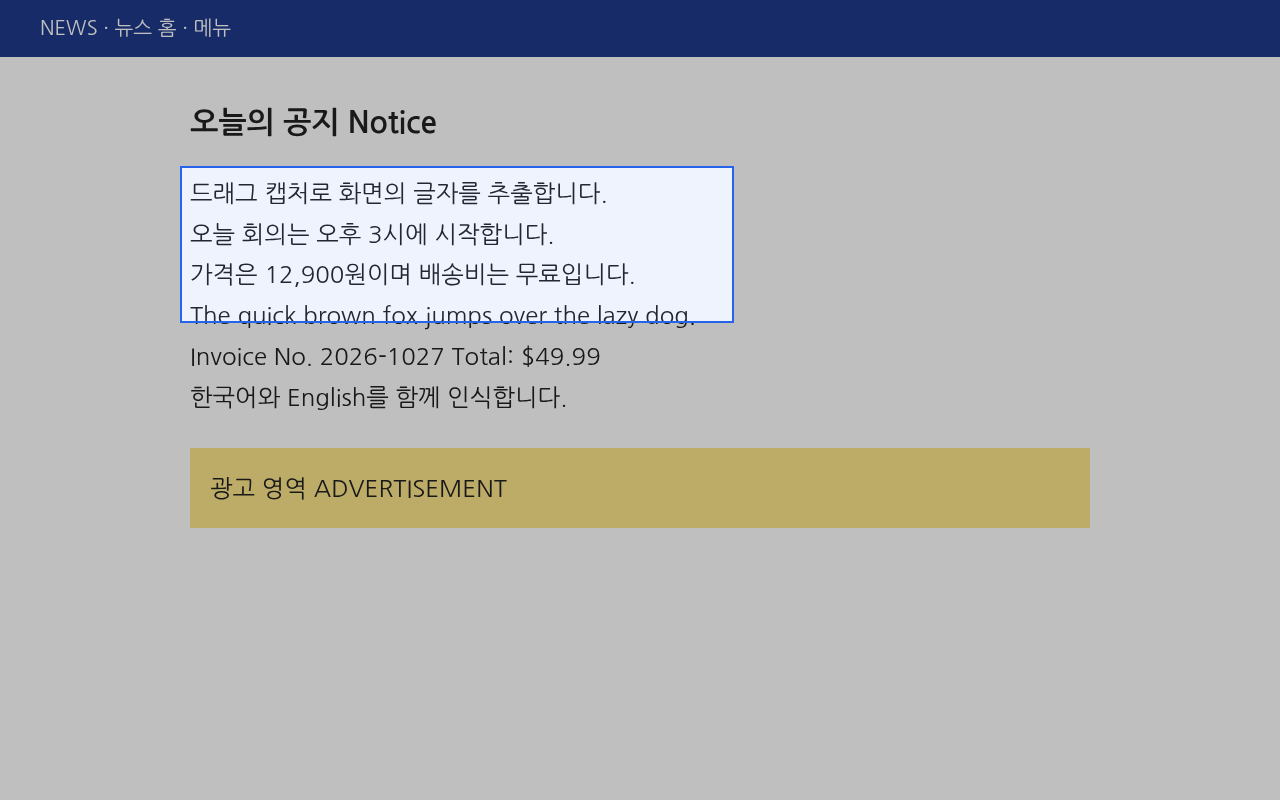
1. Alt+Shift+S, drag, done. The text lands on your clipboard automatically.
2. Offline and private. The OCR engine and Korean/English data are bundled inside. Nothing is uploaded, no analytics.
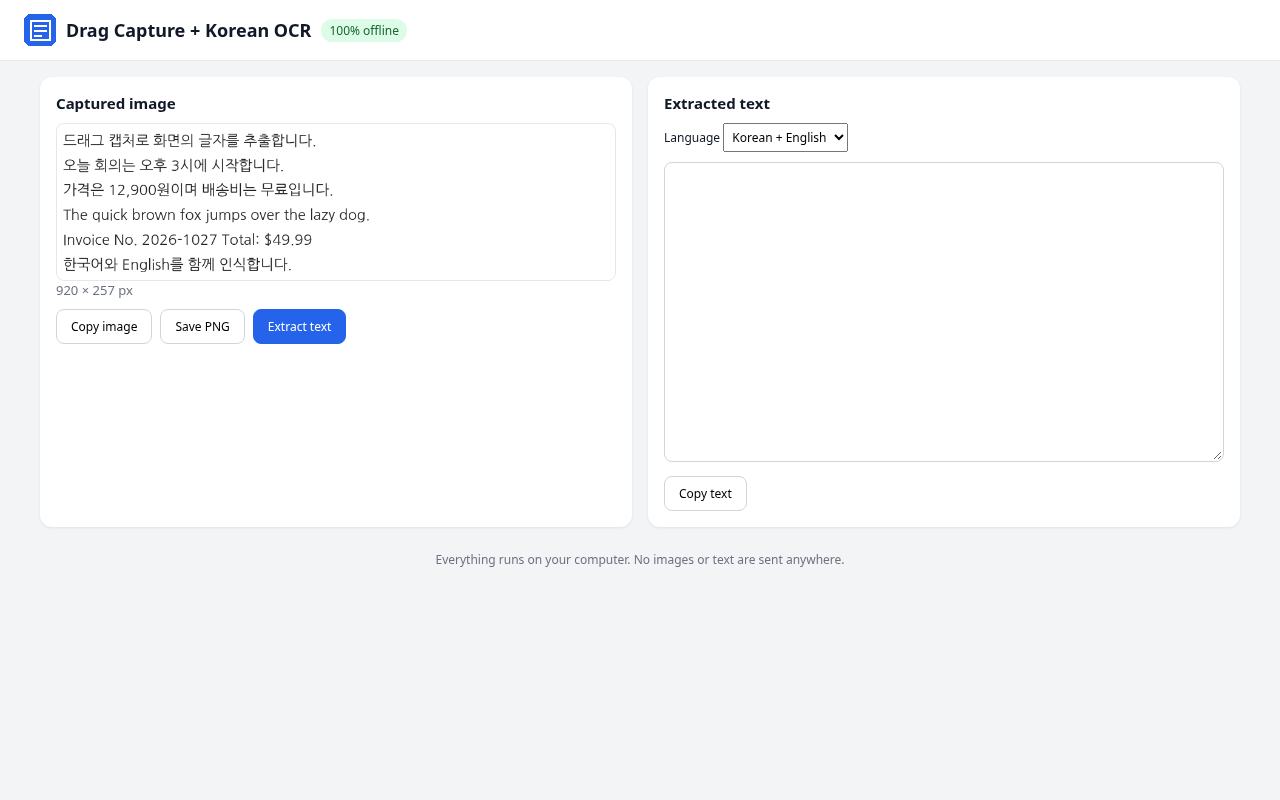
3. Also a snipping tool. Copy the capture as an image or save it as PNG.
What's inside: Chrome/Edge extension (Manifest V3), bundled Tesseract.js with Korean and English data, Korean/English interface, install guides (Korean and English), license notices.
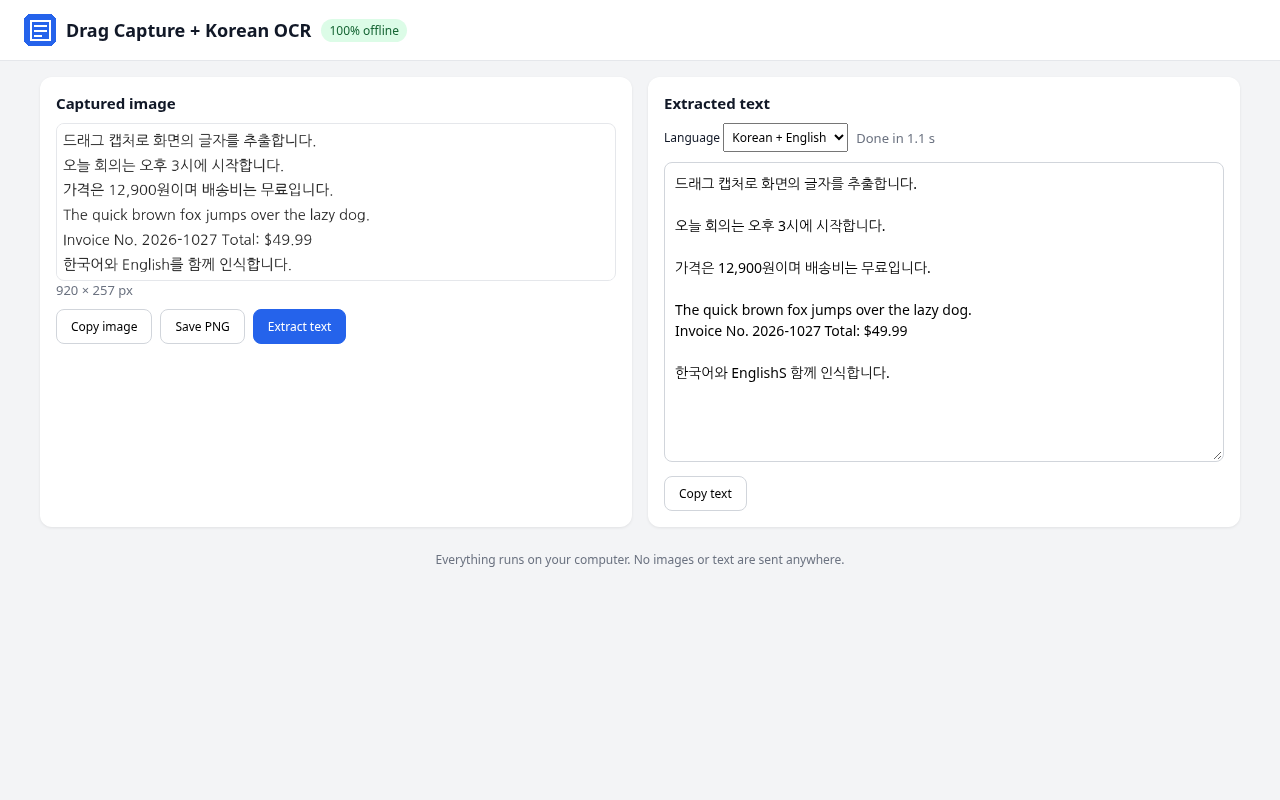
Honest test: in Chrome 156, a page with 4 Korean and 2 English lines (24px) was read at 99.3% character accuracy, 5 of 6 lines exact, in about 1.1 seconds. Smaller text scored 97.2%. Handwriting, low resolution or busy backgrounds will be less accurate.
한국어: 이미지로 된 공지, 캡처가 막힌 표, 스캔 PDF 글자를 드래그해서 바로 복사하세요. 한글과 영어를 함께 읽고, 인터넷 없이 내 PC 안에서만 처리합니다. 설치 설명서(한국어) 포함.