
Rental Property Spreadsheet | Landlord Tracker for Rent, Expenses & Repairs | Schedule E Income & Expense | Rent Roll | Excel & Google Sheets
Running rentals out of a bank app and a pile of receipts works until tax time, or until you can't remember whether a tenant paid in full last month. This tracker keeps every lease, payment, expense and repair in one file. It shows you, at a glance, who's paid, who's late, what each property really earns, and your Schedule E numbers.
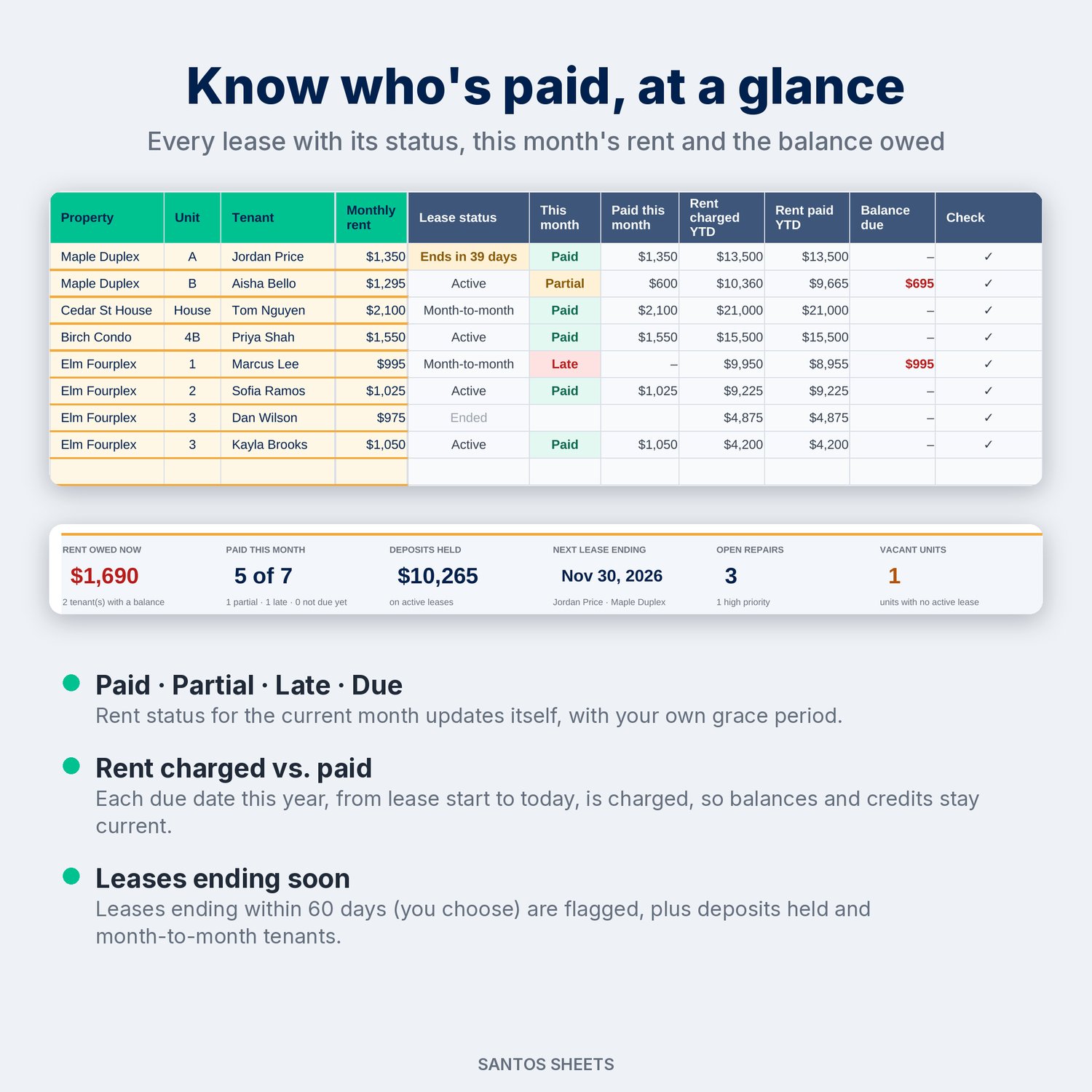
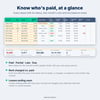
Add your properties and leases once. Then log rent as it comes in and expenses as you pay them. Rent status for this month (Paid, Partial, Late or Due) uses your own grace period. Every due date this year is charged from the lease start, so each tenant's balance owed, or credit, is always current. Expenses are mapped to Schedule E lines 5–19 as you log them, by property.
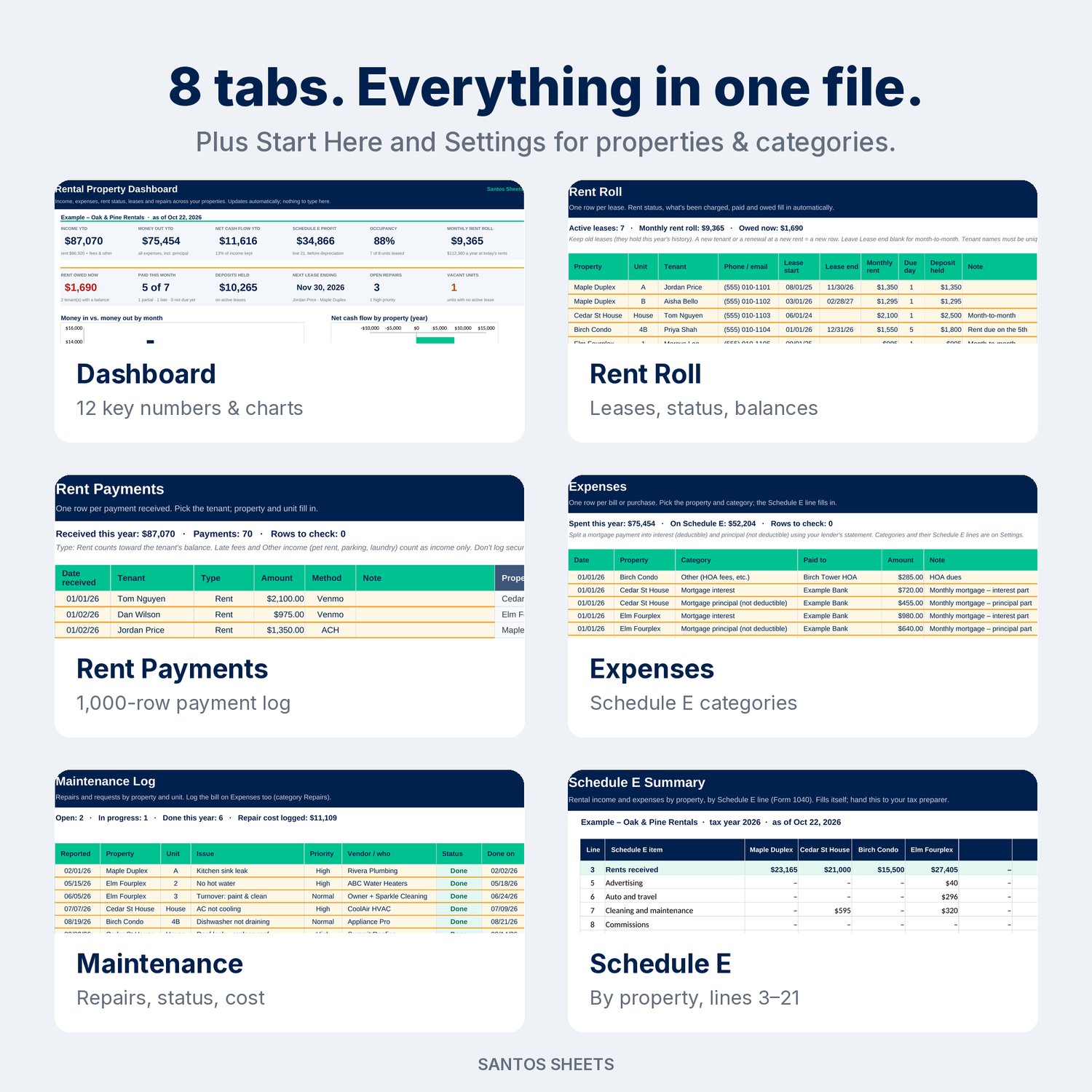
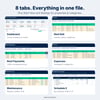
What's inside (8 tabs):
- Start Here: a 15-minute setup guide, what each tab does, and how rent owed is calculated.
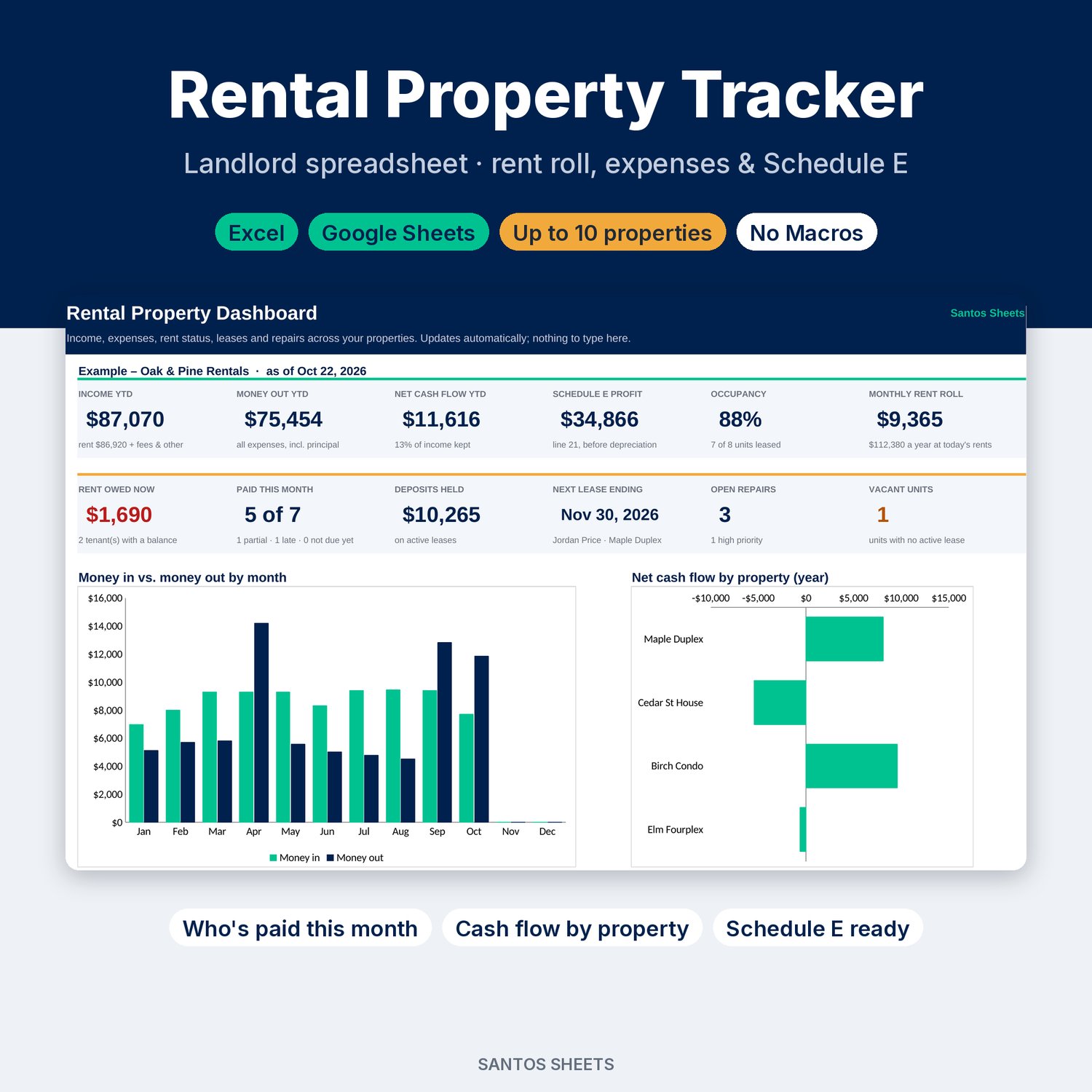
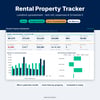
- Dashboard: 12 key numbers: income, money out and net cash flow year-to-date, Schedule E profit, occupancy, monthly rent roll, rent owed now, who's paid this month, deposits held, the next lease ending, open repairs and vacant units. Plus a money in vs. money out chart by month, a net-cash-flow-by-property chart, a properties-at-a-glance table and a month-by-month summary.
- Rent Roll: up to 50 leases, with property, unit, tenant, contact, lease dates (or month-to-month), rent, due day and security deposit. Calculated: lease status (Active, Ends in N days, Ended, Month-to-month), this month's status, rent charged, rent paid and balance due.
- Rent Payments: a 1,000-row payment log. Pick the tenant from a dropdown and the property and unit fill in. Types are Rent, Late fee and Other income (pet rent, parking, laundry). A check column catches typos.
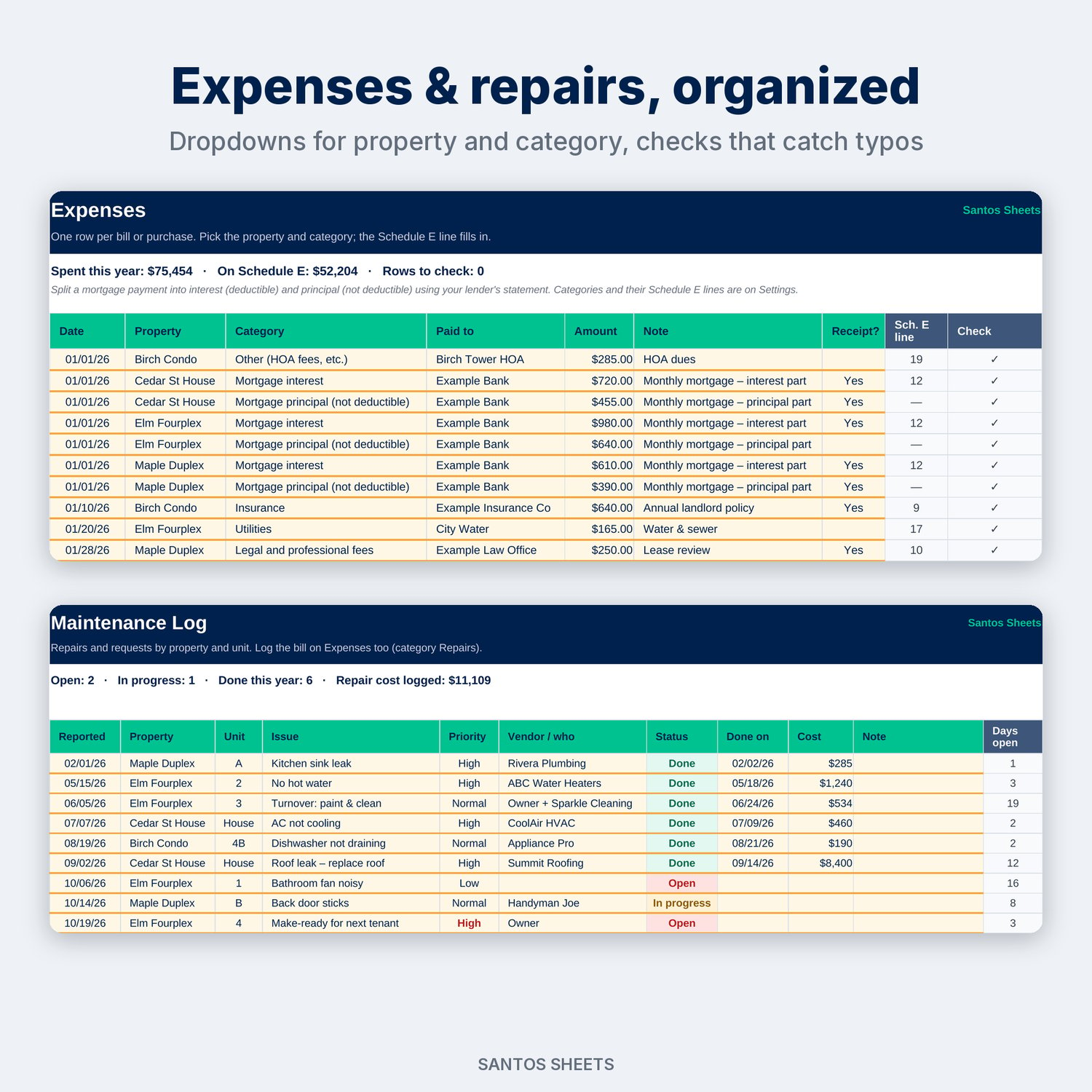
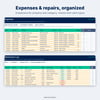
- Expenses: a 1,000-row log with property and category dropdowns, a receipt column and the Schedule E line filled in for you. Mortgage principal and capital improvements are kept off Schedule E but still count in cash flow.
- Maintenance: 200 repair requests with property, unit, priority, vendor, status (Open, In progress, Done), cost and days open.
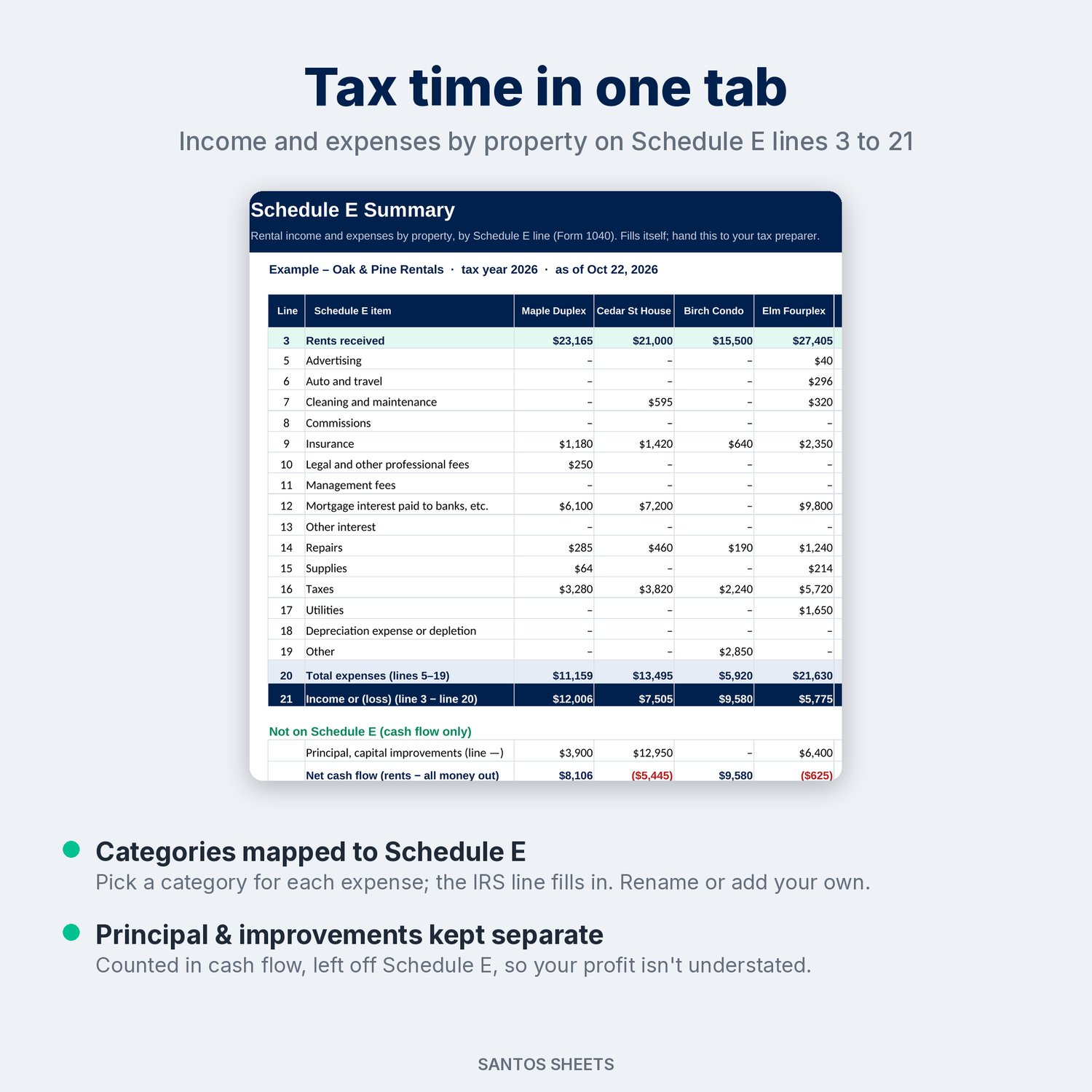
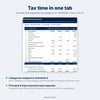
- Schedule E: rents received (line 3), expenses by line 5–19, total expenses (line 20) and income or loss (line 21), for each property side by side, plus cash flow after principal and improvements.
- Settings: your name, tax year, lease-ending warning, grace period, up to 10 properties with units, and the expense categories with their Schedule E lines (rename or add your own).
Made for:
- Small landlords with 1 to 10 properties: single-family homes, duplexes, fourplexes and condos
- House hackers renting out part of the home they live in
- Self-managing investors who want clean numbers for their tax preparer
- Accidental landlords renting out a former home
Details:
- Works in Microsoft Excel (desktop & web) and Google Sheets (upload to Google Drive, then Open with → Google Sheets)
- No macros, add-ons or subscriptions. It's just a spreadsheet, a one-time purchase
- Comes filled with clearly labeled "Example" data (made-up "Oak & Pine Rentals") so you can see how it works. Delete it and add your own
- Reusable every year: save a copy, change the tax year and clear old payments and expenses
- Instant digital download (1 .xlsx file)
Please note: this is a digital file, so nothing will be mailed to you. The Schedule E tab is an organized estimate, not tax advice. Depreciation isn't calculated, so ask your tax preparer. It's built for long-term rentals; it doesn't connect to banks or collect rent. Apple Numbers and LibreOffice will open the file, but it is built for Excel and Google Sheets.