

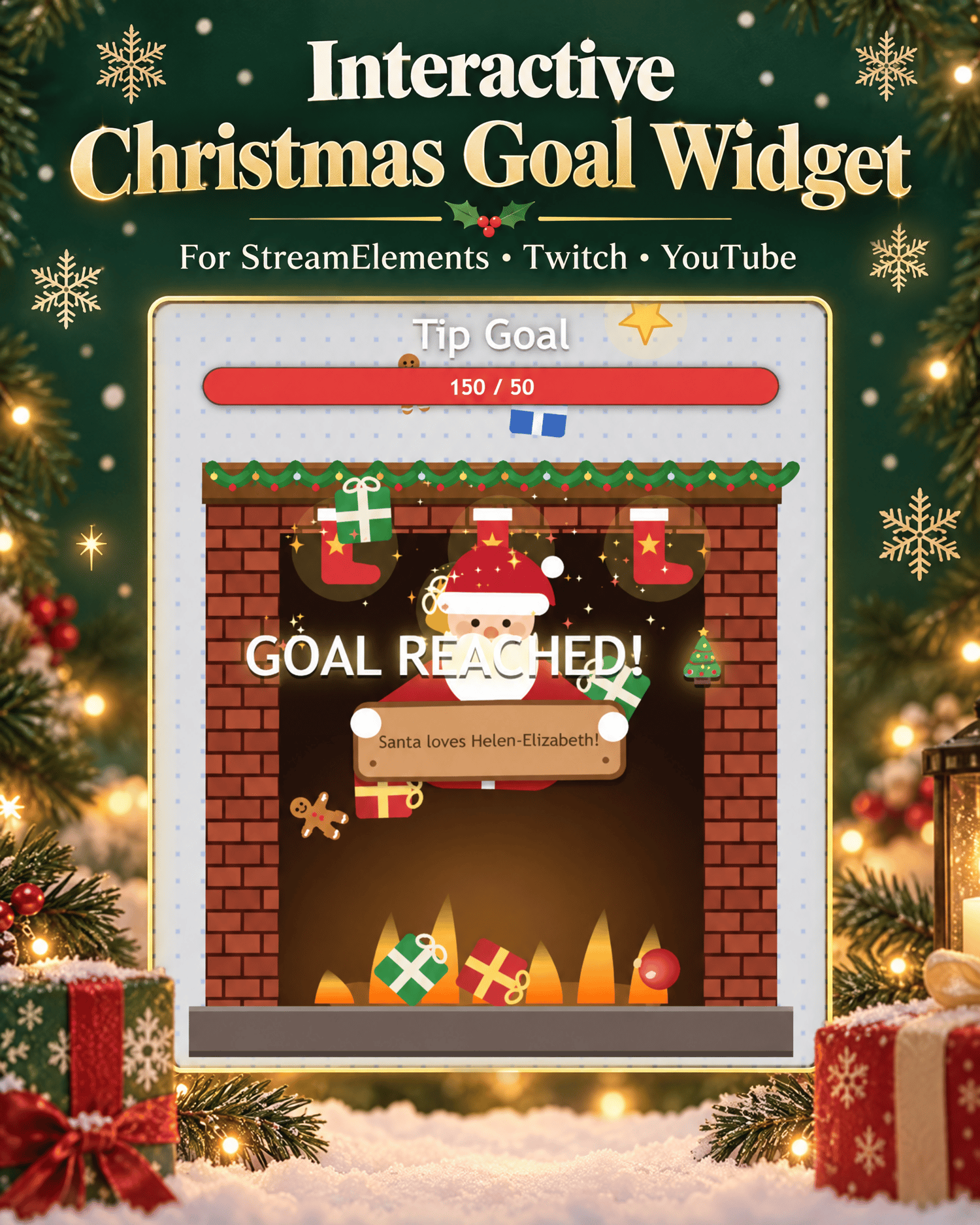



Interactive Christmas Fireplace Goal Widget for StreamElements
A customizable Christmas goal widget with animated gifts, event triggers and festive fireplace effects for Twitch and YouTube streams.
Add a cozy and interactive Christmas fireplace to your livestream with this customizable StreamElements goal widget.
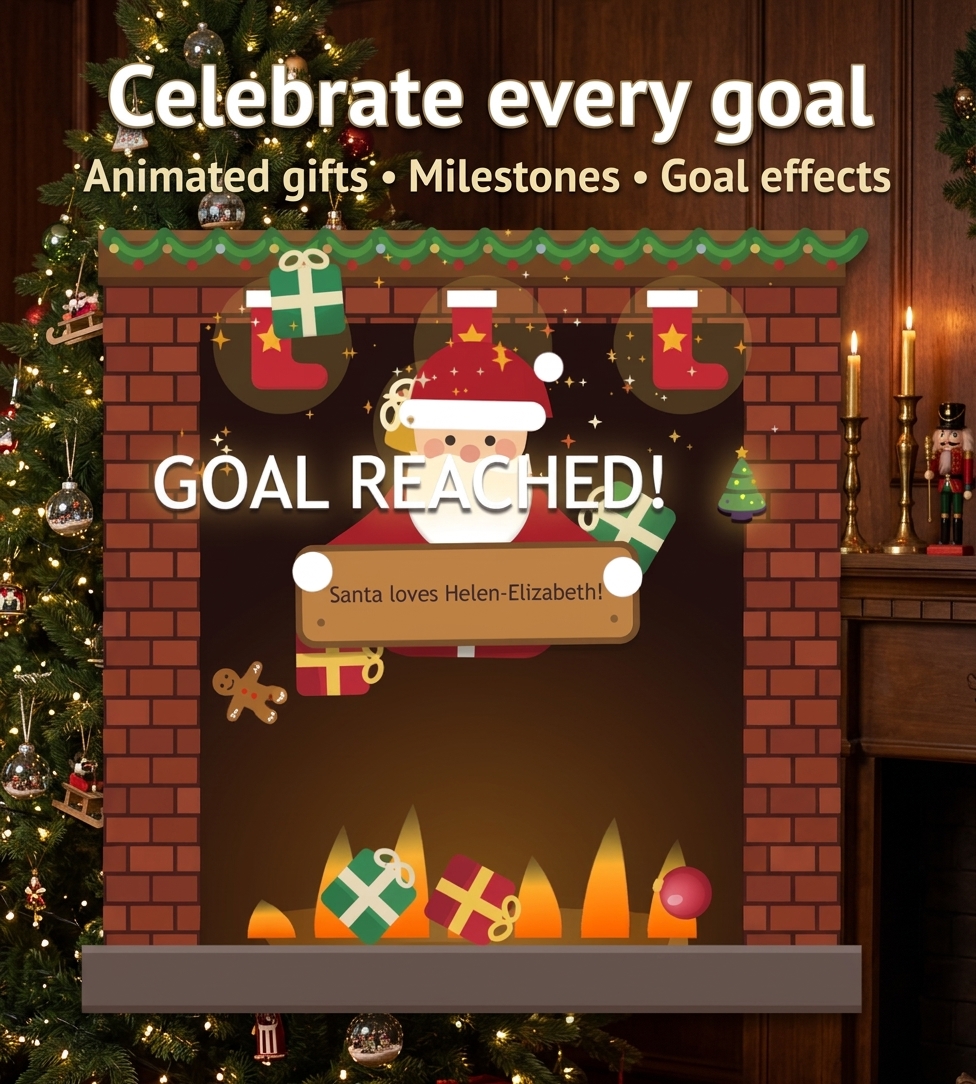
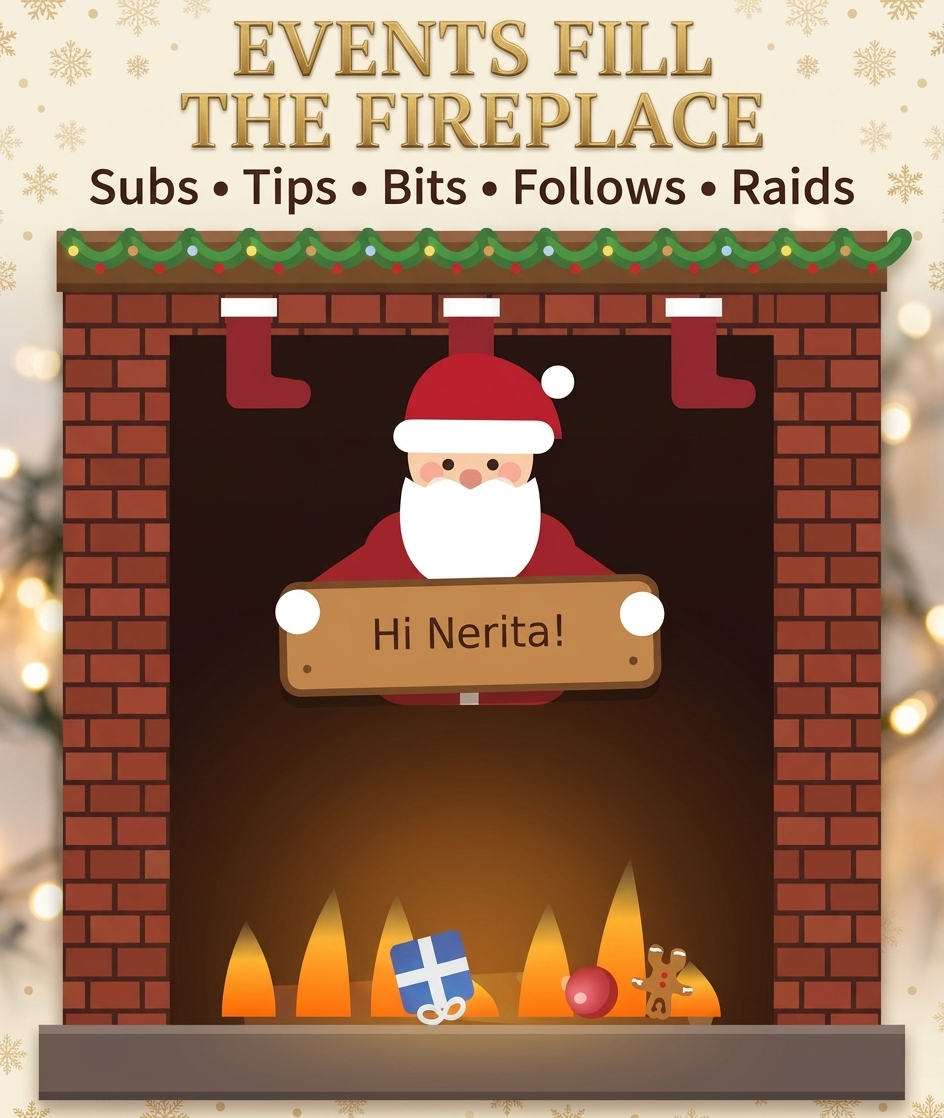
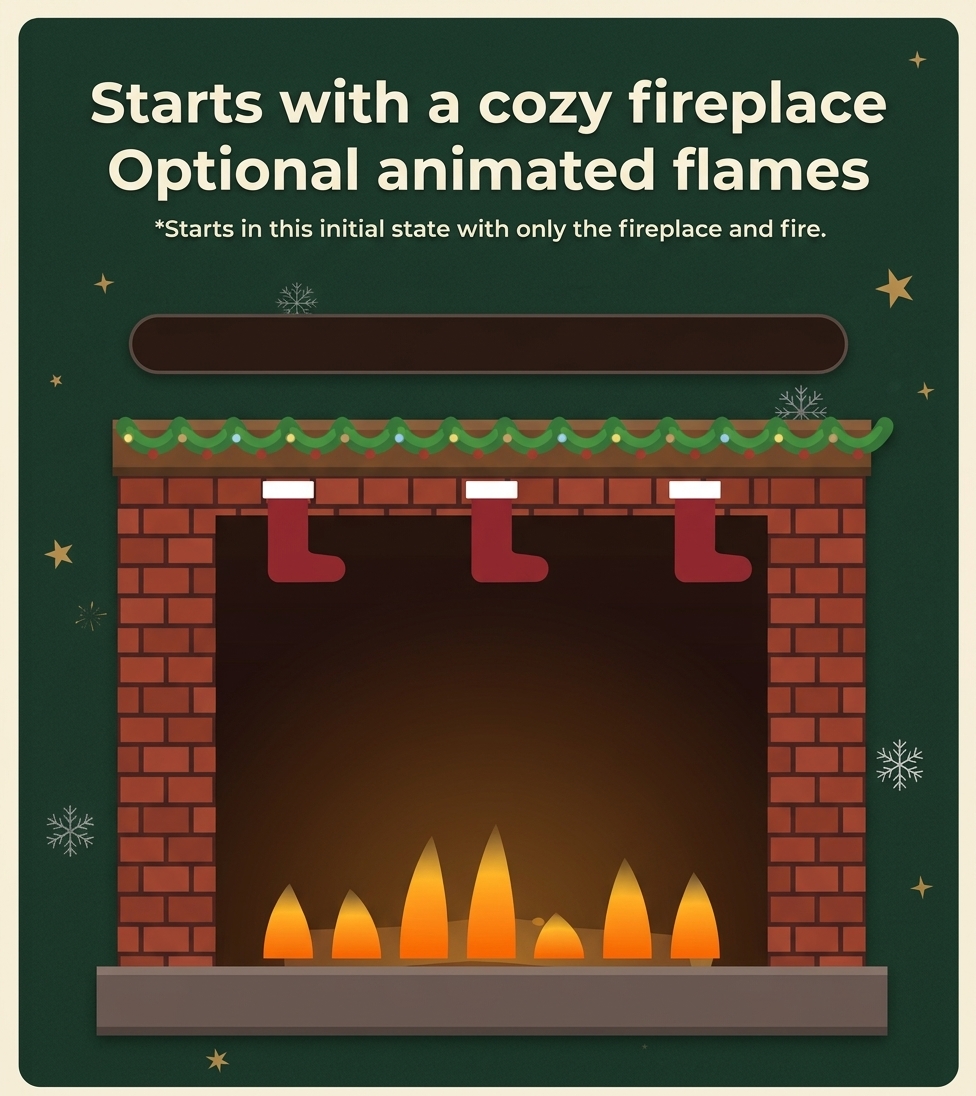
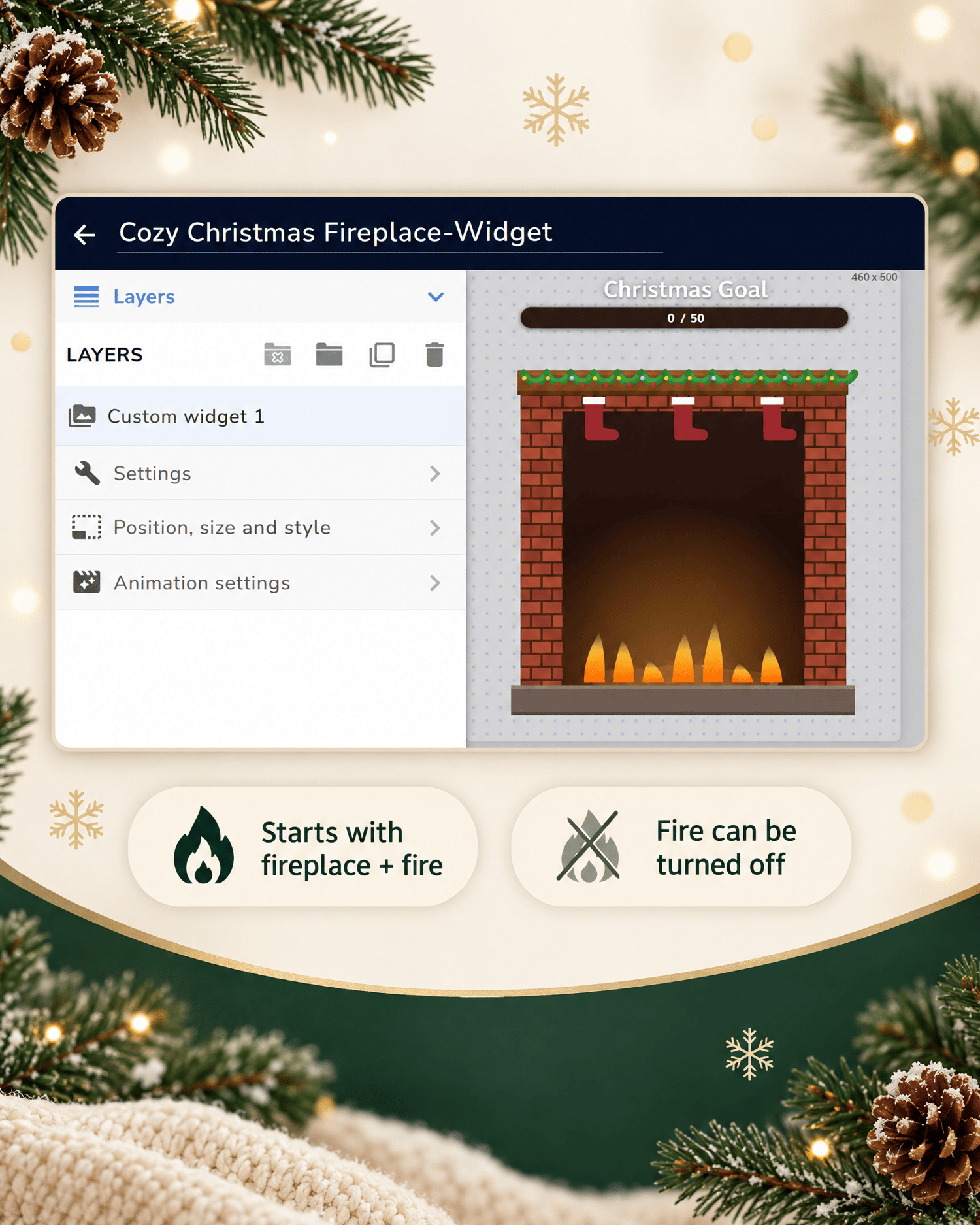
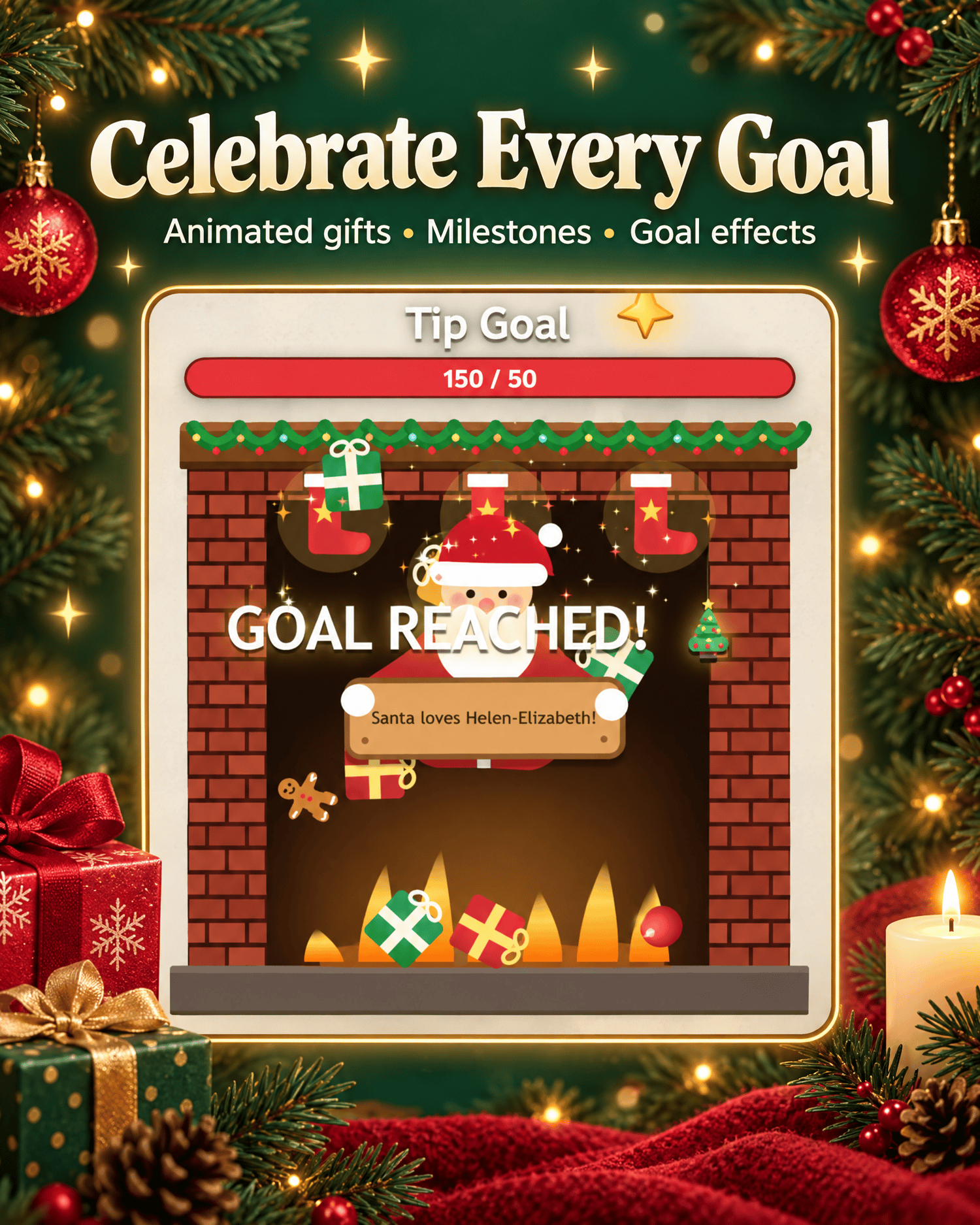
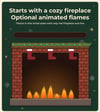
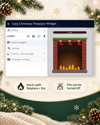
The widget starts with a festive fireplace and optional animated flames. As your selected stream events happen, gifts and other Christmas items can fall into the fireplace and build up over time.
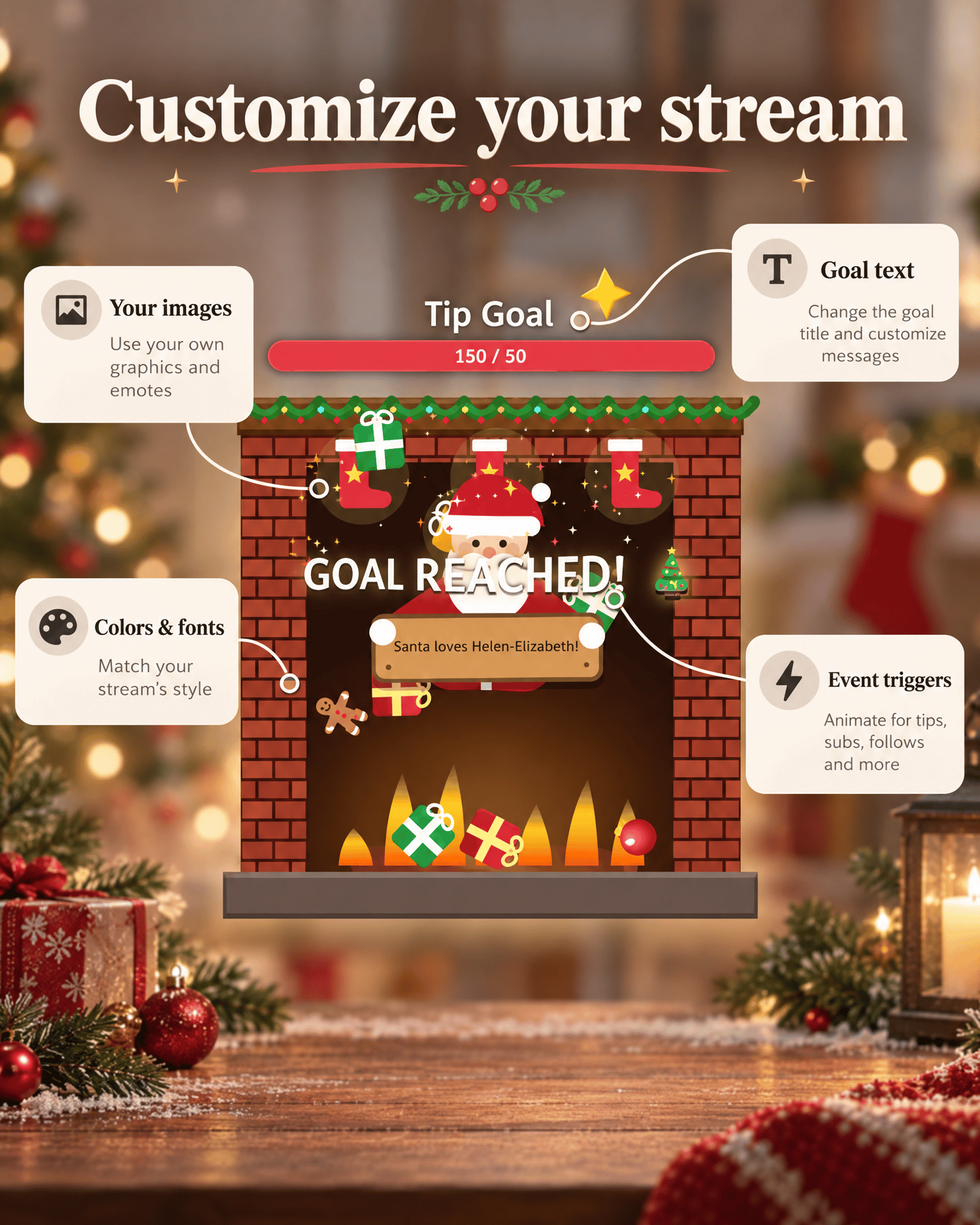
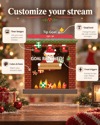
Use it for tip goals, subscription goals, bit goals, follow goals or a combined point goal. You can customize the widget's text, colors, font, images, sounds, event triggers, physics and animations to match your channel.
FEATURES
• Customizable stream goal
• Subscription, bit, tip and follow goals
• Combined point goals
• Animated gifts and festive items
• Raid and gifted-sub support
• Goal-reached celebration effects
• Milestone effects
• Customizable Santa messages
• Custom fireplace image support
• Custom gift and item image support
• Optional animated flames
• Optional sound effects
• Test buttons for all major events
• Low-quality mode for reduced CPU usage
• Persistent goal progress through the StreamElements store
• Separate save slots for different goals
CUSTOMIZABLE SETTINGS
• Goal title
• Goal type
• Goal amount
• Starting value
• Progress bar text
• Goal-reached text
• Font
• Text and bar colors
• Title and bar size
• Event triggers
• Gift quantity and item limits
• Item scale
• Gravity
• Bounciness
• Drop delay
• Fireplace fill behavior
• Animation quality
• Custom images
• Custom sounds
• Santa message text
• Goal save slot
FILES INCLUDED
• HTML-Field
• CSS-Field
• JS-Field
• Fields-Field
• Data-Field
• README_EN.pdf
• README_DE.pdf
• License information
The file names correspond to the fields in the StreamElements Custom Widget Editor.
INSTALLATION
1. Create or open an overlay in StreamElements.
2. Add a Custom Widget.
3. Paste each file into the matching field.
4. Save the widget.
5. Configure the settings.
6. Test the event buttons.
7. Add the overlay URL to OBS as a Browser Source.
REQUIREMENTS
• StreamElements account
• Twitch, YouTube Live or another supported streaming platform
• OBS or another broadcasting application with Browser Source support
• Active internet connection
The widget loads the Matter.js physics library from a public CDN. The internet connection must remain available while the widget is running.
CUSTOM IMAGES
You can use your own transparent PNG images for the fireplace, gifts and other festive items. If no custom image is uploaded, the widget uses its built-in Christmas graphics.
The recommended fireplace image size is 600 × 800 pixels, with the fireplace floor approximately at y = 706.
LICENSE
This license allows use on your own streaming channels, including monetized channels.
You may not resell, redistribute, share, re-upload or include the widget files in another product. You may not use the files to create a competing widget or overlay.
This is a digital product. No physical item will be shipped.