
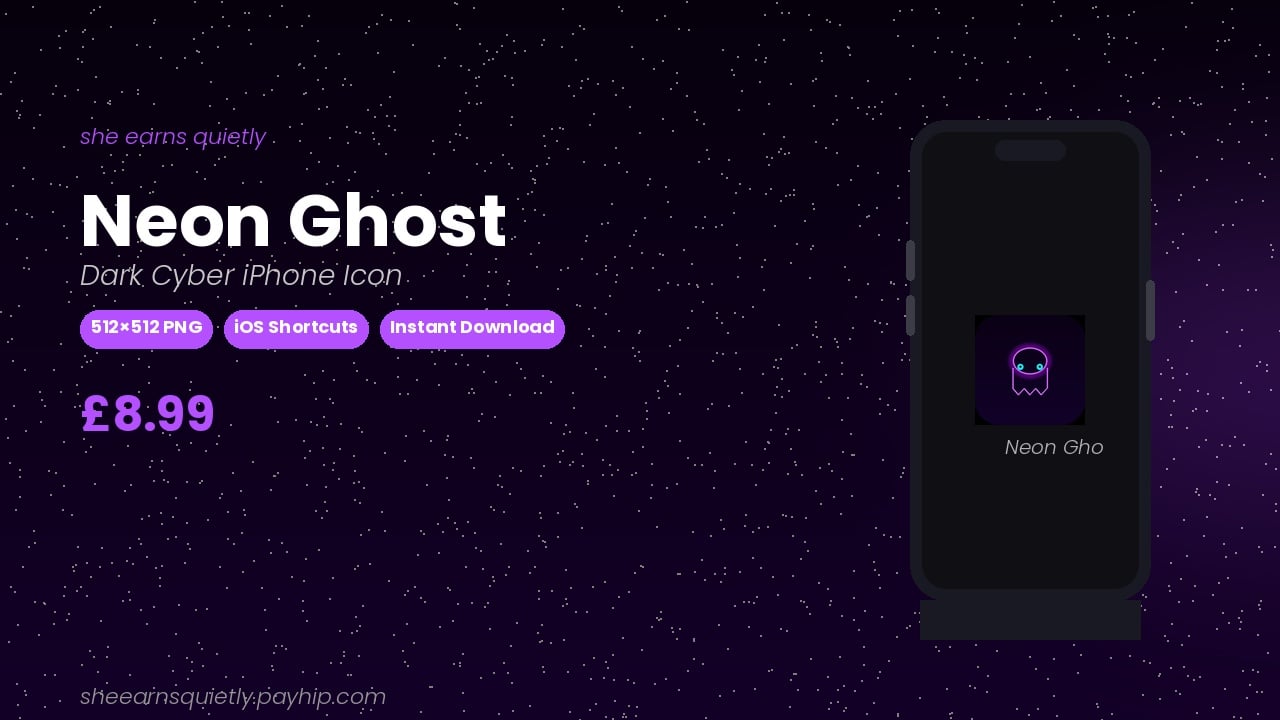
Neon Ghost App Icon — Dark Cyber iPhone Icon | iOS Shortcuts Read
On Sale
£8.99
£8.99
Make your iPhone home screen glow differently.
Neon Ghost is a handcrafted dark-theme app icon with a glowing purple neon outline, cyan eyes, and a deep midnight background. Designed for the ones who live in dark mode and don’t apologise for it.
What you get:
• 1 × high-resolution 512×512 PNG file
• Clean, unwatermarked version
• Works with iOS Shortcuts (iPhone)
• Instant digital download
How to use:
1. Download your PNG file
2. Open iOS Shortcuts on your iPhone
3. Create a new shortcut → Add Action → Open App
4. Tap the icon box → Choose Photo → select your file
5. Add to Home Screen — done ✨
Licence:
Personal use only. Not for resale or redistribution.