









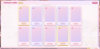
Fated Hearts | Full Profile Day+Night
On Sale
$0.00
Pay what you want:
$
Fated Hearts Profile Layout
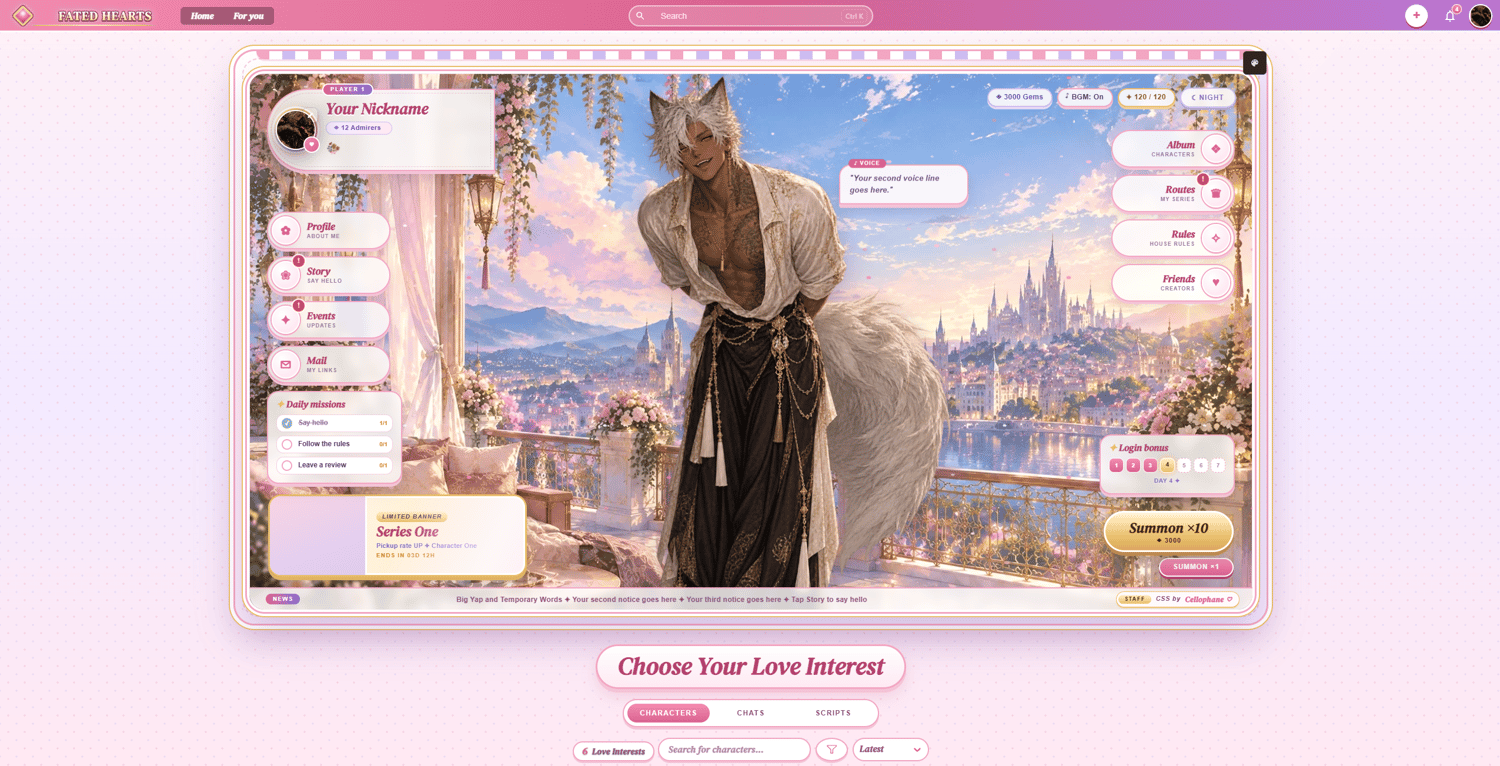
- Game screen: The whole profile is an otome gacha game. Your real JAI avatar, name, and follower count (“Admirers”) sit in a player card inside the screen.
- Home: Your character stands in the middle with voice lines that cycle in a speech bubble. Around them are the currency pills, side menu icons, a limited banner, daily missions, a login bonus, and a scrolling news ticker.
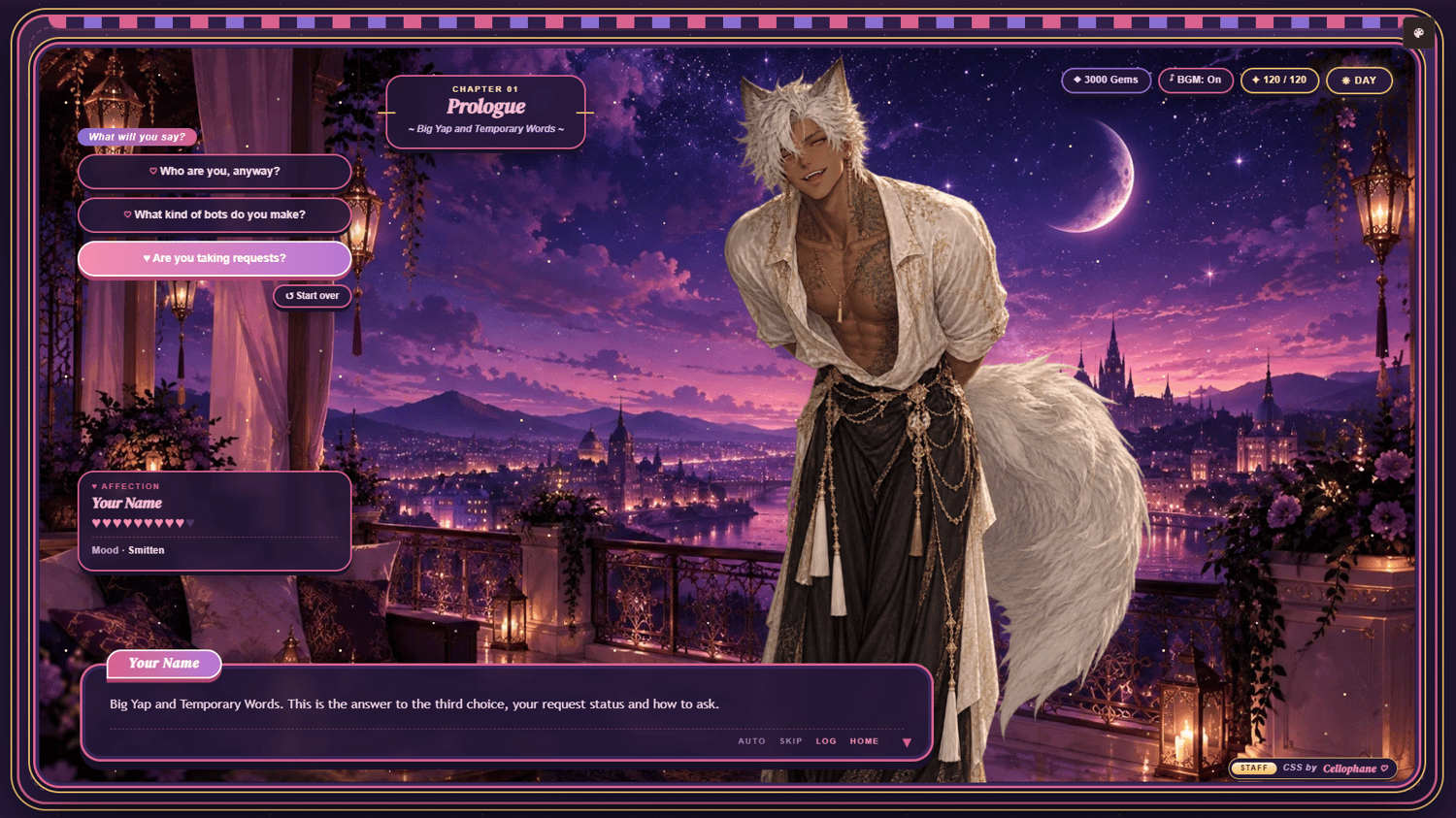
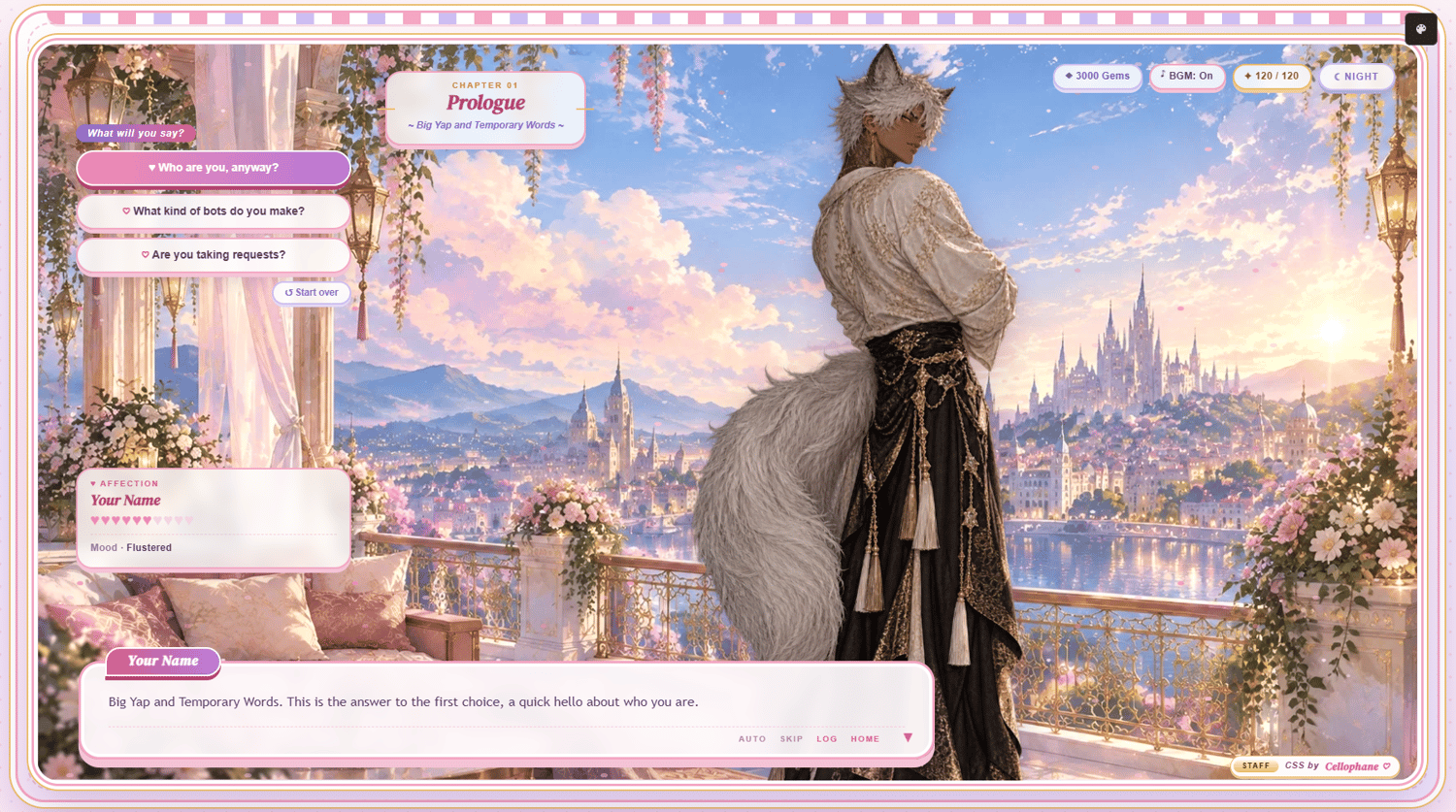
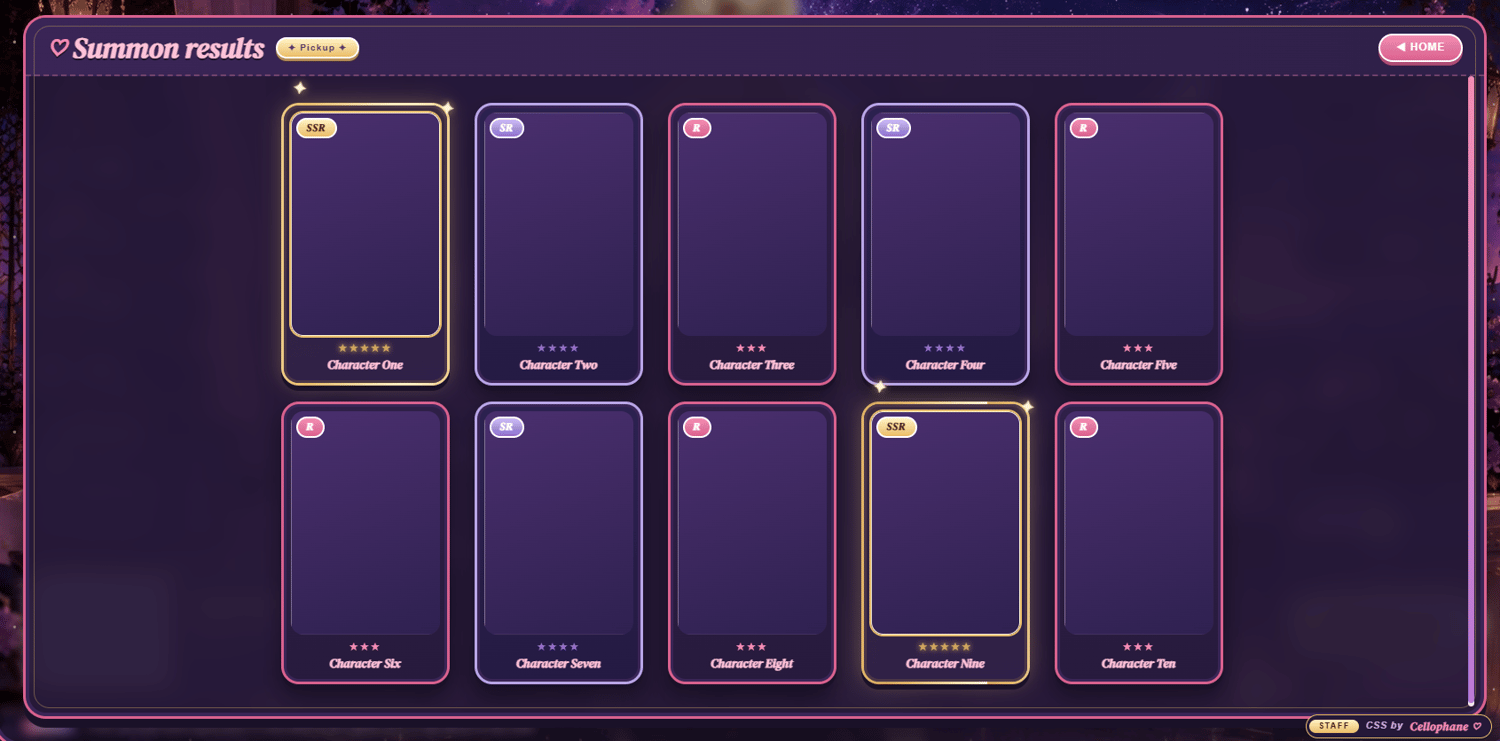
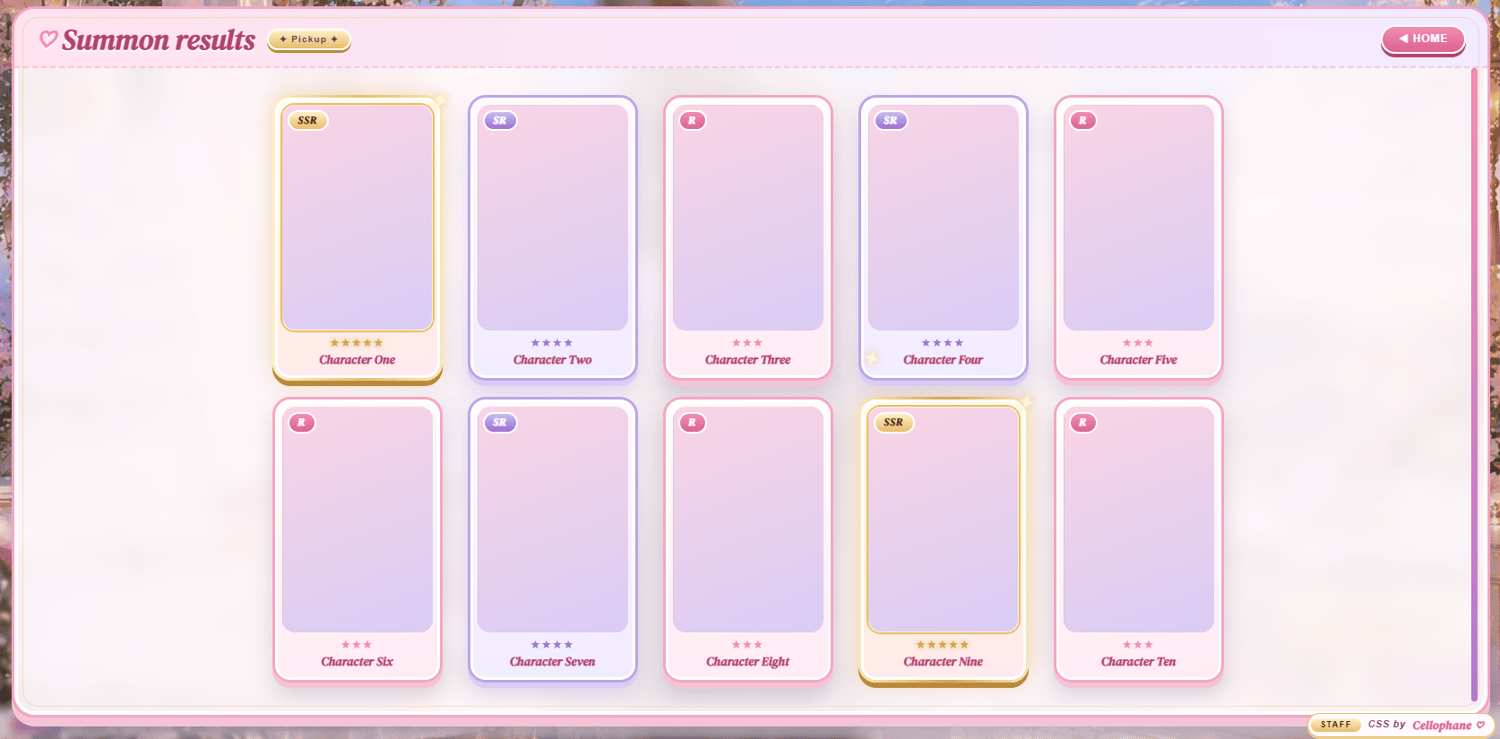
- Day and Night: Every screen has a pastel day look and a starry night look. Each mode has its own background and its own 4 character sprites. Press the Day/Night pill to switch.
- Story: Pick one of 3 questions. Each choice swaps the sprite, the reply, and the affection hearts.
- Menus: Profile, Events, Mail, Album, Routes, Rules, Friends, and Summon (x10 and x1 pulls).
- Badges: Your real JAI badges show 7 at a time with a +N chip. Click them to see all of them.
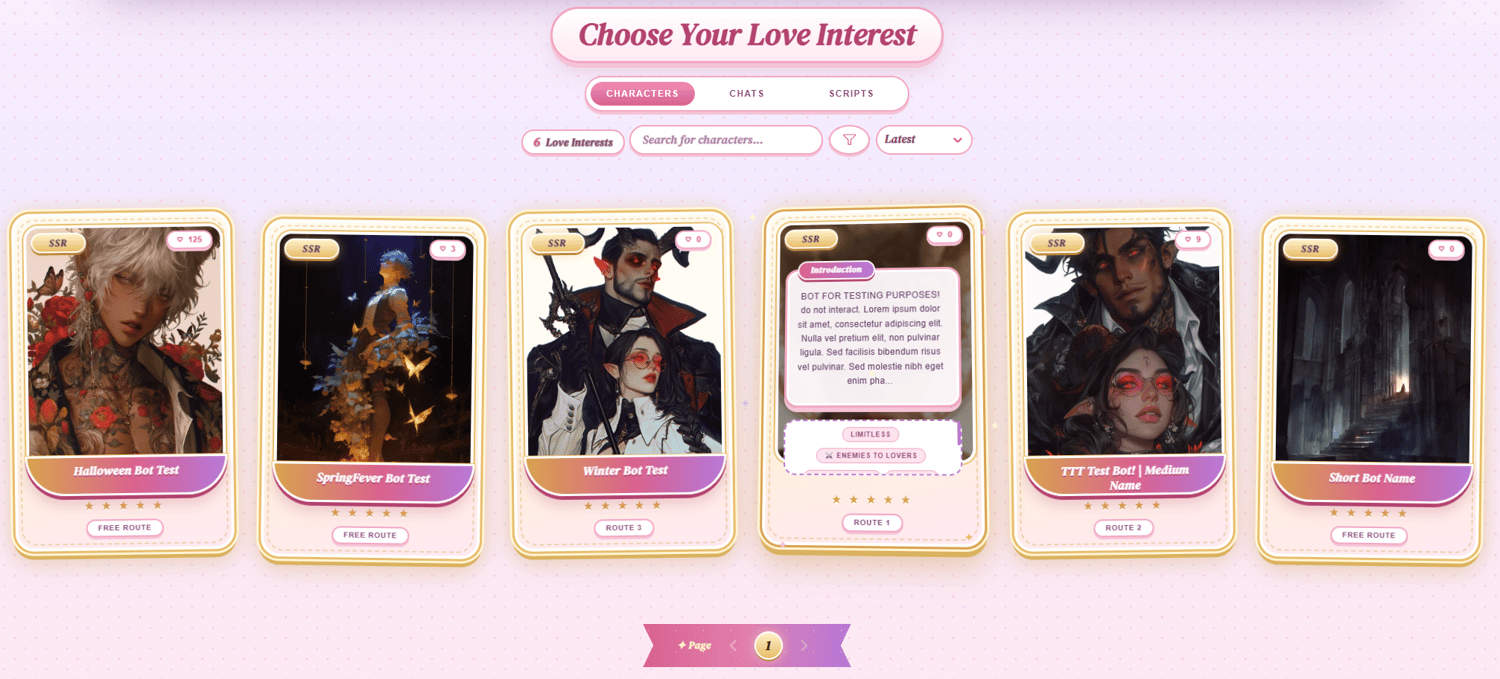
- Bot cards: Every bot becomes a gold SSR card, and each series gets its own plaque.
- Site pieces: The site title, top bar, app menu, notifications, profile tabs, search, filters, and page selector are all styled to match.
- Mobile: The layout rearranges for phones and tablets. The login bonus replaces daily missions on phones.
Editions
- Night Start: loads in Night mode first.
- Morning Start: loads in Day mode first.
- The code is the same otherwise. Switching between the two only takes adding or removing open on <details class="otome-night">.
Notes to Keep in Mind
- Your avatar, badges, and follower count come from JAI automatically.
- Your username only needs to be changed once in the CSS. Search “EDIT USERNAME”. The app menu name is under “EDIT MENU NAMEPLATE”.
- Bot card series use custom tags. Search “csstest1” in the CSS and swap in your own tag (lowercase, no spaces). Untagged bots show the fallback label.
- There’s a guide at the top of the code that lists everything you can change and how.
- Anything marked “HERE” needs to be replaced. Unused image slots stay hidden.
- Story choices and menus reset when the page is refreshed.
Customization Notes
- Colors can be changed through the hex values in the CSS.
- Images go in <img src="">. Avoid url(), as the site doesn’t allow it.
- Don’t import custom fonts, as the site doesn’t allow them.
- See-through PNGs work best for the character sprites.
- Mobile changes go in the MOBILE section at the bottom of the CSS.
- Turning off the JAI profile background is recommended, since it can clash with the CSS background colors.
Application
Don’t paste the code directly into the profile editor, as it may break.
Go to Settings, paste the full code into the About Me section, then press Save Changes.
Credit
Credit is required. It’s the Staff credit in the bottom-right corner of the game screen. You can move or restyle it, but it must stay visible on your profile.
Help
For help setting it up or changing it, contact me on Discord: