


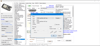
Inventory for small business or home use (Windows only)
Intro
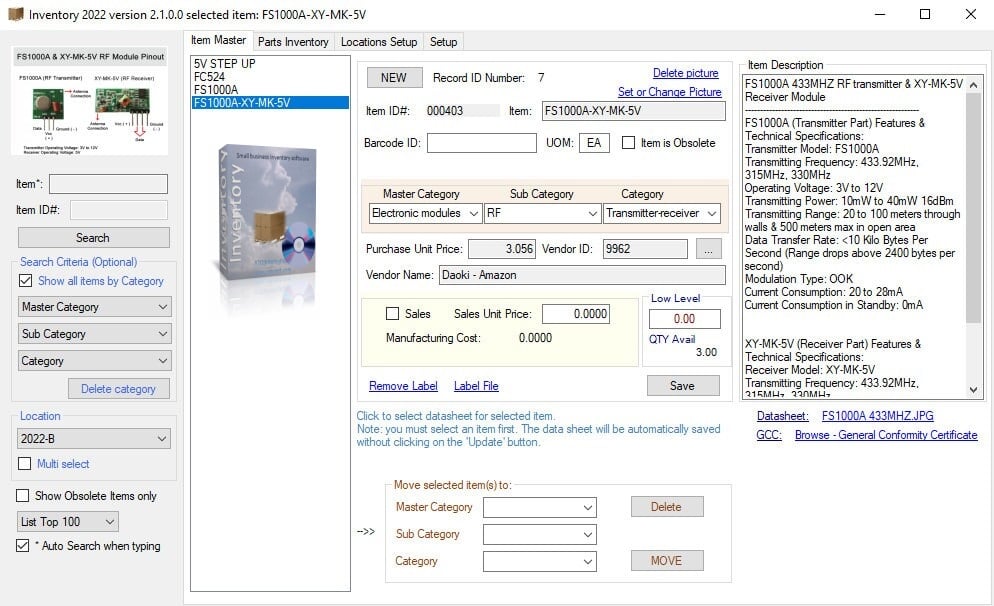
The OPCnet Inventory Management Software is a standalone, customizable stock tracking application designed for Windows systems. Developed by ATQ Int., it is built primarily for small businesses, home users, or larger operations looking for a reliable, local database during a system transition.
Key Features of the Software
Local Database Control: The application runs entirely on your local machine or local network without requiring cloud subscriptions, spreadsheets, or hidden costs.
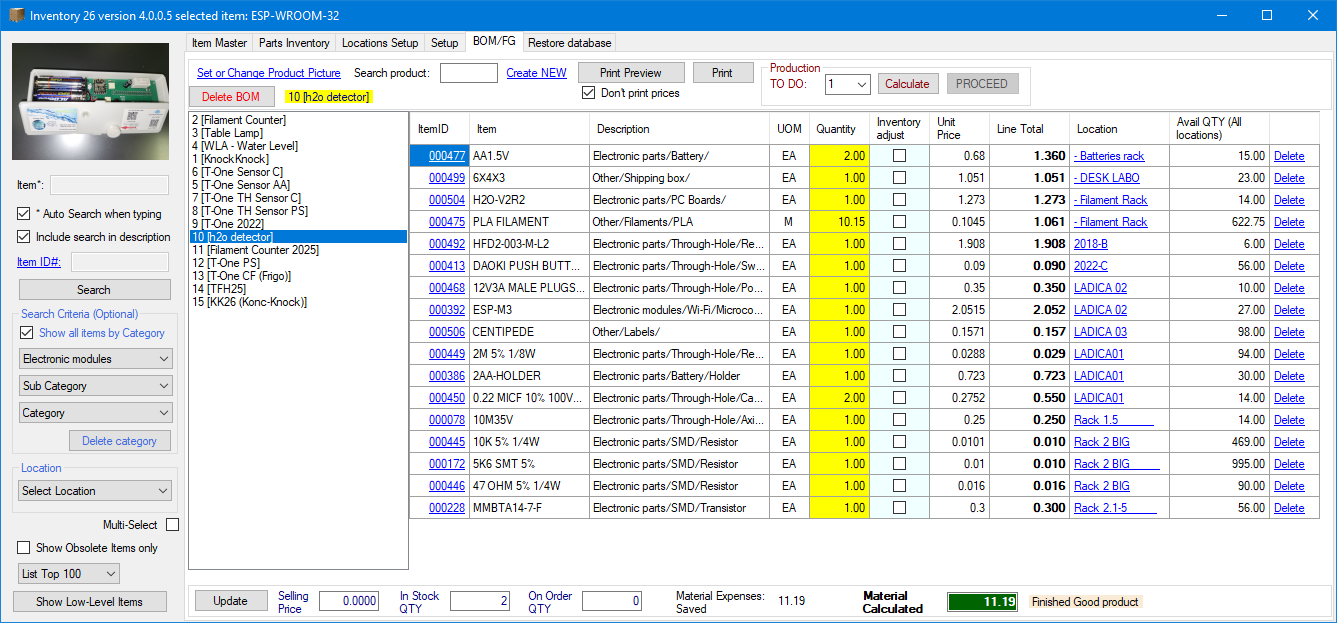
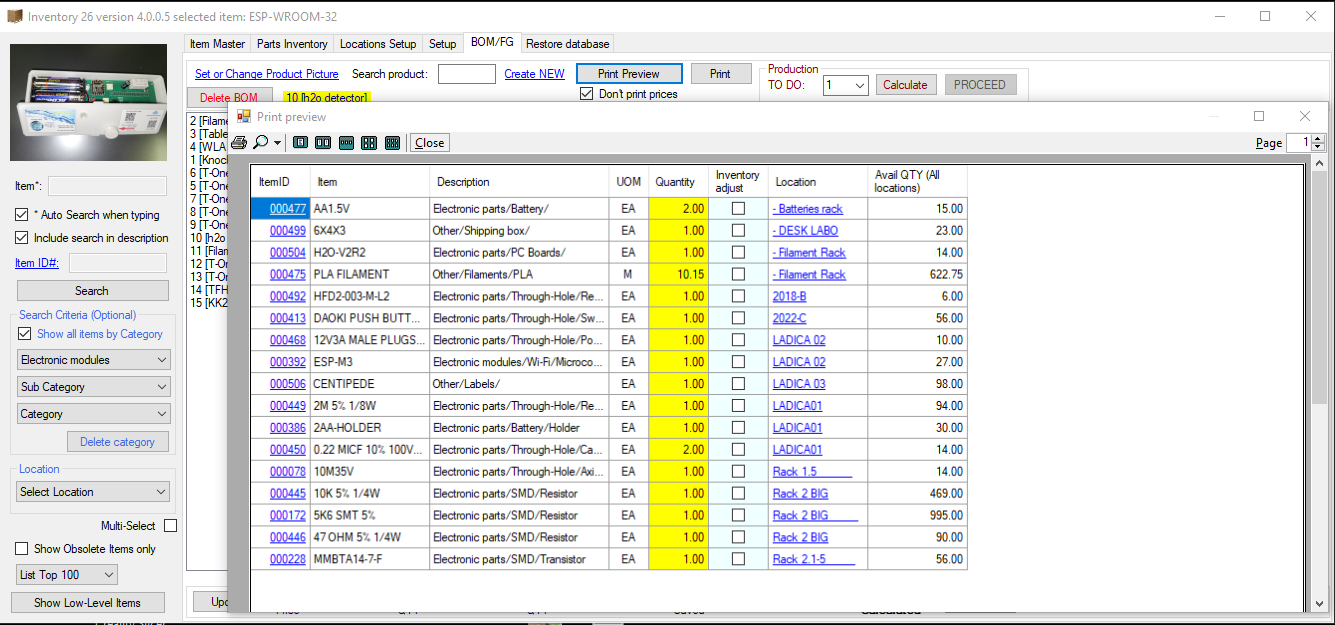
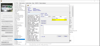
Bill of Materials (BOM) & Production: Users can enter Finished Good (FG) numbers, build a parts list, and track exactly where components are across multiple facilities
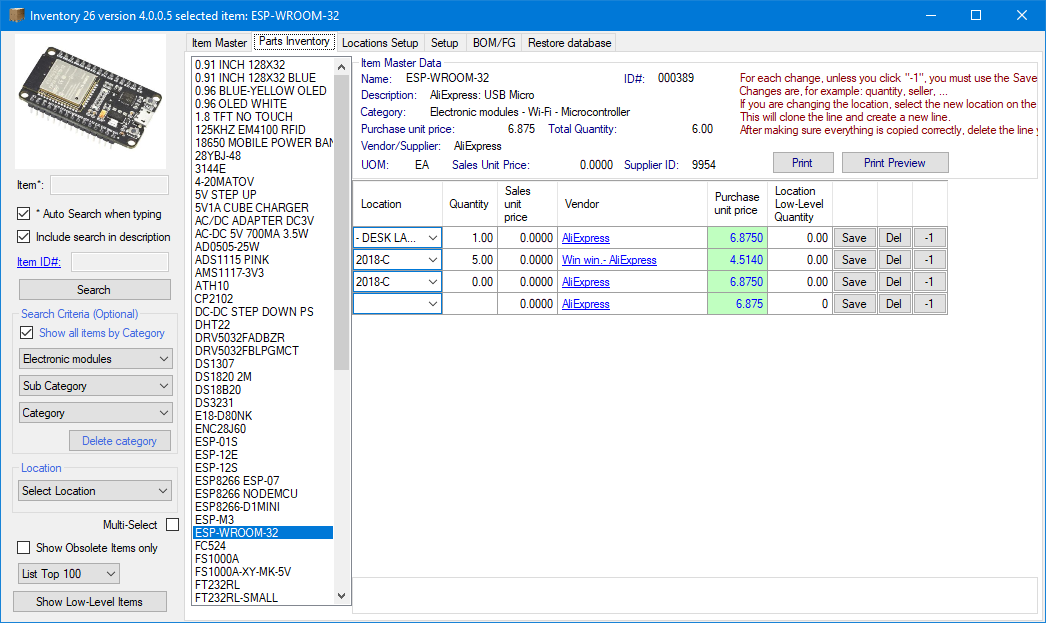
Multi-Location Tracking: If an item is stocked in different warehouses or shelves, you can easily toggle its location and print picking lists for warehouse drivers.
Automatic Adjustments: Checking the "Adjust inventory" box after items are picked automatically updates your overall stock count.
All-in-One Inventory Management
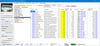
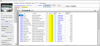
This comprehensive Inventory program allows you to fully customize your stock tracking by creating your own categories, sub-categories, and stock items.
It is the ideal solution for building and organizing your inventory system quickly and efficiently.
Version 2026 v4+ Release Notes: New Barcode Label Printing Capabilities
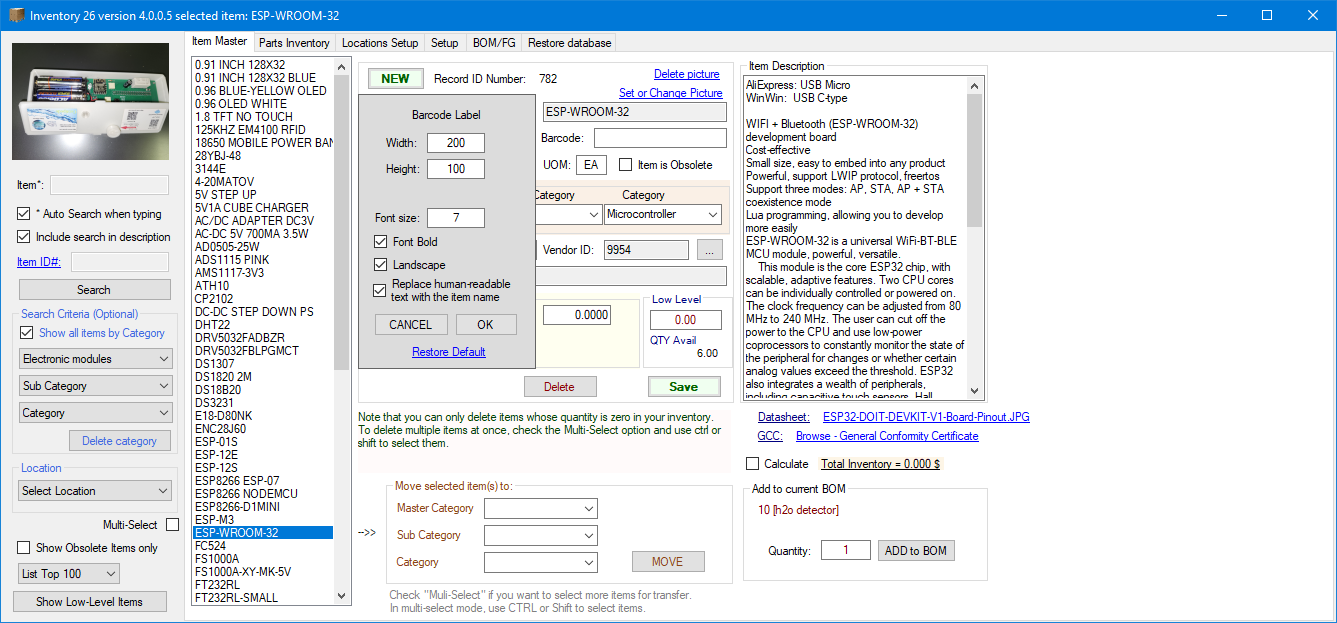
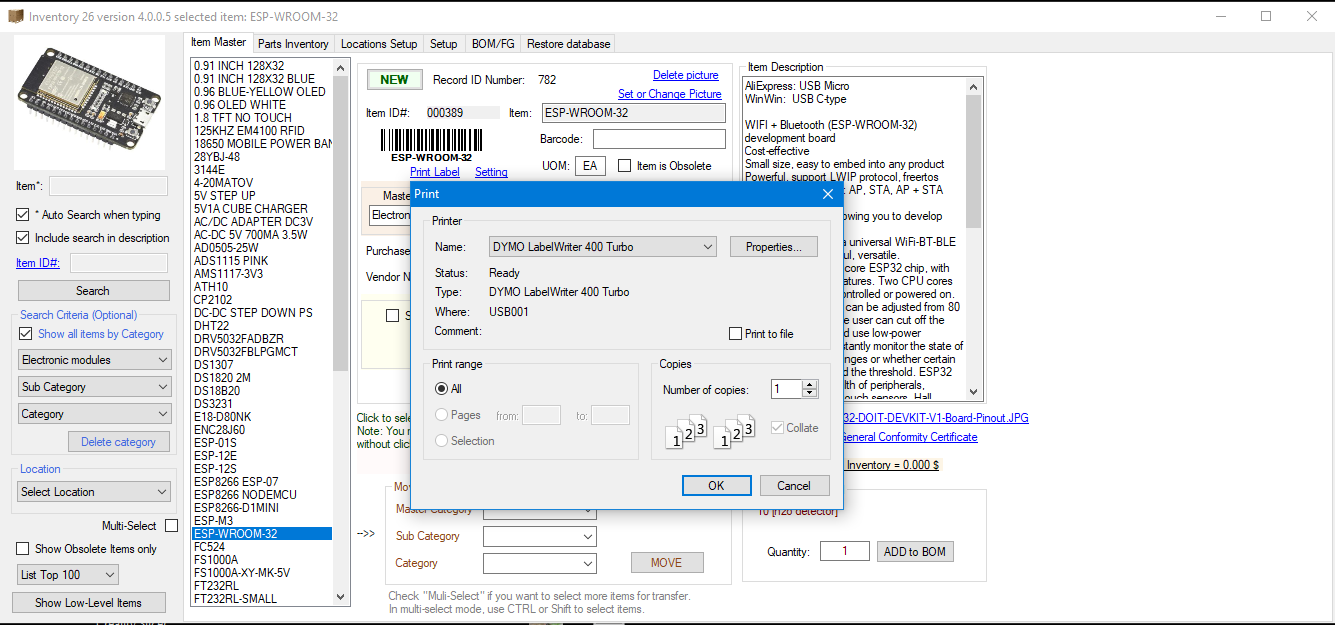
The latest update (Version 2026 v4+) introduces significant system enhancements, most notably the integration of custom barcode label printing for seamless item and location tracking.
Key Features & Updates:
• Enhanced Inventory & Location Tracking: Users can now generate and print barcode labels to easily identify specific items, stock, or storage locations.
• Fully Customizable Dimensions: Clients have total control over configuration, with the ability to define custom label dimensions to match their specific media requirements.
• Universal Printer Compatibility: The system seamlessly supports dedicated label printers (such as the DYMO LabelWriter series) as well as any standard office desktop printer.
UI Improvements
• Persistent Window Layout: The inventory interface now retains its last screen position across sessions for a more seamless workflow.
• Display Recovery Fix: Added a Restore Position option to the context menu to easily recover the application window if it renders off-screen.
________________________________________
Pricing and Independence
Enjoy full peace of mind with a one-time payment structure—there are no ongoing subscriptions or hidden costs.
Additionally, this is a completely standalone application that operates independently of external software like Microsoft Excel.
Flexible Use Cases
The software utilizes a secure local database, making it an excellent tool for small businesses, users managing stock across multiple physical locations, or companies transitioning between systems that require a reliable temporary database.
System Requirements & Installation
Compatibility:
This application is designed exclusively for Windows operating systems.
Permissions: Please install the program in a directory where you hold full read and write permissions.
Storage Location:
The default installation pathway is set to the C: drive, but you can easily modify this location during the setup process.
For more information, visit one of the following addresses::
Get started: https://docs.opcnet.com/Inventory%202022%20Get%20Started.pdf
Home page: https://www.opcnet.com/inventory/
Visual Instructions: https://www.opcnet.com/visual-instructions-for-inventory-software/
Database Sharing (Optional)
When sharing the database, you must specify the exact network paths for the database, image folders, and documentation folders. This ensures all authorized users maintain uninterrupted read and write access.
To maintain consistency, ensure these identical shared paths are configured within the settings of every installed application.
IT Installation Policy
Enterprise and corporate users must consult their internal IT department prior to purchasing or provisioning the software.
Many organizations enforce strict security protocols that restrict standard users from installing external applications. Your network administrator may need to perform or authorize the installation on your workstation.