
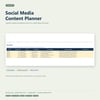
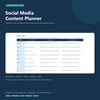
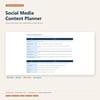
Social Media Content Planner | Excel Calendar + Canva Templates
Plan content ideas, schedule posts, track publishing dates, and review what needs attention. Includes an editable Excel planner and a two-page Canva-import content brief and weekly plan.
Plan your social media content in one organized workflow, from saved idea to scheduled or published post.
Use the Excel workbook to collect ideas, build a content calendar, and track each post’s date, channel, topic, draft, call to action, asset link, status, and owner. The dashboard highlights upcoming and overdue content so you can see what needs attention.
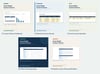
The companion Canva-import file includes a content brief for shaping one clear message and a weekly content plan for organizing posts and creative assets.
WHAT’S INCLUDED
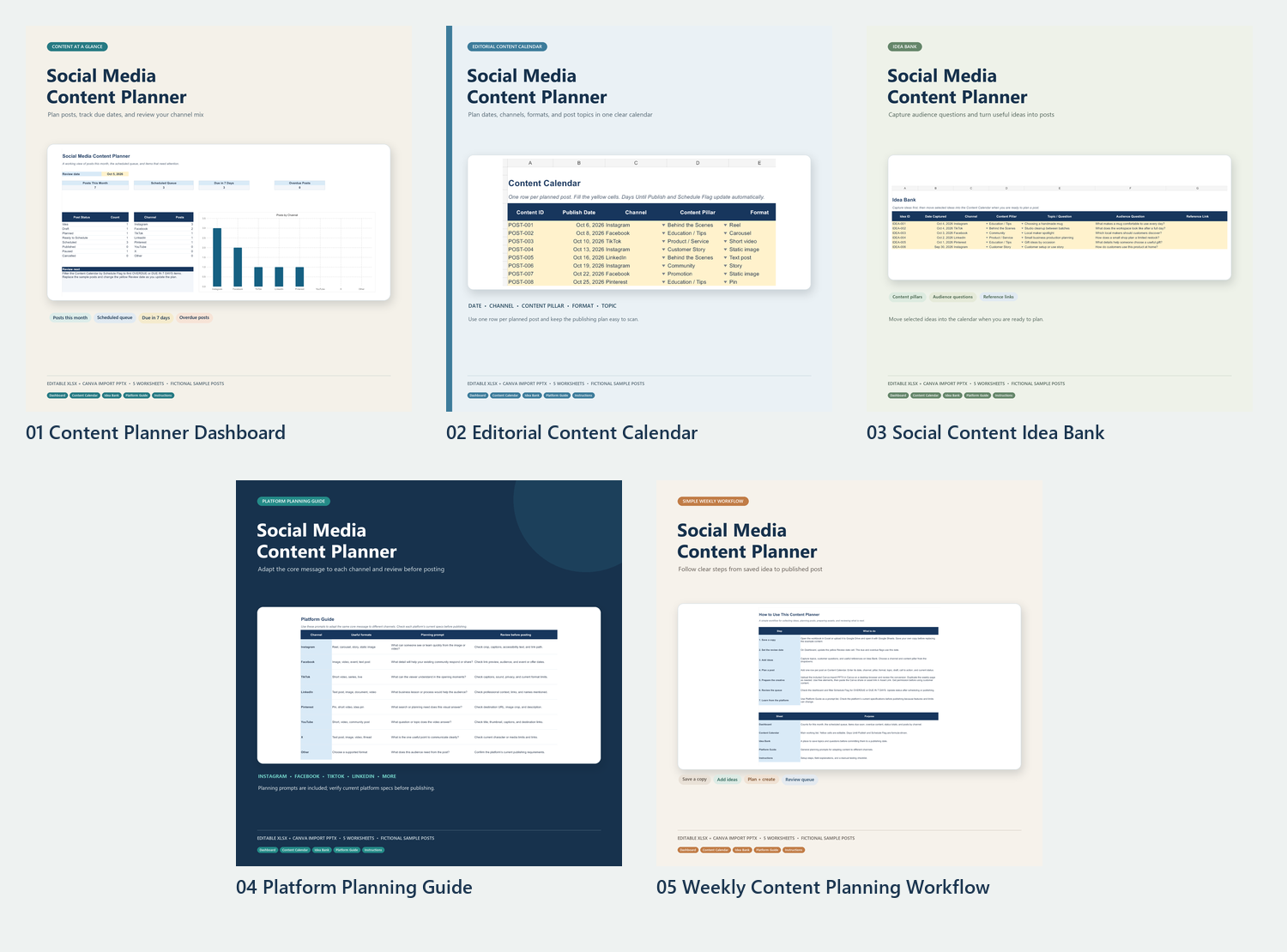
• Social_Media_Content_Planner.xlsx — editable workbook with five tabs:
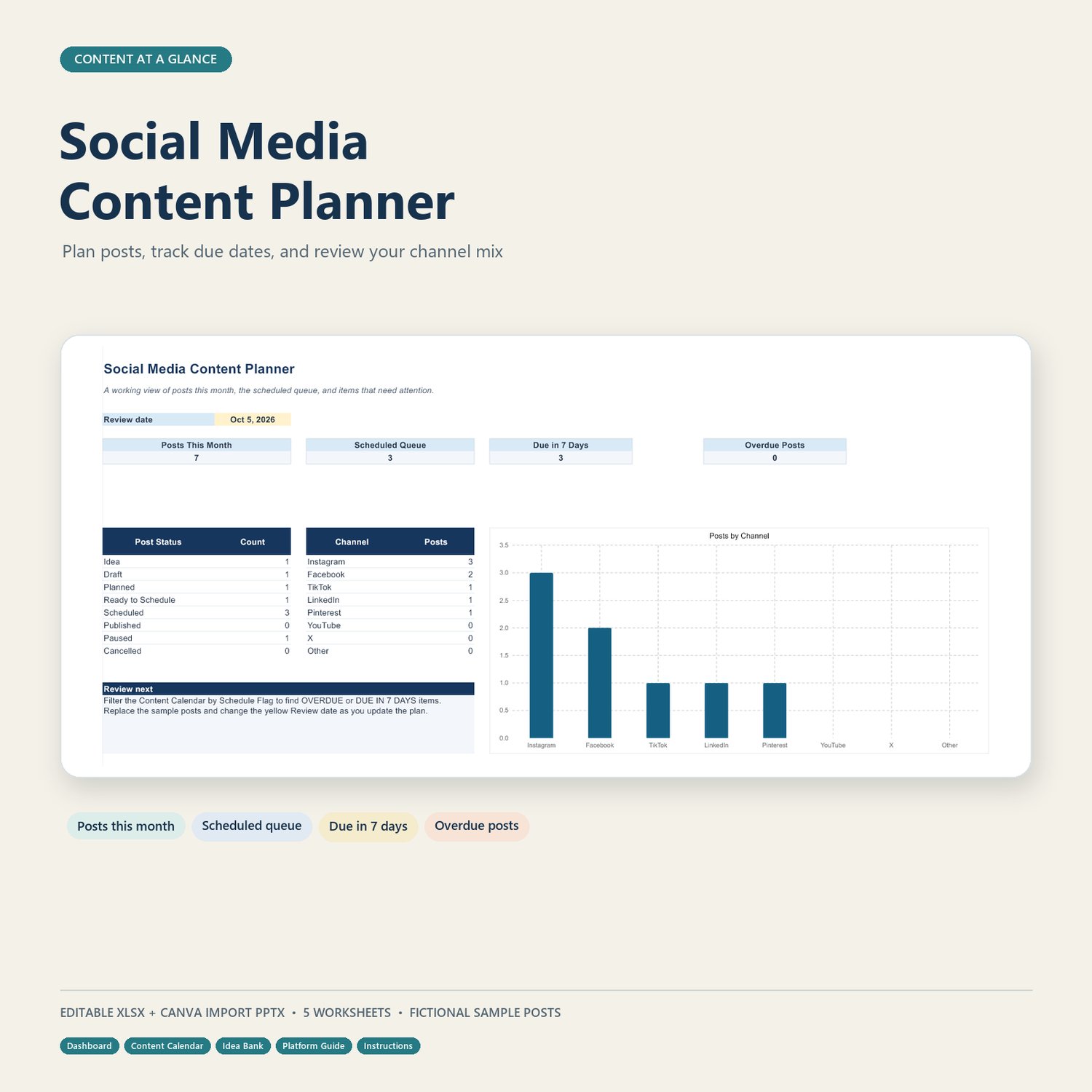
• Dashboard — monthly activity, scheduled queue, due-soon and overdue posts, status totals, and a posts-by-channel chart
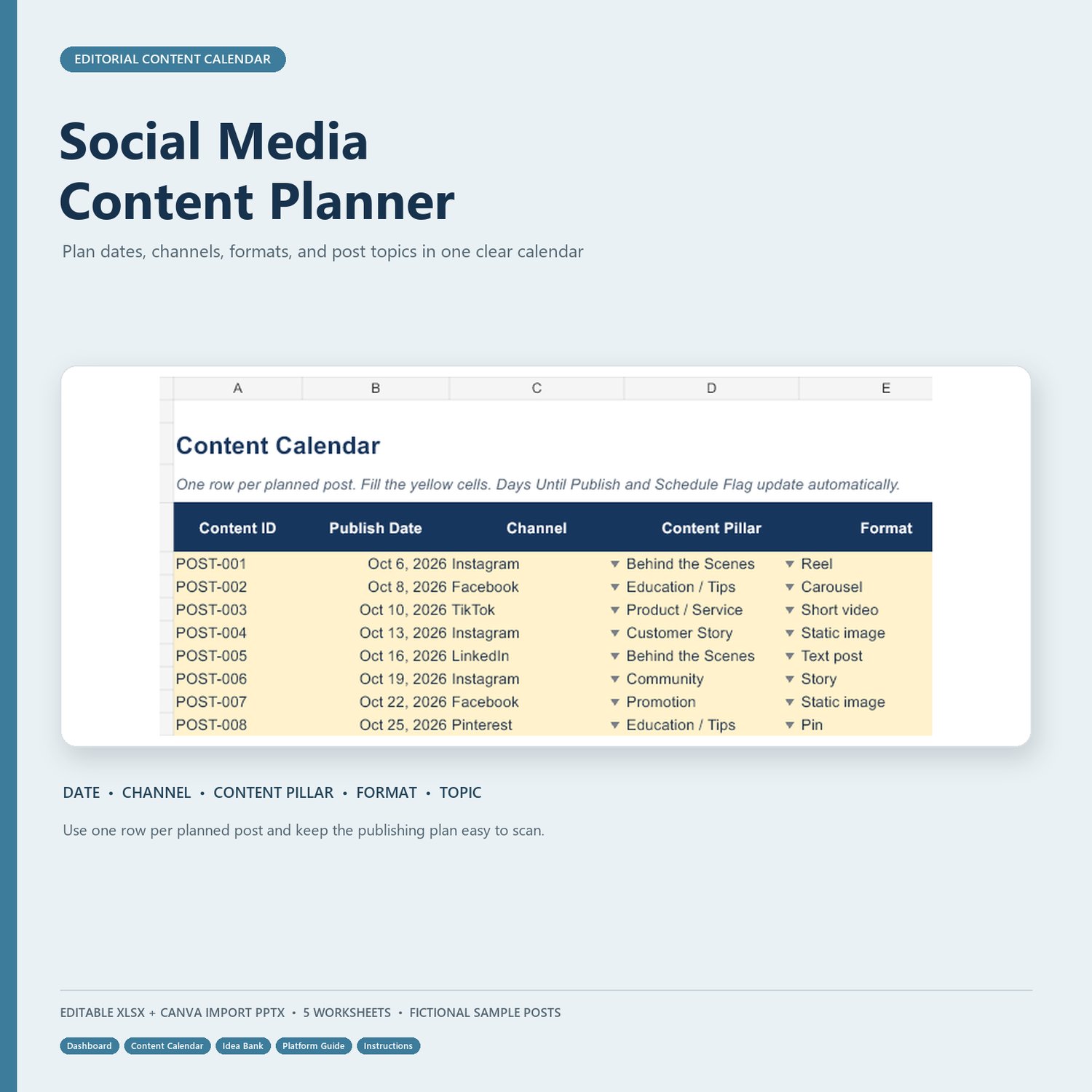
• Content Calendar — one row per planned post, with formula-driven days-until-publish and schedule flags
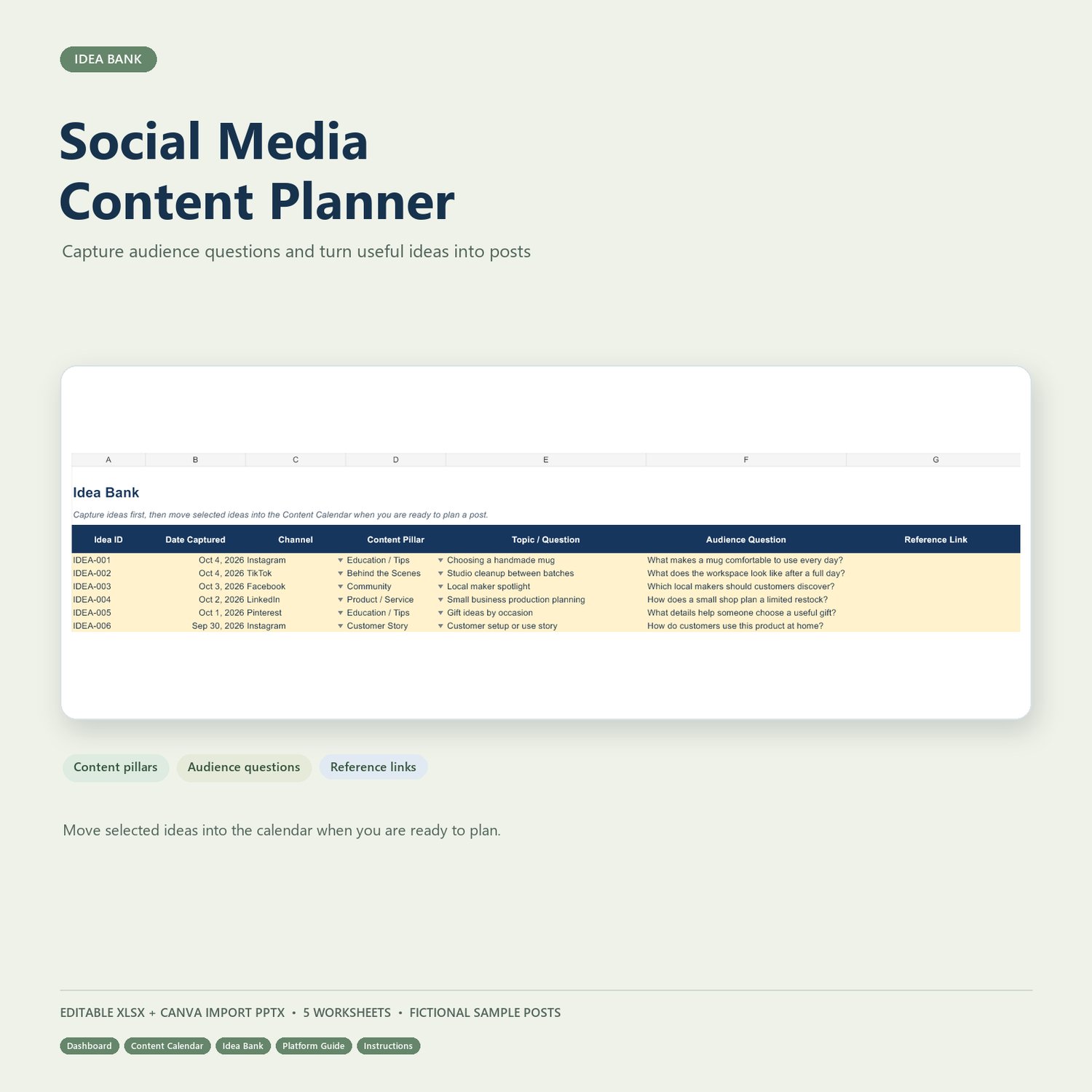
• Idea Bank — capture topics, audience questions, and reference links before scheduling
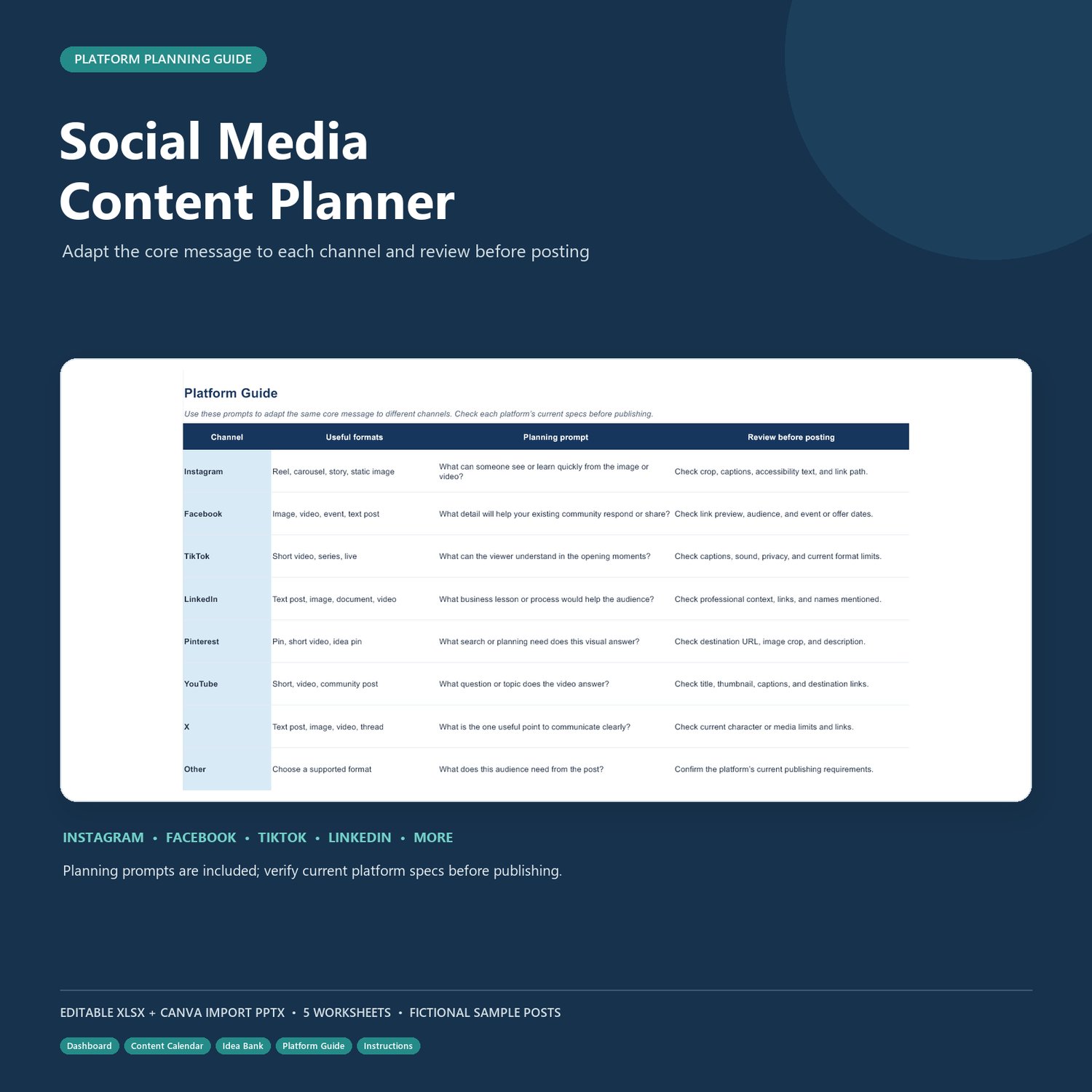
• Platform Guide — prompts for adapting content and reviewing it before publishing
• Instructions — setup steps, field guidance, and a testing checklist
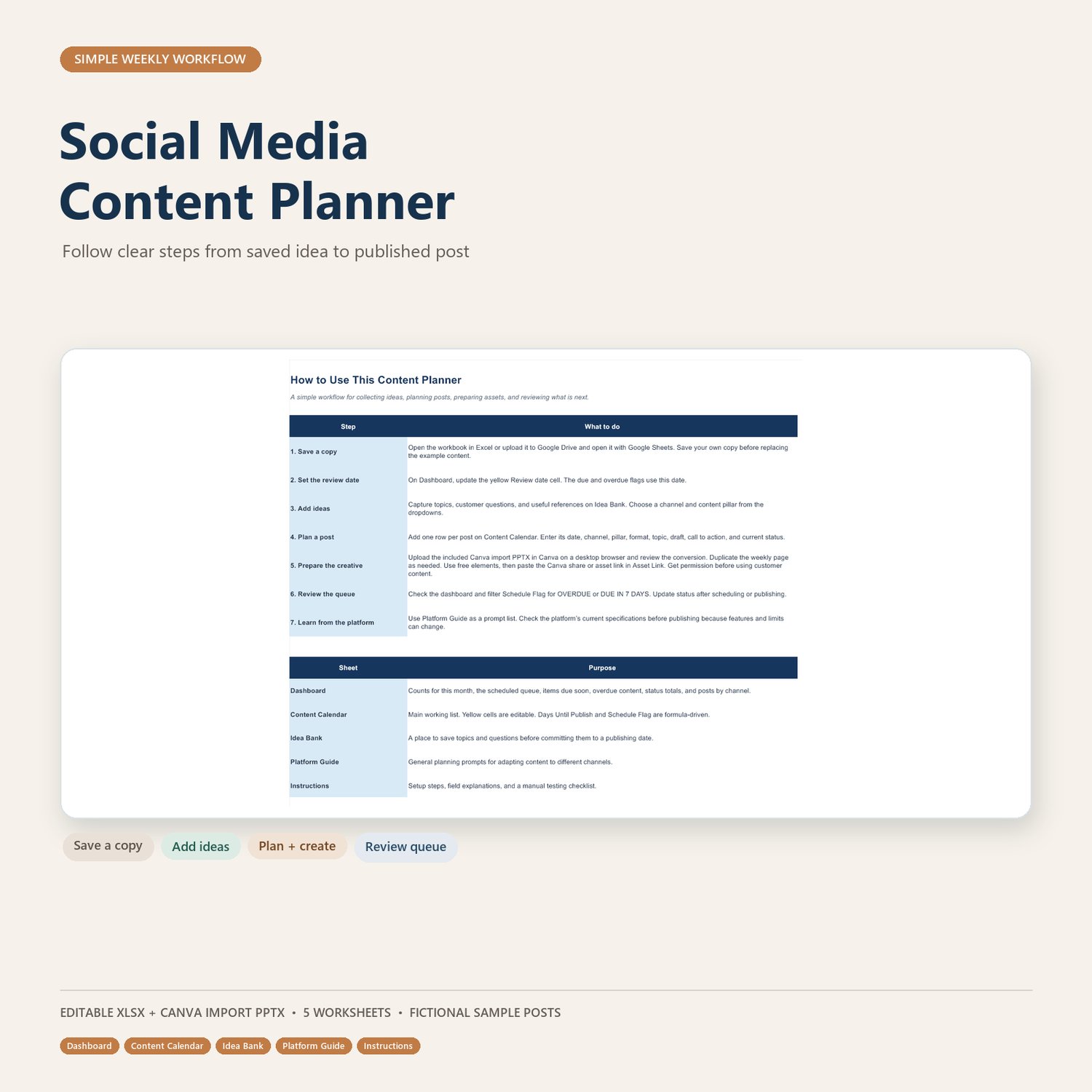
• Social_Media_Content_Planner_Canva_Import.pptx — two editable pages for Canva import:
• Content Brief
• Weekly Content Plan
HELPFUL FEATURES
• Dropdowns for channels, content pillars, formats, post statuses, and idea statuses
• OVERDUE and DUE IN 7 DAYS flags based on the Dashboard review date
• Fields for post hooks, caption drafts, calls to action, asset links, owners, and published URLs
• Fictional sample content to show how to use the planner
HOW TO USE IT
- Save your own copy of the workbook and update the Dashboard review date.
- Add topics and questions to Idea Bank.
- Add one row per planned post in Content Calendar.
- Upload the Canva-import PPTX to Canva, review the import, and customize the pages.
- Update each post’s status as you draft, schedule, and publish.
PLEASE NOTE
This is a manual planning tool. It does not publish or schedule posts automatically. The Canva file is a PowerPoint import file, not a live Canva template link. Platform formats and requirements can change, so check current specifications before publishing. Sample content is fictional.
The workbook is designed for Excel. You can also try uploading a copy to Google Sheets, then check formulas, dropdowns, dates, and chart display after import.
Download the planner and make your next content cycle easier to organize.