
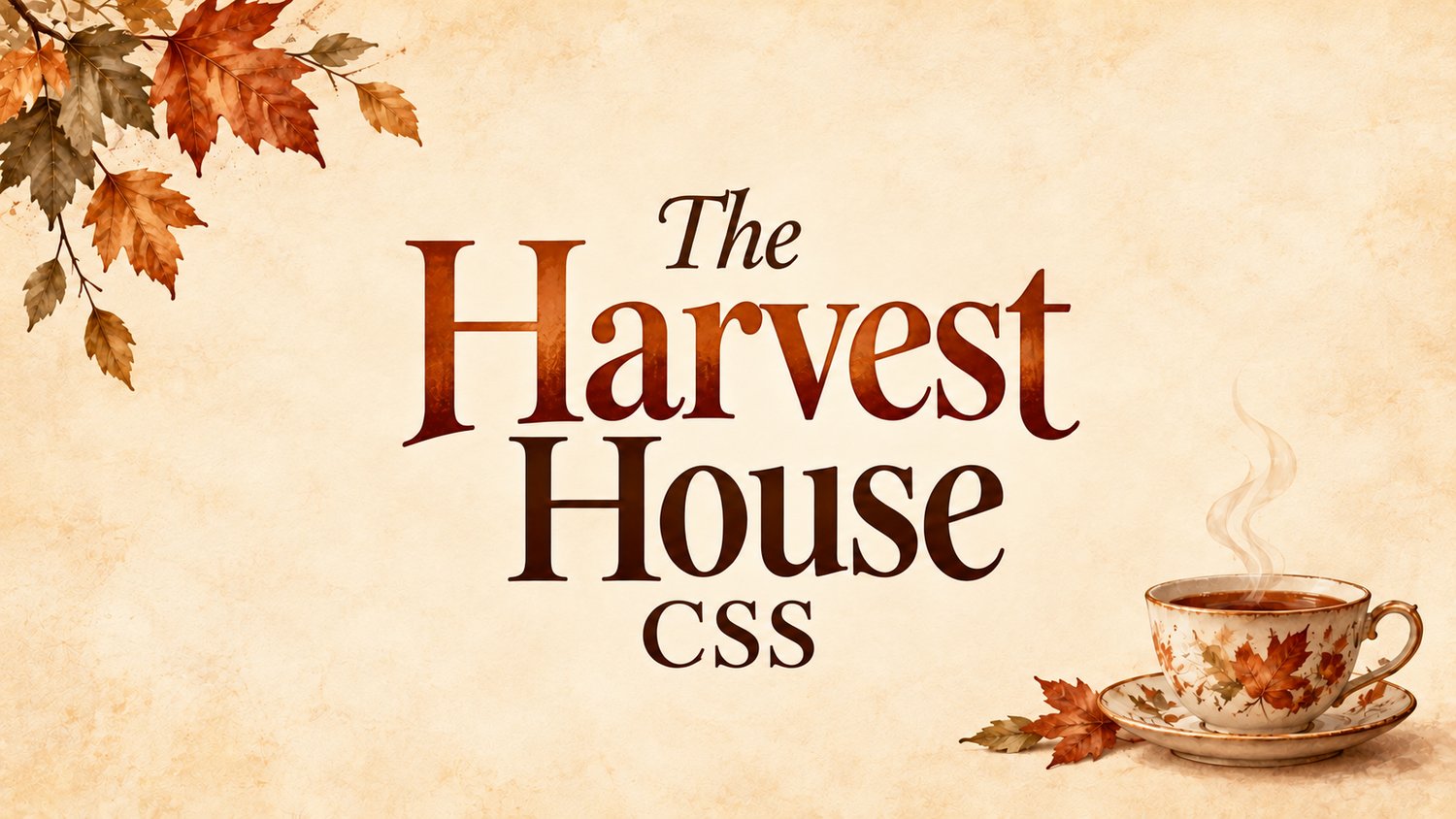

Harvest House | Full Profile + Separate Card Vers
On Sale
$0.00
Pay what you want:
$
You Will get both the Full Profile code, and just the Bot Card code.
Autumn Tea House Layout
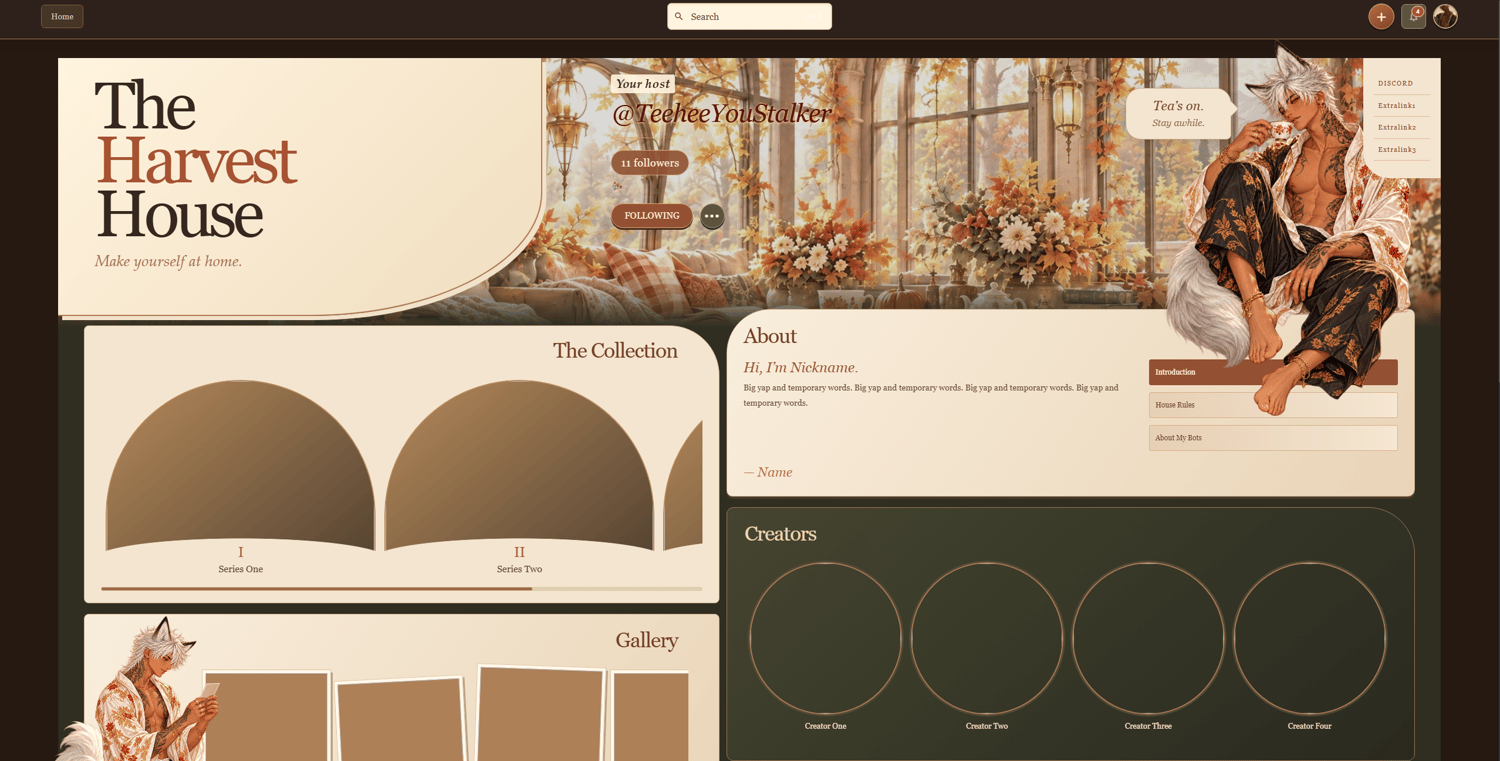
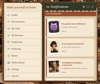
- Harvest House banner: An autumn window scene, a large house sign, and a character enjoying tea create the profile’s welcome area. You can replace the images and edit “The Harvest House,” “Make yourself at home,” and the “Tea’s on” message in the Div section.
- Profile information and side links: Your username, follower count, follow/options buttons, and side links are styled to match the theme. Use the links for Discord, Carrd, Ko-fi, request forms, socials, or other important pages.
- About section: Three links switch between Introduction, House Rules, and About My Bots. Each panel has editable text and a signature area.
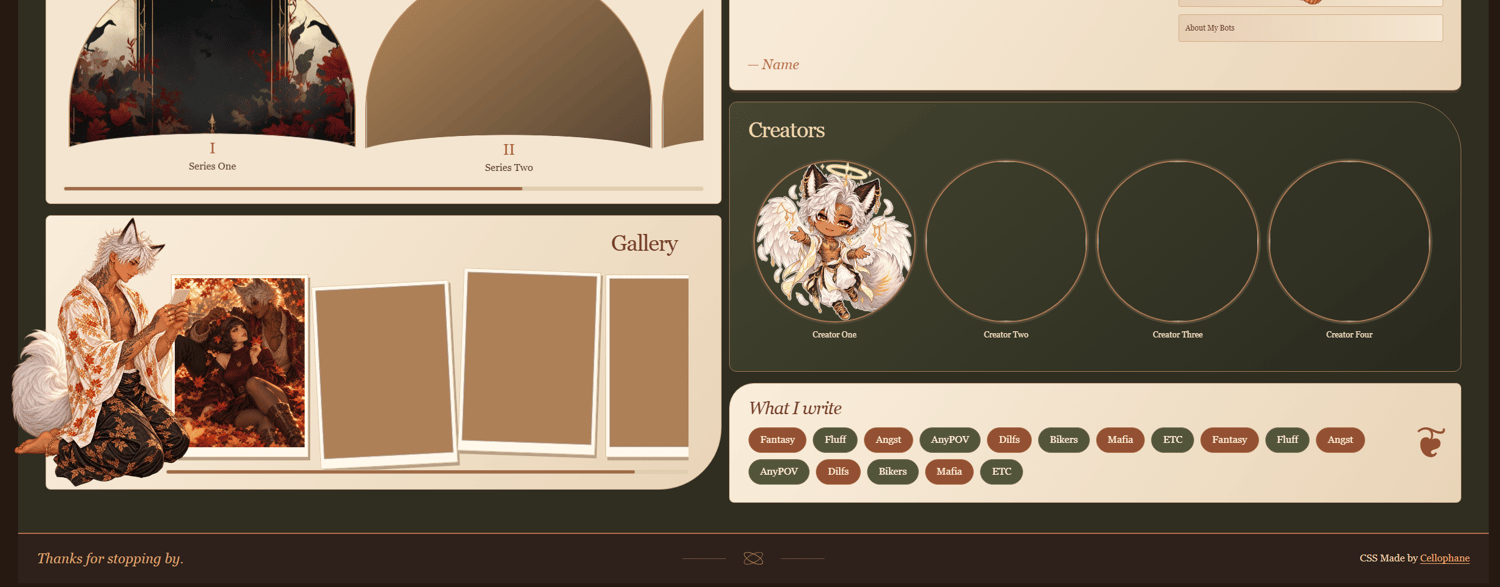
- The Collection: A horizontally scrolling series section with image cards, numbered labels, titles, and links.
- Creators section: A space for featured creators, with replaceable portraits, names, and profile links.
- Gallery section: A scrolling photo display with individual image links and a separate character image beside it.
- What I Write: An editable tag section with alternating rust, olive, and gold colors.
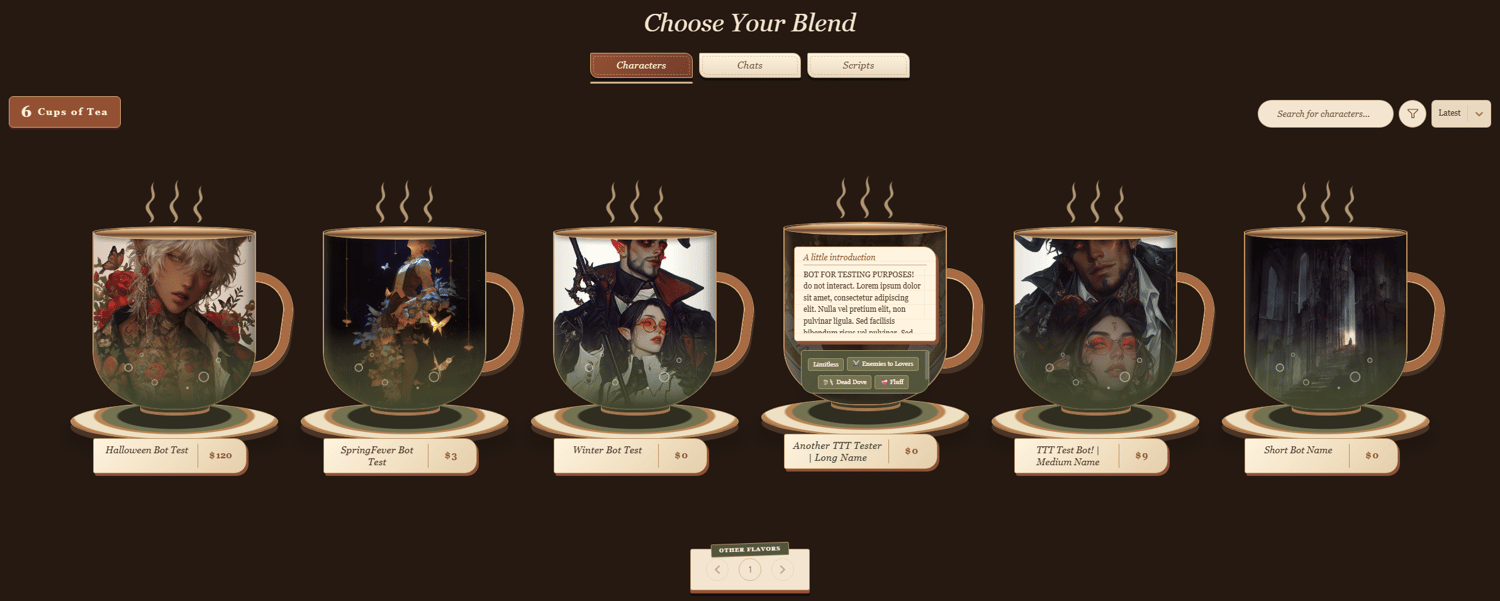
- Teacup bot cards: Character cards become teacups with handles, saucers, steam, tea-colored overlays, and small bubbles. Name plaques include price-style chat counts, while hover effects reveal descriptions and tags.
- Mobile layout: A separate media query adjusts the profile at screen widths of 900px and below, rearranging sections and resizing the banner, navigation, and gallery.
Notes to Keep in Mind
- The character images are separate from the scenery. Transparent PNGs work best if you want to preserve the floating character effect.
- The dollar symbol on the bot cards is decorative. It displays the chat count as a price-style detail; it is not an actual price.
- Placeholder links need to be replaced before visitors can use them.
Customization Notes
- Most colors can be changed directly in the CSS through hex values.
- Adding a new major section requires both Div and CSS updates, including its placement in the desktop and mobile layouts.
- Replace images through their appropriate <img src=""> entries. Avoid using url(), as it is unavailable on the site.
- Do not import custom fonts, as imported fonts are unavailable on the site.
- You can recolor the theme, rename sections, replace images, change links, edit tags, and adjust the wording to suit your profile.
- Keep the mobile CSS in its separate <style> block. Some changes may need matching adjustments inside the 900px media query.
- The standalone bot card version includes only the card styling and a credit requirement note. It does not include the full Harvest House profile layout.
Application
Do not paste the code directly into the profile editor, as it may break or fail to function correctly.
Go to Settings, paste the full code into the About Me section, then press Save Changes.
If you are using only the bot card version, add its <style> block alongside your existing profile code.
Credit
Credit is required when using this CSS.
The full profile includes a visible credit section. You may move or restyle it, but credit must remain visible somewhere on your profile.
The standalone bot card version includes a Credit Required note in the code. Please add your own visible credit to Cellophane when using it.
Help
If you need help setting it up, recoloring the theme, or adjusting its sections, contact me on Discord: