
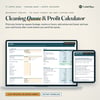
Cleaning Quote & Profit Calculator: Price House Cleaning by Square Feet, Rooms or Hours + See Your Real Hourly (Excel & Google Sheets)
Most cleaning quotes are a guess: a number that felt right, or what the last client paid. This calculator works it out from your own rates and costs, then tells you what you actually keep per hour, so you can see a too-low quote before you send it.
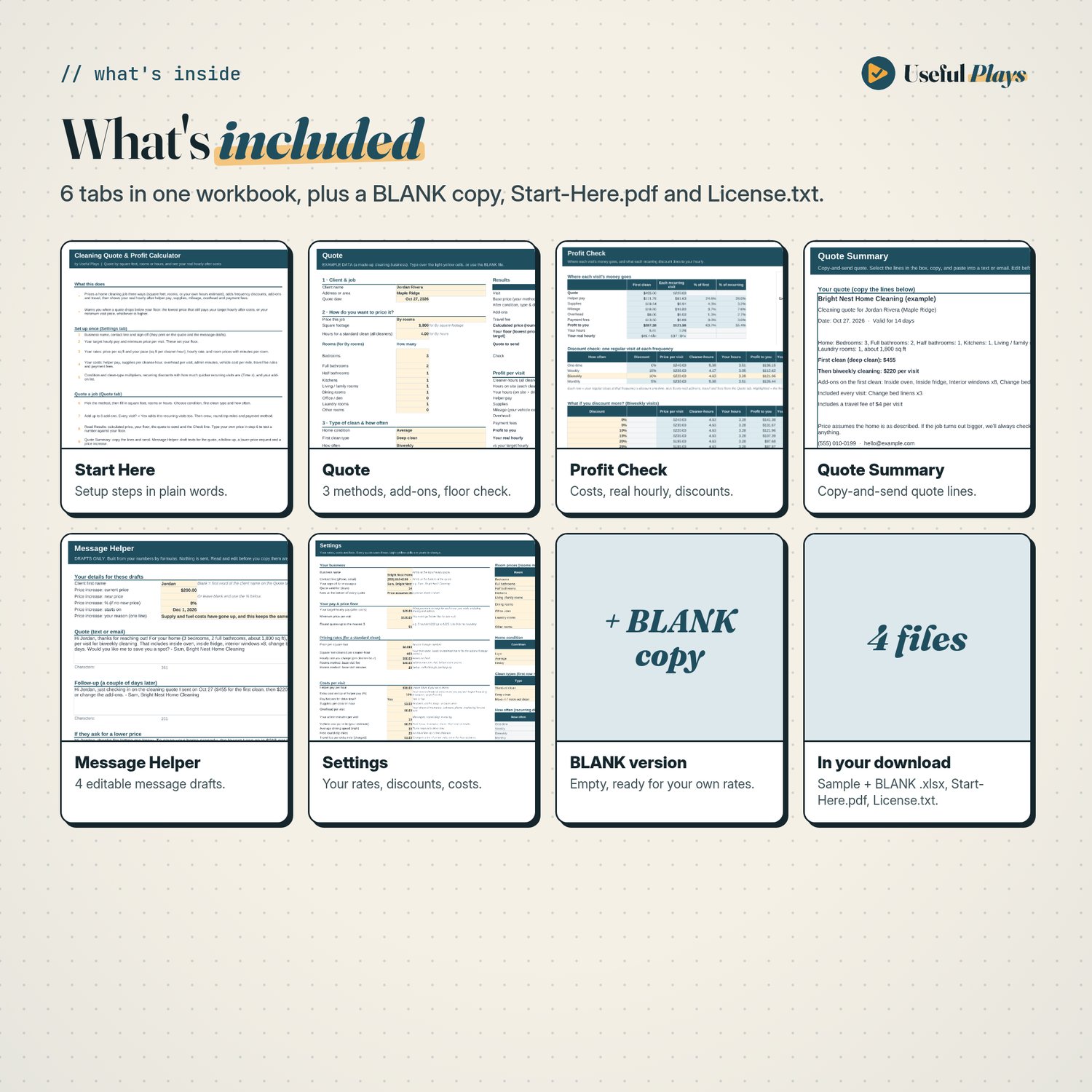
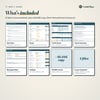
What's inside (6 tabs)
- Start Here: setup steps in plain words and how every number is worked out.
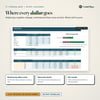
- Settings: your business details, target hourly pay, minimum price per visit and rounding. Your price per square foot and pace, hourly rate, and prices and minutes for 9 room types. Condition levels, clean types (standard, deep, move-in / move-out), recurring discounts with how much quicker recurring visits are, up to 16 add-ons, helper pay, supplies, overhead, admin time, vehicle cost per mile, travel fee rules and 5 payment methods with their fees.
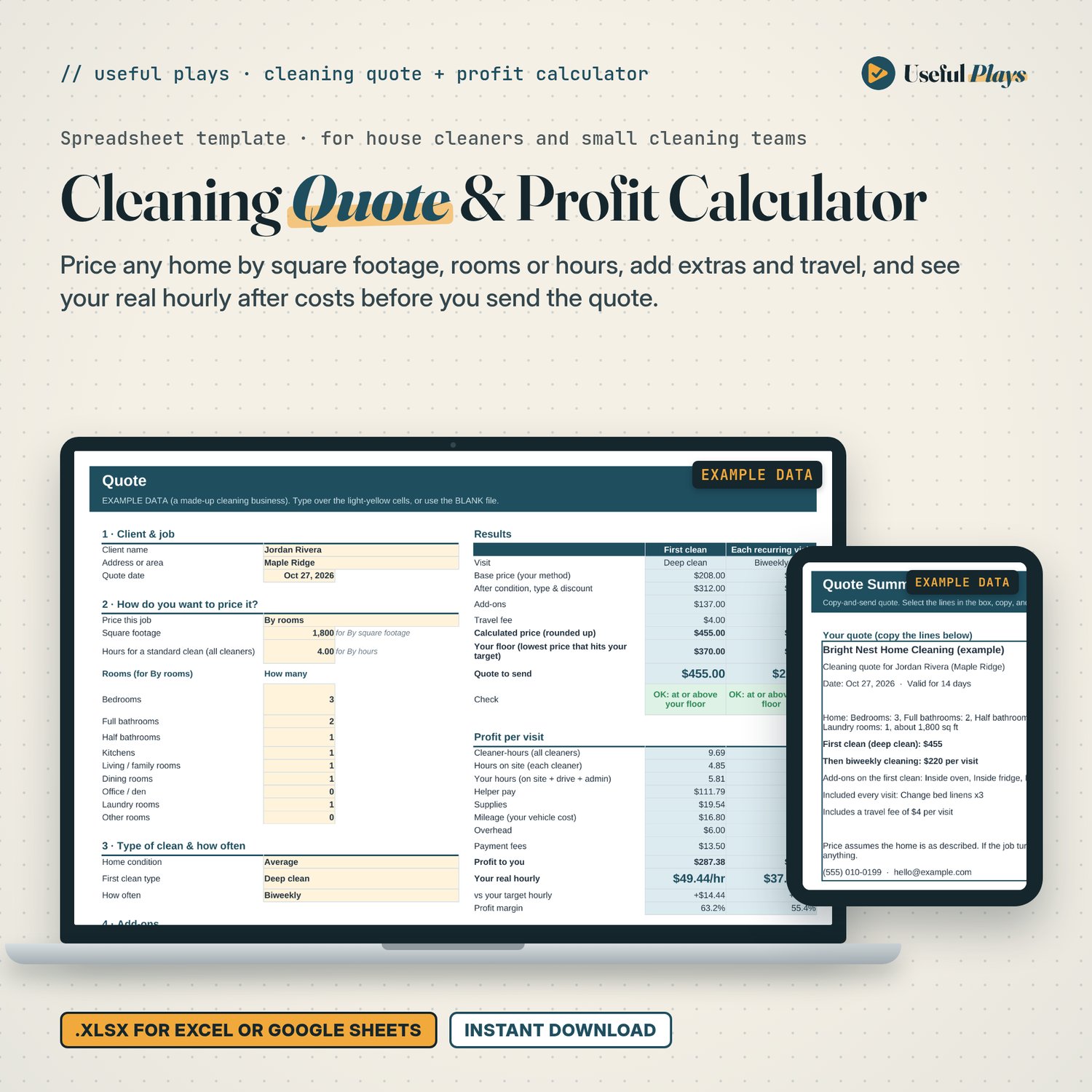
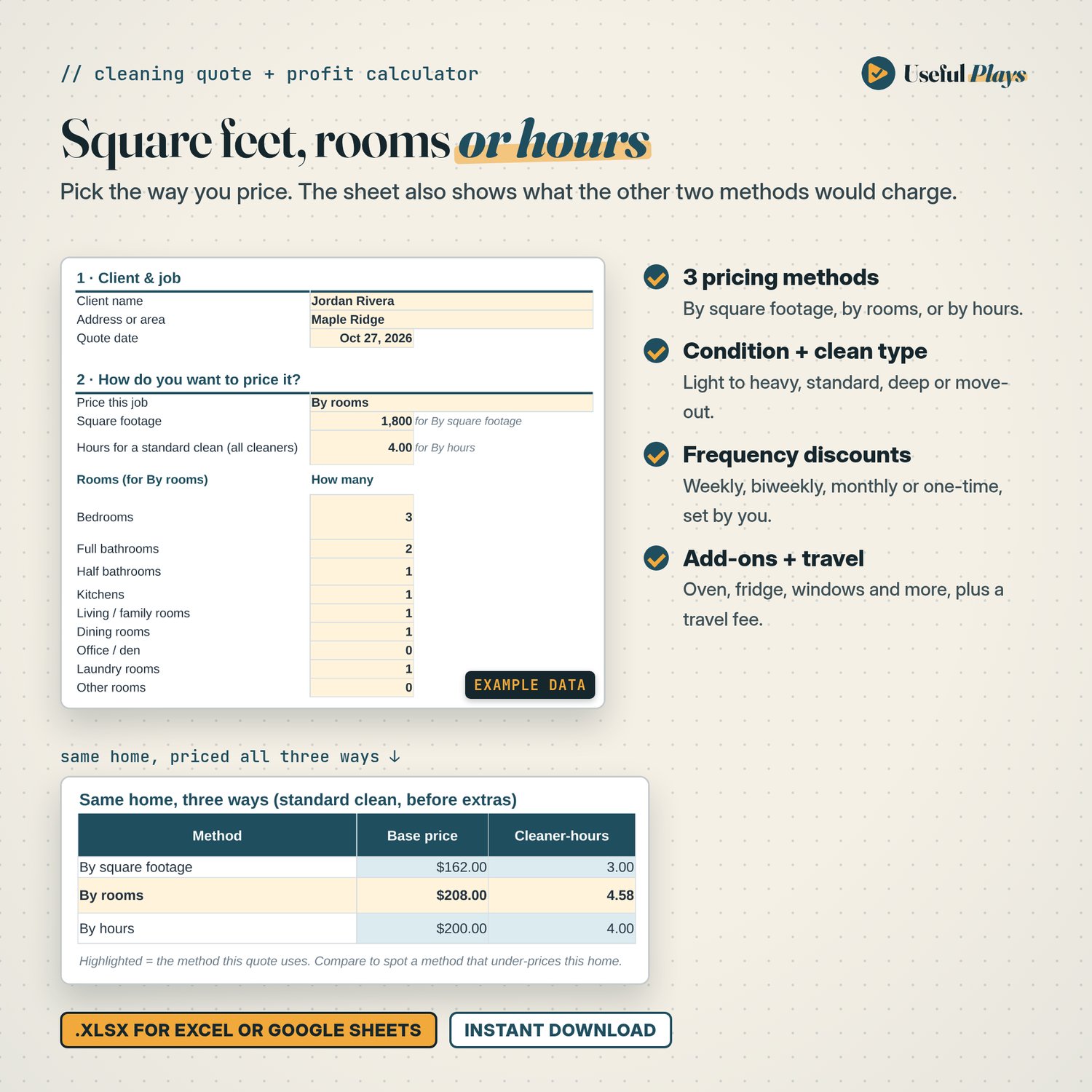
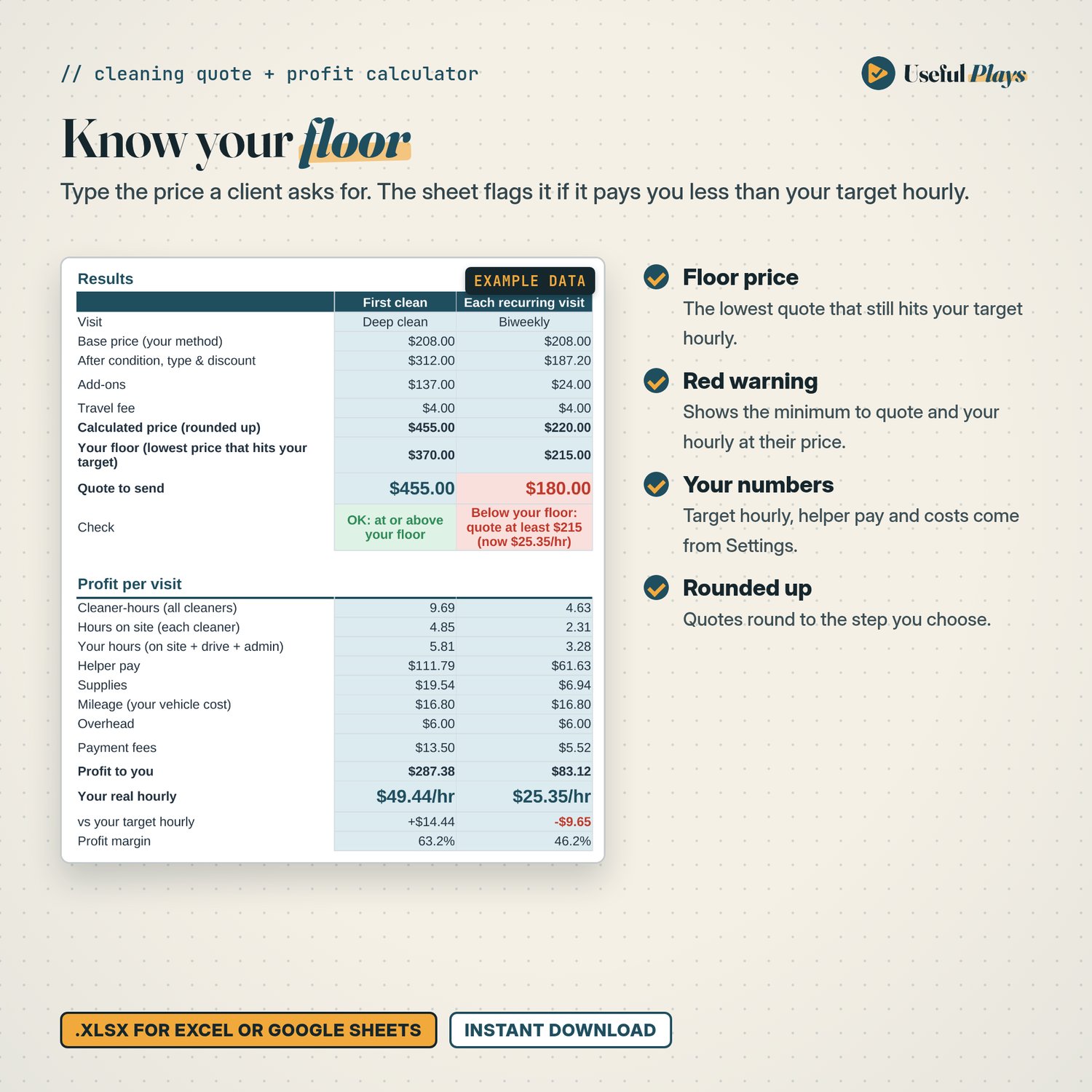
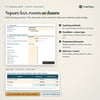
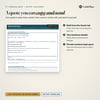
- Quote: pick a method (by square footage, by rooms or by hours), the home's condition, the first clean type and how often. Add up to 8 add-ons, the crew, round-trip miles and payment method. It shows the first clean and each recurring visit side by side: base price, add-ons, travel fee, calculated price, your floor, the quote to send and a Check line. It also shows what the same home costs by all three methods.
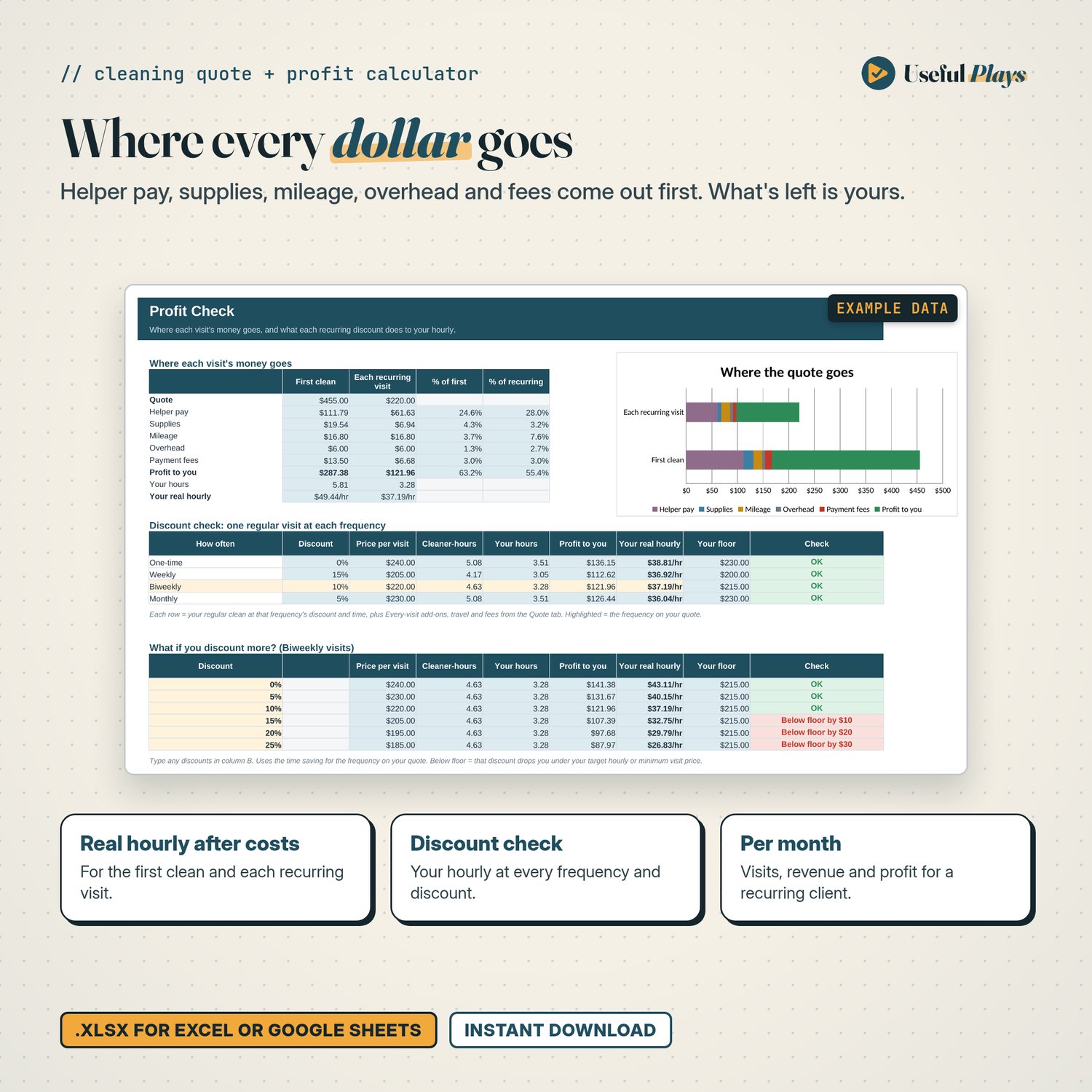
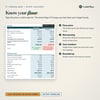
- Profit Check: where each visit's money goes (helper pay, supplies, mileage, overhead, payment fees, profit to you) with a chart, your real hourly at every frequency, and a "what if you discount more?" table you can edit.
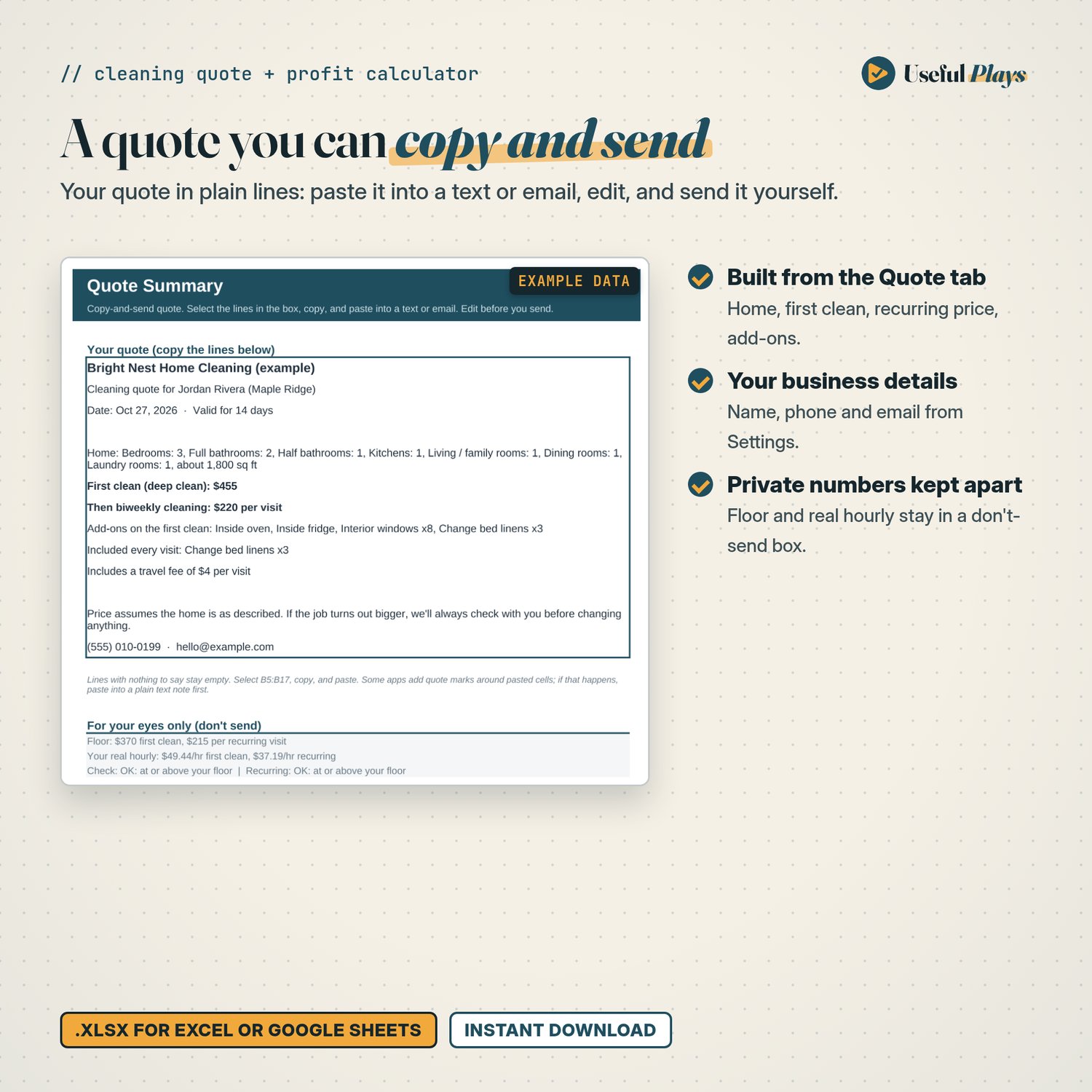
- Quote Summary: your quote in plain lines to copy into a text or email, with your floor and real hourly kept in a separate don't-send box.
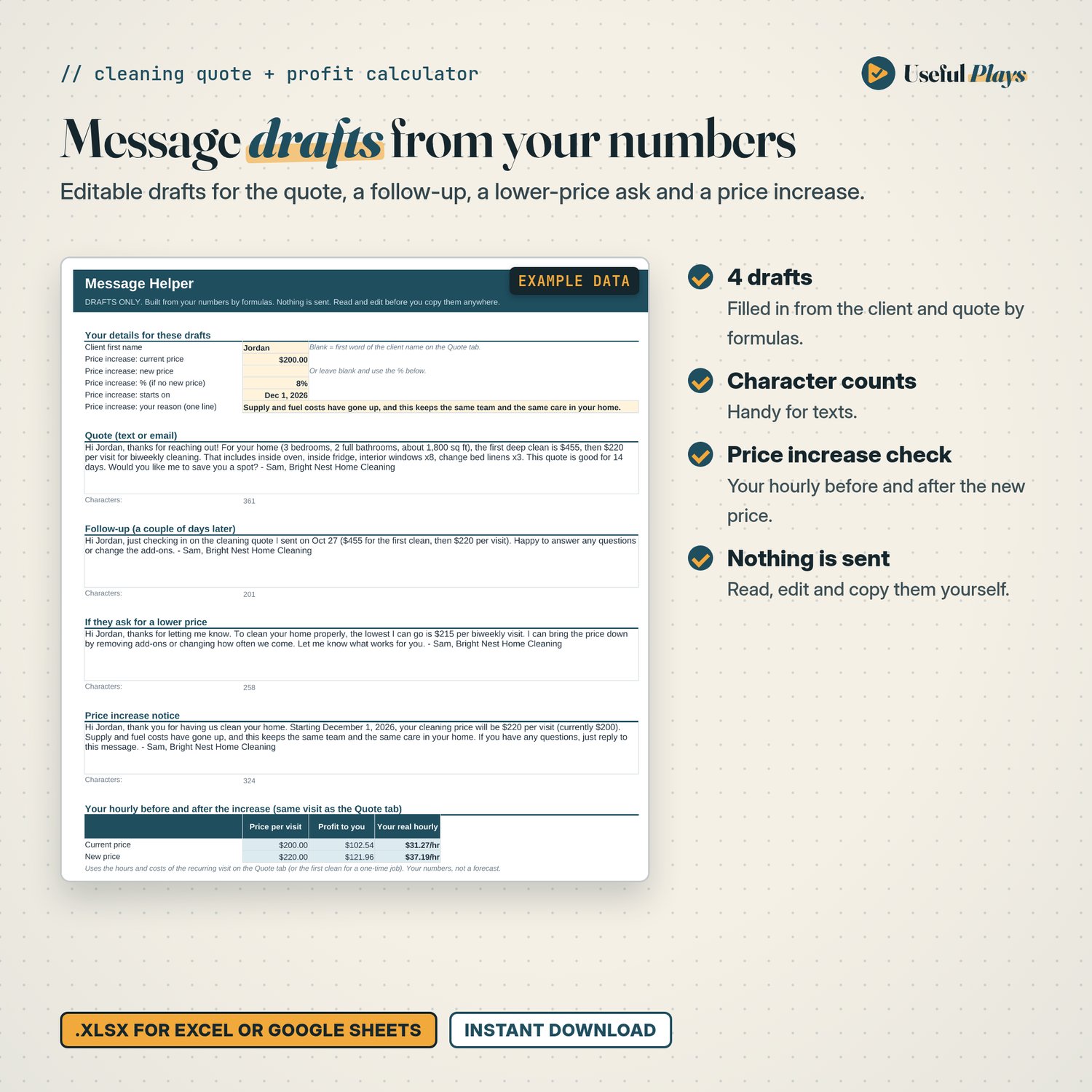
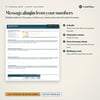
- Message Helper: editable drafts built from your numbers for the quote, a follow-up, a reply when a client asks for a lower price, and a price increase notice, with character counts and your hourly before and after the increase. Nothing is sent.
Two versions included: one with a fictional cleaning business and an example quote filled in, so you can see it working, and a BLANK version ready for your own rates.
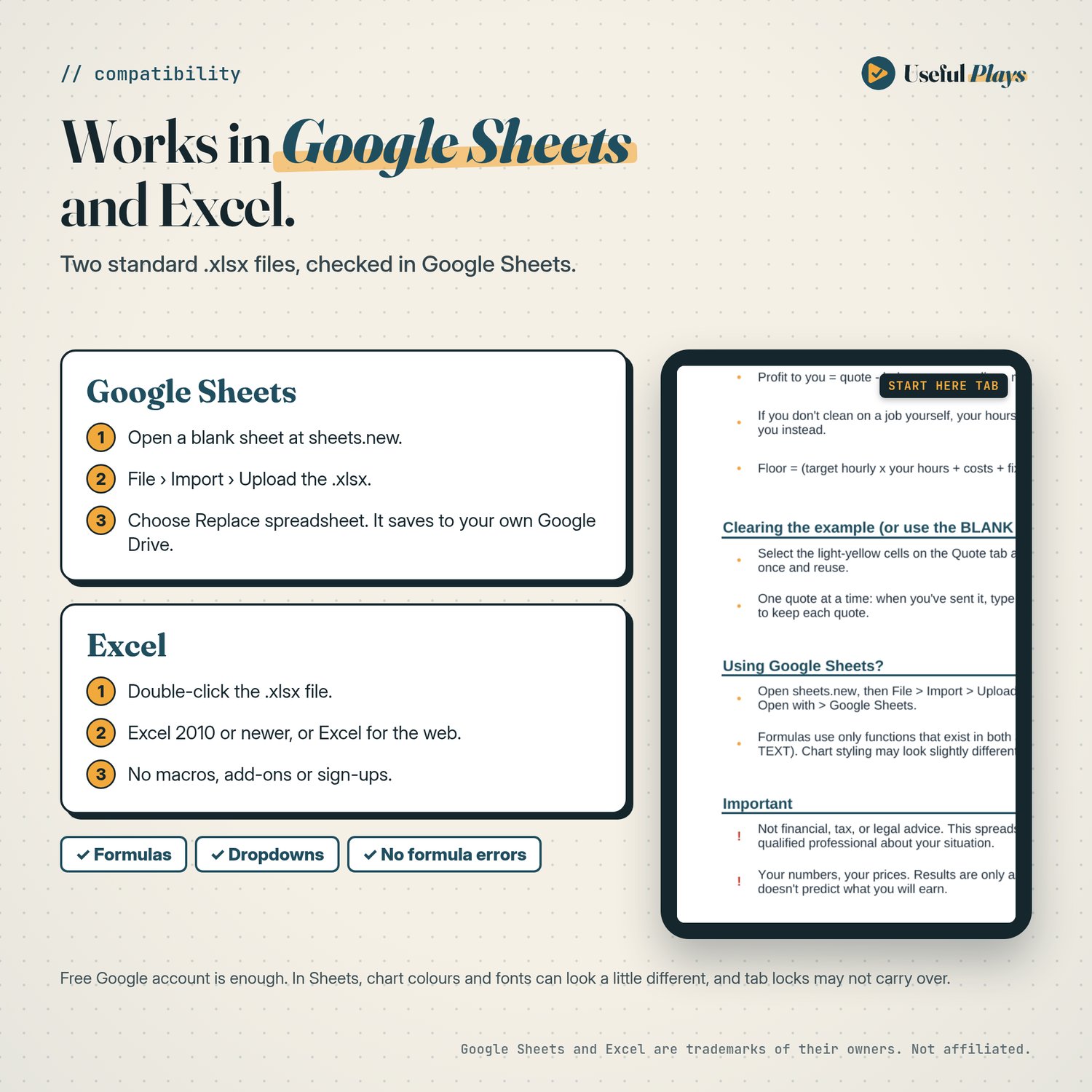
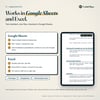
Works in Google Sheets and Excel. Import the .xlsx into Google Sheets with a free Google account, or open it in Excel. No macros, add-ons or sign-ups.
How the numbers work
- First clean = base price from your method x condition x clean type. Recurring visit = base price x (1 - frequency discount), with the visit's time adjusted for how often you come.
- Your hours = hours on site (cleaner-hours split across the crew) + drive time + admin minutes.
- Profit to you = quote - helper pay - supplies - mileage - overhead - payment fees. Real hourly = profit to you / your hours.
- Your floor = the lowest price that still pays your target hourly after those costs, rounded up, and never below your minimum price per visit. Type a price a client asks for to check it against your floor.
Good to know
- The rates, costs and discounts in the sample are examples only. Enter your own.
- One quote at a time: type over it for the next job, or save a copy to keep each quote.
- The results only reflect the numbers you enter. They don't predict what you'll earn.
- It doesn't calculate tax and doesn't book, invoice or send anything.
Who it's for
- Solo house cleaners and small cleaning teams who quote homes themselves
- Cleaners who want a consistent way to price by square footage, by rooms or by the hour
- Anyone who wants to check that a recurring discount or a client's counter-offer still covers their costs
Not for: commercial or janitorial contract bidding, scheduling, invoicing, payroll, or tax filing.
How delivery works
- Check out on Payhip.
- Your download link appears straight away and is also emailed to you.
- Unzip and open Start-Here.pdf. Import the .xlsx into Google Sheets (File > Import), or open it in Excel.
You'll get:
- Cleaning-Quote-Profit-Calculator.xlsx (with example data)
- Cleaning-Quote-Profit-Calculator-BLANK.xlsx
- Start-Here.pdf
- License.txt
Compatibility
- Excel: Excel 2010 or newer, or Excel for the web. Just open the .xlsx.
- Google Sheets: use a free Google account. Open a blank Google Sheet and use File > Import > Upload with the .xlsx (Start-Here.pdf walks you through it), or upload it to Google Drive and choose Open with > Google Sheets. Both versions were checked in Google Sheets on 27 Oct 2026: there were no formula errors, every calculated value matched our independent check, and the dropdowns work.
- No macros, add-ons, scripts or sign-ups, and no newer Excel-only functions.
- In Google Sheets, chart colours and fonts can look slightly different, and tab protection may not carry over.
- Google Sheets and Excel are trademarks of their owners. Useful Plays isn't affiliated with Google or Microsoft.
FAQ
Which pricing method should I use? Whichever you already quote with. The Quote tab shows the same home priced all three ways, so you can spot a method that under-prices it.
Does it handle helpers? Yes. Enter how many helpers come and their hourly pay on Settings (plus an optional extra-cost % and whether you pay drive time). Helper pay comes out before your profit.
Can I change the add-ons and discounts? Yes. Edit the add-on list (up to 16), the frequency discounts, condition levels and clean types on Settings.
Can I send the quote from the sheet? No. The Quote Summary and Message Helper give you text to copy. You paste it into your own text or email app and send it yourself.
Does it do my taxes? No. It doesn't calculate tax and isn't tax advice.
Refund note
This is a digital download, so all sales are final once the files are delivered. If a file won't open, is broken, or isn't what this page describes, email us within 14 days of purchase (support@usefulplays.com). We'll fix it or refund you. This doesn't affect your statutory rights.
License
Personal use or use in one business (yours). You can edit it as much as you like for your own use. Please don't resell, share, give away or upload the file or a modified copy as a template. The full terms are in License.txt.
Made with AI assistance
We used AI tools to help draft the structure, formulas and text, then checked everything ourselves. The calculations were recalculated and verified against independently worked results. All example data is fictional.
Not financial, tax or legal advice. This is a calculation tool.