


Washington Permit Submission Guide
Washington Permit Submission Guide
Seattle & King County Drawing Preparation for AutoCAD
$99.00 | Residential CAD Solutions
Prepare a clearer drawing package and keep your permit-review tasks organized.
Washington Permit Submission Guide combines a structured checklist, jurisdiction guidance, drawing inventory, and drafting calculations in an AutoLISP program with a matching DCL interface.
Built for drafting workflows, it helps you organize the preparation of your working DWG and supporting documents before submission.
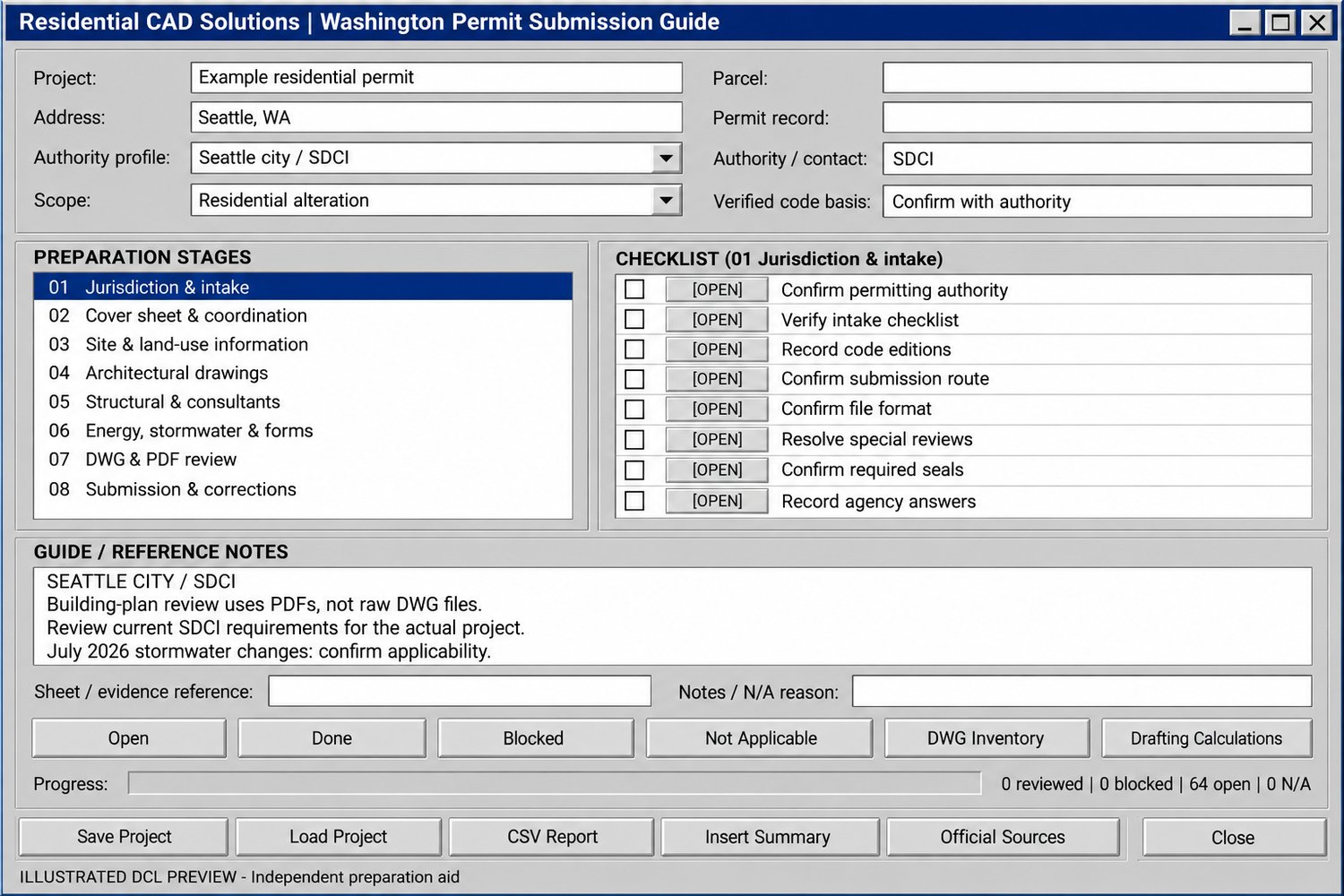
64 review items across eight preparation stages
- Jurisdiction and intake requirements
- Cover sheet and drawing coordination
- Site and land-use information
- Architectural drawings
- Structural and consultant documents
- Energy, stormwater, and supporting forms
- DWG preparation and final PDF review
- Submission and correction responses
Choose the appropriate jurisdiction profile
Separate guidance for Seattle city/SDCI and unincorporated King County helps distinguish their submission processes. An additional profile provides general preparation prompts for other Washington jurisdictions, with local verification required.
Track your review
Mark tasks Open, Done, Blocked, or Not Applicable. Record sheet references, supporting evidence, questions, and exceptions. Save and reload project checklists as your drawing package develops.
Review your drawing inventory
Generate a read-only inventory of layouts, layer flags, external-reference definitions, text-style fonts, and selected entity counts. Identify non-default dimension-text strings for manual review without changing your drawing.
Use practical drafting calculations
Calculate entered coverage and floor-to-lot ratios, estimated plotted text height, and model text height needed for a user-defined printed target.
Document your preparation
Export a CSV report containing checklist statuses, notes, calculations, source references, and the latest drawing inventory. Insert a static project-review summary into your CAD drawing.
Your download includes
- AutoLISP program (.LSP)
- Matching dialog file (.DCL)
- Installation and workflow instructions
- Official-source reference directory
- Validation notes
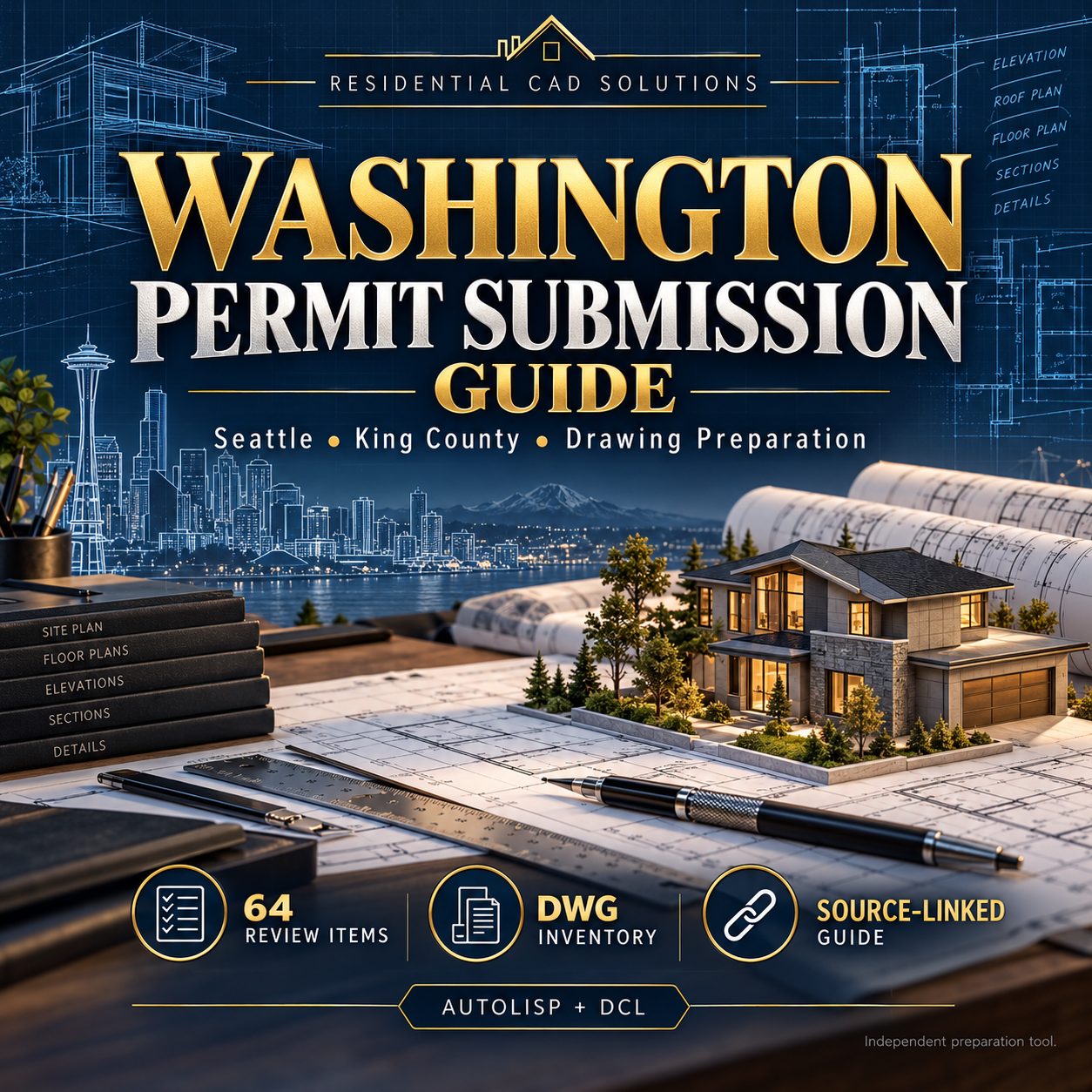
- Professional product cover and illustrated DCL preview
Requirements: Full Windows AutoCAD with AutoLISP and Visual LISP support. Built using legacy functions intended for AutoCAD 2002 onward; compatibility across releases has not been runtime verified. AutoCAD LT 2002 is not supported.
Please note: This is an independent preparation aid, not an official agency checklist, code-compliance certification, or approval service. Guidance was reviewed October 21, 2026; verify current requirements for your project and jurisdiction. The program does not create or submit permit PDFs, determine legal zoning compliance, or apply professional seals.