
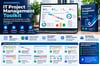
IT Project Management Toolkit | Excel Templates, Budget Tracker, Risk Matrix, RACI & KPI Dashboard
IT Project Management Professional Toolkit
Plan Smarter. Track Progress. Control Budgets. Deliver Better Projects.
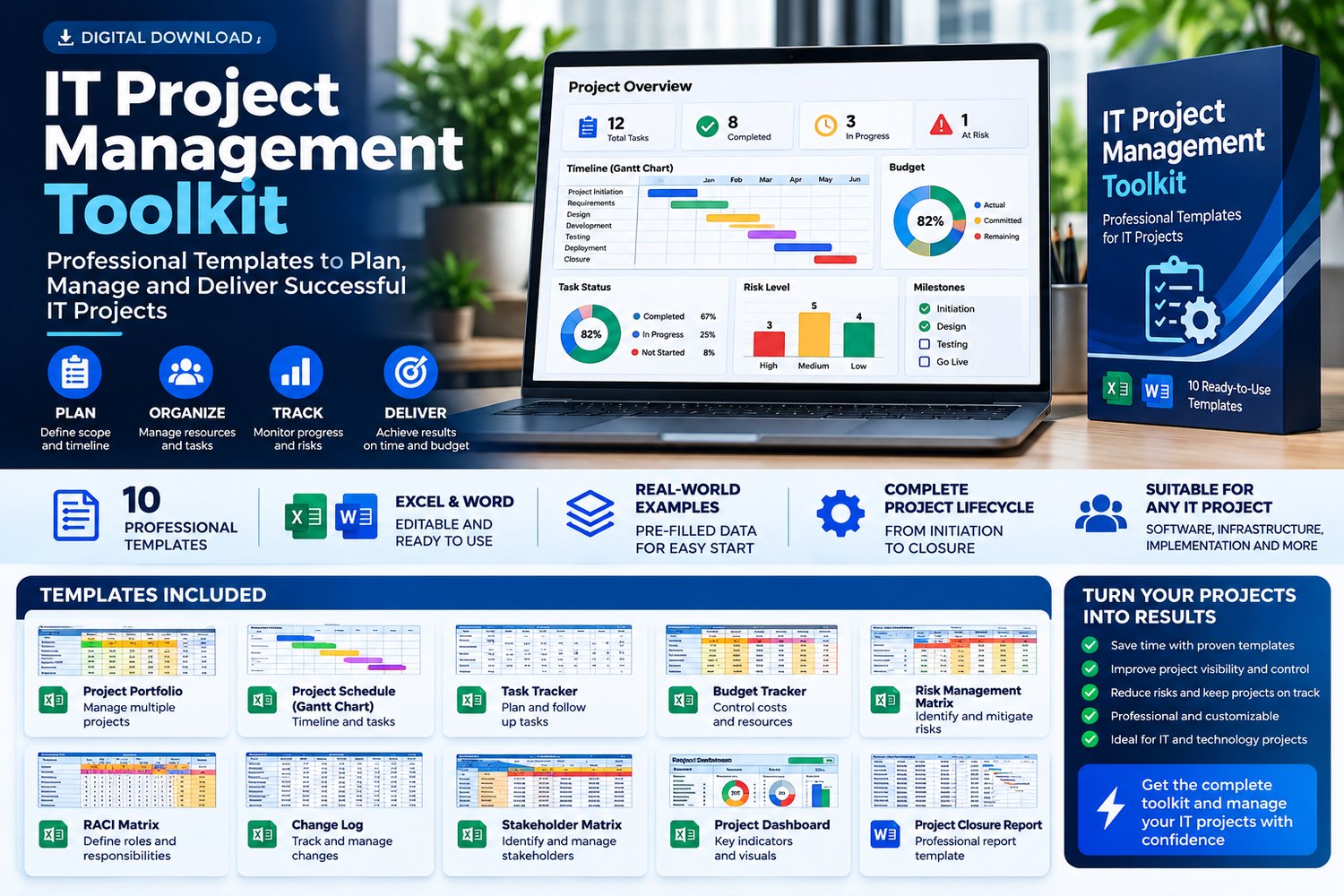
Take control of your IT projects with a practical collection of editable Excel templates and professional project management documents.
Managing IT projects involves deadlines, budgets, risks, stakeholders, and constant changes. Without organized tools, keeping everything under control can become overwhelming.
The IT Project Management Professional Toolkit provides ready-to-use resources to help project managers, IT professionals, consultants, and business owners organize projects, monitor performance, and make informed decisions.
Whether you’re managing an infrastructure upgrade, software implementation, cloud migration, or internal technology initiative, this toolkit helps you establish a more structured project management workflow.
What’s Included?
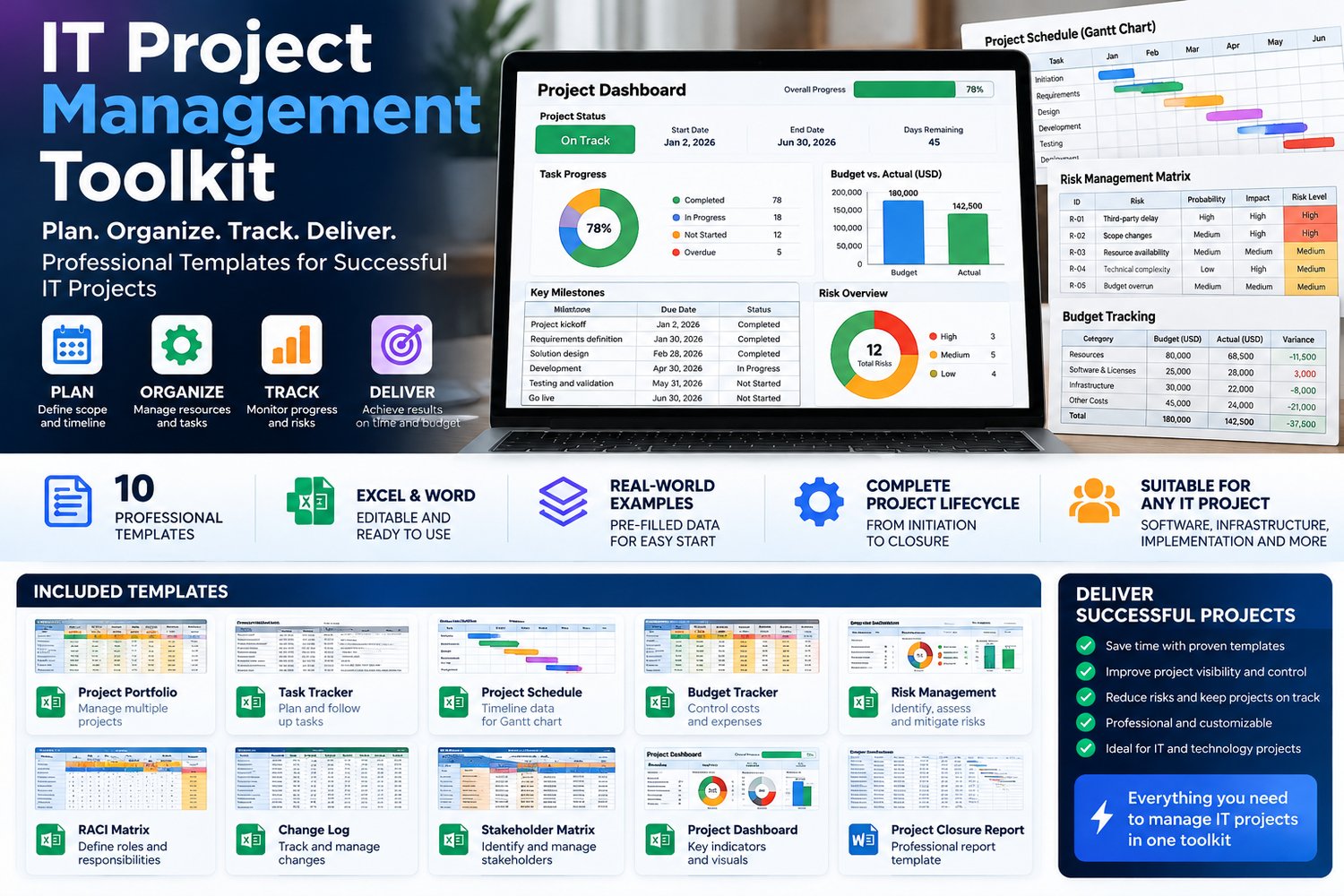
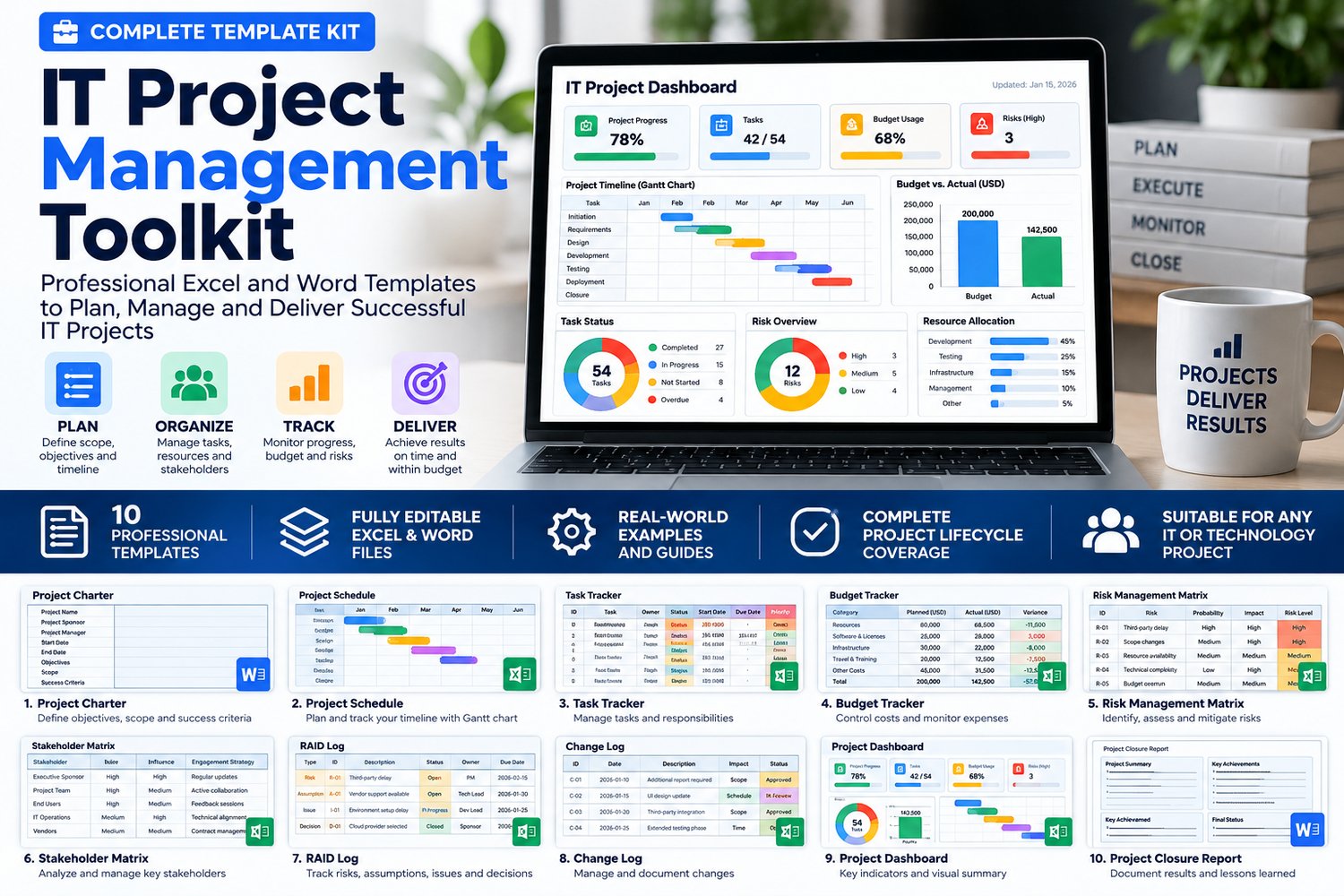
10 Professional Project Management Templates
1. Project Portfolio Tracker (.XLSX)
Organize multiple projects, monitor their status, and maintain visibility over your portfolio.
2. Task Tracker (.XLSX)
Manage activities, responsibilities, priorities, deadlines, and progress.
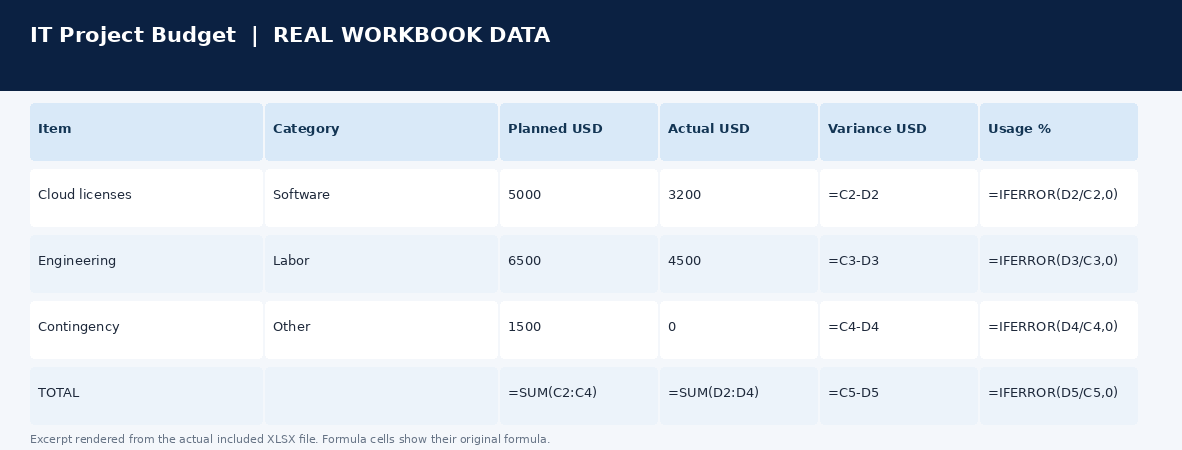
3. Budget Tracker (.XLSX)
Track planned expenses, actual costs, and budget deviations using spreadsheet formulas.
4. Risk Register (.XLSX)
Identify, assess, prioritize, and monitor project risks with automated risk classifications.
5. RACI Responsibility Matrix (.XLSX)
Clarify who is Responsible, Accountable, Consulted, and Informed for project activities.
6. Change Management Log (.XLSX)
Document change requests, decisions, and their impact on project execution.
7. Stakeholder Management Matrix (.XLSX)
Identify stakeholders, understand their roles, and organize communication.
8. Project Timeline & Gantt Data (.XLSX)
Structure project schedules and task dates, with data prepared for timeline and Gantt chart creation.
9. Project KPI Dashboard (.XLSX)
Review example performance indicators and adapt the dashboard to your project information.
10. Project Closure Report (.DOCX)
Document project results, deliverables, lessons learned, and formal closure information.
The package also includes a Quick Start Guide and product documentation.
Why Choose This Toolkit?
Save Time
Start with organized templates instead of creating project management files from scratch.
Improve Project Visibility
Maintain clear records of tasks, budgets, risks, and responsibilities.
Strengthen Project Governance
Use structured tools to document decisions, manage changes, and support accountability.
Stay Organized
Keep essential project management information in reusable, editable files.
Adapt to Your Workflow
Customize the templates for different industries, methodologies, and project sizes.
Who Is It For?
- IT Project Managers
- Technology Consultants
- Software Development Teams
- Infrastructure Engineers
- Startup Founders
- Freelancers
- Operations Managers
- Small and Medium Businesses
- Professionals responsible for technology initiatives
How It Works
Step 1: Purchase and download the ZIP package.
Step 2: Open the Excel and Word templates.
Step 3: Review the included examples and instructions.
Step 4: Replace the sample information with your project data.
Step 5: Use the templates to plan, monitor, document, and improve your project management processes.
Product Details
Product: IT Project Management Professional Toolkit
Language: English
Formats: Microsoft Excel (.XLSX), Microsoft Word (.DOCX), Markdown (.MD)
Delivery: Instant Digital Download
Subscription: None
Editable: Yes
Best For: IT Projects, Technology Implementations, Consulting & Business Operations
One Purchase. Reusable Project Management Tools.
Build a more organized approach to project delivery with professional templates designed for practical, everyday use.
Get your IT Project Management Professional Toolkit today.
Important: This is a digital download. No physical product will be shipped. The templates are independent tools and do not automatically synchronize with one another. The timeline workbook contains scheduling data rather than a finished graphical Gantt chart. The dashboard includes example indicators and requires customization for your projects.