



Kilbroney Kit Converter - PES to FM
Kilbroney Kit Converter
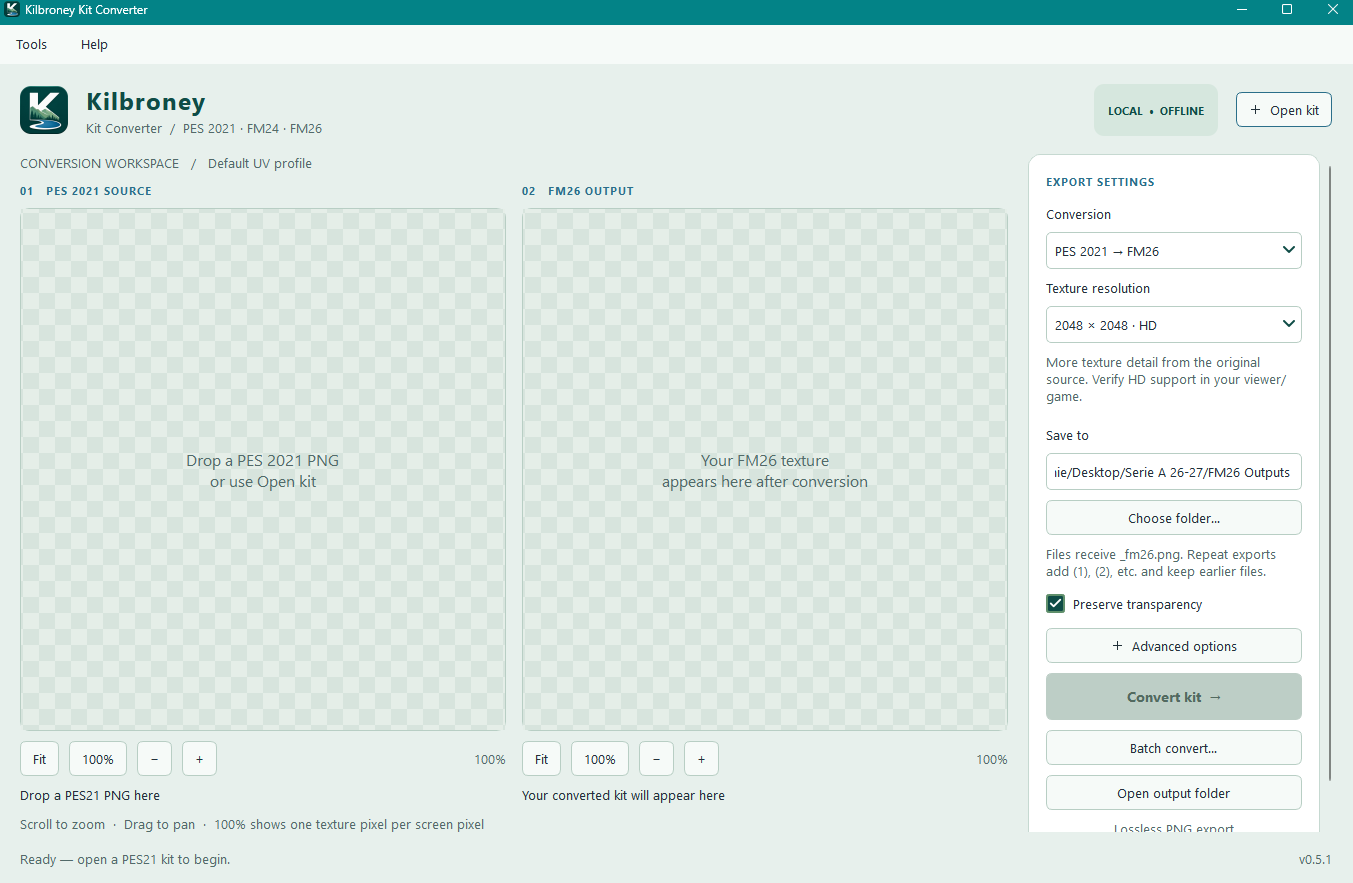
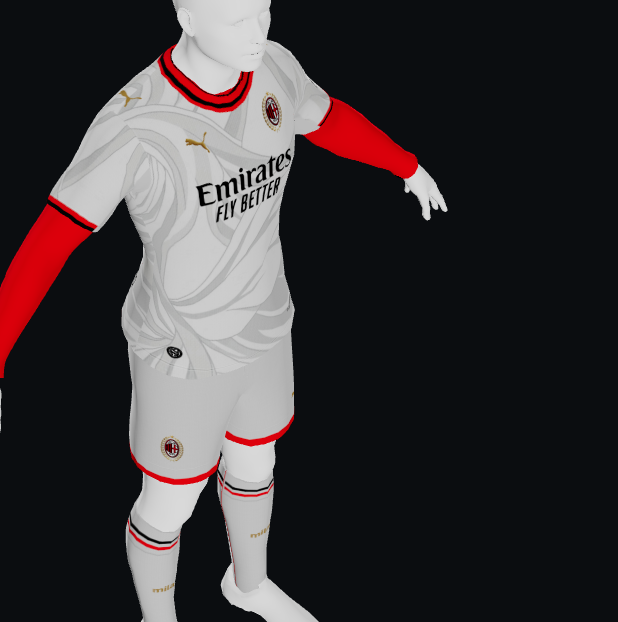
I’ve made a standalone Windows app to make converting 3D kit textures easier, without needing Photoshop or Python.
It supports:
- PES 2021 → FM26
- FM24 → FM26
- FM26 → FM24
- FM26 → PES 2021
You can convert individual kits or whole folders using the batch converter.
You can chose to export FM textures as standard 1024px PNGs or 2048px HD versions. PES exports automatically use 2048px.
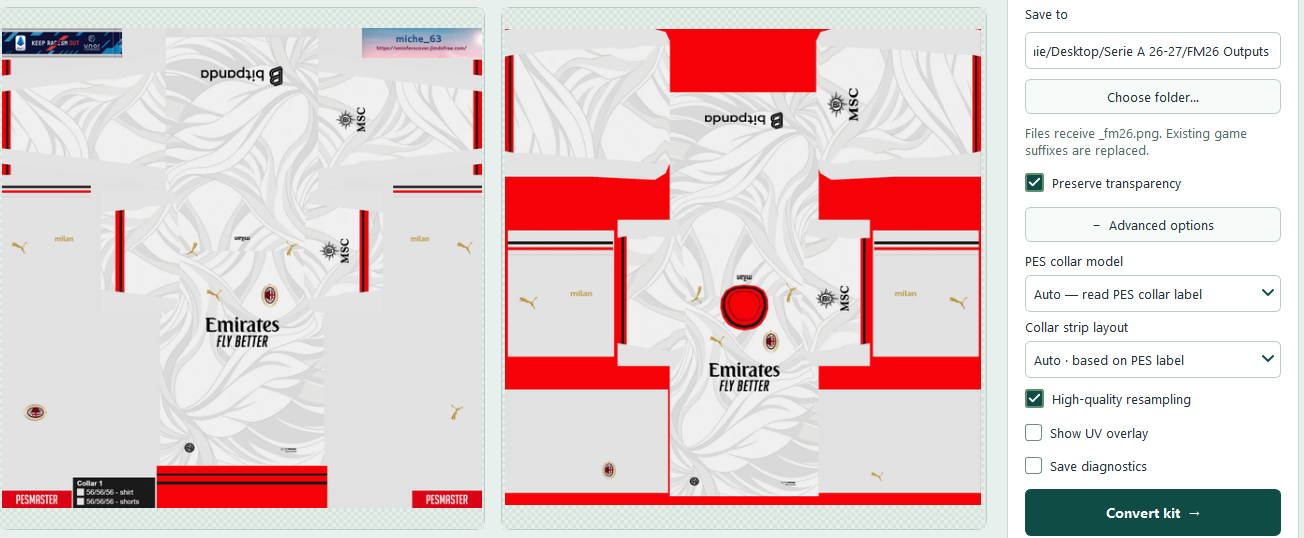
The built-in 2D texture preview lets you zoom in and inspect your converted artwork before using it.
For PES source kits, the app can read an embedded collar number automatically. If there isn’t one, choose a collar manually using the visual collar picker. When converting to PES, you will need to select the destination collar model.
Output filenames automatically match the destination game. Repeat exports add (1), (2) and so on, keeping earlier versions unless you explicitly enable overwriting.
Everything works completely offline, with hover explanations throughout the app.
How to use it
- Open the app and choose your conversion direction.
- Click Open kit and select your source PNG.
- Choose an output folder. Select 1024px or 2048px HD for FM exports; PES exports use 2048px automatically.
- For PES source kits, use Auto when a collar number is included. Otherwise, open Advanced options → View collar styles and choose the matching collar. For PES output, select the destination collar model.
- Click Convert kit, then Open output folder to find your PNG.
For larger packs, click Batch convert, choose the conversion type, source folder and output folder, then start the batch.
When batch converting unlabelled PES kits, the manually selected collar applies to every kit in that batch, so its best to group kits by collar style.