
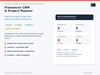
Freelancer CRM & Project Planner
Full description
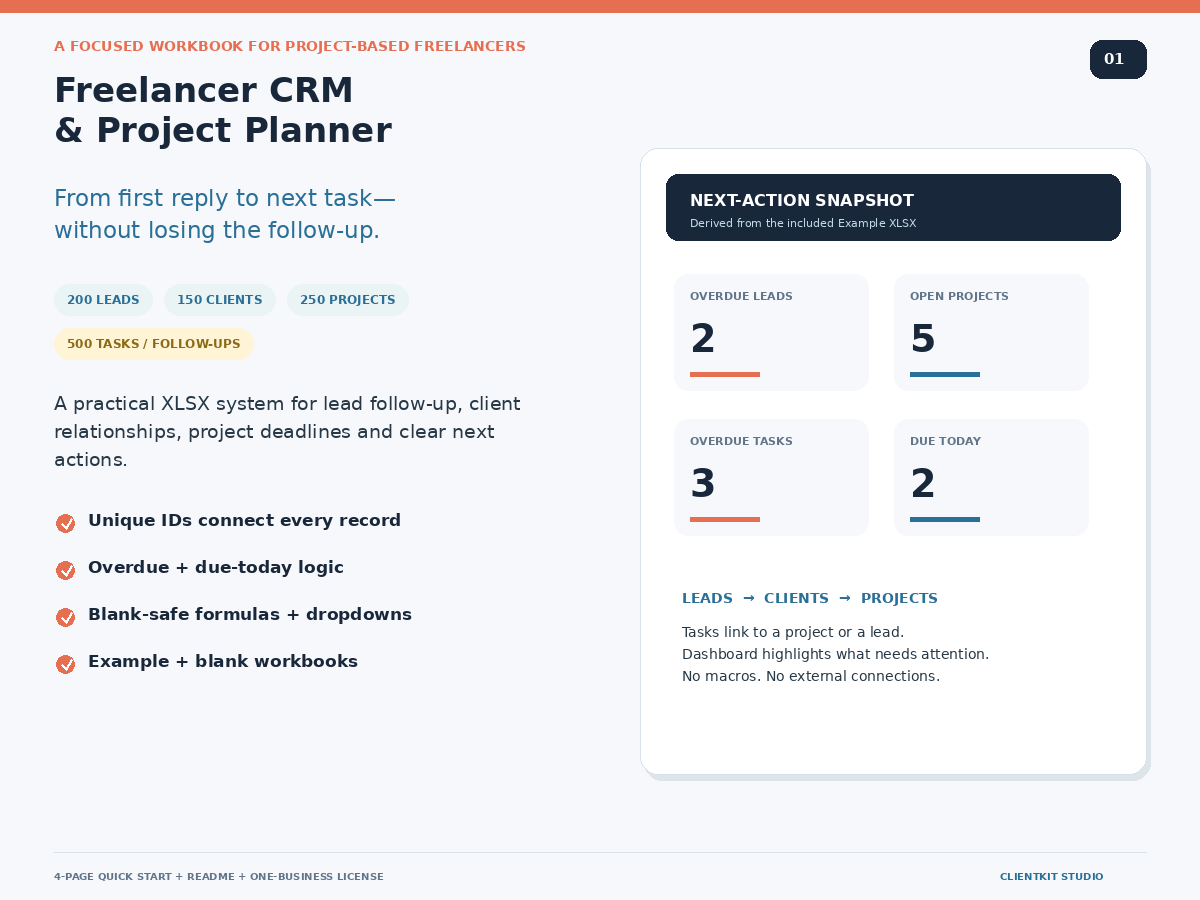
Keep lead follow-ups and active project work connected without turning your spreadsheet into a complicated business suite.
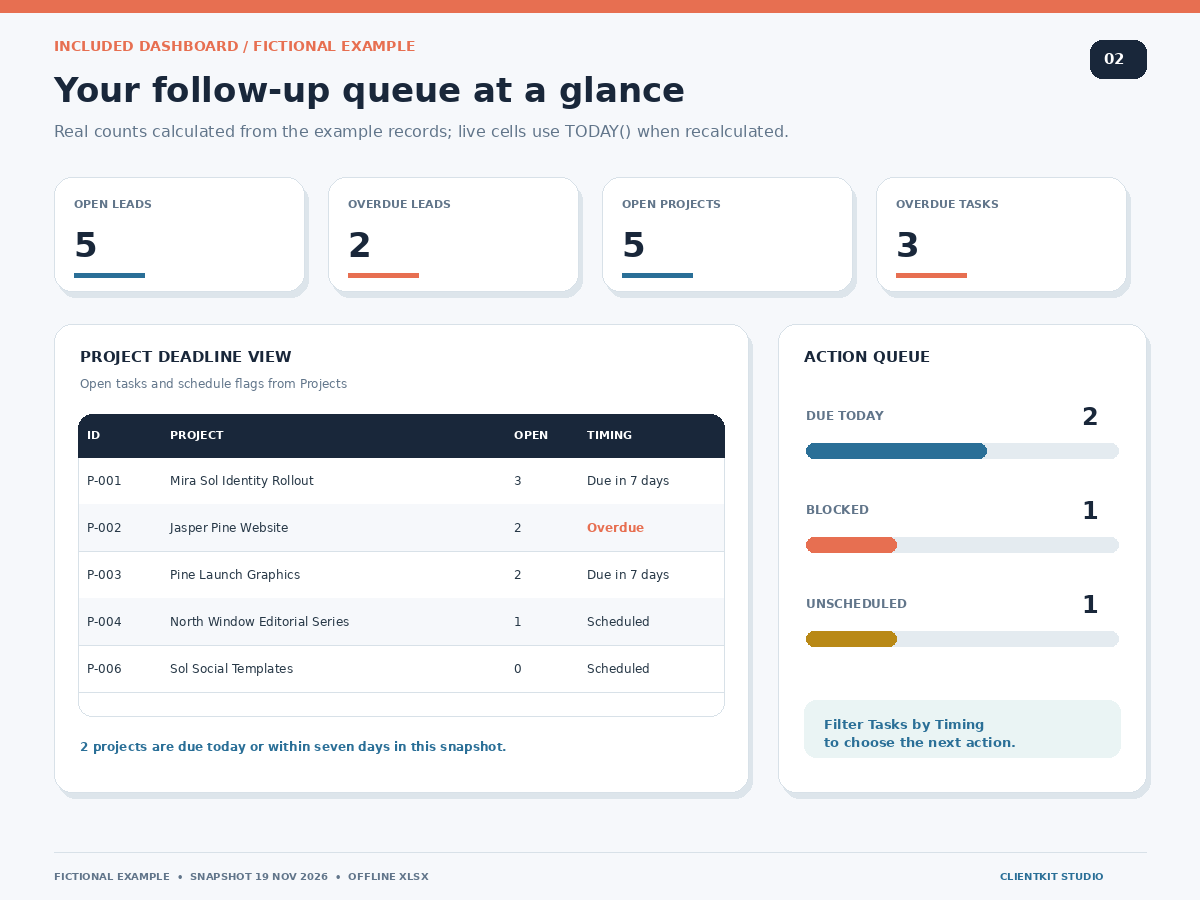
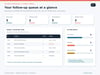
The Freelancer CRM & Project Planner gives project-based freelancers a clear path from potential work to an organized client project: capture a lead, create the client, plan the project, then work through linked tasks and follow-ups. The Dashboard highlights overdue, due-today, blocked and unscheduled items so you can decide what to do next.
What's included
1. Example XLSX — Freelancer_CRM_Project_Planner_Example.xlsx — populated entirely with fictional leads, clients, projects, tasks, dates and example.test email addresses.
2. Blank XLSX — Freelancer_CRM_Project_Planner_Blank.xlsx — the same prepared formulas, validations and layout for your own business records.
3. Quick_Start_Guide.pdf — a 4-page searchable Quick Start PDF covering setup, relationships, formula logic, daily review, troubleshooting and compatibility.
4. README.txt — file inventory, workflow, capacity, scope and compatibility notes.
5. LICENSE.txt — internal-use license for one business.
Seven organized sheets
• Start Here: setup steps, record flow, capacity and scope.
• Dashboard: open leads, overdue follow-ups, active clients, open projects, upcoming deadlines, task timing, lead status charts and capacity use.
• Leads: 200 prepared rows for source, service needed, status, last contact, next follow-up, target start, timing and next action.
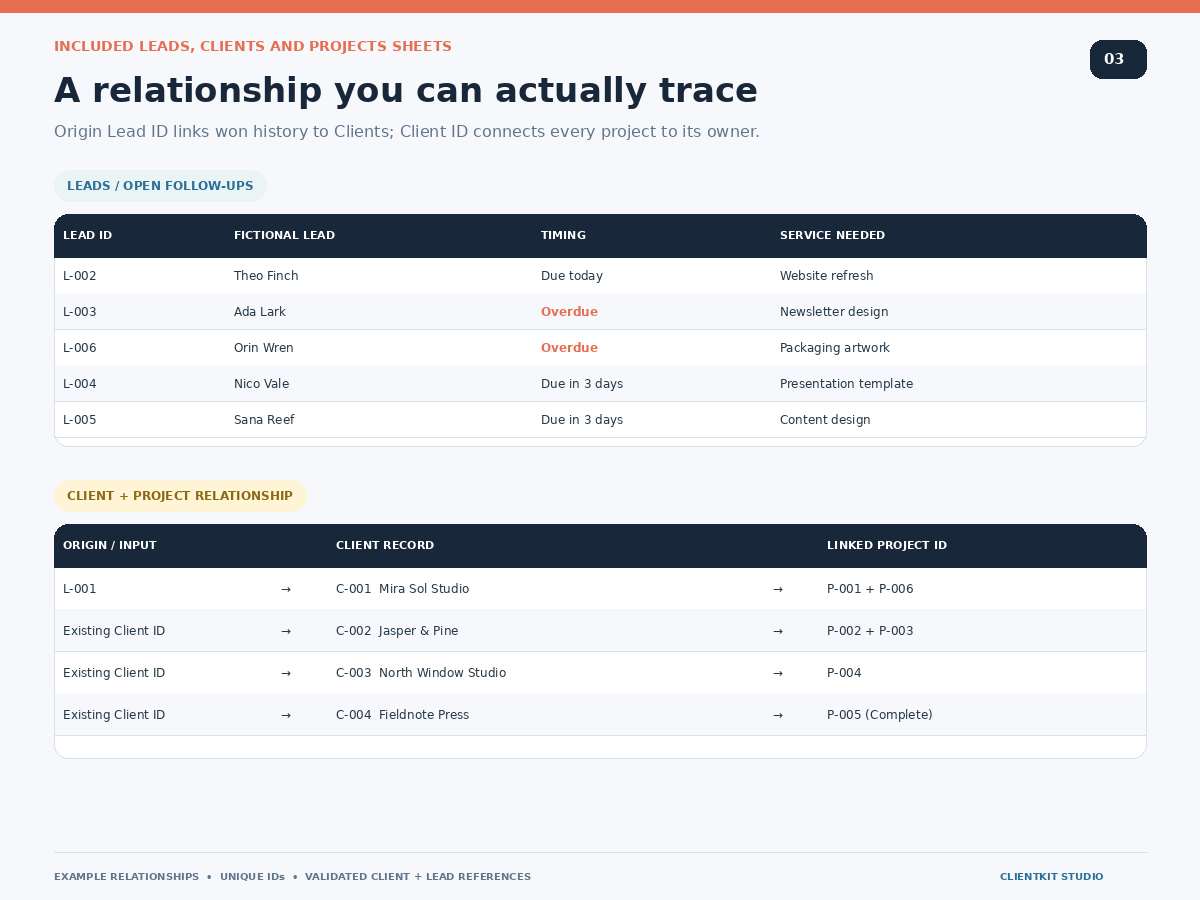
• Clients: 150 prepared rows with optional Origin Lead ID plus total/open project counts.
• Projects: 250 prepared rows with Client ID lookup, open-task count, date-order check, days to due, schedule flag and next action.
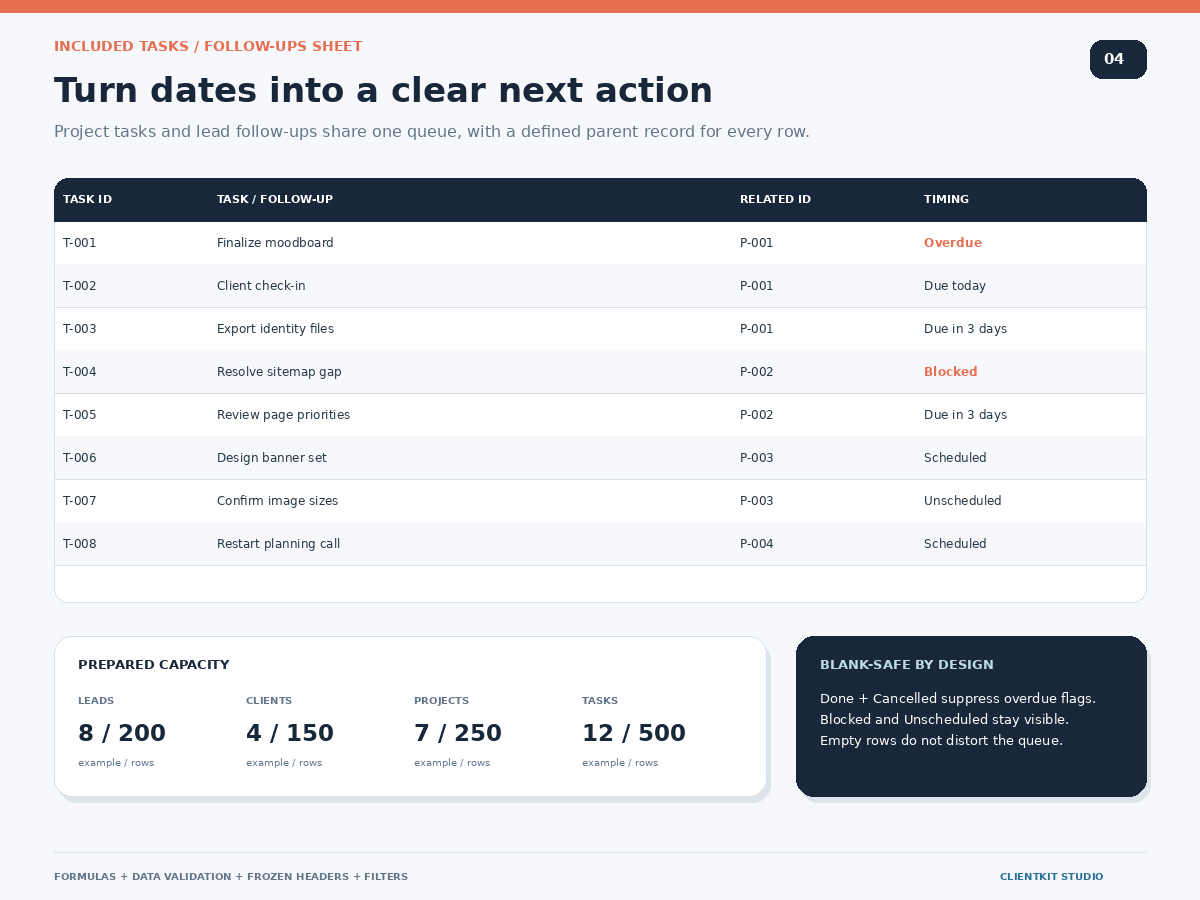
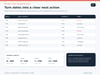
• Tasks: 500 prepared rows for project tasks or lead follow-ups, with priority, status, owner, due date, timing and next action.
• Lists: editable dropdown values and named ID ranges.
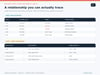
Clear relationships, not scattered notes
Leads use unique L- IDs, Clients use C- IDs, Projects use P- IDs and Tasks use T- IDs. A Client can retain its Origin Lead ID. Every Project selects an existing Client ID. Every Task selects Related Type = Project or Lead and an existing Related ID from that sheet.
Unique-ID and relationship validation support normal data entry. White cells are inputs; pale aqua cells contain formulas. Blank unused rows stay blank. Done and Cancelled items do not appear overdue; Blocked and Unscheduled items remain visible.
A simple workflow
1. Edit dropdown labels on Lists.
2. Add each potential project to Leads and set the next follow-up.
3. When work begins, create one Client and optionally link its Origin Lead ID.
4. Add a Project with the Client ID and realistic start/due dates.
5. Add project tasks and lead follow-ups to Tasks using the correct parent ID.
6. Filter overdue, due-today, blocked and unscheduled rows; review Dashboard and save a dated backup.
Important scope and compatibility notes
• This product is for lead follow-up, client records, project schedules and tasks only. It has no intake, no proposal, no contract, no deposit, no invoice, no payment tracking, accounting, client portal or automated outreach.
• This is an offline XLSX download, not a subscription, web app or live CRM service. No macros, add-ins, external data connections or automatic imports are included.
• Prepared capacities are fixed: 200 leads, 150 clients, 250 projects and 500 tasks. Extra rows require extending formulas, validation, conditional formatting, named ranges and Dashboard formulas, followed by your own testing.
• TODAY() fields require recalculation. openpyxl writes formulas but does not evaluate them, and freshly generated files do not contain application-calculated caches.
• XLSX structure, formulas and independent Python reference calculations were checked offline. No live Excel, Google Sheets or LibreOffice testing was performed. Check recalculation, dropdowns, validation, charts and layout in your chosen spreadsheet application before relying on the file.
• This organizational tool does not promise leads, bookings or project outcomes and is not legal, financial, tax or privacy advice.
License and delivery
Licensed for internal use and modification by one business. Resale, redistribution, sharing, sublicensing and repackaging are not permitted. See LICENSE.txt in the download.
One ZIP containing five buyer files. Digital files only; no physical item is shipped. All example content is fictional.