
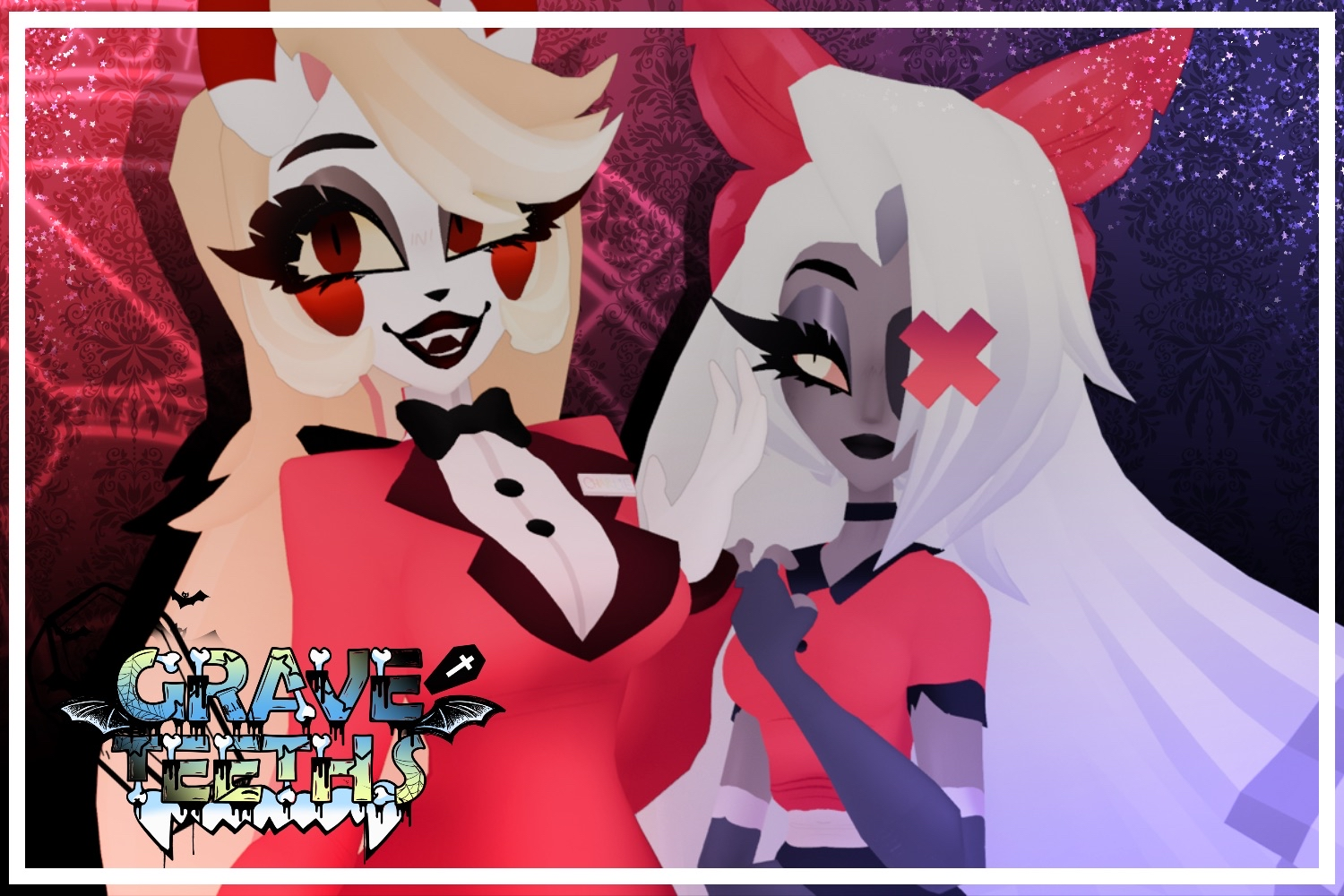

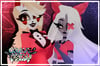

ᯓ★ Charlie & Vaggie | Public File Sale
On Sale
$999.99
╰┈➤ CLICK HERE TO READ MY T.O.S BEFORE PURCHASE
- Click here if you have any concerns/questions about this product Contact Me
- It is advised to have prior unity knowledge before purchasing.
- These are public models, Which means you can find the official/original public upload listed down below.
- These avatars currently only include Base outfits & NakedBase model. There are no way to obtain the extra outfits at this time.
꒷꒦︶꒷꒦︶♡ Vaggie & Charlie ♡꒷꒦︶꒷꒦︶
- FBX/Blender/PC/Quest Unity Files Included.
- FBT/Quest TESTED
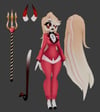
♡ This product comes with:
⤿ Charlie
- Original Outfit & Base Model
- Hair Down
- Horns & Tail
- Texture Swap for Eyes
- Pitch Fork
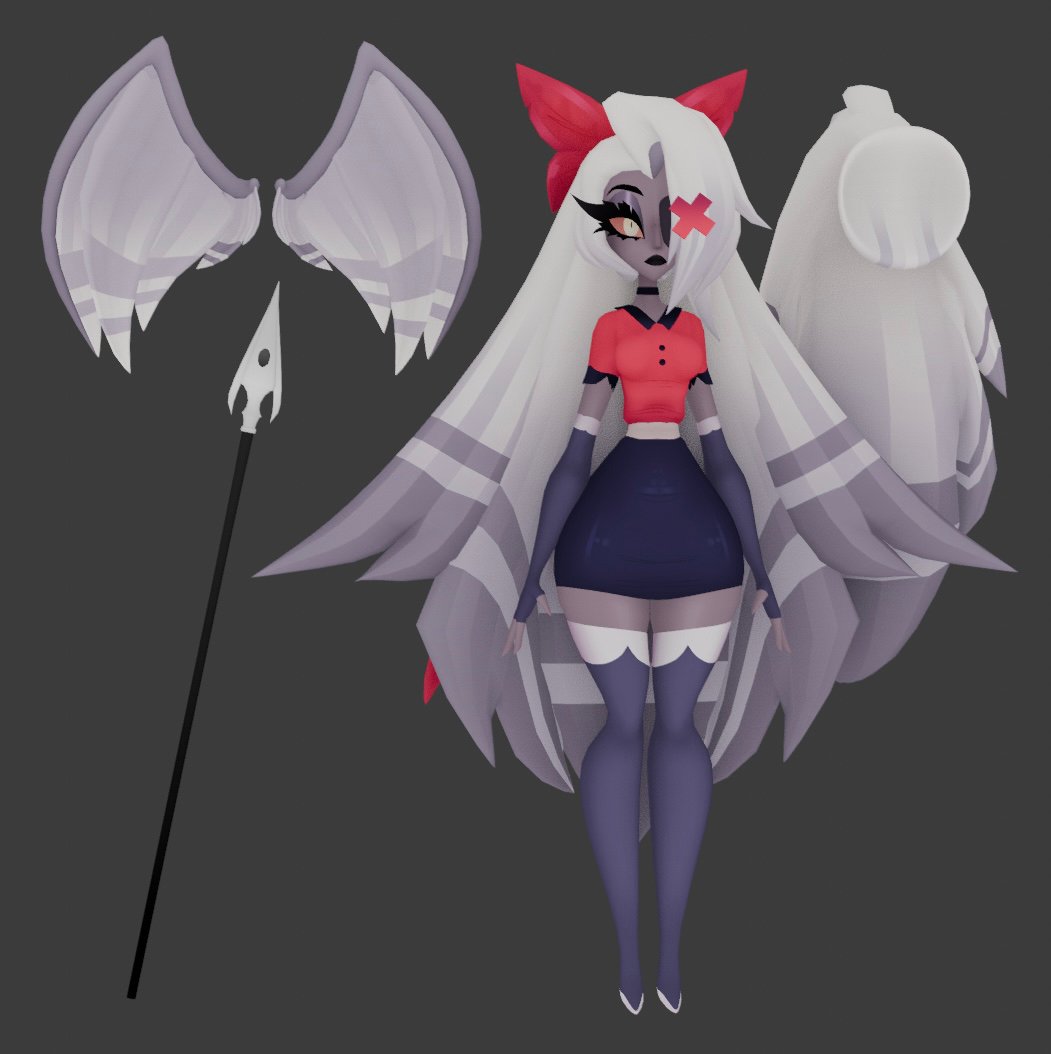
⤿ Vaggie
- Original Outfit & Base Model
- Pony Tail
- Angel Wings
- Spear
⤿ Original Uploads
!♡ HOW TO UPLOAD ♡!
- Make a new project using VRC's Creator Companion. SDK must be up to date.
- Within creator companion, click on manage project & add the following: SDK, Easy Quest Switch, VRCfury. Then open up your project. [MUST MAKE SURE YOU HAVE VRCFURY INSTALLED OR ELSE IT WON'T UPLOAD!]
- Once the project has fully loaded. import the following packages: Latest PoiyomiShaders, GogoLoco. If you do not have these installed on your PC, scroll down this page & download the provided links.
- Import the unity packages of this avatar that are provided to you once you've purchased. Within unity, click on the Scene Asset.
- Log into the SDK, Name your model whatever, make the picture whatever, and click upload. If you've done it correctly, it should upload with ease.
- To upload for quest, Make a new unity project. Re-Follow the steps again but with the Quest package & skipping the poiyomi shaders. you do not need them since they are for PC only. Make sure your build mode is Android.
- If you have issues with toggles not appearing or locked hands. Make sure you check the Avatars parameters, menu & gesture boxes, sometimes they like to remove themselves. all you have to do is drag the correct ones in.
- I do not offer uploads for this model, but if you are still having trouble uploading, I am open to answer questions & try a hand in guidance in my discord server. It is preferred if you make a ticket before hand and specify your issue. Other than that, try looking up a tutorial online for further instructions! That's all!
︶꒦꒷♡꒷꒦︶ CREDITS & Download Links! ︶꒦꒷♡꒷꒦︶
: ̗̀➛ Latest GogoLoco: ♡
: ̗̀➛ Poiyomi Shaders!
: ̗̀➛ Mink's Matcap Pack
ׂ╰┈➤ Character/Characters are Rightfully owned by VivziePop & SpindleHorse! ♡
ˏˋ°•*⁀➷ Wanna follow what I do? Maybe know what I'm working on next? Consider following me on Twitter! <3
