
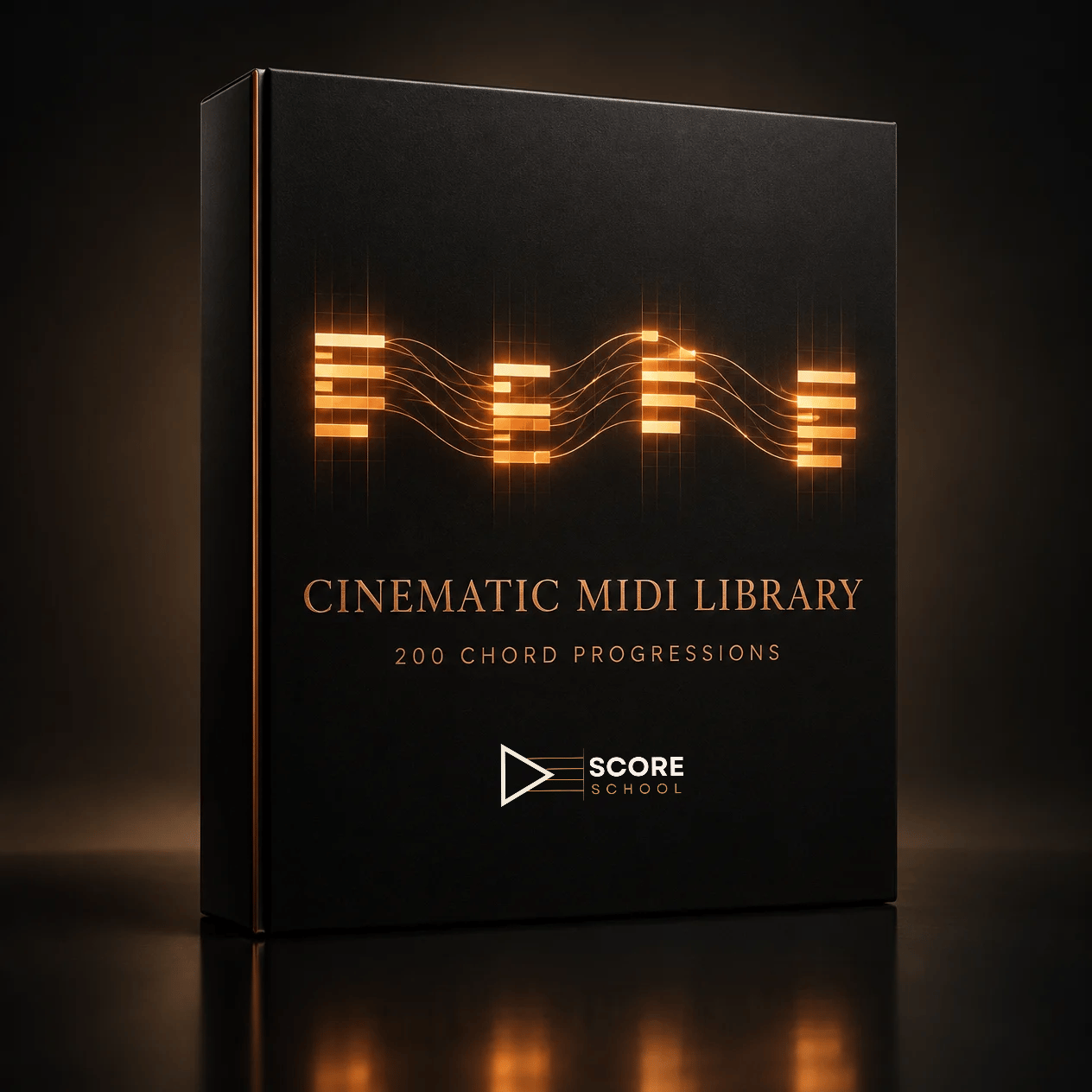
Cinematic MIDI Library (Chord Pack)
Stop staring at a blank piano roll.
The Cinematic MIDI Library gives you 200 chord progressions across 20 film-scoring moods, from Dark Minor and Heroic Major to Eerie Horror, Gothic, and Bittersweet Nostalgic. Every one is a standard MIDI file you can drag straight into your DAW.
But this is not a pile of block chords.
WHY THESE ARE DIFFERENT
Most chord packs rebuild every chord from the root, so every voice jumps at every change. It sounds like a keyboard demo.
These progressions are voice led, the way a string section would play them. Every progression is built from four-note voicings, and the inversions are chosen so shared notes stay put while everything else moves by the smallest step available. Across all 200 progressions, about 96 percent of voice movements are a half step, a whole step, or no movement at all.
The result is progressions that sound connected and cinematic right out of the box, and leave room for your melody on top.
WHAT YOU GET
- 200 MIDI chord progressions (10 progressions in each of 20 moods)
- Standard MIDI files in 4/4 at 80 BPM, 2 bars per chord, four-note voicings
- Set to a strings program by default, so they open sounding like strings (swap in any sound you like)
- A designed PDF guide with a how-to-use intro, an explanation of the voice leading, every progression listed with its chord names, and a key for reading the chord names
THE 20 MOODS
Dark Minor
Heroic Major
Melancholic
Suspenseful
Action / Driving
Romantic
Ethereal / Ambient
Mysterious
Triumphant
Tragic
Eerie / Horror
Noble / Regal
Playful / Whimsical
Pastoral
Warlike / Militaristic
Otherworldly / Sci-Fi
Gothic
Bittersweet / Nostalgic
Tense / Thriller
Redemption / Uplifting
HOW IT WORKS
1. Download the files.
2. Drag any .mid file onto an empty track in your DAW.
3. Load a strings patch, or piano, brass, a pad, whatever your scene needs.
4. Audition it, edit it, and make it yours.
A STARTING POINT, NOT A FINISHED CUE
Treat these as raw material. Re-voice a chord, move the bass, change the rhythm, write a melody over the top, orchestrate it for the sound of your scene, or transpose it to where your picture needs it. The version that sounds like you is the one worth keeping.
ALSO A STUDY TOOL
Every file is named with its Roman numerals and listed with its chord names, so you can read the harmony and hear it. Open one in the piano roll and follow each voice from chord to chord. What is held? What moves, and how far? Why this inversion?