

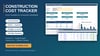

Construction Project Cost Control Excel Template | Dashboard, Expense Log & Variance Tracking
Construction Cost Tracker Excel (India) | ₹ Lakh/Crore | BOQ Budget vs Actual
Take full control of your construction project costs with one easy-to-use Excel workbook, built for Indian contractors, engineers and site teams. Amounts are shown in ₹ with lakh/crore formatting (for example, ₹3,26,12,500) and the sheets use the units and terms you already use on site.
What’s Included
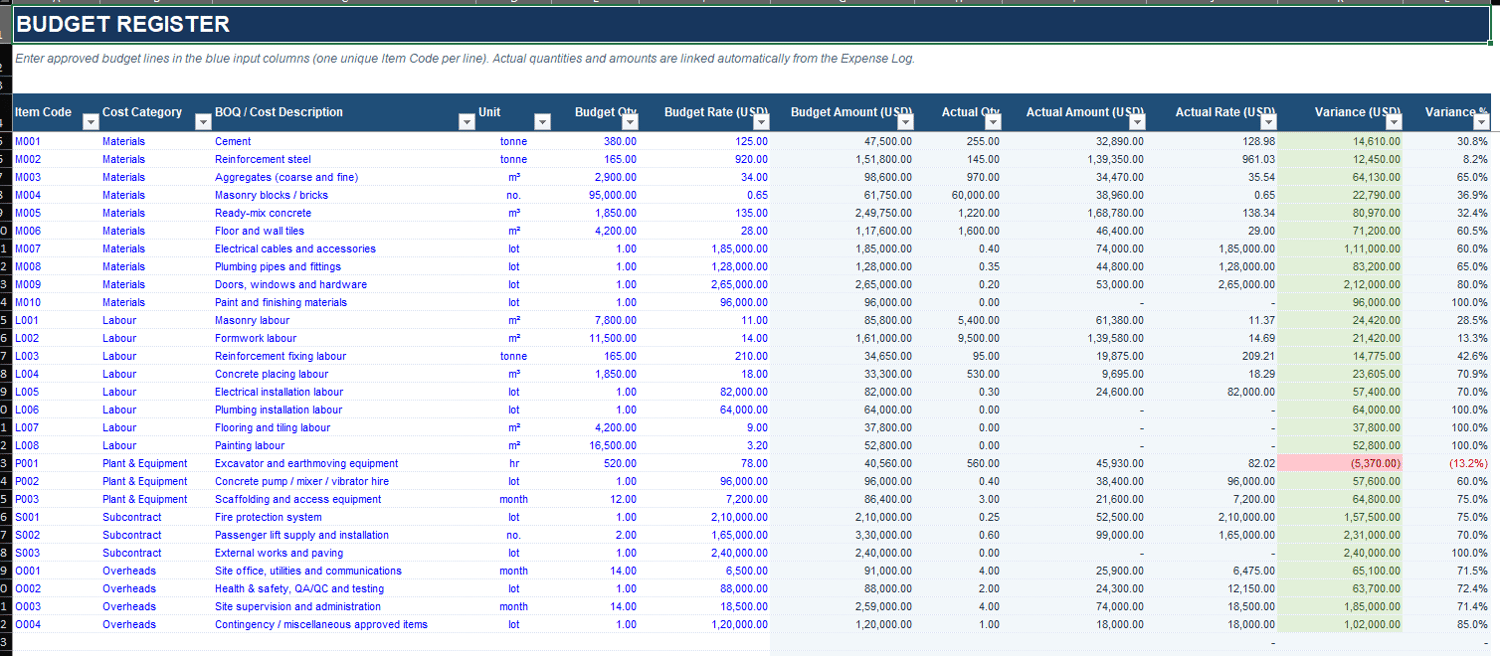
- Project Budget Register: enter your approved estimate or BOQ line by line
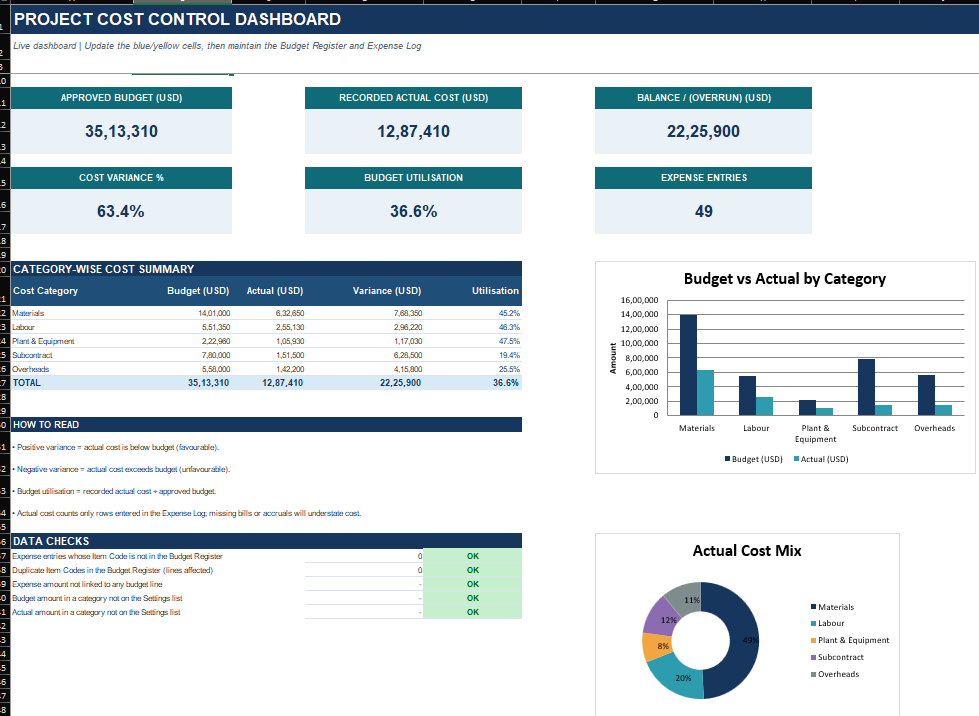
- Planned vs. Actual Cost Tracking: budget against real spend, updated automatically
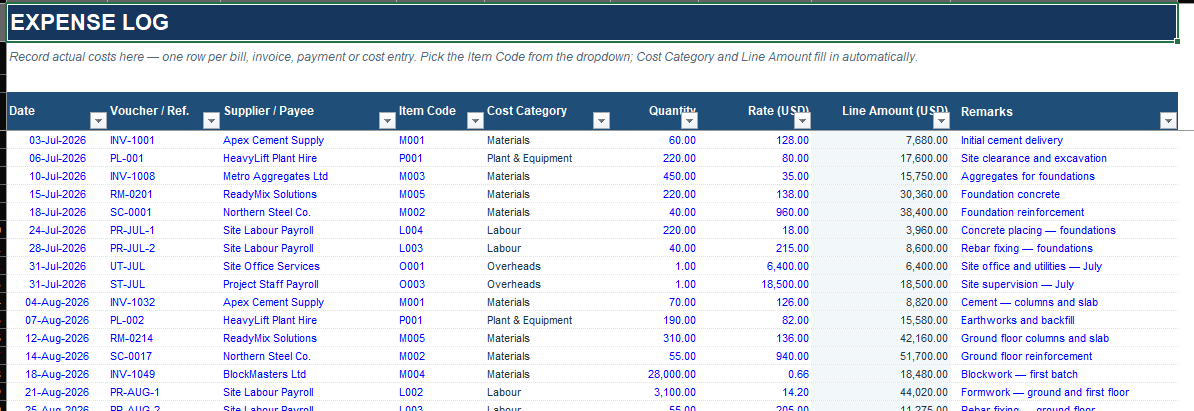
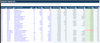
- Expense Entry Log: record every bill, payment and labour cost, with item-code dropdowns
- Budget Variance Calculations: see under-budget and over-budget items at a glance
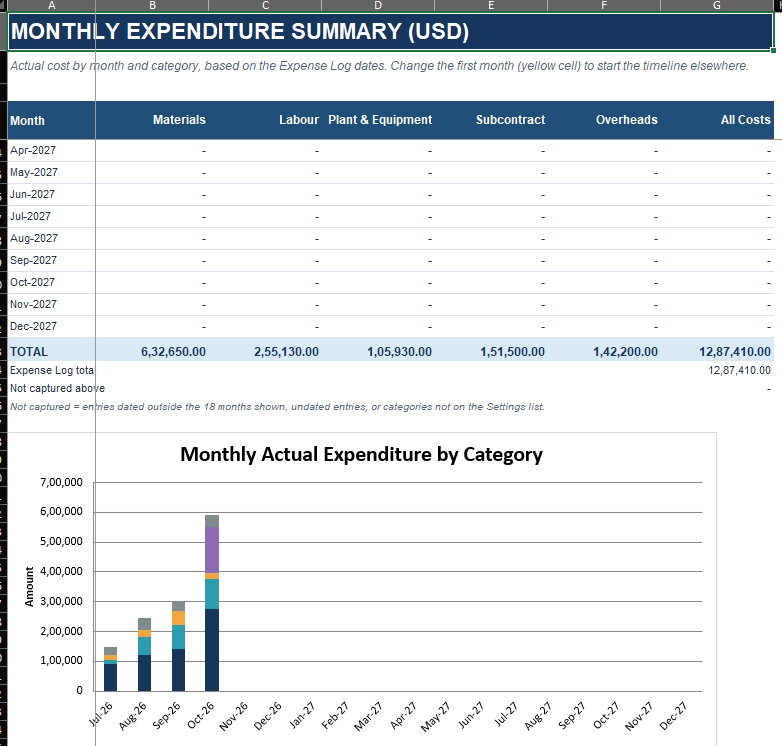
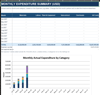
- Monthly Expense Summary: spending by month and cost category, with chart
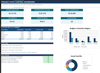
- Dashboard with Key Cost Indicators: approved budget, actual cost, balance, utilisation and charts
- Built-in Data Checks: flags duplicate item codes, unmatched entries and unallocated amounts
- Editable Settings: change the currency symbol, rename cost categories and customise units
- Pre-filled Sample Project: a complete G+3 residential building example in ₹, so you can see how everything works straight away
Made for Indian Construction Work
- ₹ with lakh/crore number format
- Indian site units: cum, sqm, sqft, rmt, MT, kg, nos, bag, LS, hr, day, month and more
- Familiar cost categories: Material, Labour, Plant & Machinery, Subcontract, Overheads
- Sample items you will recognise: cement, TMT steel, RMC, bricks and blocks, shuttering, plastering, tiling, waterproofing, lift, fire fighting
Who Can Use It?
- Small and medium construction contractors
- Civil and site engineers
- Project managers
- Builders and developers
- Quantity surveyors and estimators
- Construction consultants
Key Benefits
- Monitor all project expenditure in one place
- Spot budget overruns early
- Track costs by category and by month
- Cut manual calculations and spreadsheet errors
- Reuse the same template for every new project
How It Works
- Check the settings: confirm the currency symbol, categories and units
- Enter your budget in the Budget Register
- Record expenses in the Expense Log
- Review results on the Dashboard and Monthly Summary
File Details
- Format: Microsoft Excel (.xlsx)
- Compatibility: Excel 2016 and later
- Delivery: Instant digital download
Important Notice
This is a digital Excel template. No physical product will be shipped. It is a general project cost-control aid, not accounting, tax or certified quantity-surveying software. It does not calculate GST, TDS, retention, price escalation or RA-bill deductions. Enter your rates consistently, either all excluding GST or all including it. Please review and adapt the workbook to suit your project and contract requirements. The sample project, names and rates are fictional and for illustration only.