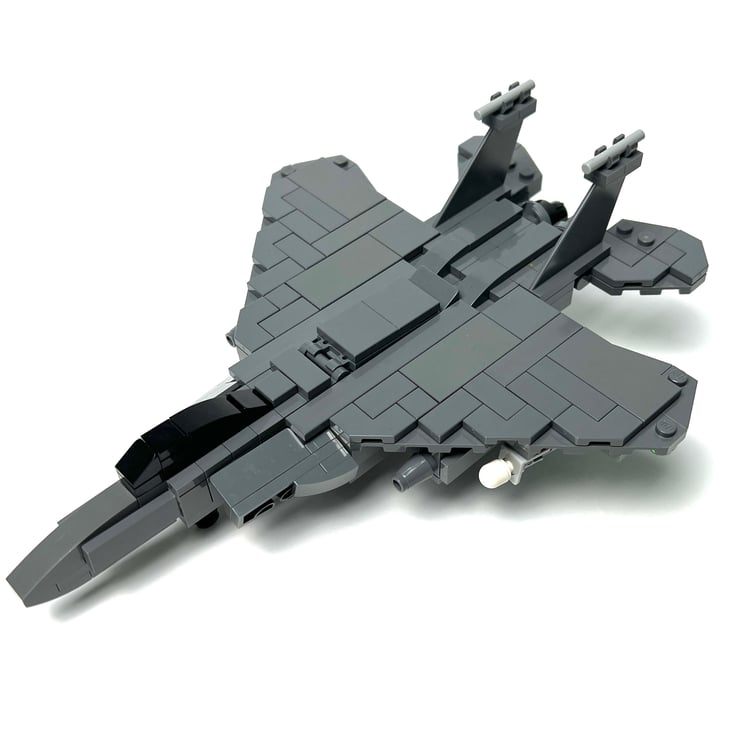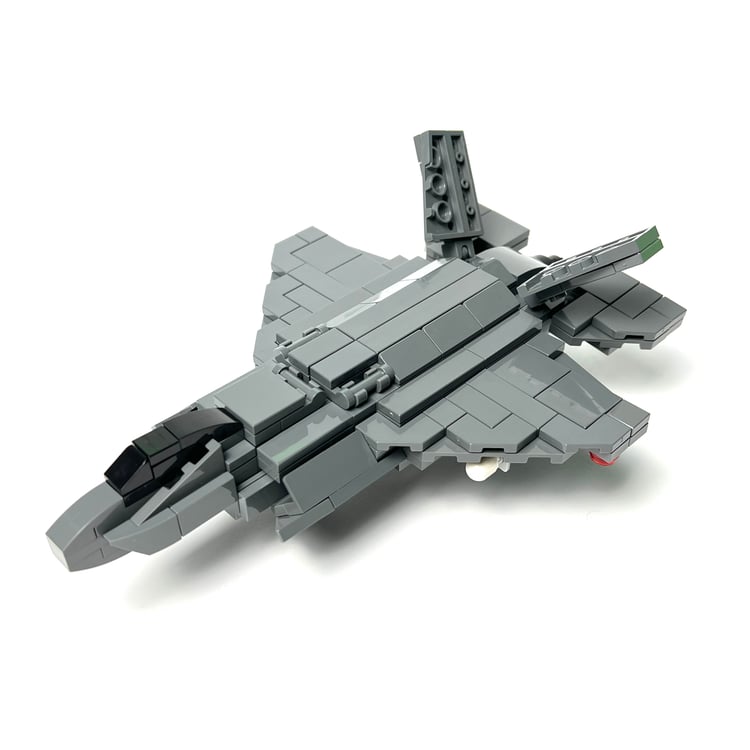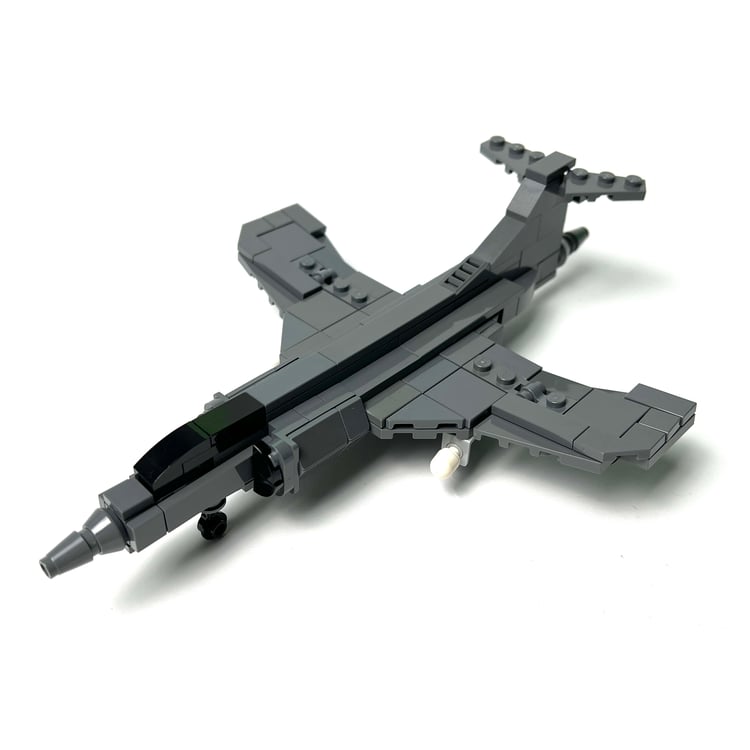


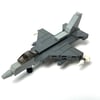
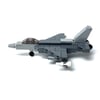
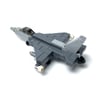
F-16 Fighting Falcon (1:120)(PDF Instructions & XML File)
The General Dynamics F-16 Fighting Falcon is a single-engine multirole fighter aircraft originally developed by General Dynamics for the United States Air Force (USAF).
Designed as an air superiority day fighter, it evolved into a successful all-weather multirole aircraft. The F-16 is used by many countries and one of them being Singapore.
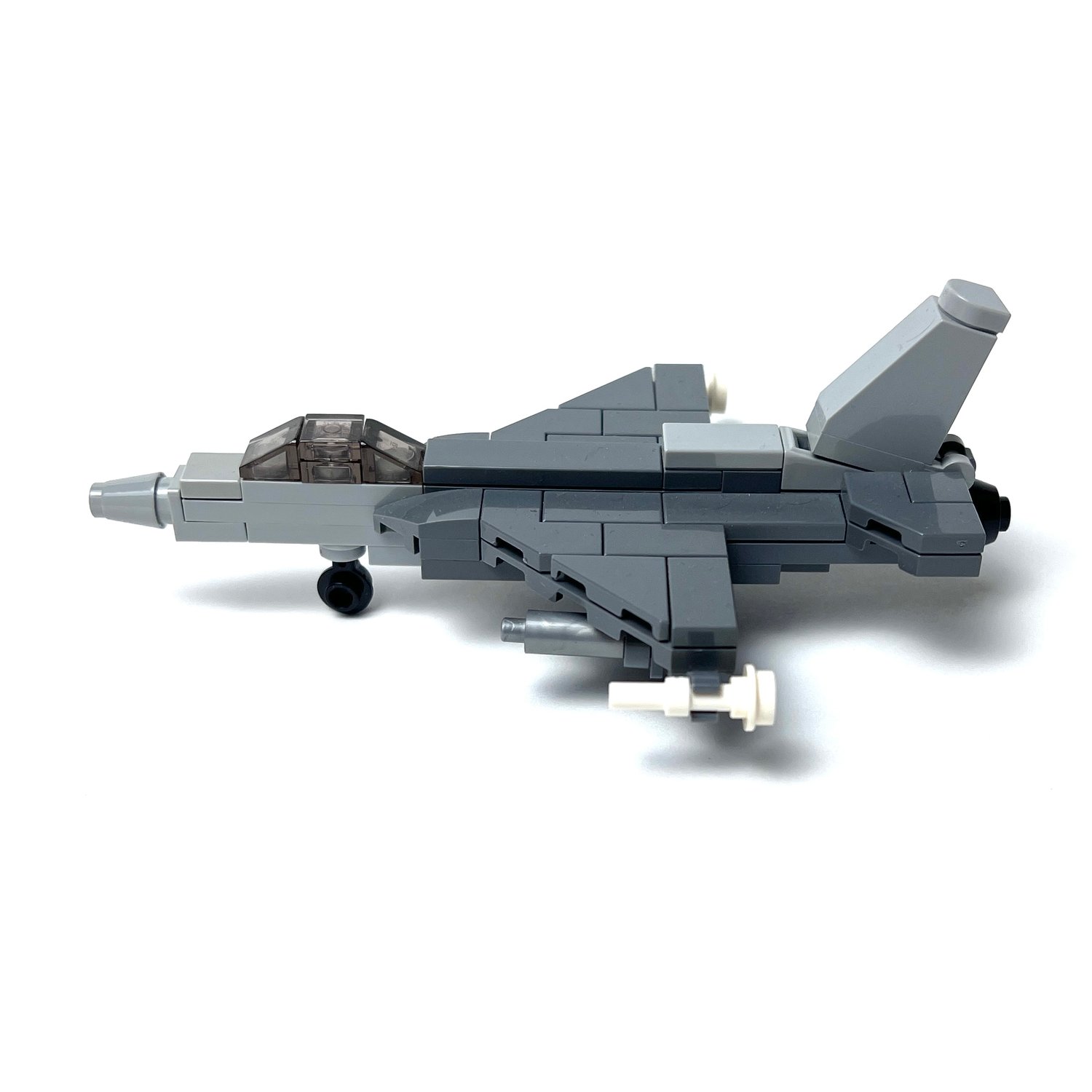
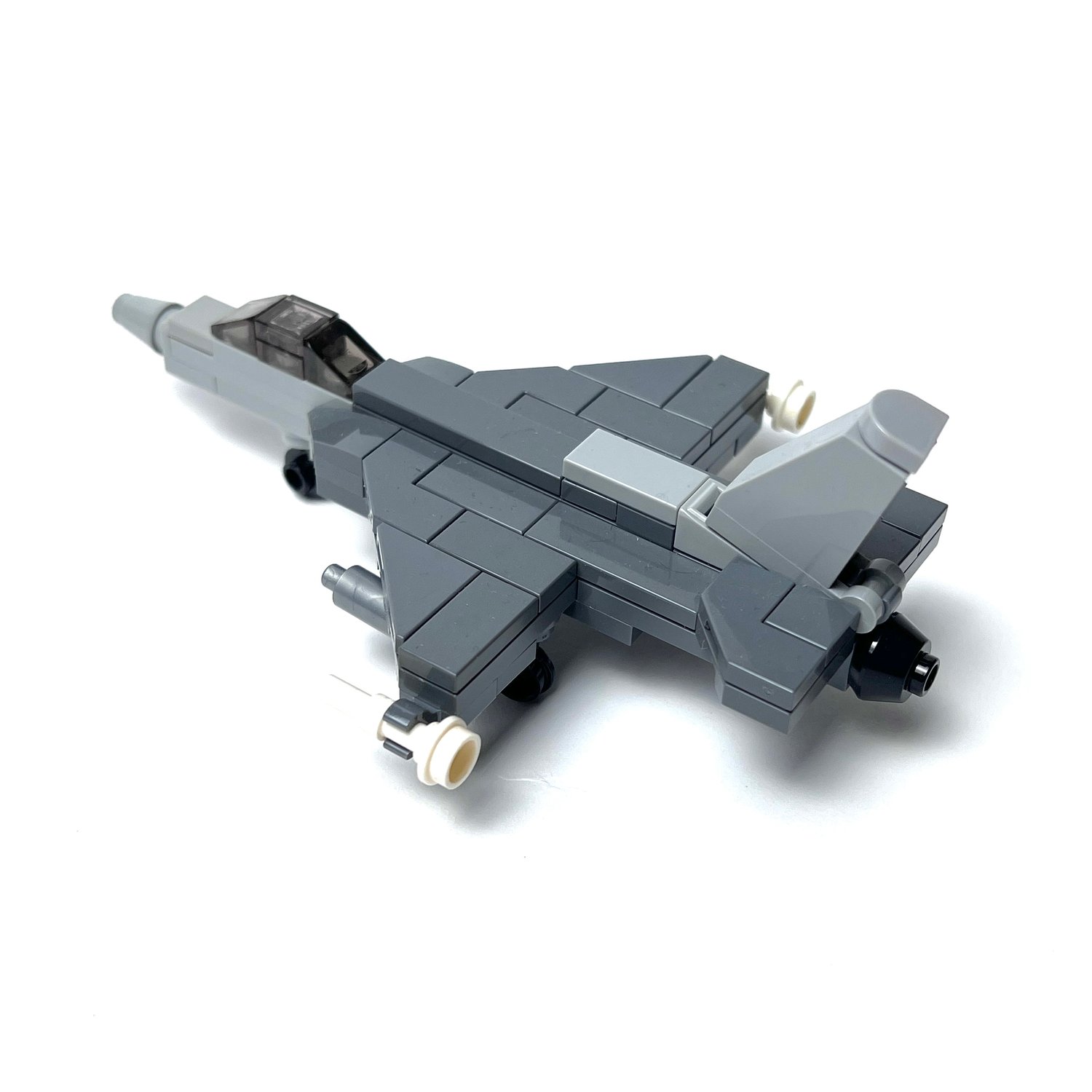
Here's our version of this aircraft in 1:120 scale, and was made to be compatible with nano figures, or nano soldiers from Brickmini. It comes with two sidewinder missiles and two fuel tanks attached to the underside of the wings, and you can remove the wheels for flight mode.
How to Buy Parts from Bricklink:
1. Go to bricklink.com and log into your account. If you don't have one, create a free account first.
2. In the top menu, go to My BrickLink → Wanted List. This is where you'll upload your parts list(XML file).
3. Inside your Wanted List, click Upload at the top. Select Upload BrickLink XML, then choose your exported .xml file. Bricklink will parse every part automatically and populate your wanted list.
4. Once your wanted list is populated, click Buy All at the top. Bricklink will scan all current store inventories and suggest the most cost-efficient combination of sellers to source every part in your list.
5. Review the suggested stores, adjust if needed, and proceed to checkout with each seller individually.