

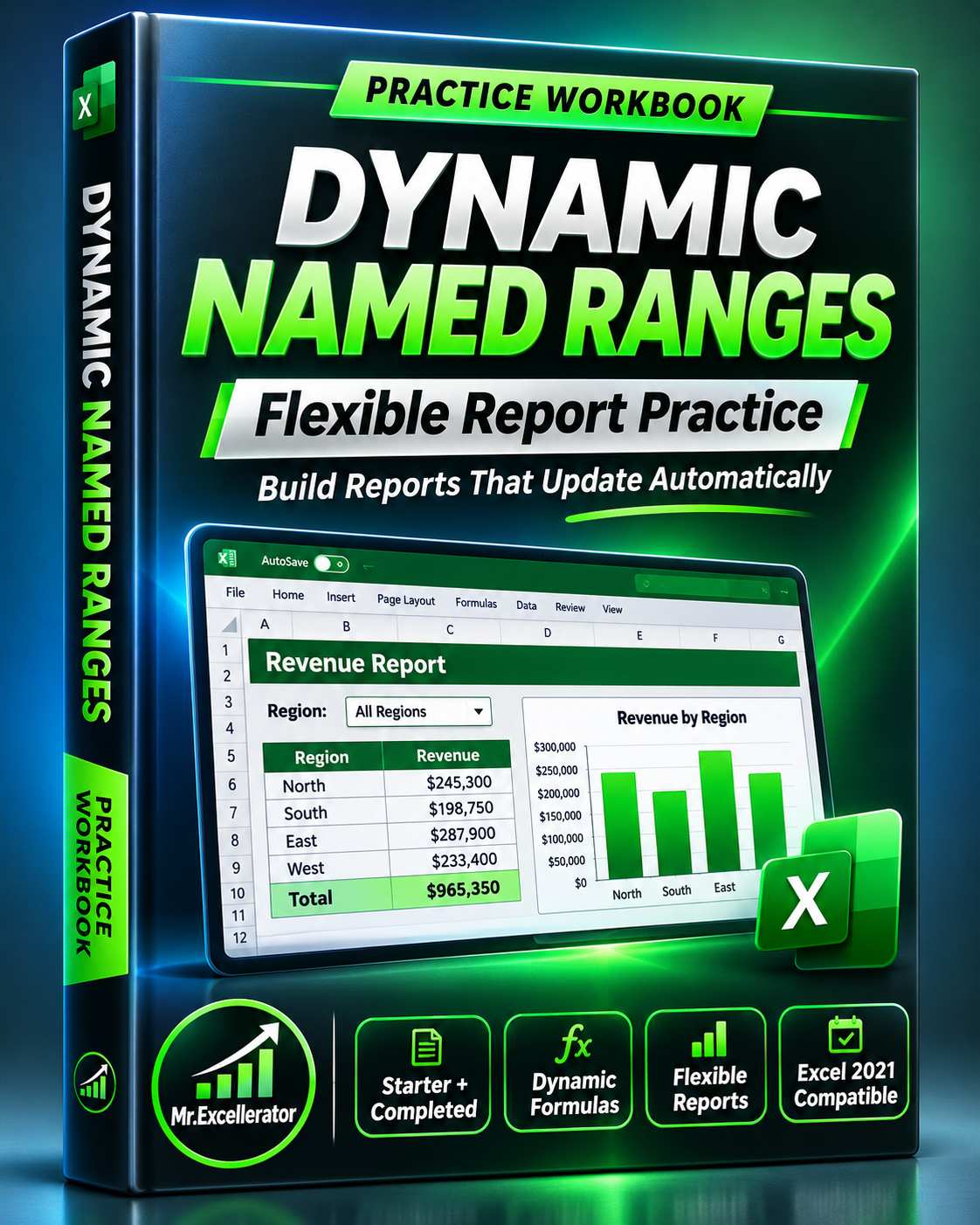
Excel Dynamic Named Ranges Workbook — Flexible Report Practice
Excel Dynamic Named Ranges Workbook — Flexible Report Practice
Learn dynamic named ranges by building a real Excel report — then keep the completed version for future use.
Fixed cell ranges can make even a well-designed report unreliable.
Add a new row outside the original range, and your totals may stop reflecting the full dataset.
This practical Excel workbook helps you solve that problem using Excel Tables, dynamic named ranges, SUMIF, COUNTIF, and responsive reporting formulas.
Follow the accompanying YouTube tutorial to build the report from scratch, or open the completed workbook to explore the finished solution.
What's Included
1. Starter Workbook — Build It Yourself
A prepared practice environment with:
- Sample sales transactions
- Dates, regions, products, units, and revenue
- A report layout ready for formulas
- Data for practicing named ranges and reporting logic
Use this file to follow the video step by step.
2. Completed Workbook — Explore the Finished Report
Includes:
- An expandable SalesTable
- Dynamic named ranges for revenue, region, and product
- A region selection dropdown
- Revenue, order count, and average order value KPIs
- Regional and product summaries
- Revenue share calculations
- A regional revenue chart
- A practical test showing how new records affect report totals
What You'll Learn
- Create an Excel Table from raw data
- Define workbook-level dynamic named ranges
- Build readable formulas using meaningful names
- Use SUMIF and COUNTIF with expanding references
- Make report KPIs respond to a selected region
- Create summaries without fixed row limits
- Verify that new transactions flow into your calculations
Why Get This Workbook?
You don't have to recreate the practice dataset, reporting layout, and formulas from memory.
Everything is organized so you can focus on understanding the technique and applying it to your own work.
The completed report also provides a reusable starting point for simple sales reporting tasks.
Perfect For
- Excel learners
- Junior business analysts
- Reporting professionals
- Students practicing structured references
- Anyone maintaining reports that grow over time
How to Use
- Download the included ZIP package.
- Open the Starter workbook.
- Follow the YouTube lesson to build the dynamic report.
- Compare your results with the Completed workbook.
- Adapt the reporting pattern to your own dataset.
File Details
- One product containing Starter and Completed XLSX workbooks
- Compatible with Excel 2021 formulas
- No VBA macros required
- Practice data and a completed example included
Build once. Understand the logic. Reuse the reporting method whenever your data grows.