



Master Filipino & English the Smart Way!
Stop scrolling through long PDF files! We’ve converted the Filipino-English Phrasebook PDF into an interactive study hub on our reviewer website. 📚
Here’s what you can study and practice right now:
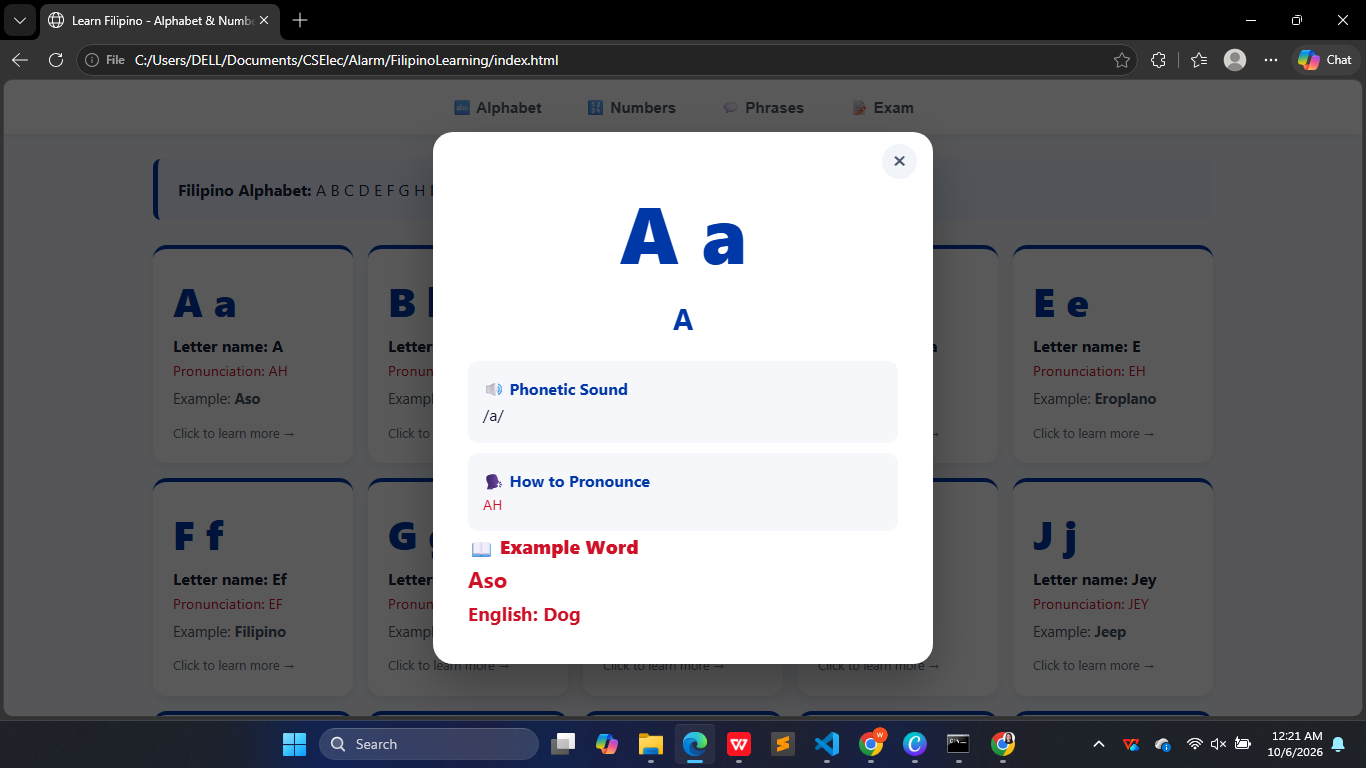
🔤 1. Alphabet & Sounds (Ang Alpabeto)
Master the Modern Filipino Alphabet (28 letters) with sound notes and English equivalents.
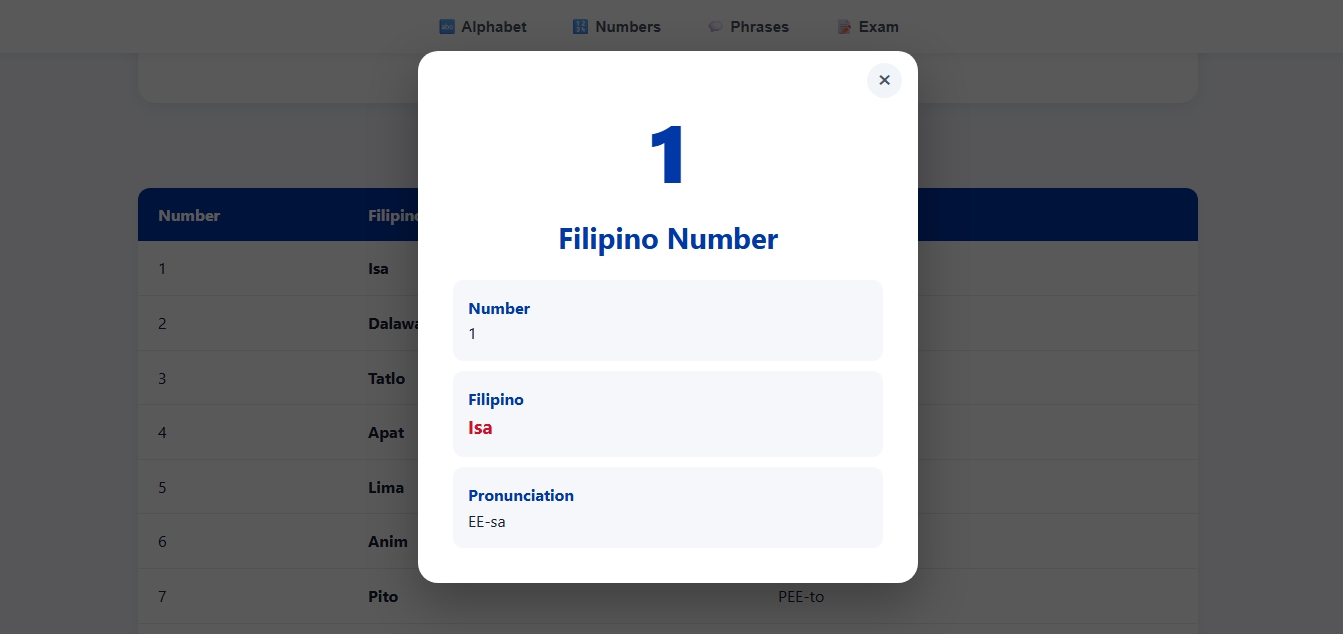
🔢 2. Numbers & Counting (Mga Numero)
Learn native Filipino numbers (isa, dalawa, tatlo) alongside Spanish-derived and English counting terms used in daily buying and telling time.
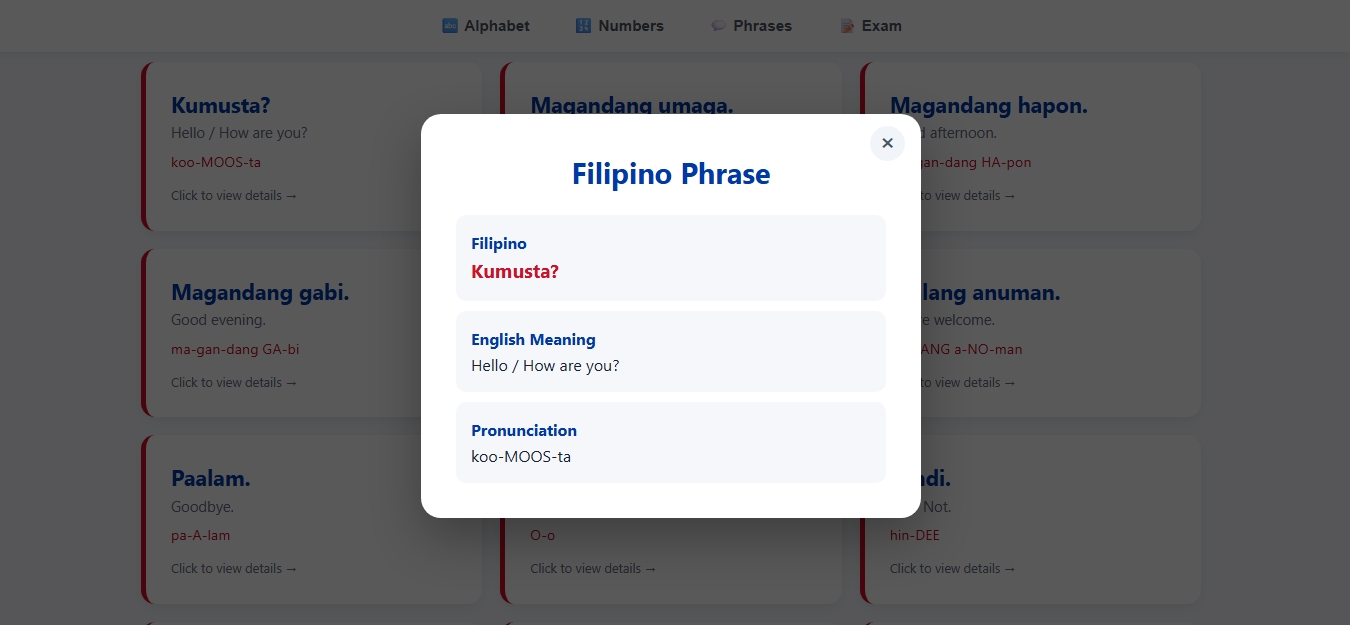
💬 3. Essential Phrases (Mga Parirala)
Key expressions for greetings, asking for directions, dining, and daily Taglish conversations—complete with cultural context like po and opo.
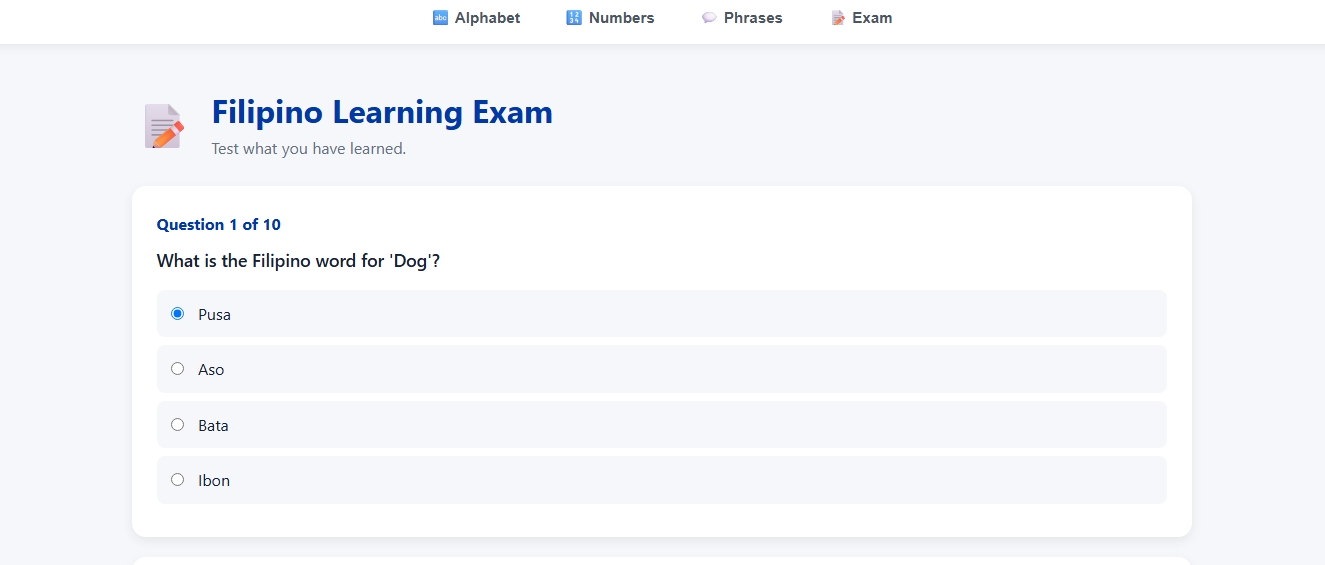
🧠 4. Interactive Quizzes (Magsanay Tayo!)
Test your memory with multiple-choice quizzes, flashcard drills, and matching games to lock in what you learned!
📲 Start reviewing for free on desktop:
Step 1: Create Your Project Directory Create a dedicated folder on your computer (e.g., phrasebook-reviewer).
Inside this folder, create three separate files:
index.html (Structure & Content)
styles.css (Design & Formatting)
script.js (Interactive Logic & Quizzes)
Step 2: Write the HTML (index.html) The HTML file builds the layout and links the CSS stylesheet and JavaScript code.
Step 3: Write the CSS (styles.css) The CSS handles layout styling, colors, and responsive design.
Step 4: Write the JavaScript (script.js) JavaScript powers interactive features like checking quiz answers dynamically.
Step 5: How to Open & Access the Web App Method A: Locally in Any Web Browser Open your project folder (phrasebook-reviewer).
Double-click index.html (or right-click → Open with → Chrome / Edge / Firefox).
The browser will open the webpage locally (file:///.../index.html).