


🐳 What is Docker?
🐳 What is Docker?
Docker is a platform that allows you to package applications and their dependencies into a single “container” so they can run anywhere consistently – on your laptop, on a server, or in the cloud.
Think of it like a lightweight virtual machine, but faster, smaller, and more portable.
1️⃣ Key Concepts
1. Containers
- Isolated environments that run applications
- Share the host OS kernel (unlike VMs, which include a full OS)
- Lightweight, start in seconds
2. Images
- A read-only template used to create containers
- Contains application code, libraries, dependencies, and OS settings
- Example: nginx:latest image to run an Nginx web server
3. Docker Engine
- The core software that runs containers on your system
4. Docker Hub
- Cloud repository for sharing Docker images
- Public & private images available
2️⃣ Why Use Docker?
BenefitExplanationPortabilityRun the same container anywhere: dev → test → prodIsolationApps don’t interfere with each otherLightweightUses less memory & storage than traditional VMsScalabilityEasy to scale apps horizontallyVersion ControlDocker images can be versioned and rolled back
3️⃣ Docker vs Virtual Machine
FeatureDocker ContainerVirtual MachineOSShares host OS kernelIncludes guest OSSizeMBsGBsStartupSecondsMinutesIsolationProcess-levelHardware-levelResource UsageLowHigh
4️⃣ Basic Docker Commands
# Pull an image from Docker Hub
docker pull nginx
# Run a container
docker run -d -p 8080:80 nginx
# List running containers
docker ps
# Stop a container
docker stop <container_id>
# Remove a container
docker rm <container_id>
# List images
docker images
# Remove image
docker rmi <image_id>
5️⃣ Docker Workflow (Typical DevOps Use)
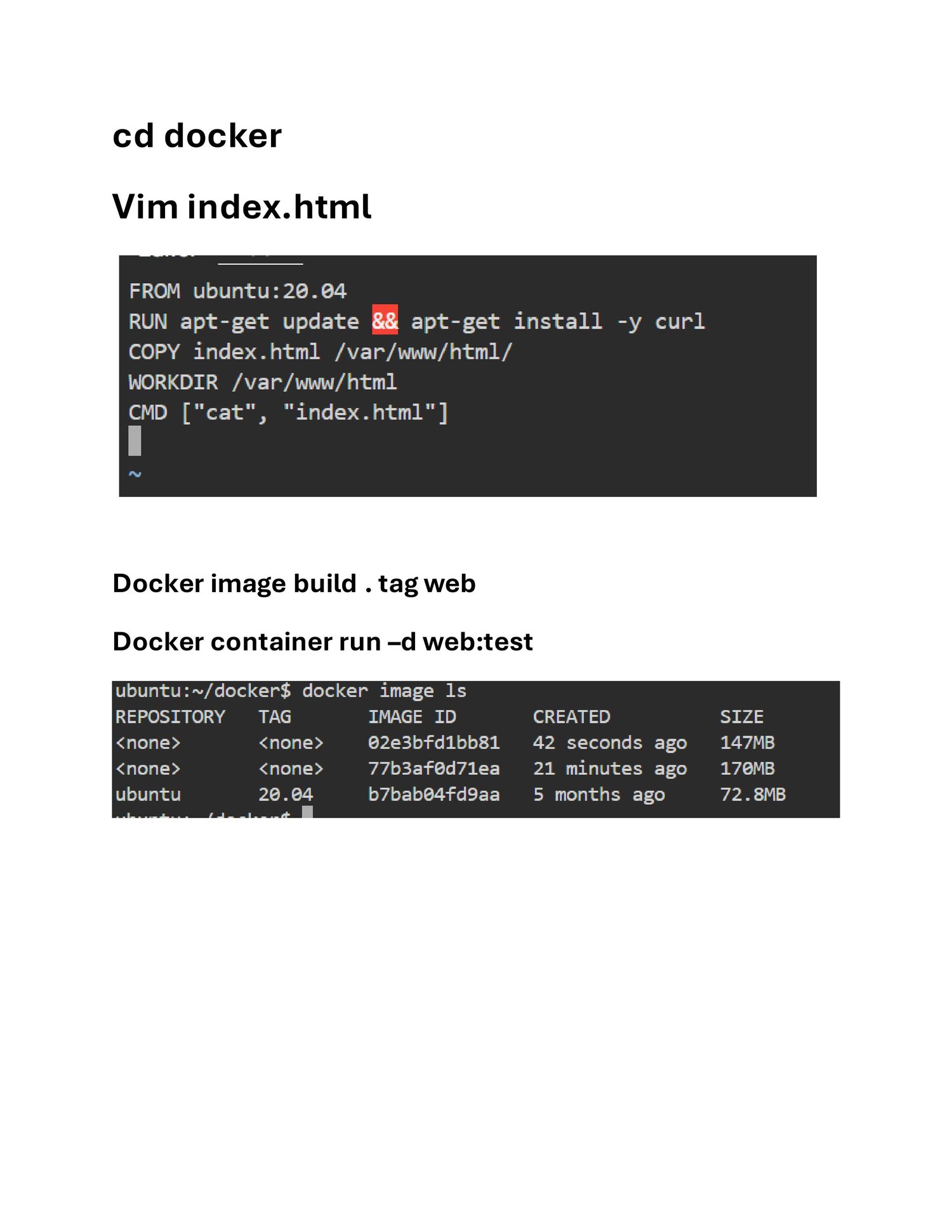
- Write Dockerfile – Defines app environment
- Build image – docker build -t myapp .
- Run container – docker run -d myapp
- Test & deploy – Use same container anywhere
6️⃣ Use Cases
- Microservices deployment
- CI/CD pipelines
- Cloud-native applications
- Testing applications in isolated environments
- Multi-tenant apps