


DWG Downgrade Studio
DWG Downgrade Studio
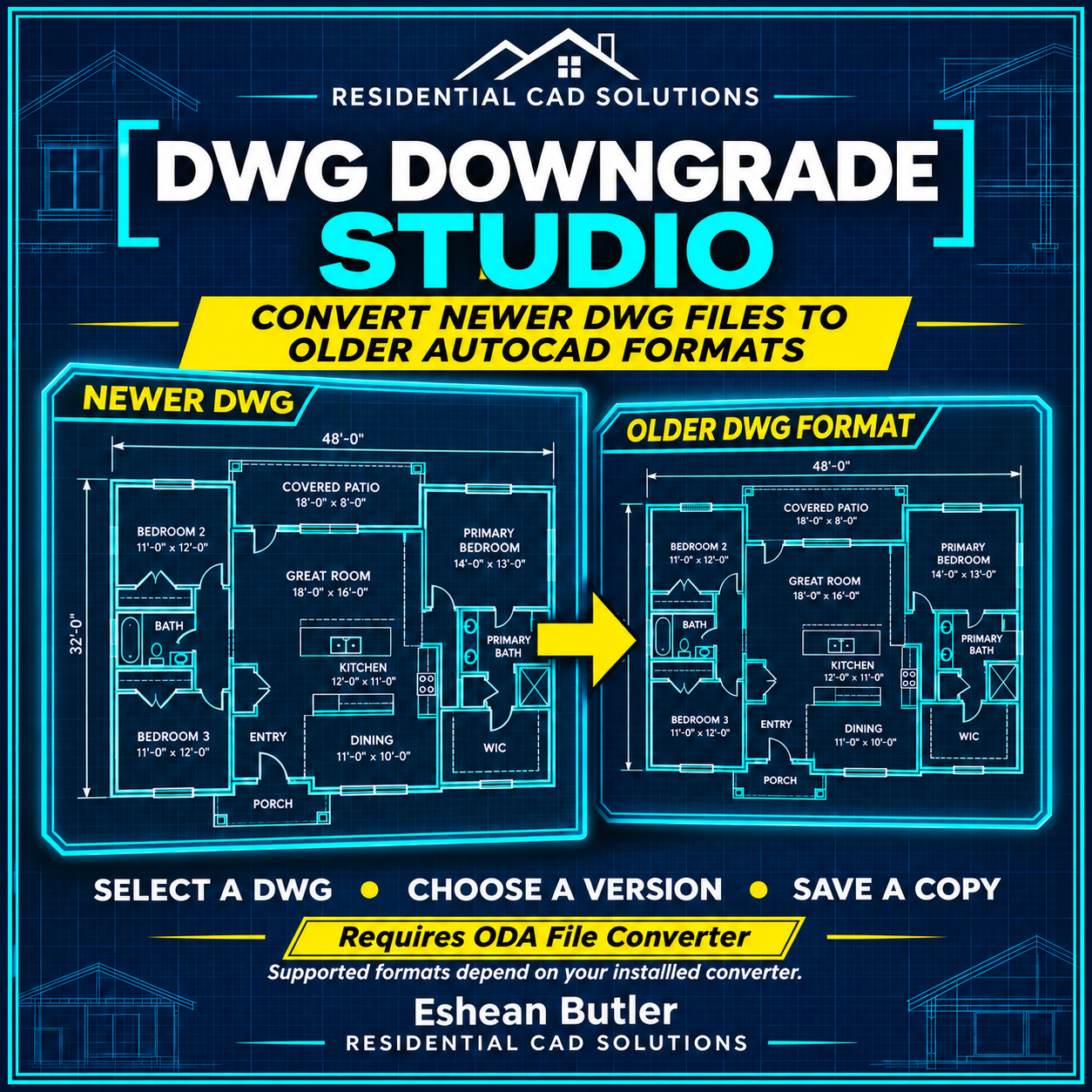
Received a DWG file that your older AutoCAD version cannot open? DWG Downgrade Studio gives you a convenient way to select the drawing, choose an older format, and save a converted copy—all through a simple dialog launched inside AutoCAD.
Designed for full Windows AutoCAD 2002, the program includes target-format selection, an optional audit/repair setting, remembered preferences, and a built-in Help button. Your original drawing is preserved, and existing destination files are never overwritten.
For AutoCAD 2002, select AutoCAD 2000–2002 as the output format. Start the program by typing DDS or DWGDOWNGRADE.
What your purchase includes
Your purchase provides the custom LISP program, DCL interface, installation instructions, and a shortcut to the official ODA File Converter download page. You’re paying for the convenient AutoCAD interface and conversion workflow—not for ODA File Converter.
Separate converter installation required
DWG Downgrade Studio uses ODA File Converter to perform the actual drawing conversion. The converter is a separate third-party application and is not bundled with this product. Download and install it separately, then locate its executable through the Studio dialog.
Supported input formats depend on your installed converter. Newer features may change during conversion, and specialized objects may remain proxies. Referenced drawings, fonts, and images are not packaged. Always review the converted drawing before use.