
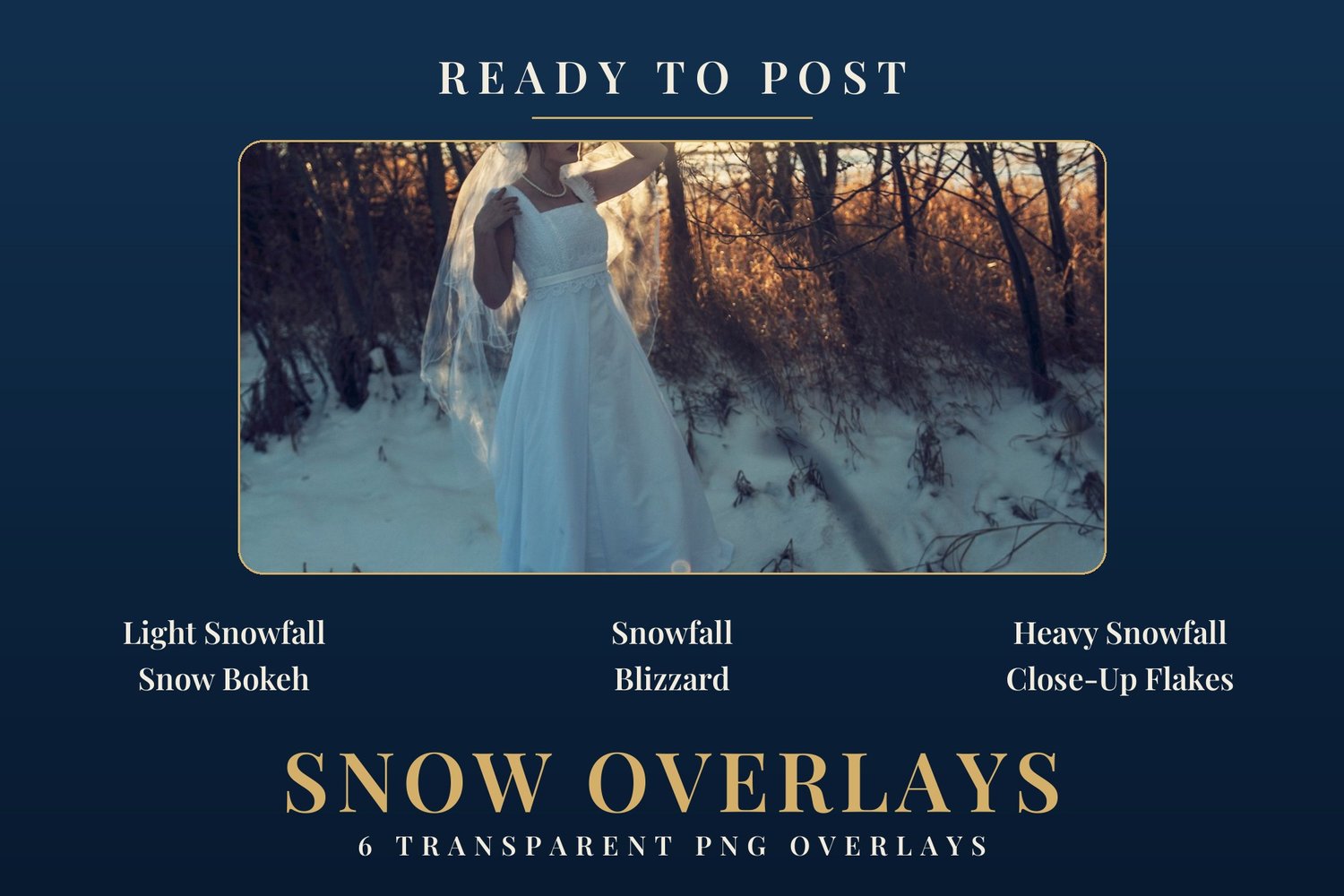
Ready to Post — Snow Overlays | 6 Transparent PNG Snowfall Overlays
6 transparent-background snowfall overlays to make it snow on your photos: a light fall, the classic medium fall, a dense heavy fall, soft foreground bokeh, a wind-driven blizzard with motion streaks, and big detailed close-up flakes. You lay one over your photo, that's it: the transparent background does the work, no blend mode needed, in Canva as in Photoshop or CapCut. The PDF guide walks you through the method step by step for each app, with the recommended opacity settings.
Light Snowfall — Fine, sparse flakes, light fall. Opacity: 60-100%.
Snowfall — The classic medium fall. Opacity: 60-100%.
Heavy Snowfall — Dense fall. Opacity: 50-90%.
Snow Bokeh — Big blurred flakes in the foreground, depth effect. Opacity: 50-80%.
Blizzard — Dense fall with diagonal motion streaks, storm mood. Opacity: 50-85%.
Close-Up Flakes — Big, sharp, detailed flakes. Opacity: 70-100%. Place it last, on top.
Note: Lightroom doesn't handle layers — apply your preset first, then lay the overlay over your photo in Canva, Photoshop or CapCut.