
Therapist Inactive Client Tracker | Check-in, Final Notice & Closure Log, Message Templates, Retention Log | Notion Template + Google Sheets
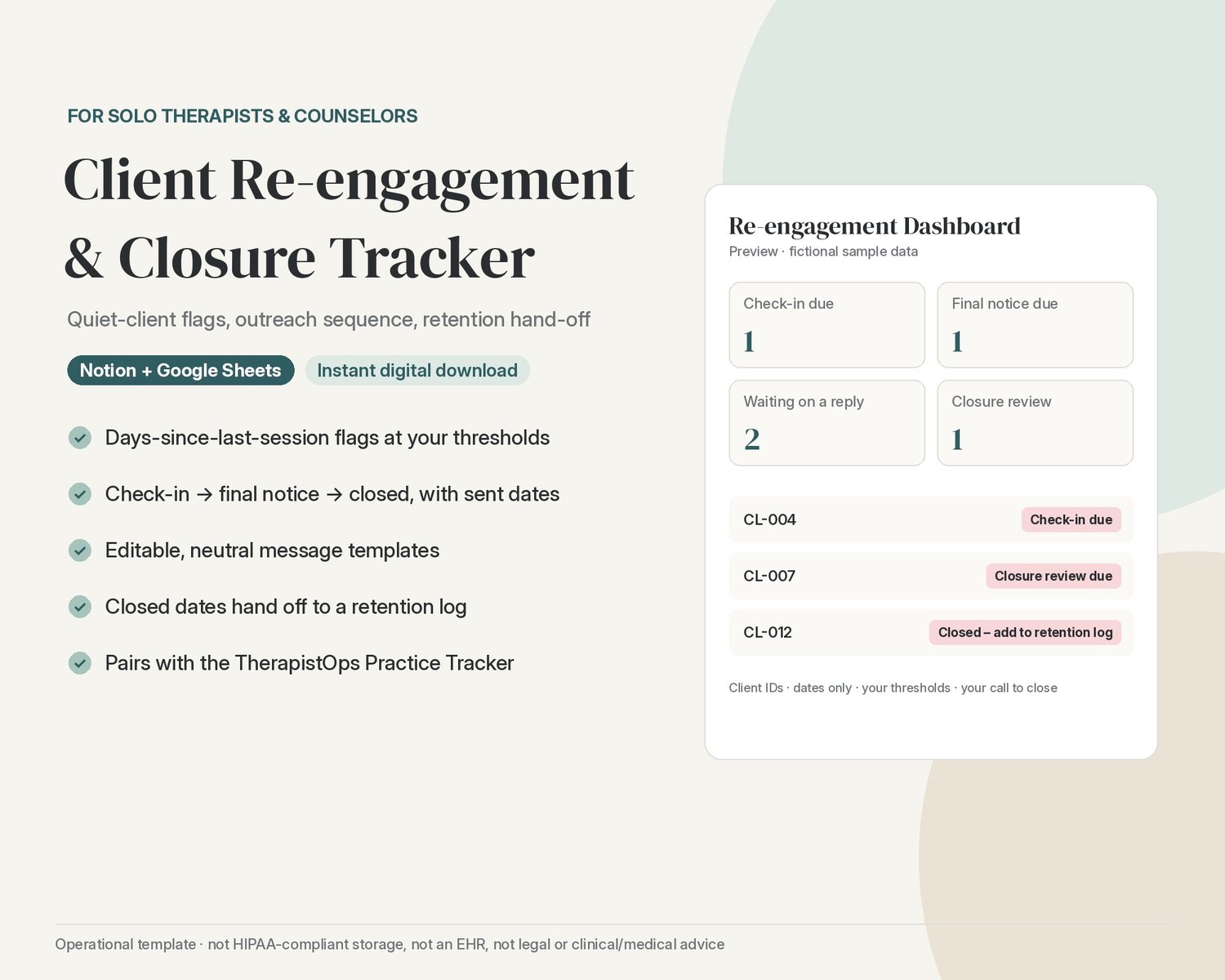
Know which clients have gone quiet, what you've already sent them, and which closed files still need a retention entry, in Notion or Google Sheets.
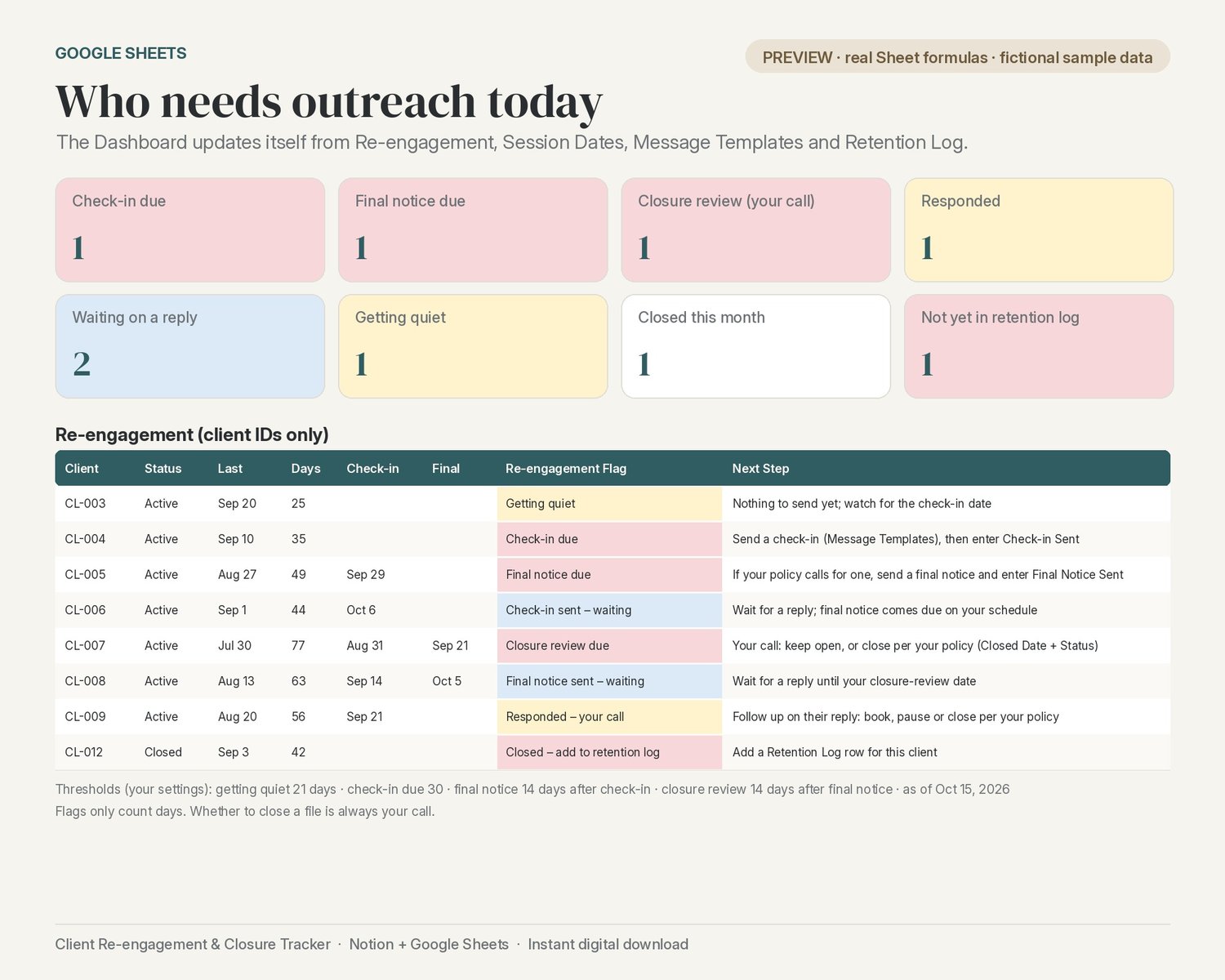
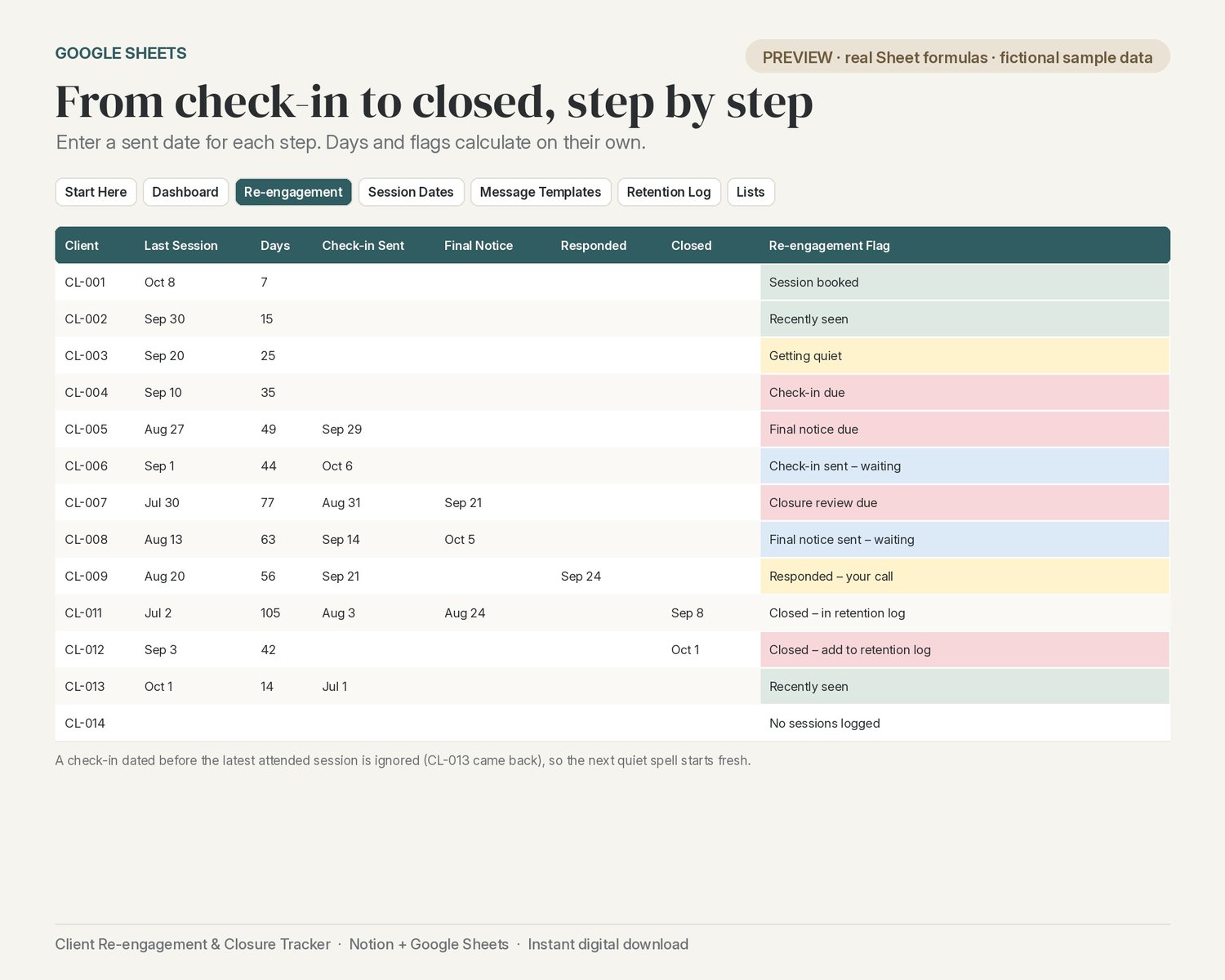
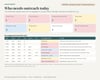
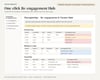
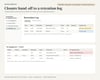
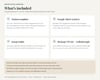
See who's gone quiet. Log session dates (dates and attendance only). The tracker counts the days since each client's last attended session and flags them at your own thresholds: Recently seen, Getting quiet, Check-in due, or Session booked when they're already on the calendar.
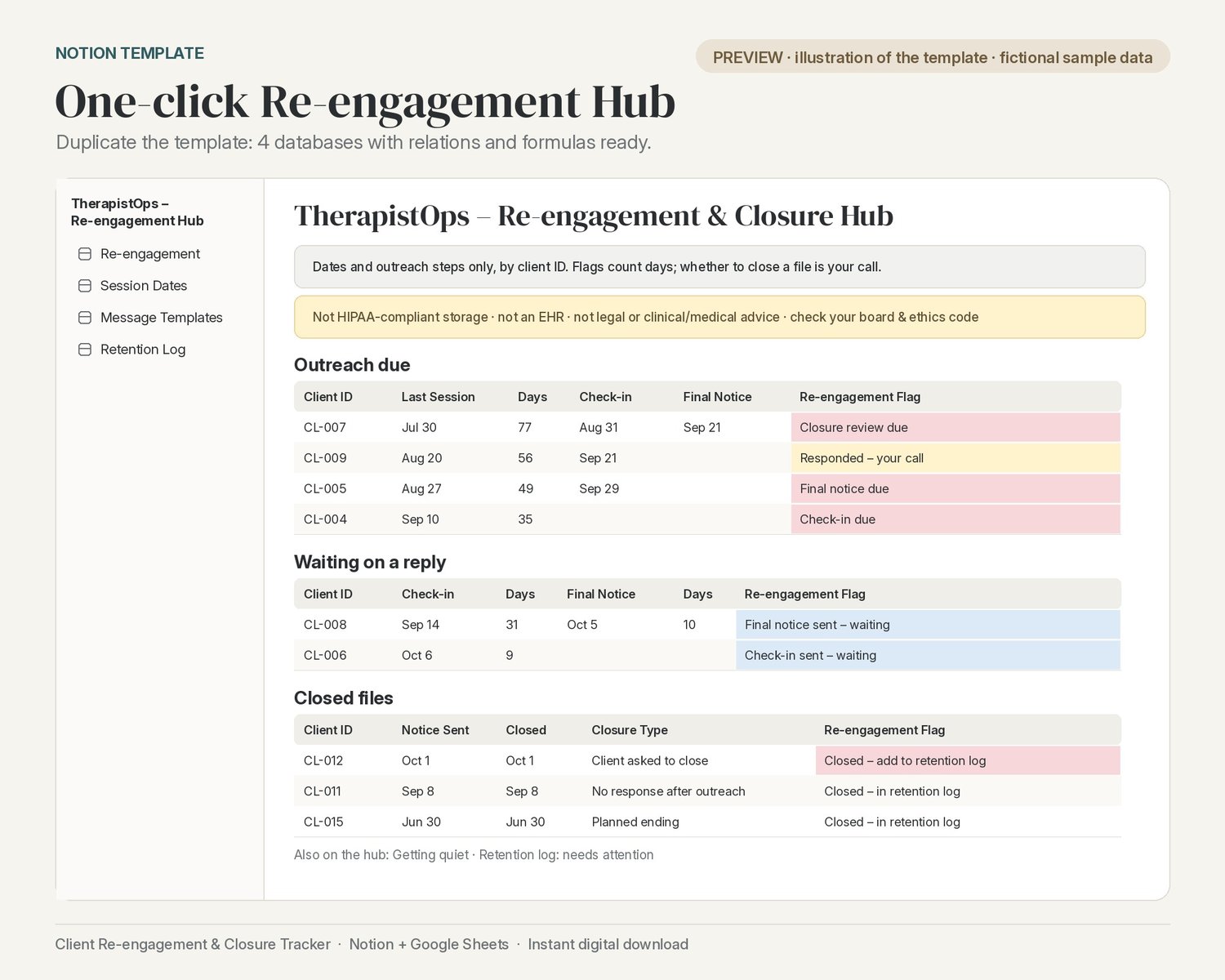
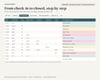
Run your outreach sequence. Check-in → final notice → closed, with a sent date for each step. The flag moves on by itself: Check-in sent – waiting, Final notice due, Final notice sent – waiting, then Closure review due. If the client replies, it shows Responded – your call. The tracker counts days; whether and when to close a file is always your decision.
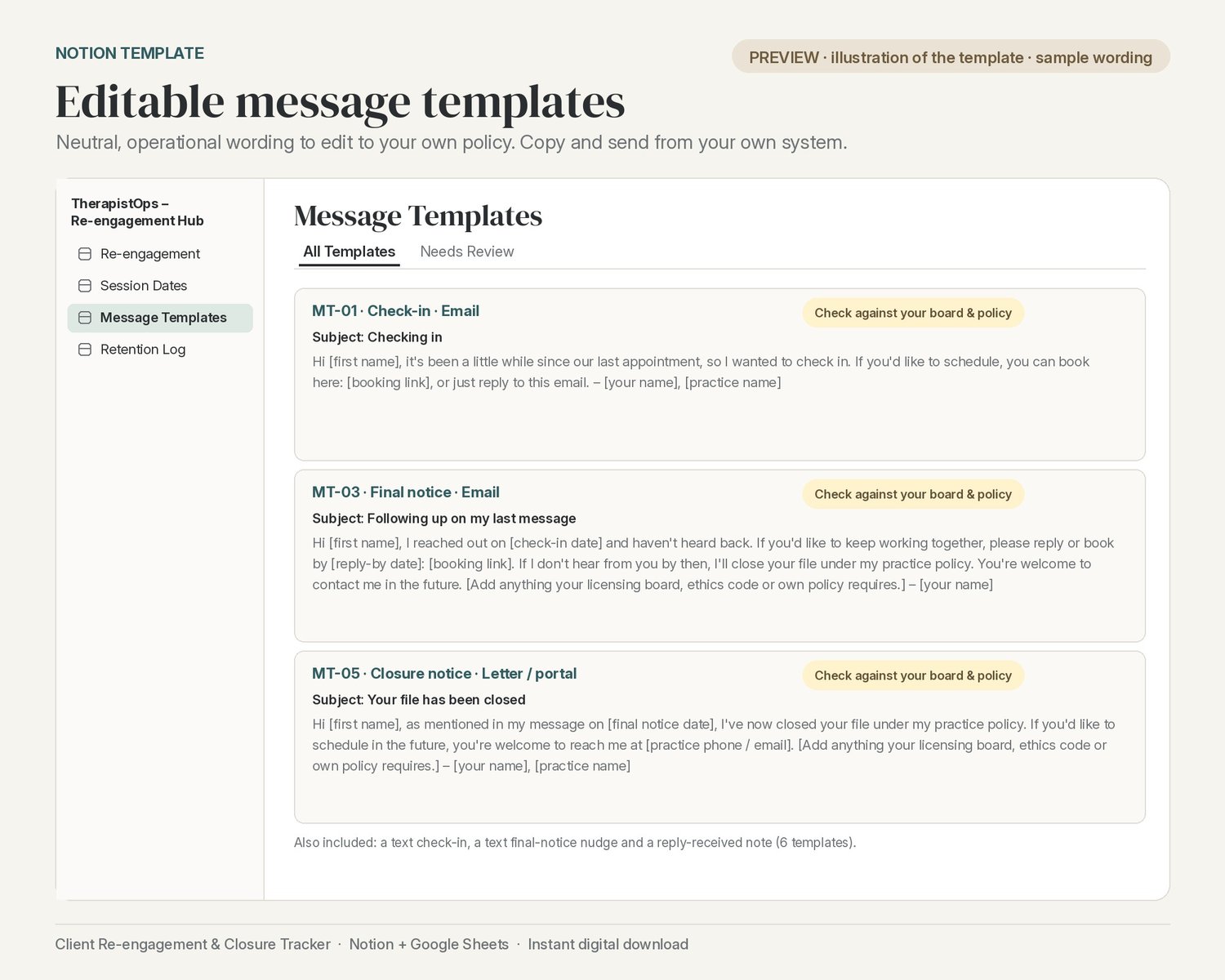
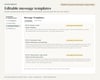
Editable message templates. Six neutral, operational starting points (check-in by email and text, final notice, closure notice, reply received) with [bracketed] fill-ins. Edit them to your own policy and tick Policy Checked. Check your licensing board and ethics code before you use or adapt any closure or termination notice.
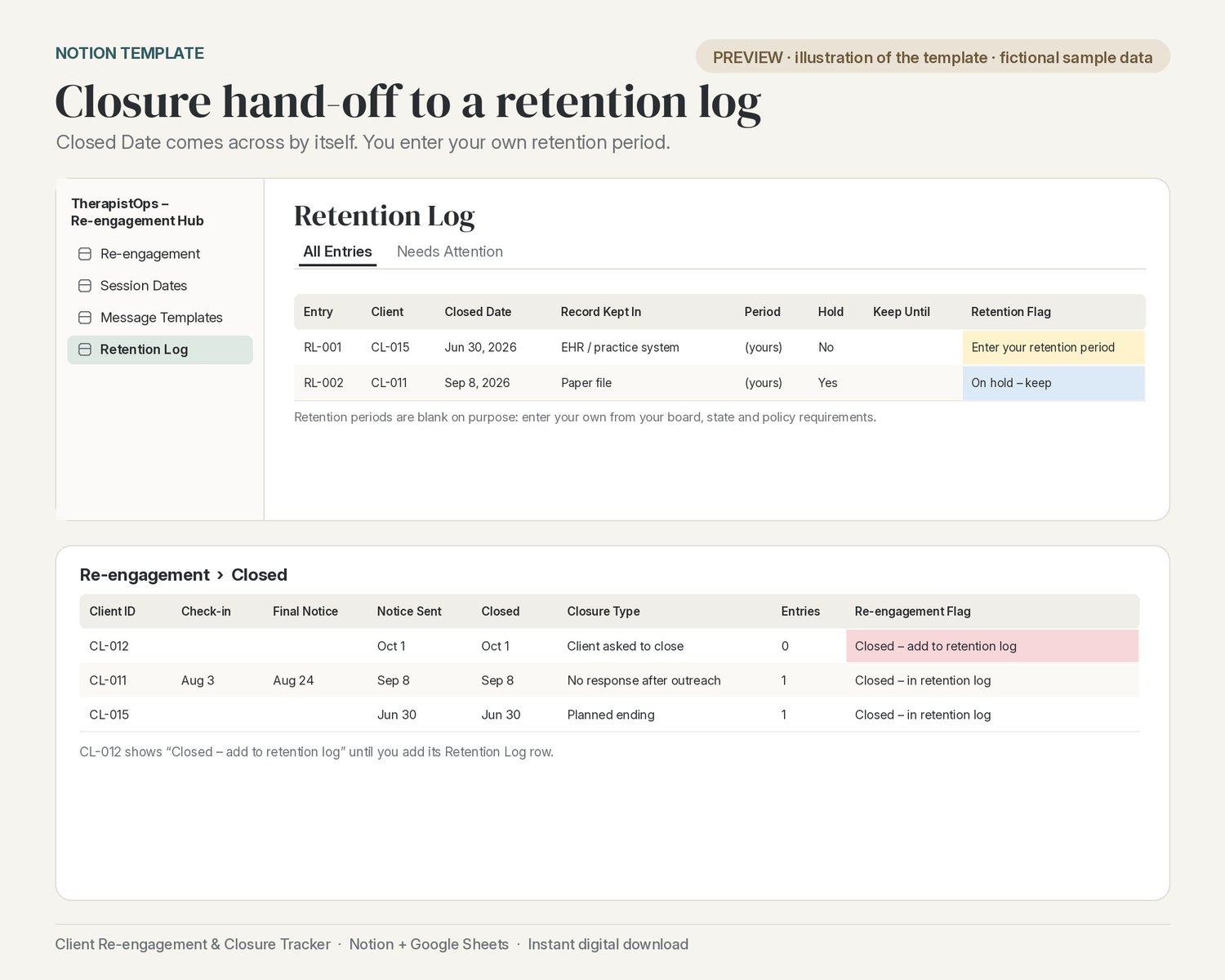
Hand off to a retention log. When you close a file, its Closed Date flows into the Retention Log. You enter your own retention period (left blank on purpose) and get a Keep Until date and a hold option.
Returned after closure. If a client attends a session dated after their Closed Date, a Returned After Closure flag turns on and they show up in their own view (Notion) and on the Dashboard (Google Sheets), so you can review the entry: reopen the file or note the return under your own policy.
Client IDs only. Pairs with the TherapistOps Practice Tracker. Uses the same CL-001 client IDs as the Practice Tracker, and session dates paste straight across. It's part of the TherapistOps Client Lifecycle Bundle (Inquiry + Practice Tracker + GFE + Re-engagement).
Two ways to use it (both included):
- Notion template: one click to Duplicate into your workspace. The Re-engagement & Closure Hub has 4 linked databases (Re-engagement, Session Dates, Message Templates, Retention Log) with relations and formulas already set up. Views: All Clients, Outreach Queue, Waiting on Reply, Getting Quiet, Closed, Session Log, Calendar, Upcoming, All Templates, Needs Review, All Entries, Needs Attention and Returned After Closure, plus six linked views on the hub page.
- Google Sheet: a Start Here tab, a Dashboard, and Re-engagement, Session Dates, Message Templates, Retention Log and Lists tabs, with dropdowns, day counts, flags, next steps and a Returned after closure list.
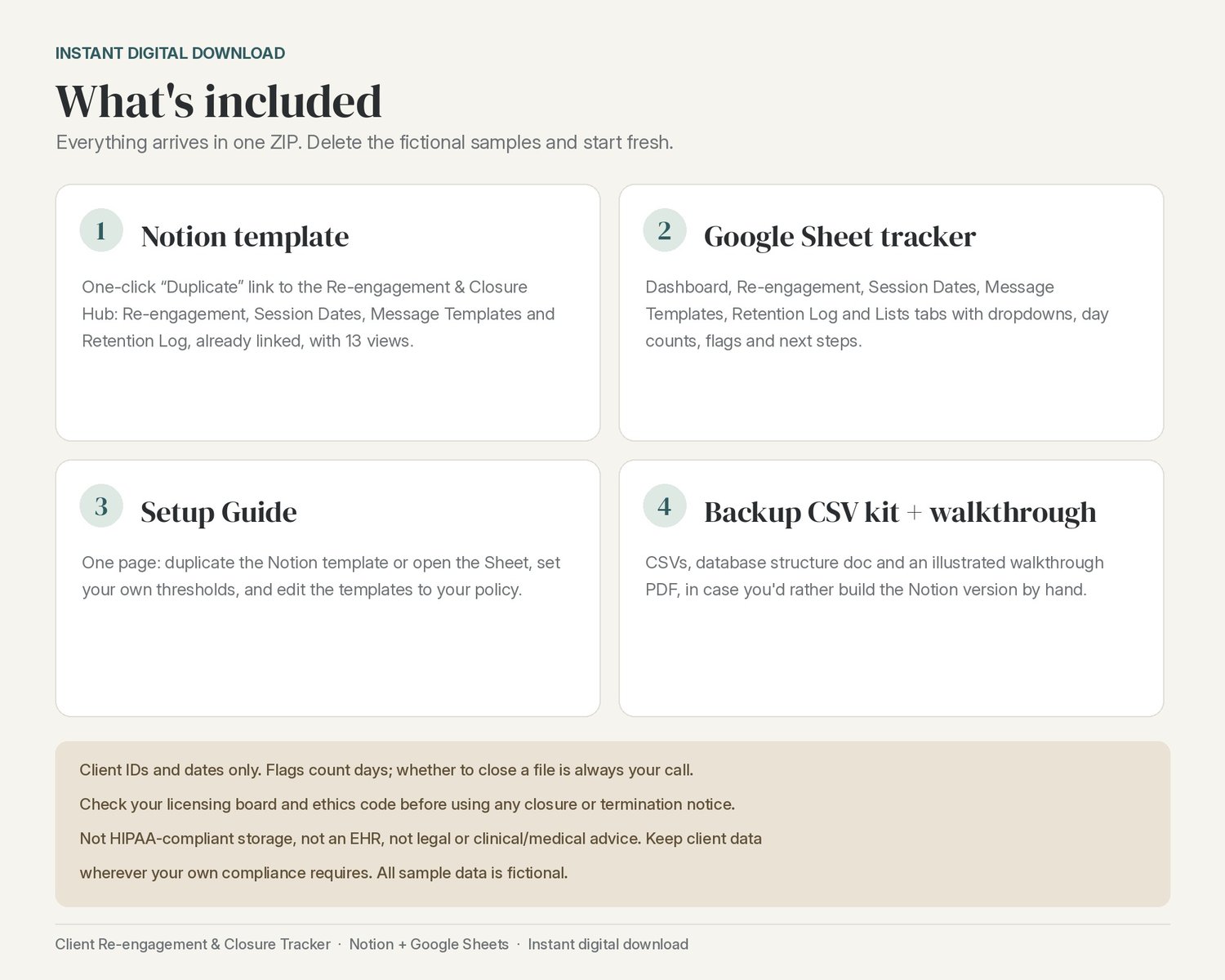
What you get (instant digital download, one ZIP):
- Google Sheet tracker (.xlsx; open it in Google Sheets)
- One-page Setup Guide (PDF + DOCX) with the Notion template link
- Notion Setup Walkthrough (8-page illustrated PDF)
- Backup CSV kit for building the Notion version by hand: 4 CSV files and a database structure doc (relations must be linked by hand after import)
Setup time: about 2 minutes for the Notion template and about 5 minutes for Google Sheets. The optional manual Notion build from the CSV kit takes about 30 minutes.
The thresholds (getting quiet at 21 days, check-in due at 30 days, final notice 14 days after the check-in, closure review 14 days after the final notice) are settings you can change. They're your own choices, not standards or rules. Fictional sample client IDs are included so you can see how everything works; delete them when you're ready.
Please note: this is an admin tracker for dates and outreach steps only. It isn't designed to hold PHI: no names, contact details, session content, diagnoses or reasons for ending care. Nothing is sent from the tracker; you copy a template into your own email, text or portal.
Not HIPAA-compliant storage. Not an EHR. Not legal or clinical/medical advice. This is an organizational template only. Keep client data wherever your own compliance requires.
Closure notices: Closure and termination practices are governed by your licensing board, your professional ethics code and your own written policies. Check your own licensing board and ethics code before you use or adapt any check-in, final notice or closure notice. The message templates are neutral operational wording only, not legal or clinical advice.
Privacy & scope: This tracker records dates and outreach steps only, by client ID (e.g. CL-004). Keep names, contact details, session content, diagnoses and reasons for ending care in the systems your obligations require, never in this tracker. The flags only count days against your own thresholds; whether and when to close a file is always your own clinical call. The check-in, final-notice and closure-review thresholds are your own adjustable settings, not standards or rules, and retention periods are left blank for you to enter from your own requirements.
Not designed to hold PHI. Operational template only: no legal, clinical or medical advice. All sample data is fictional.