
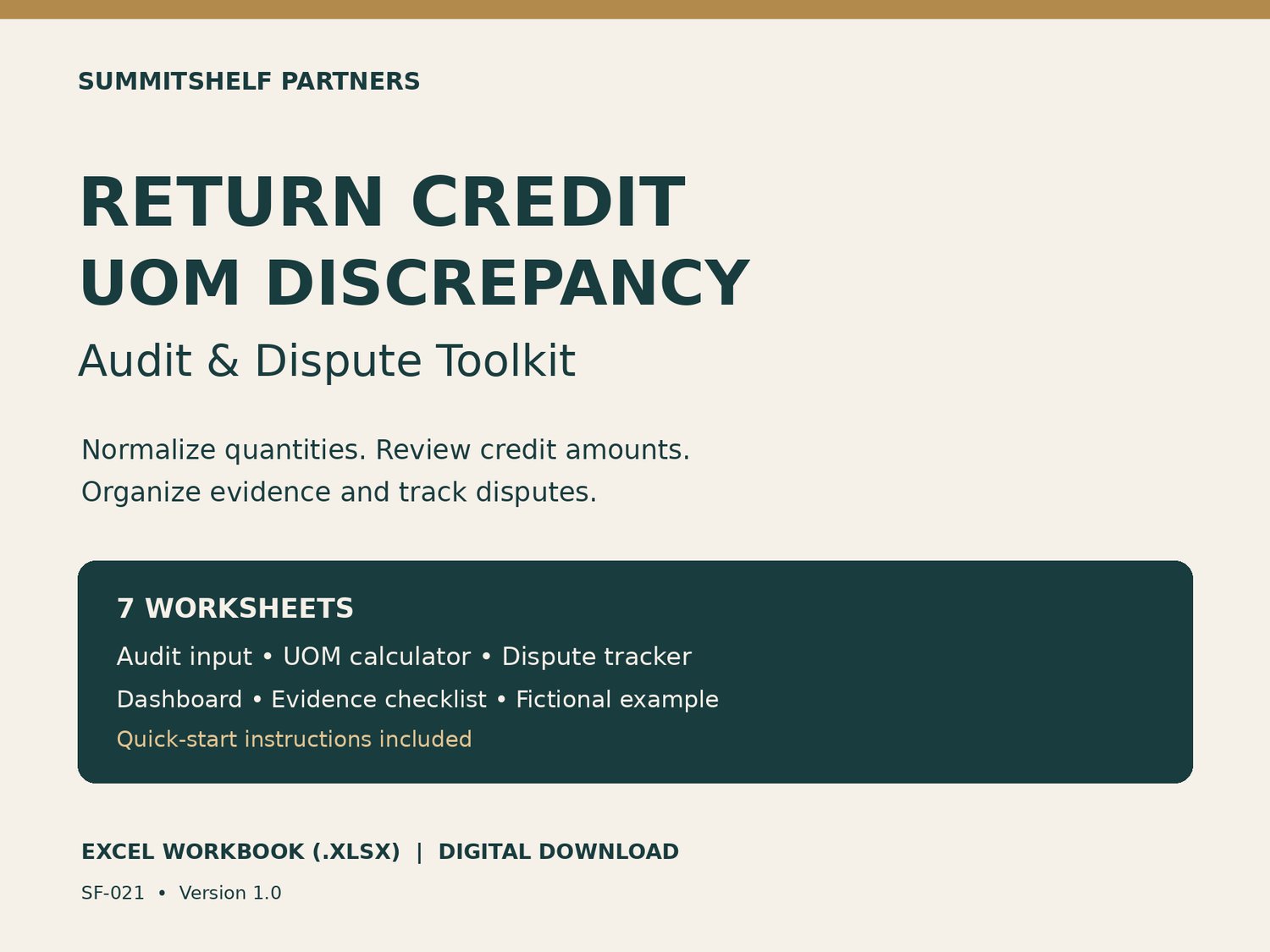
Return Credit UOM Discrepancy Audit & Dispute Toolkit | Excel Workbook
Review return-credit discrepancies with a structured Excel workbook from SummitShelf Partners. Normalize case, pack, and each quantities before comparing the claimed credit with the calculated amount.
WHAT YOU RECEIVE
One downloadable .xlsx workbook, SF-021 version 1.0, with seven worksheets:
• Start Here — quick-start instructions.
• Audit Input — 200 prepared rows with formulas for base units, quantity in the sold UOM, calculated credit, dollar variance, percentage variance, and review flags.
• UOM Calculator — a single-line conversion and credit calculator.
• Dispute Tracker — 200 rows for ownership, status, dates, aging, evidence, decisions, and recovered amounts.
• Dashboard — totals for claimed credit, calculated credit, variance, recoveries, and open disputes.
• Evidence Checklist — organize invoice, conversion, receipt, claim, approval, and correction evidence.
• Worked Example — a fictional case illustrating case-to-each conversion.
WHO IT IS FOR
Business users reviewing return credits, claims, customer-service discrepancies, and case-versus-each quantity issues. The workbook is platform-neutral and does not connect to or change your ERP or retailer portal.
HOW TO USE
Open the file in Microsoft Excel and save a working copy. Enter the quantities, conversion factors, prices, and claimed credits supported by your authorized records. Complete every required input and use nonzero conversion factors before relying on a result; a zero or OK display does not establish that an incomplete row is valid. Review the evidence, then record the dispute and its outcome.
FORMAT AND DELIVERY
Digital Excel workbook (.xlsx). No physical product is shipped. Requires software that opens Excel workbooks; Microsoft Excel is recommended. Other spreadsheet applications have not been verified. No macros or external account connection are required.
IMPORTANT
Calculated amounts are mathematical comparisons, not a determination of contractual entitlement. Verify against your invoices, receipts, agreements, item records, and internal policies. Recovery is not guaranteed. This is an independent educational/business resource, not legal, tax, accounting, or ERP implementation advice. SummitShelf Partners is not affiliated with or endorsed by any retailer or ERP vendor.
START YOUR REVIEW
Download the workbook, save a working copy, and begin with one return-credit claim. Gather the invoice, item conversion factor, return quantity and issued credit. Use the Evidence Checklist to organize your support and the Dispute Tracker to record the next action.
RELATED SUMMITSHELF TOOLS
For supplier-portal invoice quantity issues or multi-credit allocations, explore the separate SummitShelf recovery and reconciliation kits in this store. Each product is sold separately.