
Dog Breeder Litter & Waitlist Tracker – Spreadsheet (.xlsx)
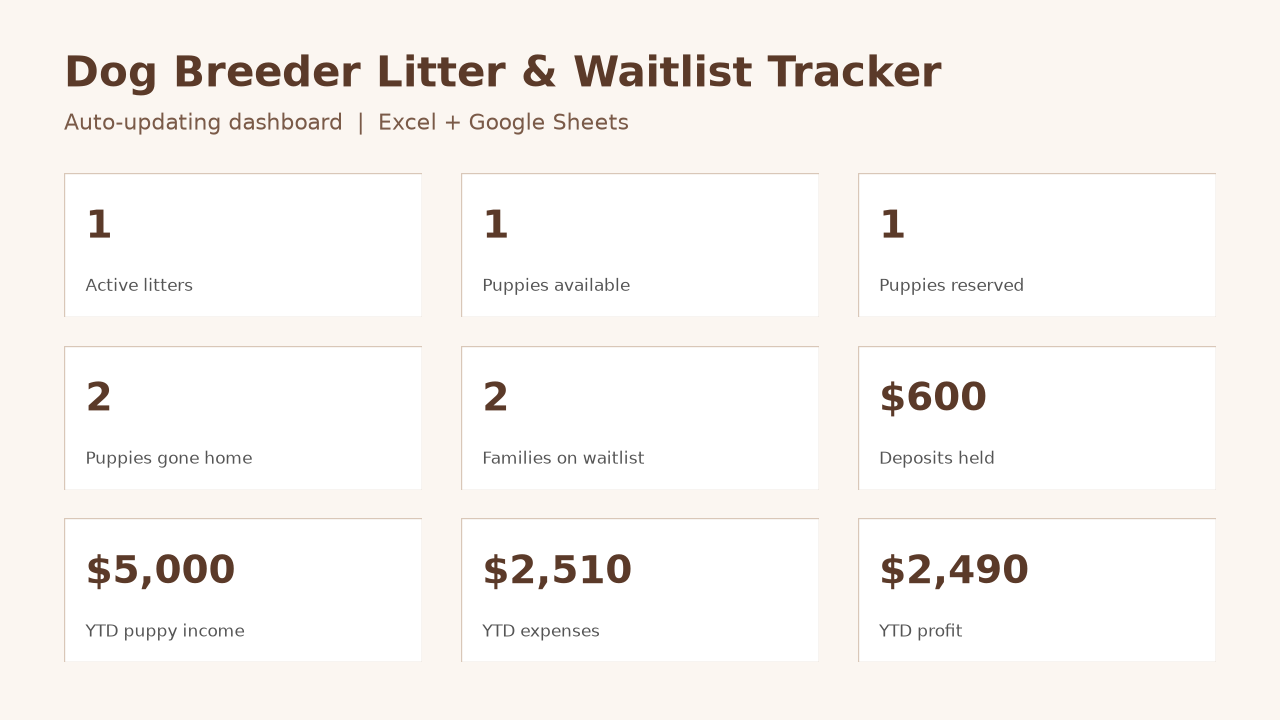
You get one .xlsx workbook (about 27–29 KB) with 8 tabs. It is built for dog breeders who want dams, sires, litters, puppies, waitlist families, deposits, and expenses in a single file. The Dashboard tab totals those records with formulas already in the sheet.
What is in the file
• Start Here — setup steps, a clearly not-guaranteed Google Drive import path, and notes on formula columns
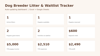
• Dashboard — counts of active litters (Planned / Pregnant / Whelped) and puppies by status (Available / Reserved / Sold / Kept), waitlist families with status Waiting, deposits currently held (status Waiting or Matched), calendar-year (YTD) puppy income (Sold rows whose Go-Home Date falls in the current calendar year), YTD expenses and profit, plus all-time income and expenses. You do not need to edit these formulas
• Breeding Dogs — registered name, call name, breed, sex, date of birth, registration number, microchip, health/OFA notes, DNA panel, cleared-to-breed, notes
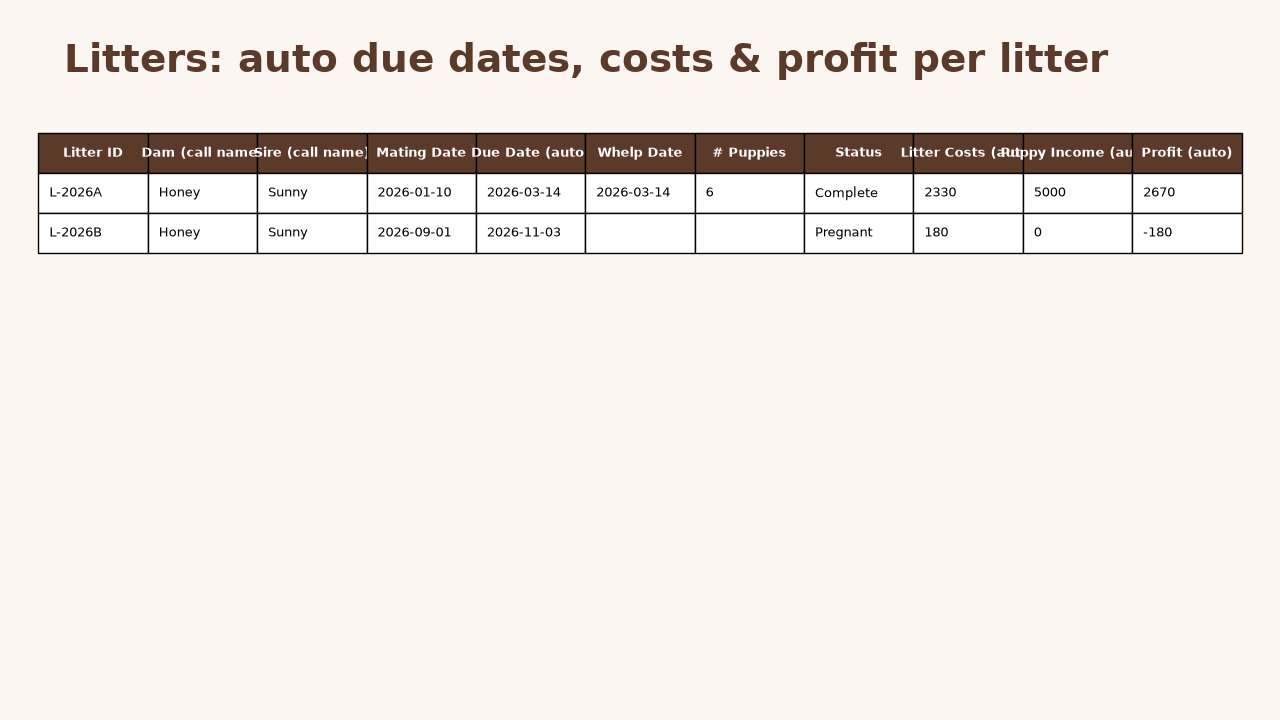
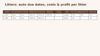
• Litters — dam and sire dropdowns, mating date, due date (mating date + 63 days), whelp date, status, then costs, puppy income and profit pulled from the Expenses and Puppies tabs. The due date, costs, income and profit columns are labeled “(auto)” and are pre-filled on rows 2–51 (50 litter rows). If you need more litters, copy those formulas down before you add data past the last pre-filled row
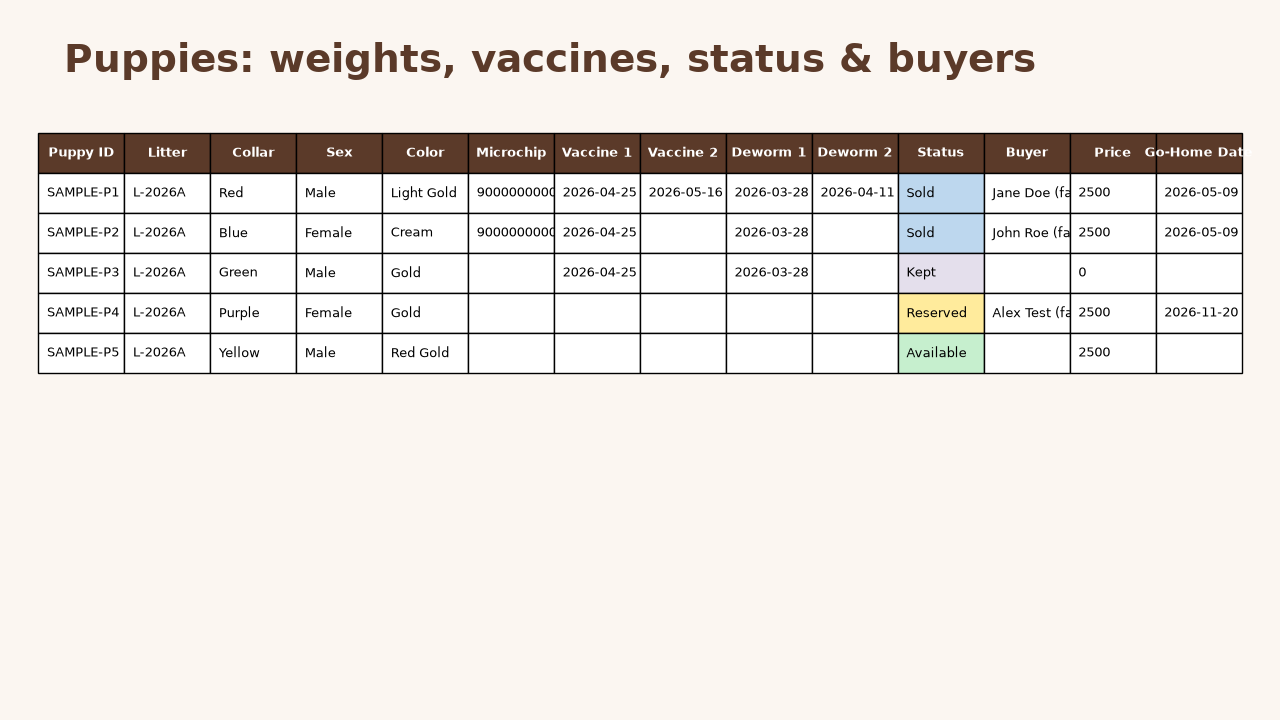
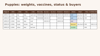
• Puppies — collar color, sex, color, microchip, vaccine and deworm dates, status, buyer, price, go-home date, and weekly weights from week 0 through week 8
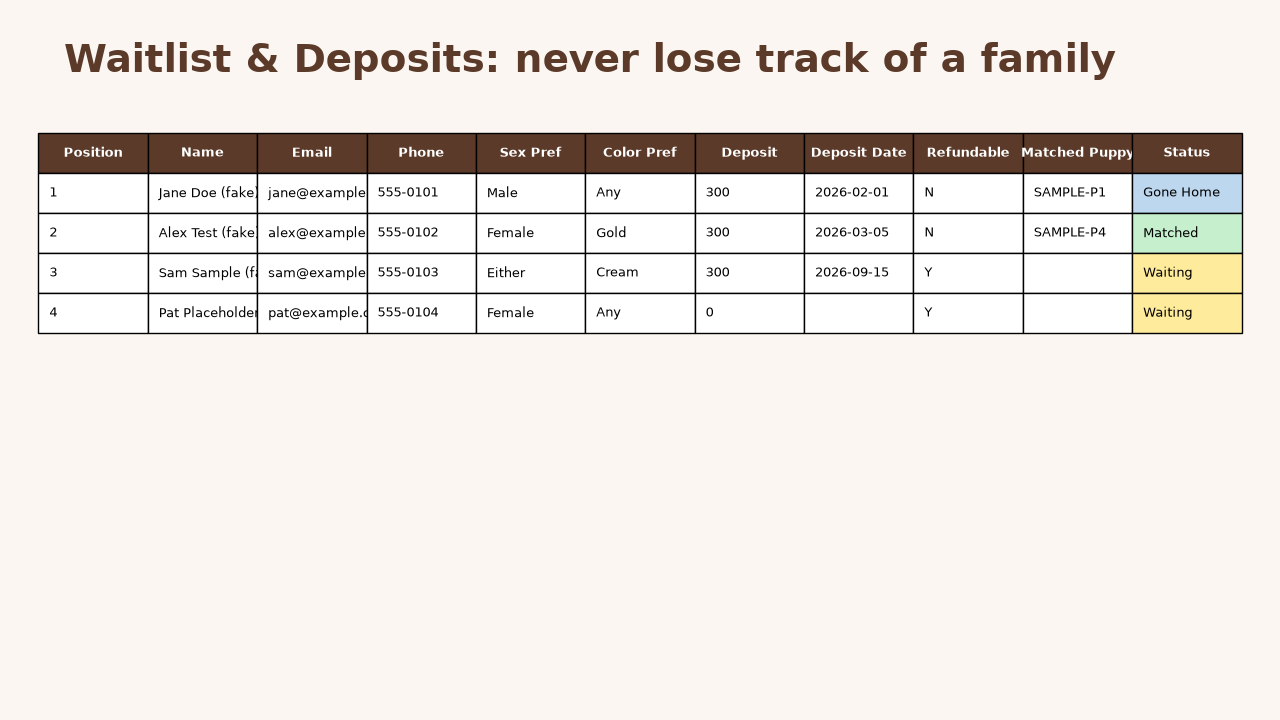
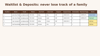
• Waitlist & Deposits — position, contact details, sex/color preference, deposit amount, refundable yes/no, matched puppy, status
• Expenses — date, category, litter, amount, description
• Categories — the dropdown lists used on the other tabs; you can edit them
How to start
1. Open the .xlsx in a desktop spreadsheet program that can open Office Open XML workbooks. Formulas in this package were checked in LibreOffice Calc 25.2. Microsoft Excel, Google Sheets, and Apple Numbers have not been tested.
2. The Start Here tab also has Google Drive upload steps if you would rather try Google Sheets. Those steps are optional and not guaranteed. This listing does not promise that formulas and dropdowns will keep working in Google Sheets or in any specific spreadsheet app.
3. Delete every row marked SAMPLE (sample names, example.com emails, and other fake data are only there to show how the columns work). On the five data tabs, use Find for SAMPLE and delete the matching rows entirely; do not only clear the cells. Do not delete rows on Start Here or Categories.
4. Enter your own dogs, litters and inquiries. On Litters, do not type over the columns labeled “(auto)” (Due Date, Litter Costs, Puppy Income, Profit). Do not type over the Dashboard Value figures. If you add more than 50 litters, or more than the remaining formula rows after deleting SAMPLE litter rows, copy the auto formulas down first.
What this is, and what it is not
• A one-time digital download. No subscription.
• A litter, puppy, waitlist and expense tracker for dog breeding records. The Breed column is free text, so you can use it with any dog breed.
• Not veterinary software, not a tax-filing tool, and not legal advice. Year-to-date totals use the current calendar year; they are a bookkeeping aid, not a prepared tax return.
• This pack is one .xlsx file. It is not a Notion template and not a printable form pack.
If something in the file does not match this description, message me and I will help.