












ZeusGPT WordPress Plugin Powered by ChatGPT: Enhance User Engagement
On Sale
$5.00
$5.00
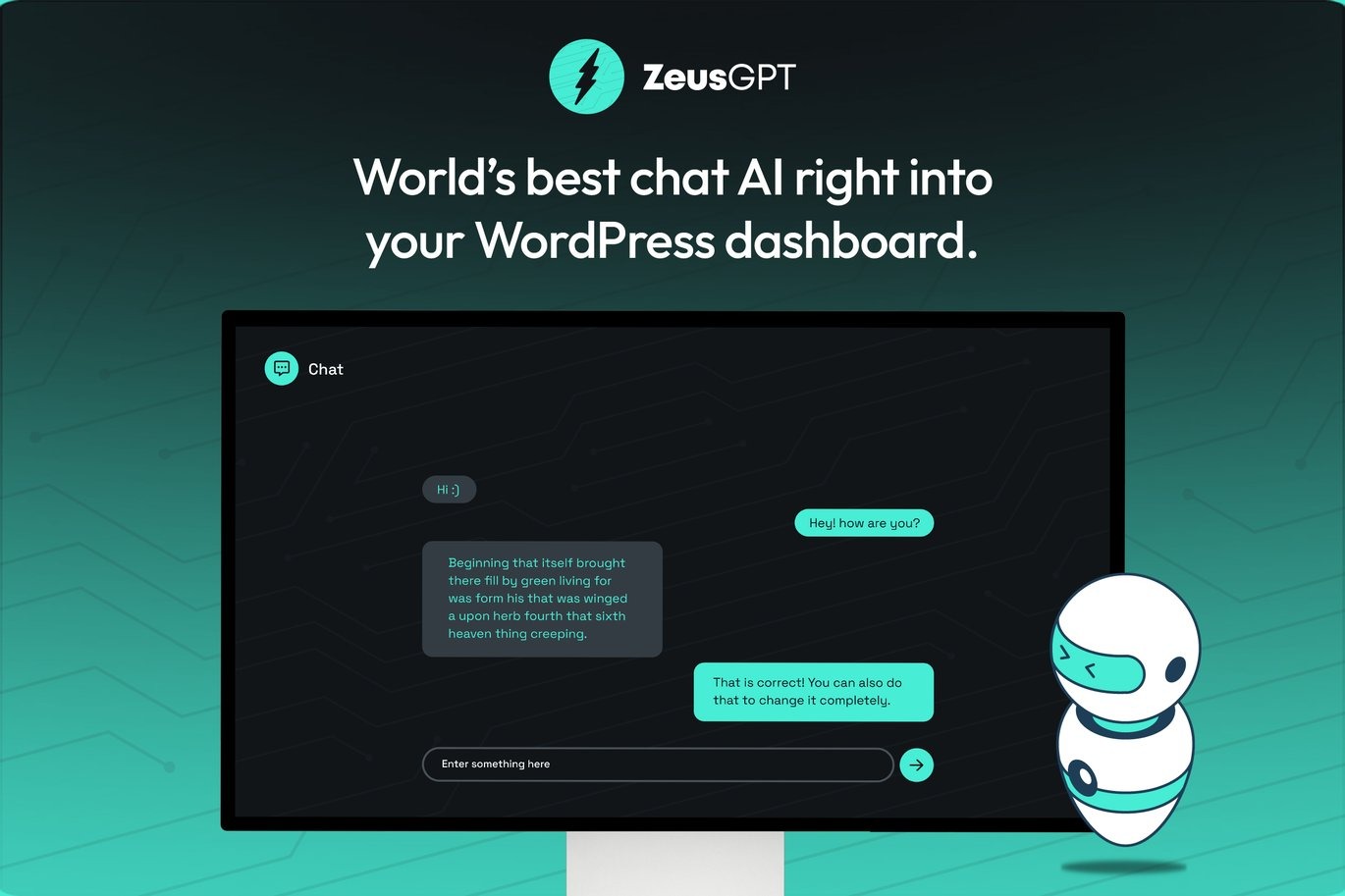
Introducing ZeusGPT, a powerful WordPress plugin designed to enhance user engagement and boost content generation on your website. Powered by ChatGPT, this plugin offers a variety of features to provide a personalized and interactive experience for your visitors. From content generation to customization options, rate limiting, and more, ZeusGPT is a comprehensive tool for site owners looking to elevate their online presence.
Key Features:
Content Generation:
- Generate high-quality, SEO-optimized content effortlessly.
- Save time and money on content creation by communicating with ChatGPT.
- Ideal for maintaining an active blog or content section on your website.
Customization Options:
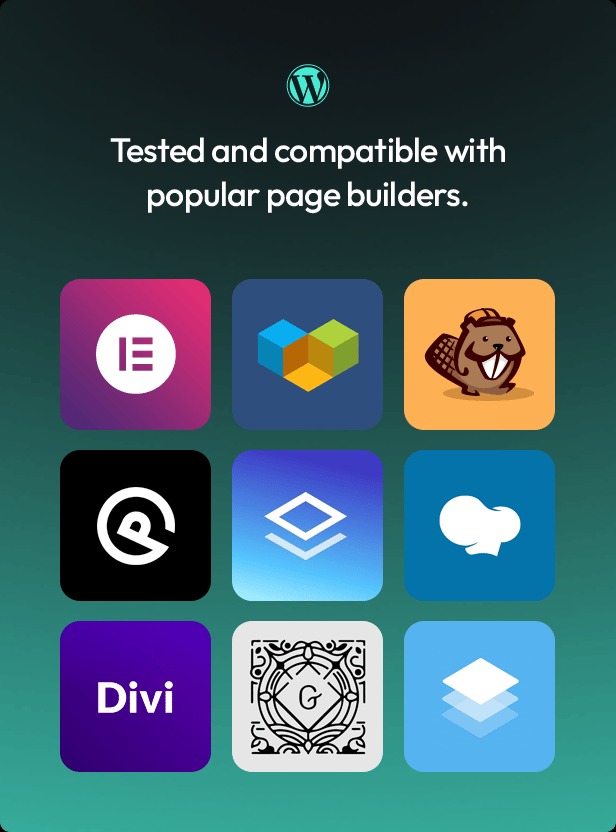
- Highly customizable chat integration using Elementor, Gutenberg, or shortcode.
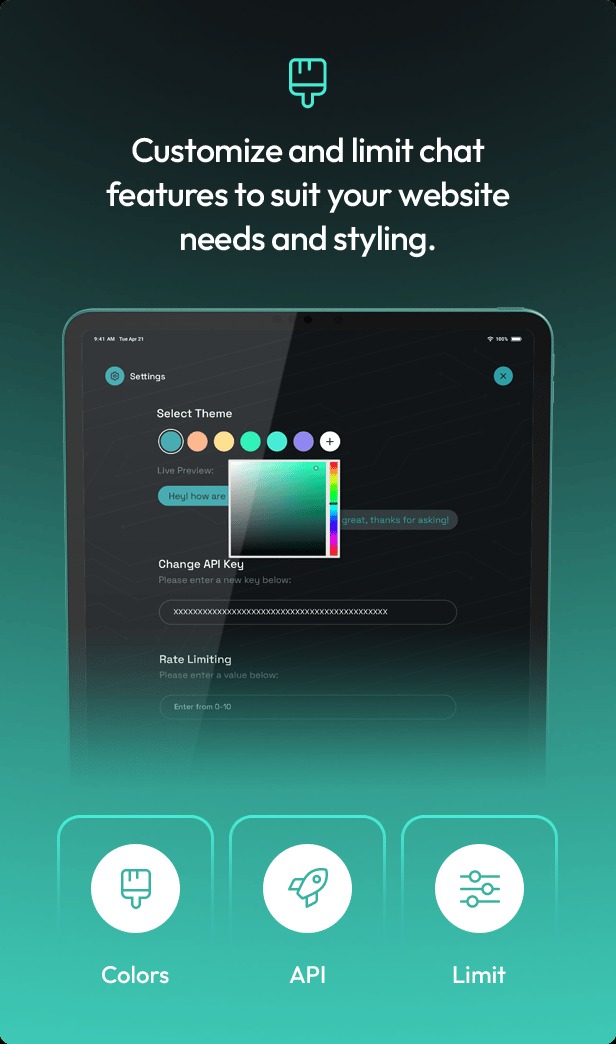
- Customize the chatbox’s appearance to match your site’s design, including position, colors, and fonts.
Rate Limiting:
- Prevent excessive requests by setting limits on how often visitors can communicate with ChatGPT.
- Ensure your site remains fast and responsive.
Chat Experience:
- Fluid and user-friendly chat experience.
- Fixed chatbox in the corner of the screen for easy access.
Persona Customization:
- Give ChatGPT a unique identity or persona to personalize the chat experience.
- Customize ChatGPT’s name, occupation, or role to align with your brand.
Multilingual Support:
- Support for multiple languages to cater to a global audience.
- Provide an inclusive and personalized experience for visitors from different regions.
AI-Powered Chatbot:
- Utilizes natural language processing (NLP) and machine learning algorithms.
- Provides accurate and relevant responses to visitor queries.
Integration with Third-Party Services:
- Integrate with Google Analytics, Facebook Pixel, and other services.
- Track visitor interactions and gain insights into user behavior.
Mobile-Friendly Design:
- Optimized for mobile devices, ensuring a seamless chat experience on smartphones and tablets.
24/7 Availability:
- Provide round-the-clock support and information to visitors.
- Ideal for businesses operating in different time zones or with a global customer base.
Additional Features:
- Automatic Updates: Regular updates with new features and improvements.
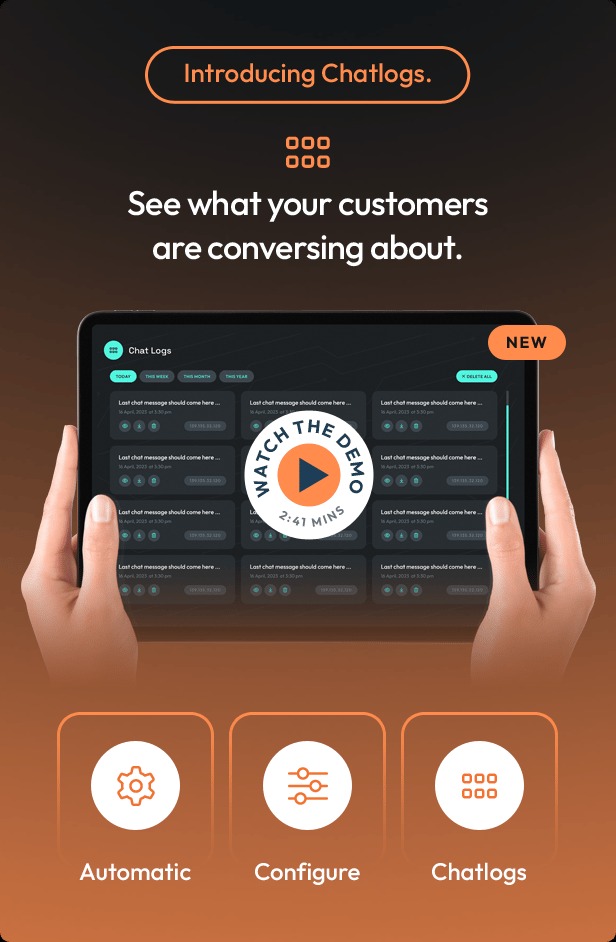
- Conversation History: Store conversation history for better support and reference.
- Contextual Responses: Provide relevant and helpful information based on visitor queries.
- User-Friendly Dashboard: Easily manage and customize plugin settings.
- GDPR-Compliant: Ensure visitor data is protected and handled in accordance with data privacy laws.
- Excellent Customer Support: Quick and effective resolution of issues and questions.
How to Use ZeusGPT:
- Install and Activate the "Elementor" Plugin:
- Go to Plugins > Add New in WordPress.
- Install and activate the "Elementor Pro" plugin.
- Download your kit file and do not unzip it.
- Go to Elements > Installed Kits and click the Upload Template Kit button. You may also import automatically by clicking Connect Account to link your Elements subscription, then import under Elements > Template Kits.
- Check for the orange banner at the top and click Install Requirements to load any plugins the kit uses.
- Click import on the Global Kit Styles first.
- Click Import on one template at a time. These are stored in Elementor under Templates > Saved Templates.
- Go to Pages and create a new page and click Edit with Elementor.
- Click the gear icon at the lower-left of the builder to view page settings and choose Elementor Full Width and hide page title.
- Click the gray folder icon to access My Templates tab and then Import the page you'd like to customize.
- If you have Elementor Pro, headers and footers may be customized under Theme Builder.