
BulkQR Offline: Bulk QR Code Generator (CSV to PNG/SVG + Avery labels)
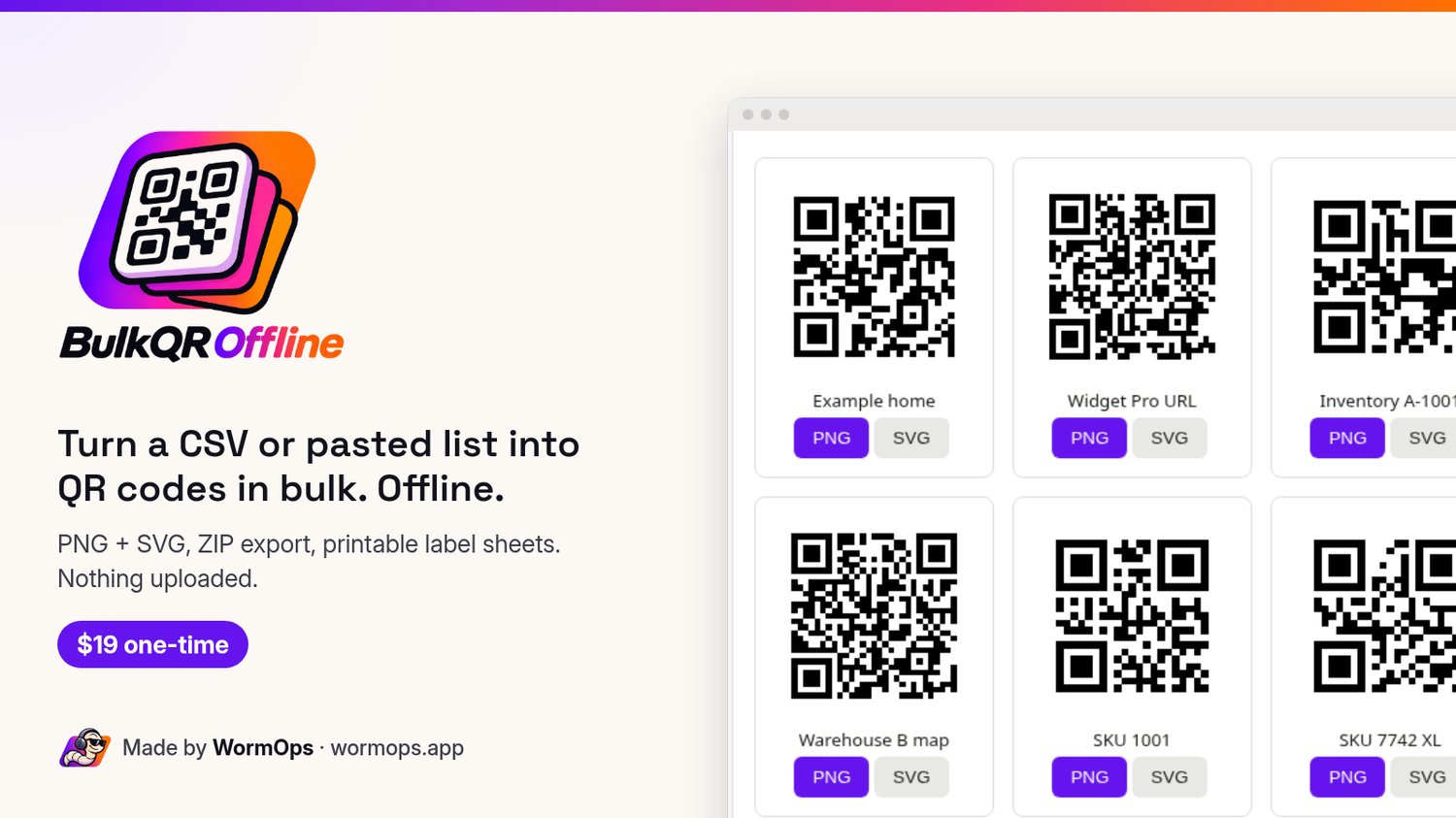
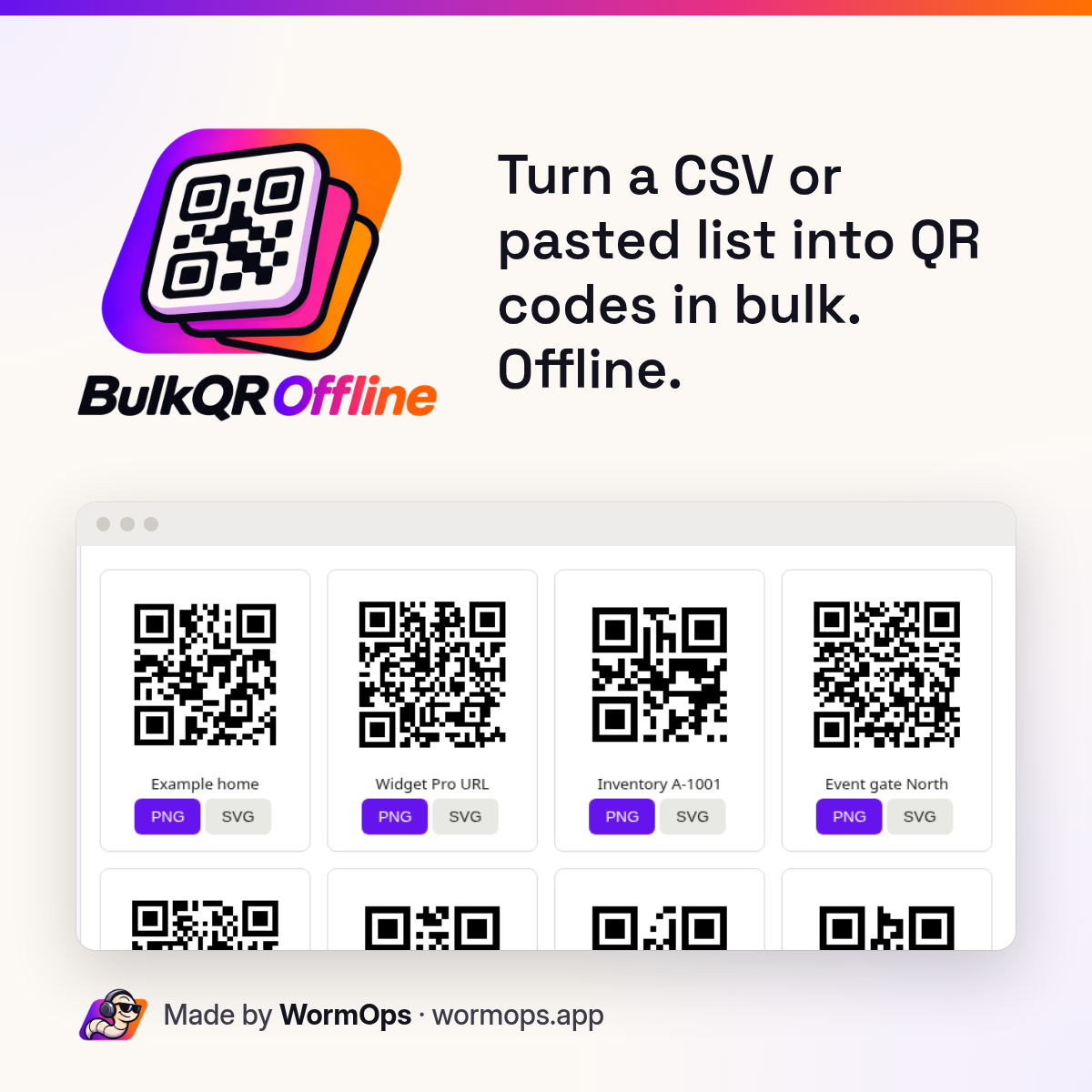
BulkQR Offline v0.3.5 generates QR codes in bulk from a CSV file or a pasted list, using content, filename, and label columns.
Your list stays on your machine. The tool runs fully offline with no uploads and no network calls: tested by our QA process, the runtime checks observed only local requests and zero non-local requests, and static checks found no fetch, XHR, WebSocket, beacon, service worker, analytics, or CDN use.
Unicode content — emoji, CJK, and Arabic — encodes correctly as UTF-8, verified against scan-decoded known vectors in our QA testing.
If a row fails, it never shifts another row's filename, caption, or content, and failures are reported.
Export the whole batch as a ZIP of PNGs or SVGs with sanitised, de-duplicated names, the UTF-8 flag set, real timestamps, and CRC checks passing.
For labels: Avery 5160/5163-style, US Letter, print at 100%. Sheets are 30 per sheet for the 5160-style layout and 10 per sheet for the 5163-style layout, with the sheet CSS setting @page size letter and margin 0; label geometry was checked against spec in emulation (no paper test). Label sheets open in your browser's print dialog.
The requested image size is rendered exactly — for example, a 256px request produces a 256x256 canvas (128, 256, 300, and 512 px were all verified exact).
Version 0.3.5 was tested by our QA process: 17 of 17 harness checks passed in both server and file modes.
Feature bullets
- Bulk generation from CSV or a pasted list, with content, filename, and label columns.
- Private, nothing uploaded: runs fully offline, no network calls.
- Unicode content (emoji, CJK, Arabic) encodes correctly as UTF-8.
- A failed row never shifts another row's filename, caption, or content; failures are reported.
- ZIP export in PNG and SVG: sanitised, de-duplicated names, UTF-8 flag, real timestamps, CRC-verified.
- Filenames capped at 200 UTF-8 bytes including the extension, cut only at whole grapheme/code-point boundaries, and de-duplication still produces unique names after truncation.
- Single PNG/SVG downloads are sanitised the same way as ZIP entries, including reserved Windows names being prefixed and dot-only names falling back.
- Avery 5160/5163-style, US Letter, print at 100%.
- Requested image size rendered exactly (128/256/300/512 px verified).
- Comma and semicolon-delimited CSV both parse, and errors cite true source lines.
- Blank CSV lines raise no errors, and a header-only CSV explains that 0 codes were generated because there are no data rows.
- Handles large batches: a 1,200-row run generated codes and 1,200-entry PNG and SVG ZIPs with CRC checks passing.
FAQ
Does it upload my list anywhere?
No. It runs fully offline with no uploads and no network calls.
What file do I feed it?
A CSV (comma or semicolon-delimited) or a pasted list, with content, filename, and label columns. Errors cite true source lines, blank lines raise no errors, and a header-only CSV explains that 0 codes were generated because there are no data rows.
What do I get out?
A ZIP of PNGs or a ZIP of SVGs, single PNG/SVG downloads, and a printable label sheet: Avery 5160/5163-style, US Letter, print at 100%.
Can it handle non-English text?
Yes — emoji, CJK, and Arabic content encodes correctly as UTF-8 and was scan-decoded in testing.
What changed in v0.3.5?
v0.3.5 is a branding update: a new app icon and colours. The QR-generating code is byte-identical to v0.3.4, and the whole feature set was re-tested on v0.3.5. Two fixes made in v0.3.4 carry over:
- Filename de-duplication handles Greek final sigma and NFC/NFD name pairs, so those names don't collide on case-insensitive filesystems on extraction. This was verified in simulation and unit tests, not on a real case-insensitive filesystem.
- A filename of Invoice.png stays Invoice.png in the PNG output and becomes Invoice.svg in the SVG output. The extension is no longer appended twice.
Are there any known issues I should know about before buying?
Yes, two small cosmetic items recorded in QA for v0.3.5:
- Only .png and .svg are stripped from a filename, so Notes.jpg becomes Notes.jpg.png in the PNG output and Notes.jpg.svg in the SVG output.
- A filename with a trailing space after the extension, such as "Invoice.png ", gives Invoice.png .png. This was seen at unit level only in QA testing.
What size are the QR images?
The size you request is rendered exactly — 128, 256, 300, and 512 px were all verified exact in testing.
Known limitations
- Only .png and .svg are stripped from a filename, so Notes.jpg becomes Notes.jpg.png / Notes.jpg.svg.
- A trailing space after an extension ("Invoice.png ") gives Invoice.png .png (seen at unit level only in QA testing).
- Label geometry was verified in emulation against spec measurements; QA testing did not print on paper.
- No sales, ratings, or demand figures exist for this product, and none are claimed.
Trademark disclaimers
QR Code is a registered trademark of DENSO WAVE INCORPORATED. BulkQR Offline is not affiliated with DENSO WAVE.
The label layouts are Avery-style layouts built from published label dimensions. BulkQR Offline is not Avery software and is not affiliated with or endorsed by Avery.