
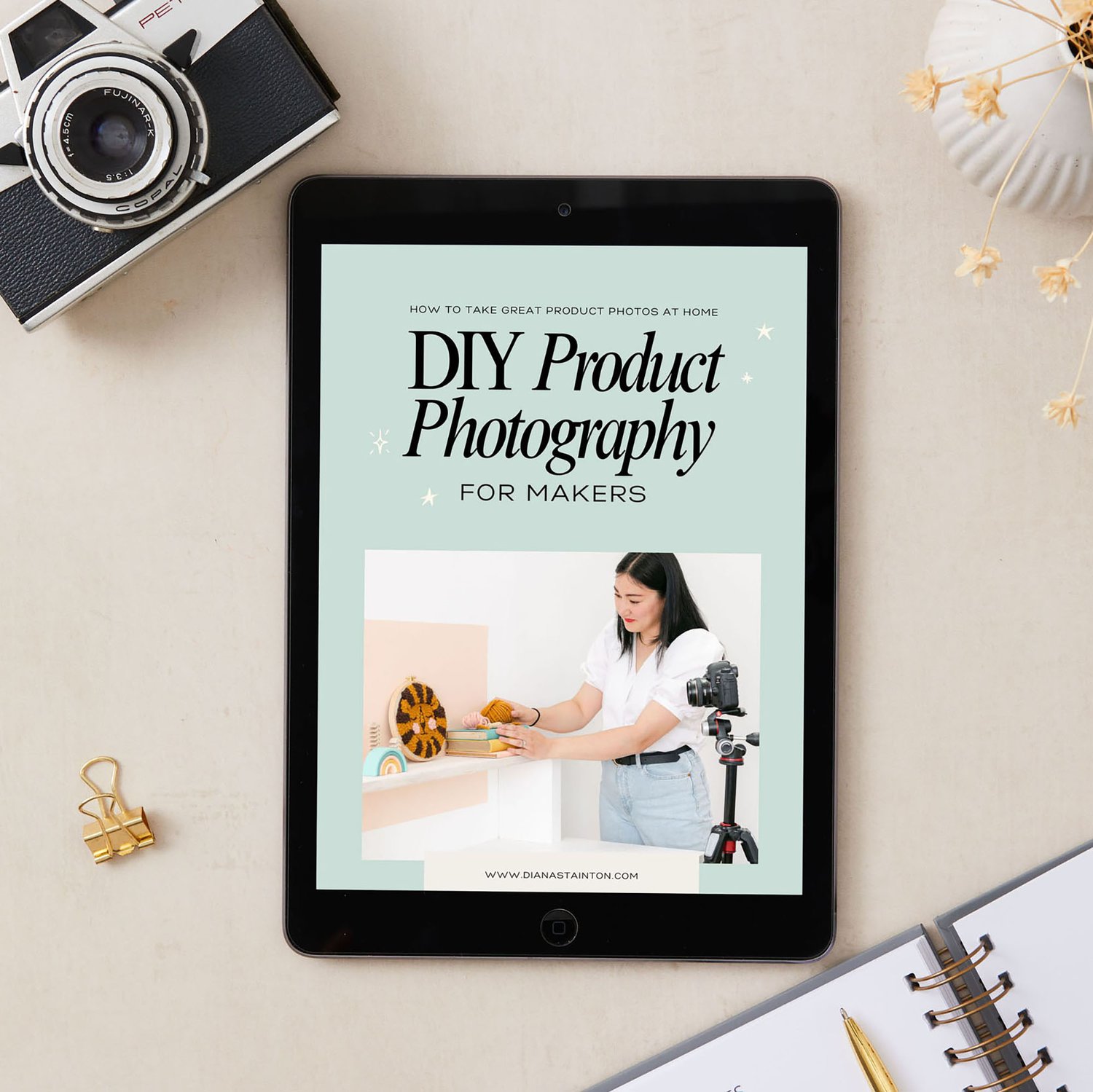
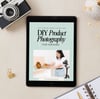
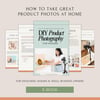

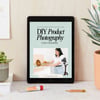
DIY Product Photography for Makers E-Book
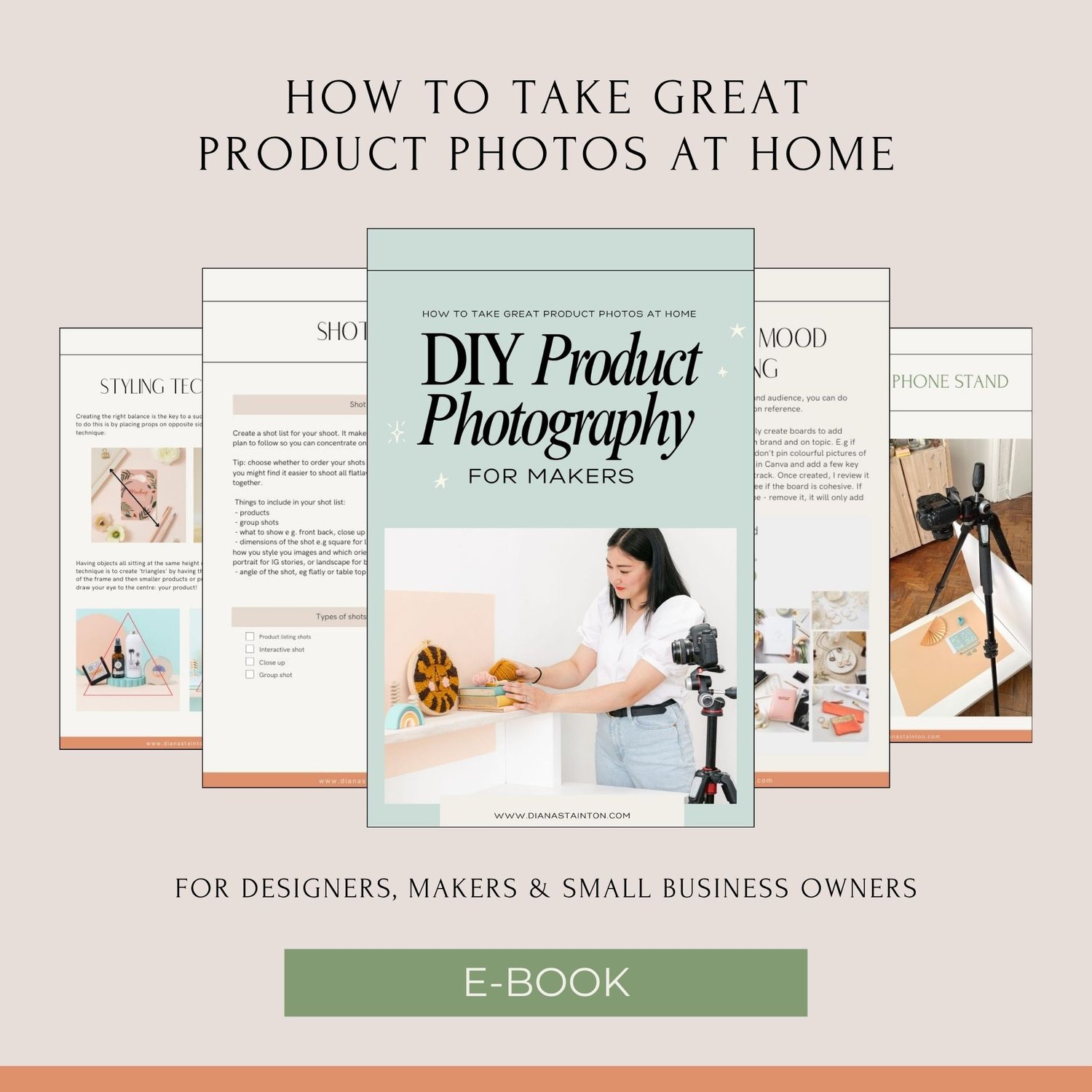
DIY Product Photography E-Book: How to Take Great Product Photos at Home.
For Designers, Makers & Product Sellers.
GET INSTANT ACCESS: PDF
You started your business because you're brilliant at what you make.
But does your photography show that?
You've put your heart into every product. The hours of crafting, designing, testing, refining. And then you upload a photo taken in bad light on a cluttered table — and wonder why people aren't clicking buy.
Here's the truth: your photography is doing the selling before a single word is read. It's the first thing a potential customer sees. It's what stops the scroll. It's what builds trust before they even know your name.
The good news? You don't need to hire a professional photographer to get beautiful product photos. You don't need expensive equipment, a studio, or years of experience.
You just need the right knowledge — and that's exactly what this guide gives you.
Introducing: DIY Product Photography
How to Take Great Product Photos at Home
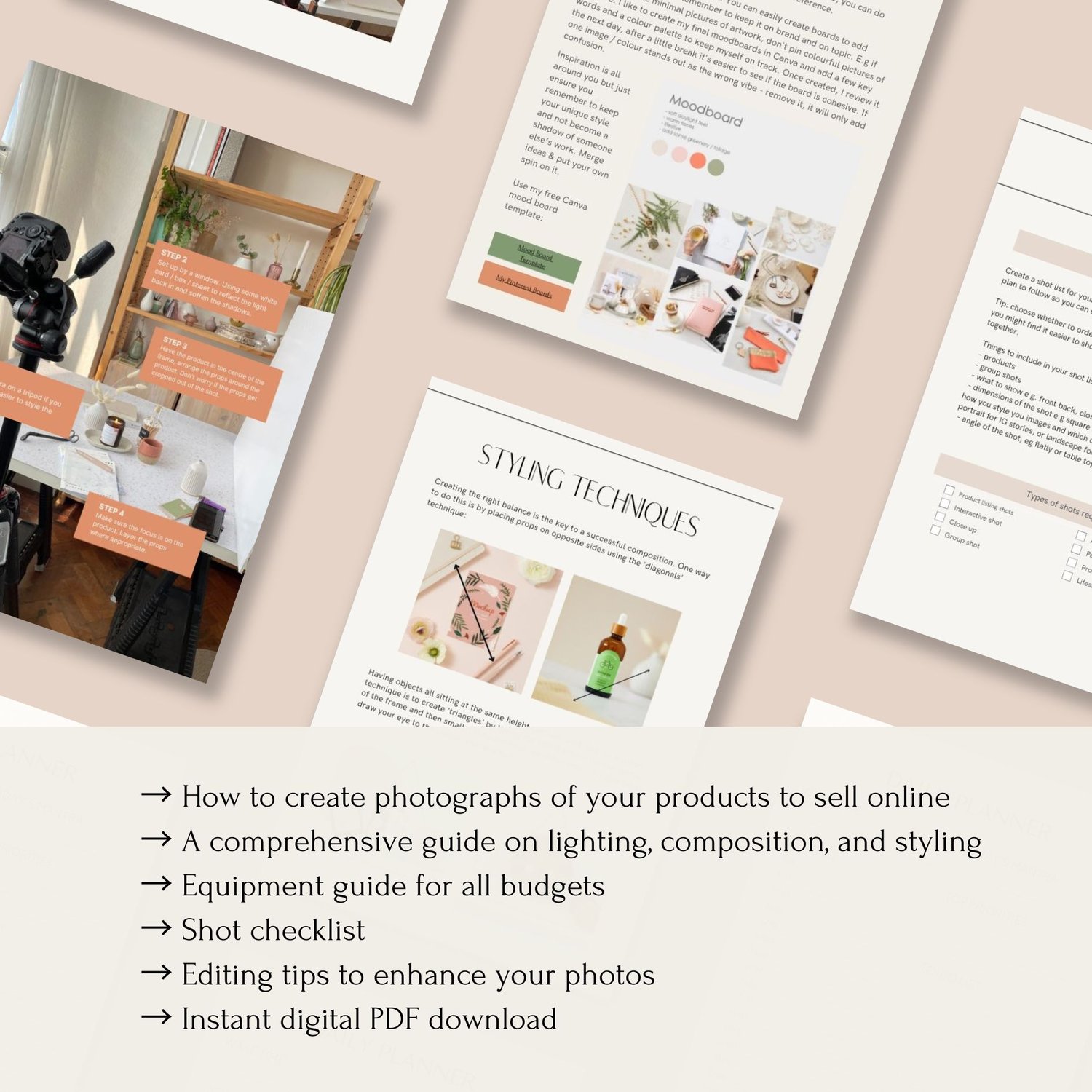
A complete, practical e-book for designers, makers and small business owners who want to create beautiful, professional-quality product photography in the space they already work in.
Whether you're just starting out, working to a tight budget, or simply want to learn a new skill that will genuinely grow your business — this guide will take you from unsure to confident, one chapter at a time.
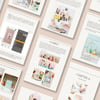
What's inside:
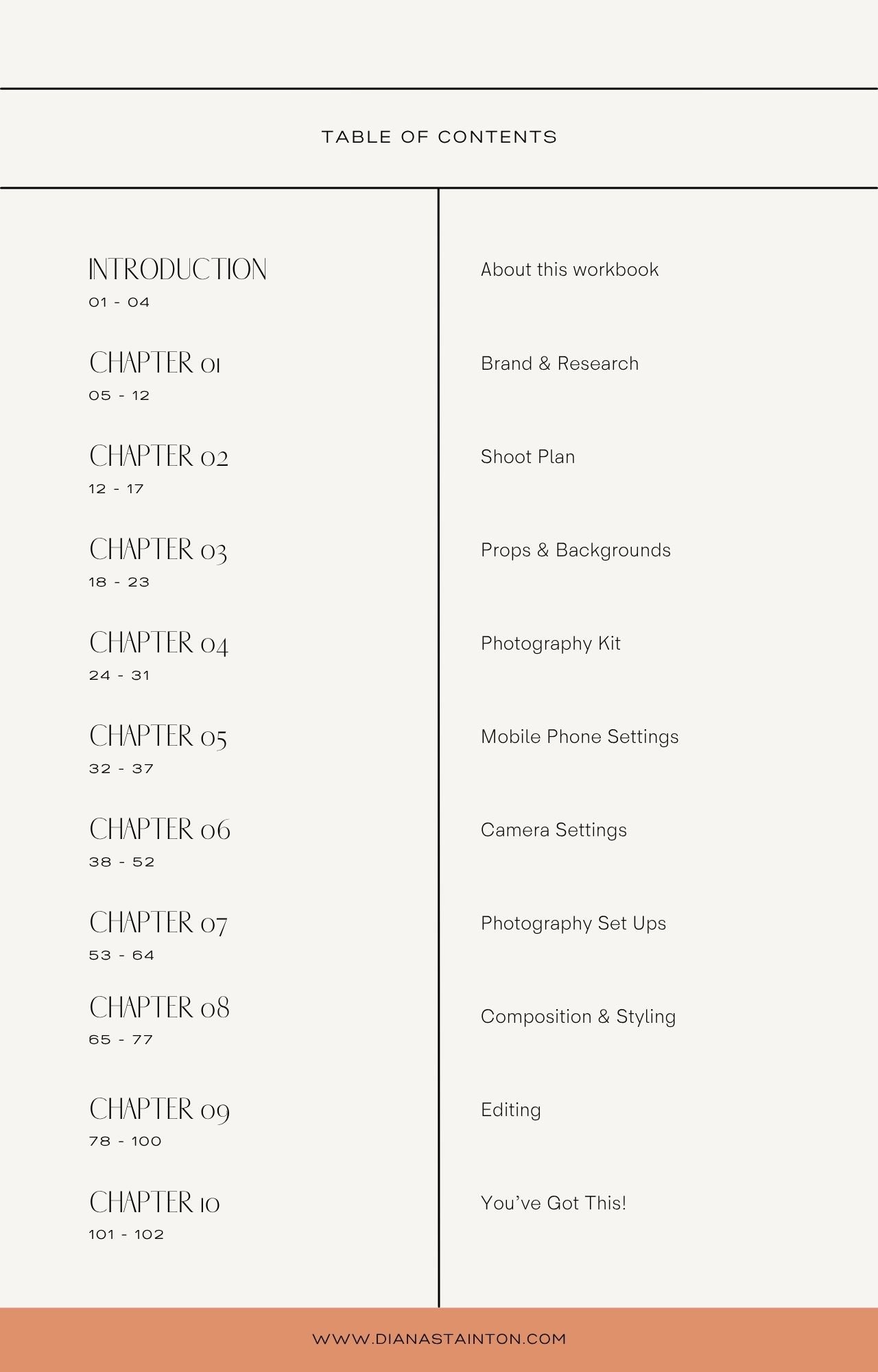
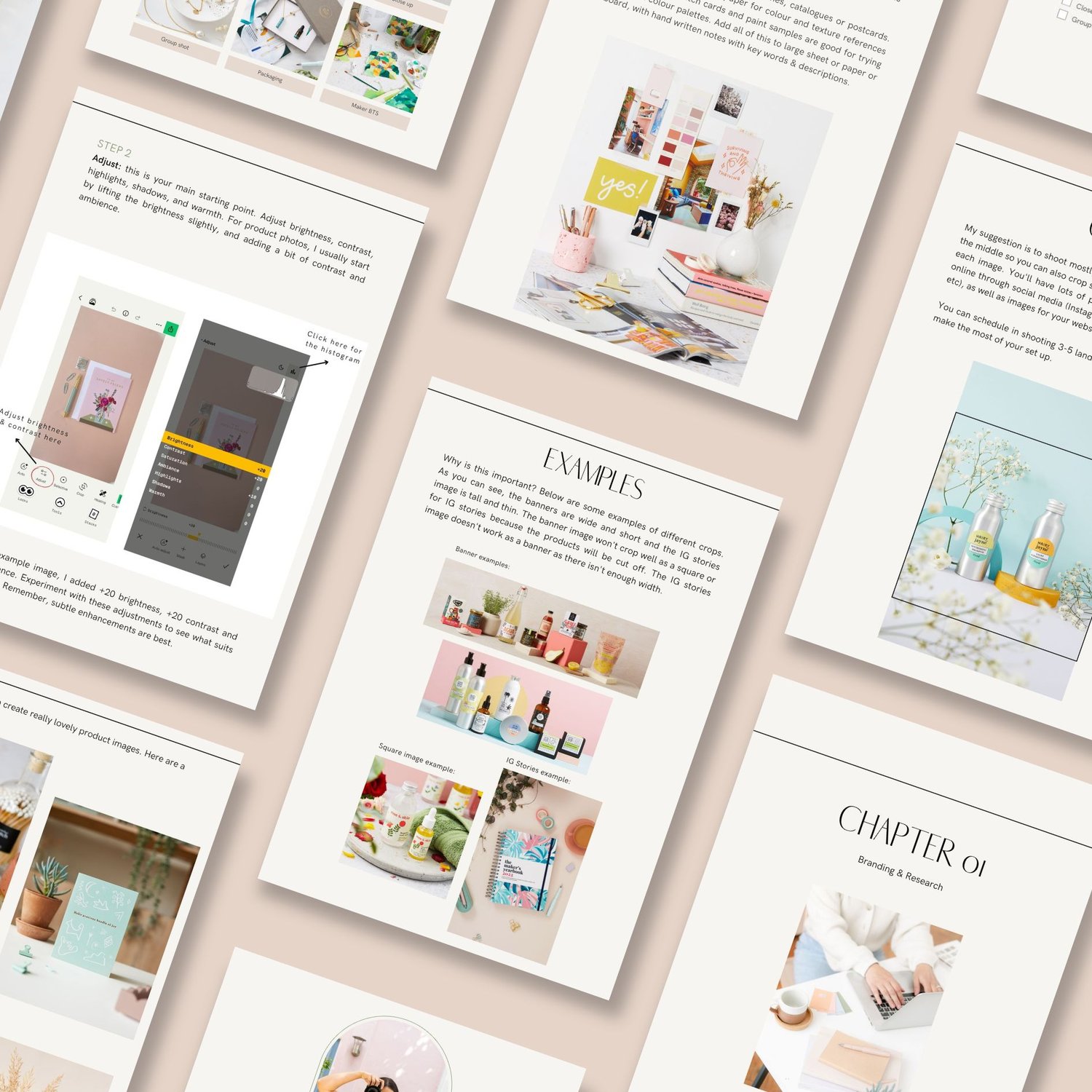
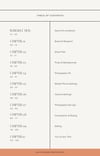
Chapter 1 — Research & Brand Direction. Before you pick up a camera, you need to know what you're shooting for. This chapter walks you through understanding your brand aesthetic, researching your competitors, and defining the visual direction that will make your photography of your products instantly recognisable.
Chapter 2 — Planning Your Shoot. The most underrated part of great product photography happens before the shoot even starts. Learn how to create a shot list, plan your setups, and prepare everything so shoot day runs smoothly and efficiently.
Chapter 3 — Props & Backgrounds. Discover how to choose backgrounds and props that enhance your product rather than compete with it. Includes guidance on building a prop box you'll use again and again.
Chapter 4 — Your Kit. You don't need a professional camera to take professional photos. This chapter covers exactly what equipment you need, from tripods to reflectors, and lighting, for all budgets
Chapter 5 — Phone Photography Settings. Everything you need to know to get the most from your smartphone camera — including exposure, white balance, grid lines and file format settings.
Chapter 6 — DSLR & Mirrorless Camera Settings. Ready to step up from your phone? This chapter covers the exposure triangle, white balance and file format — everything you need to shoot with confidence.
Chapter 7 — Photography Setups. The practical chapter. Natural light setups, window positioning, reflectors, and affordable artificial lighting — with clear guidance on how to set up.
Chapter 8 — Composition & Styling. The difference between a snapshot and a beautiful product image often comes down to composition. Learn the techniques that professional photographers use every day — applied specifically to product photography.
Chapter 9 — Editing. A simple, step-by-step editing workflow using Snapseed and Affinity Studio (both free)— so you can take your images from good to great without expensive software or a steep learning curve.
This guide is for you if...
✓ You sell products online and know your photography could be working harder for you
✓ You've looked at a competitor's beautiful images and wondered how they do it
✓ You've considered hiring a photographer but the budget isn't there right now
✓ You're just starting out and want to build a strong visual brand from day one
✓ You want to learn a skill that saves you money and gives you complete creative control
✓ You shoot your own photos but aren't happy with the results and don't know why
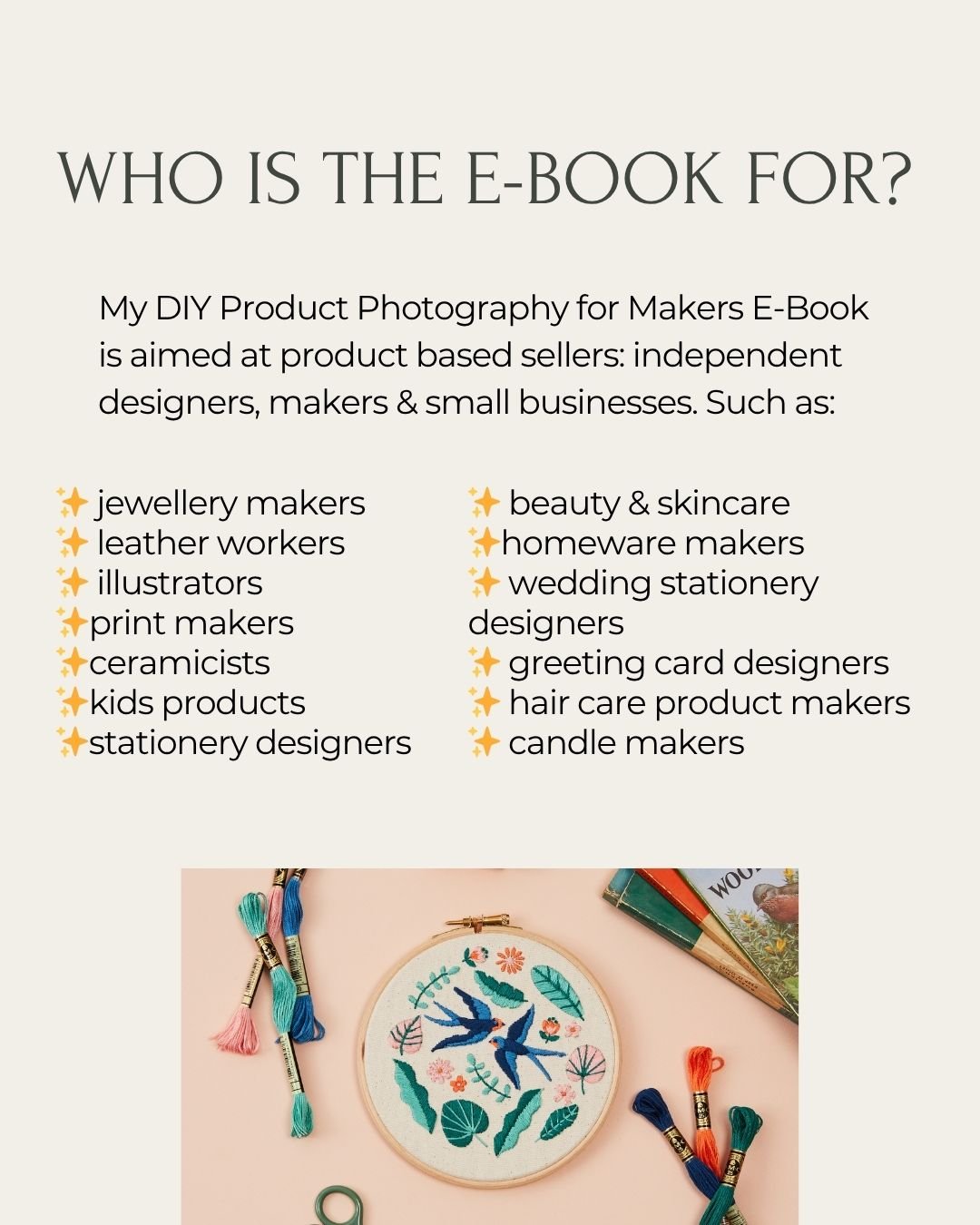
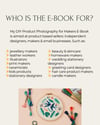
✓ You're a maker, designer, independent retailer or small business owner who sells physical products
After reading this guide, you'll be able to...
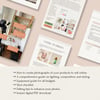
→ Set up a simple, beautiful photography space at home
→ Understand exactly which camera settings to use — whether you're shooting on a phone or a DSLR
→ Style and arrange your products so they look intentional, professional and on-brand
→ Shoot a full set of images — hero shots, lifestyle images, close-ups and detail shots — in a single session
→ Edit your photos quickly and consistently so every image looks like it belongs to the same brand
→ Feel genuinely confident picking up your camera, every single time
About Diana
Hi, I'm Diana — a professional Product Photographer based in North London, with over ten years of experience shooting for makers, designers and small businesses.
I've spent a decade behind the camera helping independent brands create images that sell. I know what works, what doesn't, and — crucially — what's actually achievable without a studio or a big budget.
I created this guide because I believe that every small business deserves beautiful photography. Not just the ones who can afford to hire someone like me. Whether you're just starting out or ready to take your brand to the next level, this guide gives you the same knowledge I use every single day — in a format that's practical, accessible and genuinely fun to work through.
www.dianastainton.com | @dianastainton
Frequently Asked Questions
Do I need an expensive camera?
Not at all. A large part of this guide is written specifically for smartphone photographers as well as using a DSLR camera. You'll get brilliant results with a modern iPhone or Android — and Chapter 6 is there for you when you're ready to take the next step.
What if I have no photography experience?
This guide starts from the very beginning. There's no assumed knowledge, no jargon without explanation, and no step that expects you to already know what you're doing. It's written for people who are new to photography as much as those who have dabbled before.
What format is the guide?
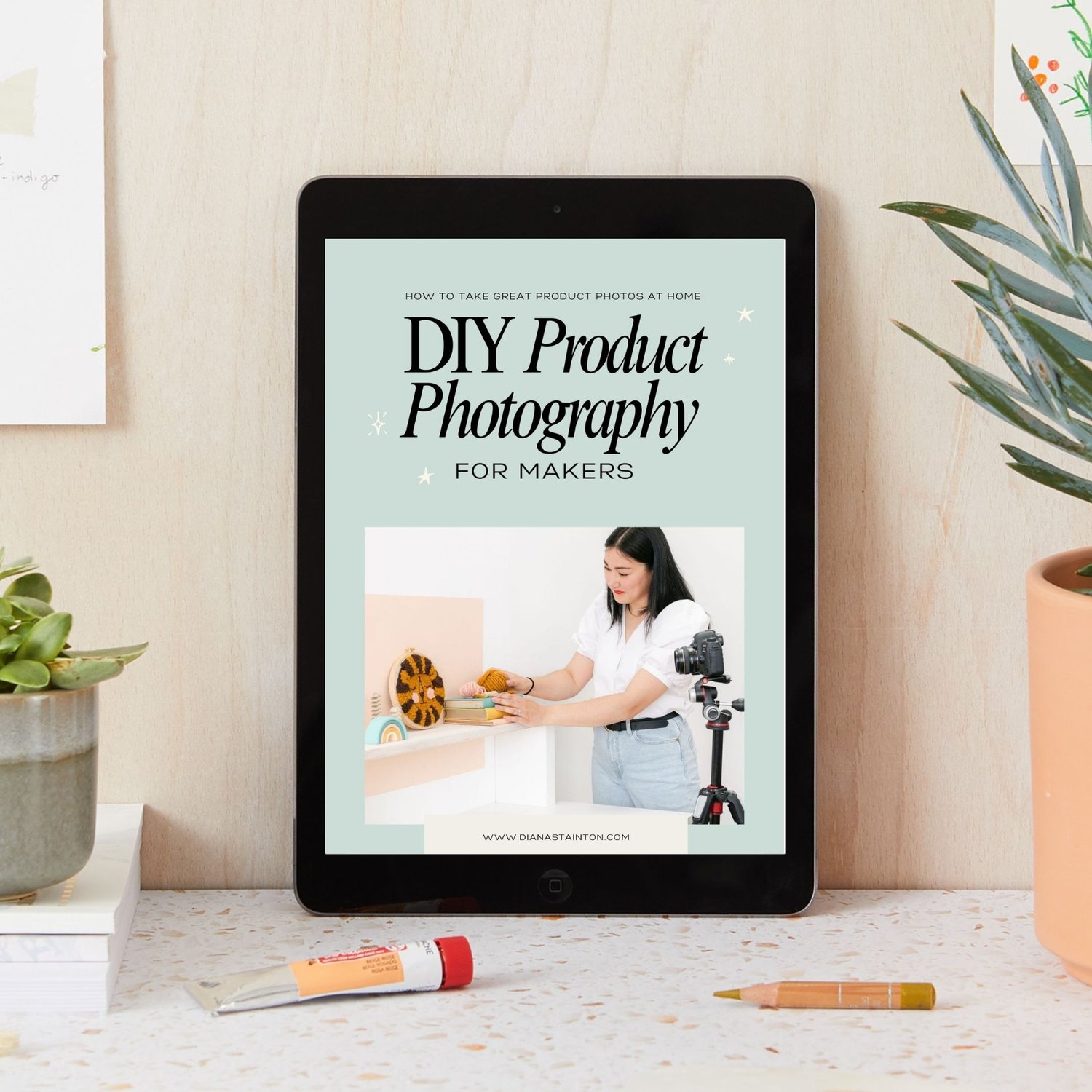
It's a beautifully designed PDF, available as an instant digital download. You can read it on your phone, tablet, laptop or computer — or print it out and keep it by your shoot space for easy reference.
How do I receive it?
As soon as your payment is confirmed, you'll receive a download link by email. No waiting, no postage — just instant access.
Does it cover editing?
Yes! There is a dedicated to edit chapter, covering Snapseed (mobile) and Affinity Studio (desktop). You don't need Photoshop or any paid software.
Is it suitable for all product types?
The techniques in this guide apply to tabletop items such as jewellery, candles, stationery, homeware, ceramics, greeting cards, accessories, gifts and everything in between.
What if I'm not happy with it?
Because this is a digital download, I'm unable to offer refunds once the file has been accessed. If you have any questions before purchasing, please get in touch and I'll be happy to help you decide if it's right for you.
Ready to take photos you're actually proud of?
🎉 For the price of a takeaway, you'll have everything you need to create product photography that sells.
Instant digital download. PDF format. Readable on any device.