

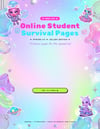
Online Student Survival Pages Add-On | 13 Hyperlinked Planner Pages | Jellien Edition
13 bonus pages for the spaced-out online student. ✨ Hyperlinked, undated, and made to go with Take Me to Your Planner. They work on their own too.
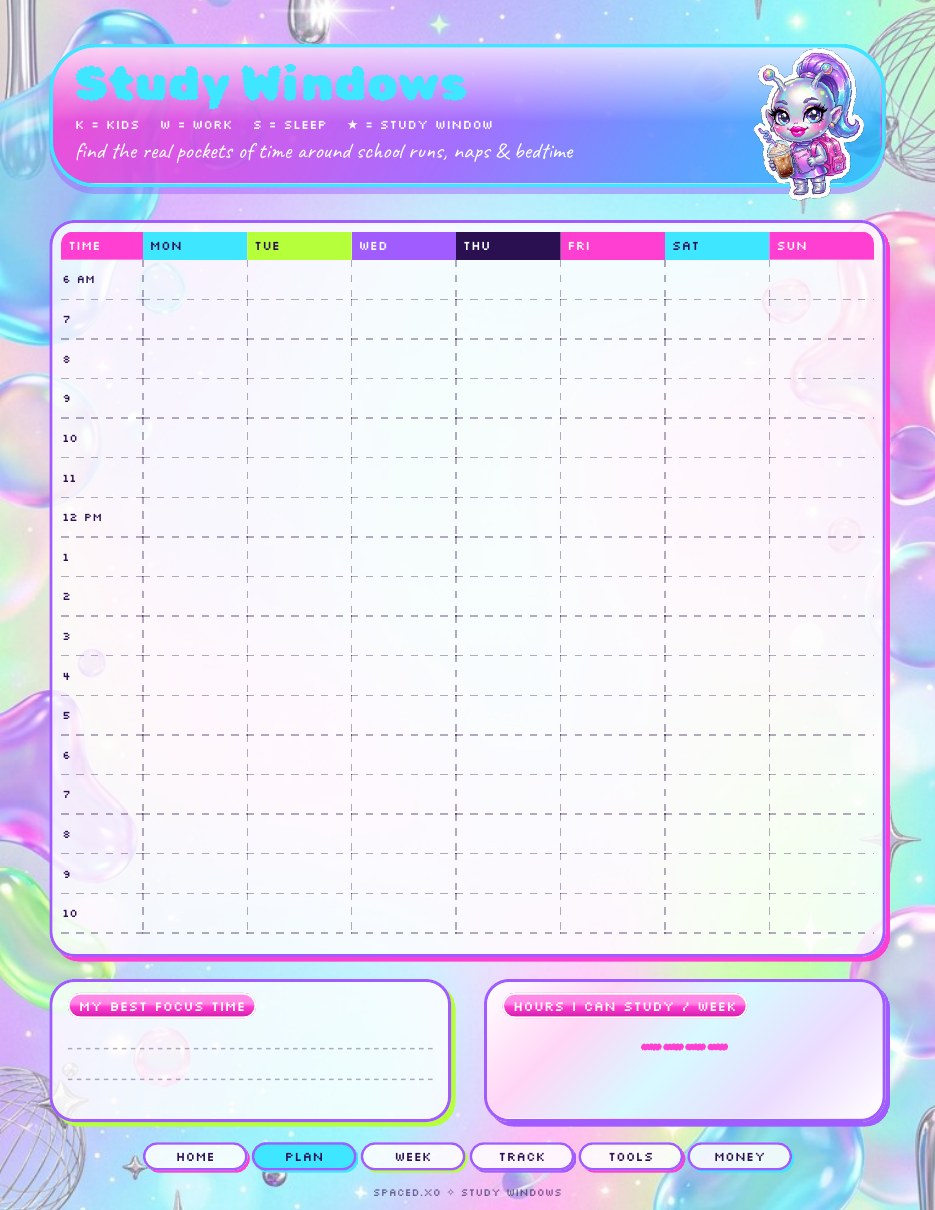
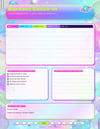
• Degree Roadmap • Study Windows • Family Calendar • Semester Wins + Grad Countdown
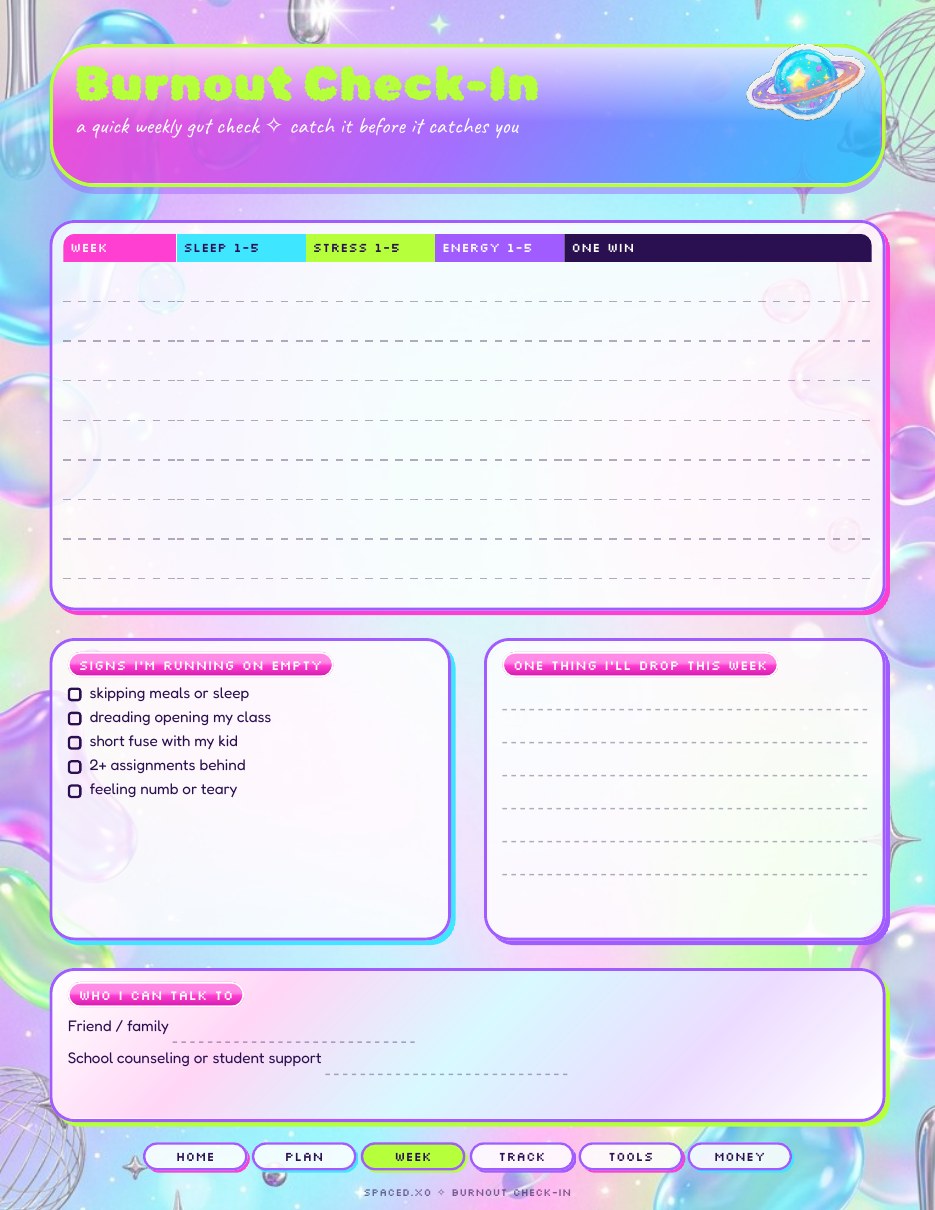
• Low-Energy Day • Burnout Check-In
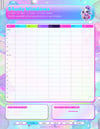
• Attendance Tracker • Course Sprint • Professor Log
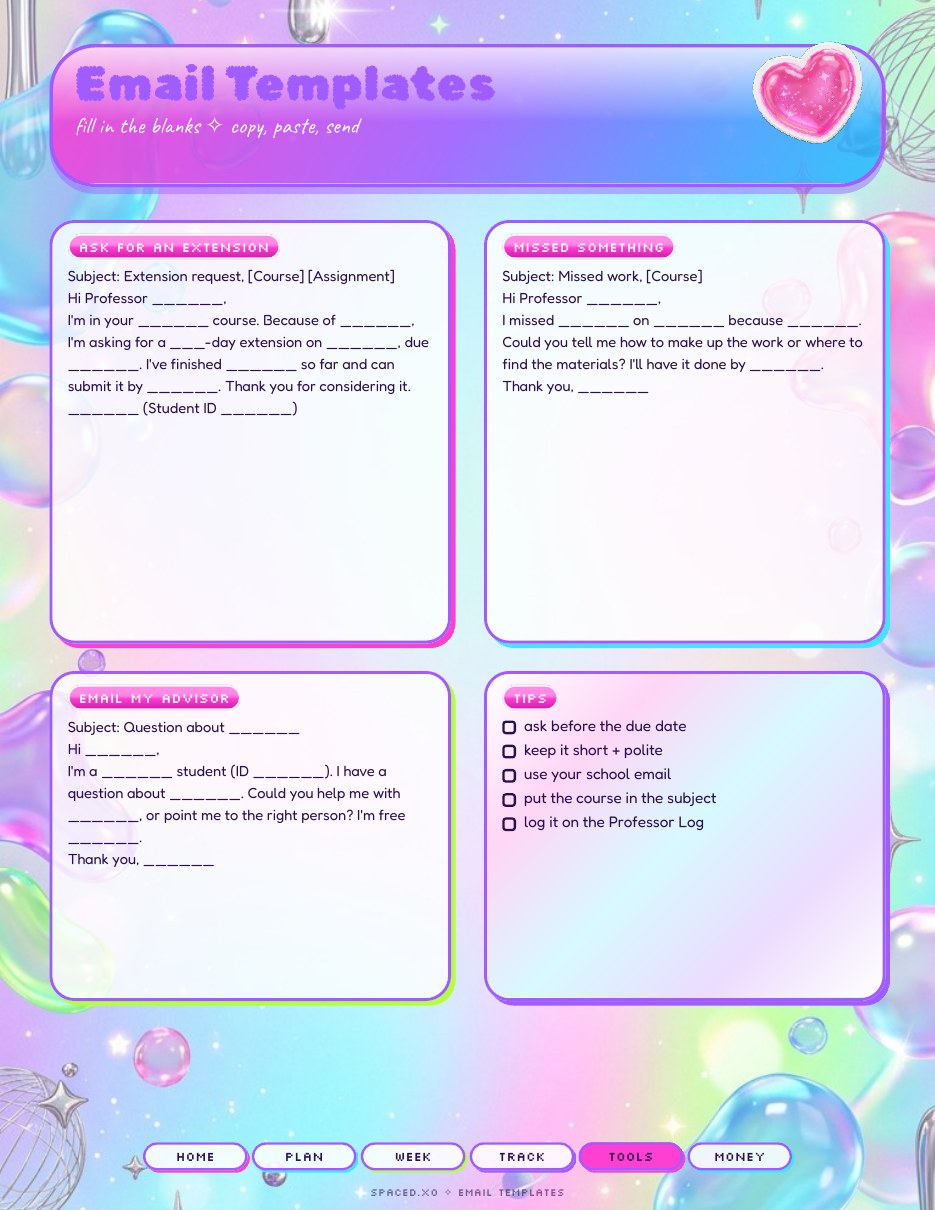
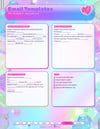
• Paper Planner • Email Templates • Backup Plan + Tech Check
• Key Dates + Scholarships
Works in GoodNotes, Notability, Samsung Notes, Xodo, or any PDF app, or print it. Digital download only. For personal use.
Want everything? Get the Mega Jellien Bundle and save.
Navigation Tips (GoodNotes, Notability & other apps)
The tabs work best when you're not in writing mode.
GoodNotes:
Switch to Read Only mode (pen icon with a line through it), then tap the tabs.
Or stay in Edit mode and long-press a tab → “Open Link”
Many people keep the Apple Pencil for writing and just tap the tabs with their finger.
Notability:
Select the hand tool in the toolbox (or turn off the pen/highlighter), then tap the tabs with your finger.
Xodo, Samsung Notes & most other PDF apps:
Switch to View / Read / Navigation mode (usually a hand or eye icon), then tap the tabs.
You can always swipe between pages or use the page thumbnails if you prefer. The tabs are a helpful extra, not the only way to move around.