
How to keep a Reusable Source and Permission Log for Creative Assets
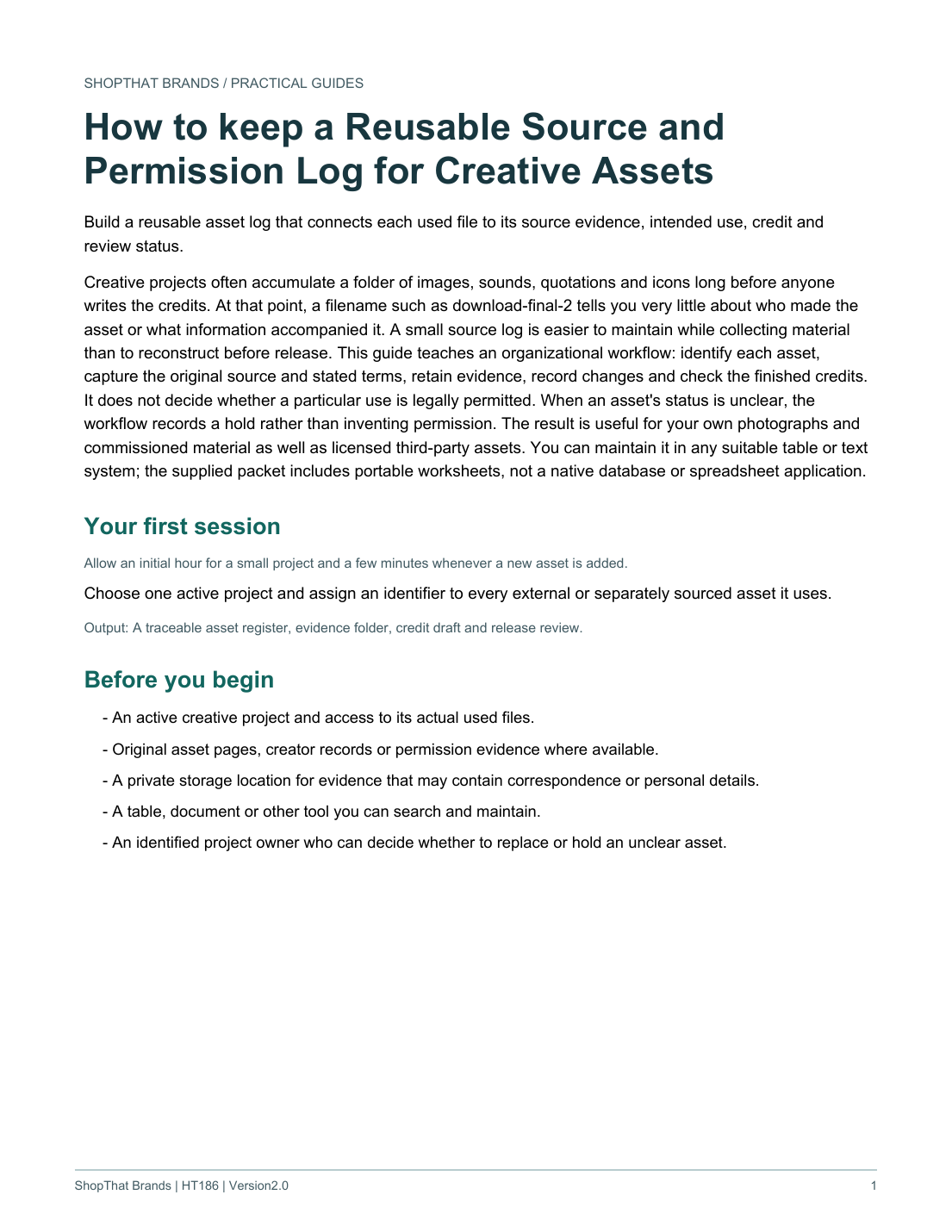
Avoid reconstructing asset sources at the end of a creative project. This guide helps you build a small, reusable record while collecting and using images, icons, audio, drawings and other separately sourced material.
Eight explained steps cover an actual-use inventory, stable identifiers, original asset pages, creator information, stated terms, private evidence, project-specific use, credits, derivatives and a final export reconciliation. Creative Commons attribution guidance and official service-specific license pages support the recordkeeping approach. The workflow keeps uncertainty visible and does not treat a credit or a vague free label as permission.
Four practical tools include an asset register, evidence/use review, credit/derivative record and release reconciliation. Every tool contains specific field help and a coherent filled example. A complete fictional handout demonstrates nine records with only eight used assets, a held repost, a replacement photograph and a credit that disappeared outside the printable page.
Delivered as a PDF guide, offline HTML companion and TXT worksheets. You choose the table or document application in which to maintain your log. This product does not provide legal advice, permission certificates, asset licenses or creator outreach. It gives you a traceable organizational process so the owner can review evidence, identify gaps and retain a clear release snapshot.
Included files: PDF guide, offline HTML guide, 4 distinct editable tools in HTML and TXT. Extract the ZIP before use. No paid software is required to read this guide or edit its supplied tools. Third-party services discussed may have their own costs. No XLSX, Canva, Notion or video files are included.
Text and template wording were generated with AI and reviewed for clarity and consistency.
License: Personal or internal business use only. You may edit the templates for that use; do not redistribute or resell the supplied files or templates.
HTML tools do not autosave. Use Save filled copy before closing to download and keep your completed entries.