

Auto Organizer for Windows: Automatically Sort Downloads, Desktop and Documents by File Type
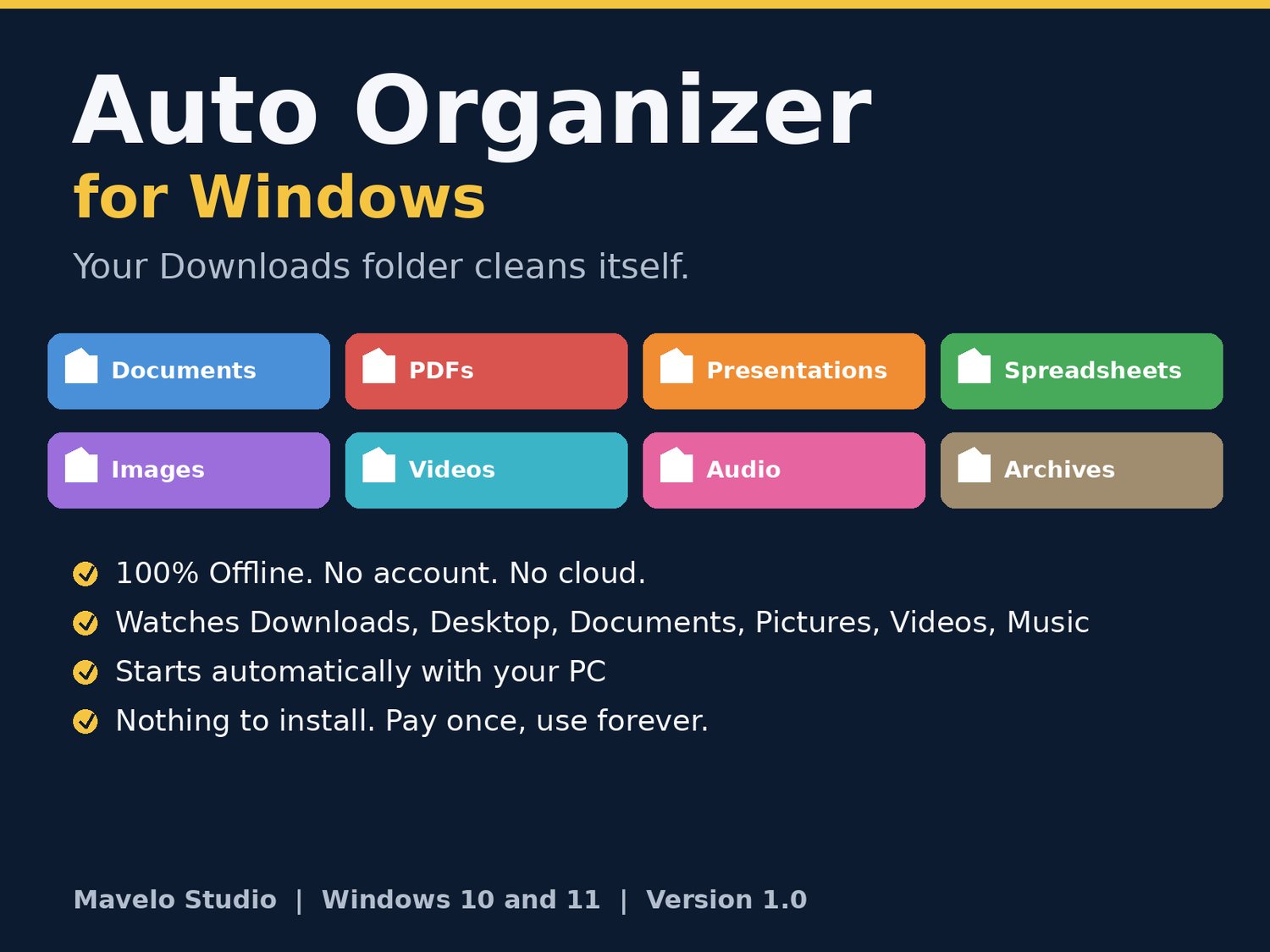
Your Downloads folder cleans itself. Every new file automatically moves into the right folder: documents, presentations, PDFs, spreadsheets, images, videos and more. 100% offline, no subscription, no account. Messy Downloads folder?
Desktop covered in random files? Auto Organizer quietly fixes it for you, forever. Install it once (2 clicks, no technical skills needed), and from then on every file that lands in your Downloads, Desktop, Documents, Pictures, Videos or Music folder is automatically moved into a tidy subfolder by its type:
- Word files (.doc, .docx) go to Documents
- PowerPoint files (.ppt, .pptx) go to Presentations
- PDFs go to PDFs
- Excel files (.xls, .xlsx, .csv) go to Spreadsheets
- Photos, videos, music, ZIP files and installers each get their own folder too
Why people love it:
- 100% OFFLINE: No internet, no account, no cloud. Your files never leave your computer.
- NOTHING TO INSTALL: Runs on the PowerShell built into every Windows PC.
- SET AND FORGET: Starts automatically when your PC turns on. No daily work.
- SAFE BY DESIGN: Never overwrites a file (duplicates get renamed), never touches a file that is still downloading, never moves folders, and keeps a log of every move.
- FULLY CUSTOMIZABLE: Add your own folders and categories in one simple config file.
Perfect for: students, researchers, teachers, freelancers, office workers, and anyone whose Downloads folder is a disaster.
What you get:
- Auto Organizer for Windows (v1.0)
- One-click Start, Sort-Once, and Auto-Start installer files
- Step-by-step setup guide (2 minutes)
- Customizable config file (add your own folders)
- Lifetime use of v1.0, pay once
Requirements: Windows 10 or Windows 11 PC. That's it.
Note: Windows may show a standard security prompt the first time you run a .bat file. This is normal for small independent utilities. Full setup steps are in the included guide.