
RAG Status Report Pack: Excel, Word and PowerPoint Templates
Stop rebuilding your project status report every week. This pack gives you one standard for red, amber and green. An Excel tracker works out the status from your project data, and a Word report and PowerPoint deck present it in a form your sponsor and steering committee can act on.
What’s included
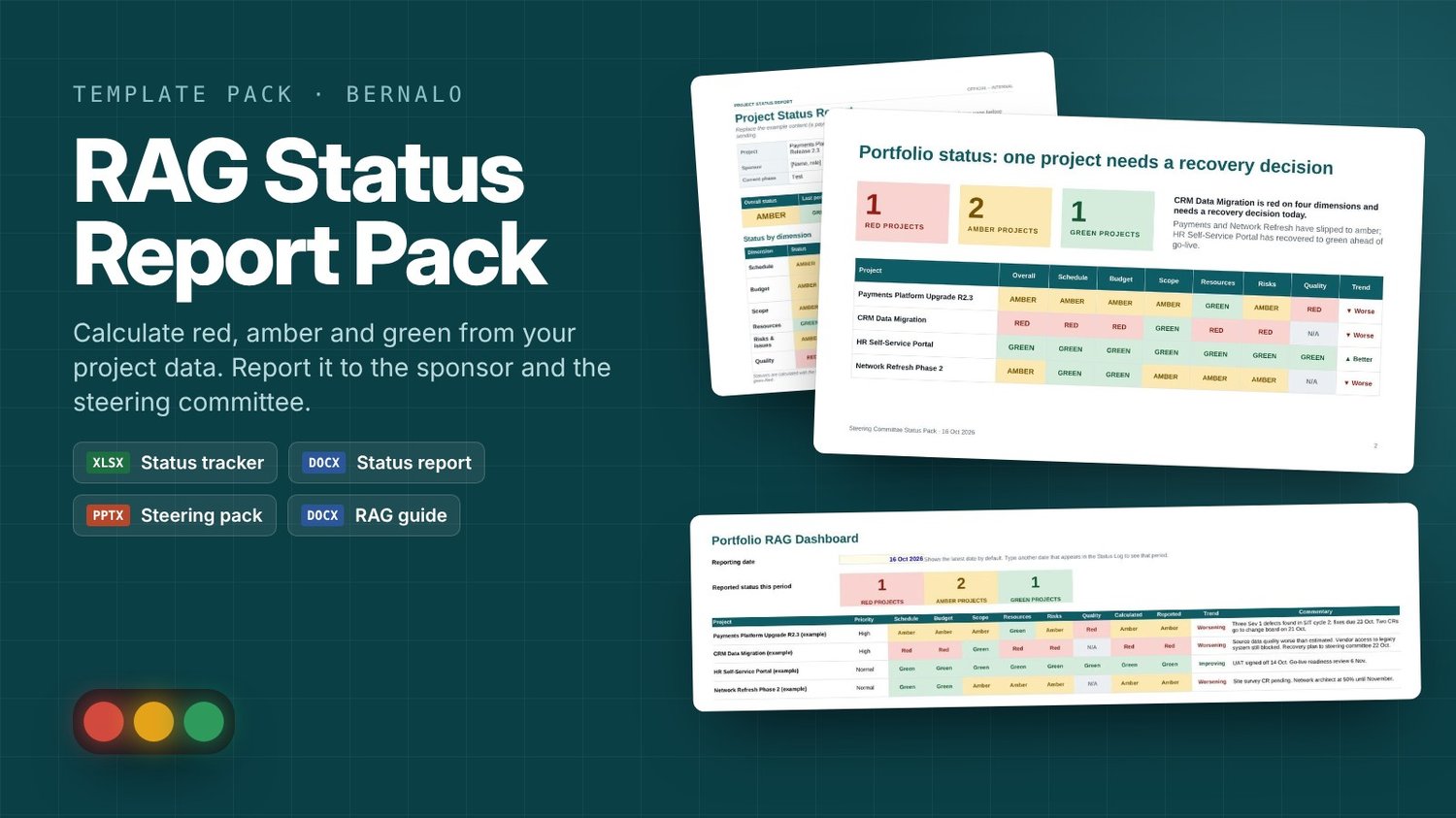
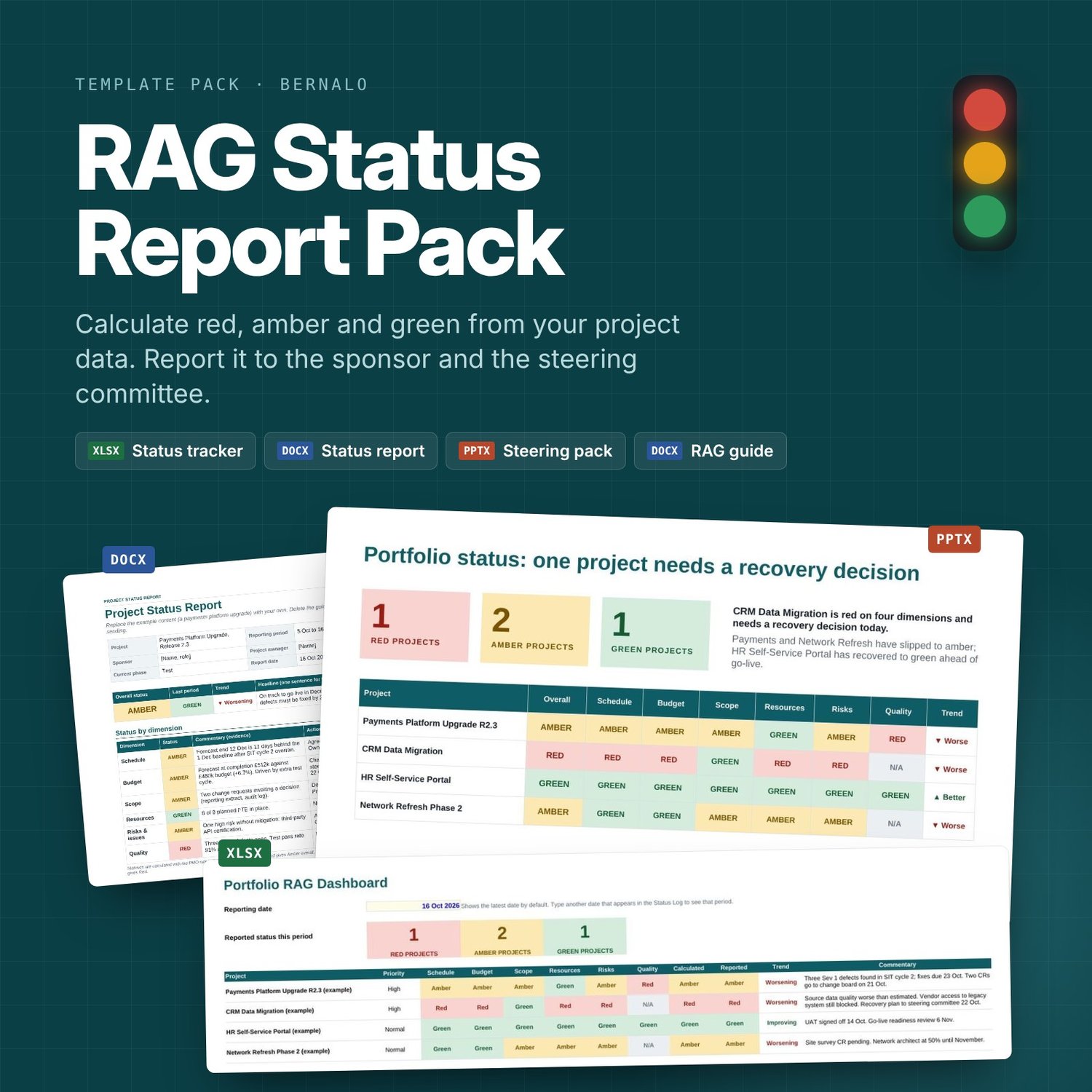
- RAG Status Tracker (Excel): log each project’s dates, budget, staffing, risks and defects. It works out a red, amber or green status for six areas (schedule, budget, scope, resources, risks and issues, and quality) and an overall status. It includes a portfolio dashboard, a trend against last period, and a manual override that asks for a reason.
- Project Status Report (Word): a two-page report covering the headline, status by area with evidence, decisions needed, progress, risks, milestones and budget. It comes with a guidance page for authors.
- Steering Committee Status Pack (PowerPoint): eight slides covering the portfolio summary, project status, decisions needed, top risks, a milestone timeline, RAG history and definitions. Each slide has speaker notes.
- RAG Definitions and Escalation Guide (Word): a two-page standard setting out what each colour means, the thresholds, who is told when a project turns red, and when a status may be overridden.
- Read Me First (PDF): a quick start that gets you to your first report in about 30 minutes.
Why it works
Every colour is backed by a number against an agreed threshold. For example, a project turns amber when it is more than 5 days late or more than 5% over budget, and red at 15 days or 10%. When someone asks why a project is amber, you have the answer. You can change every threshold, and you can choose one of three rules for the overall status: the standard PMO rule, worst case, or a weighted score.
Who it’s for
Project managers, PMO analysts, test and delivery leads, and consultants who produce regular status reports.
Details
- Works with Microsoft Office 2016 or later, or Microsoft 365. The files also open in Google Workspace and LibreOffice.
- No macros.
- Filled in with a worked example portfolio, so you can see how a finished report reads.
- Use it for unlimited projects in your own organisation or for your clients. Resale or redistribution of the templates isn’t allowed.
Try before you buy: the free RAG Status Generator at https://www.bernalo.com/tools/rag-status-generator.html uses the same rules.