
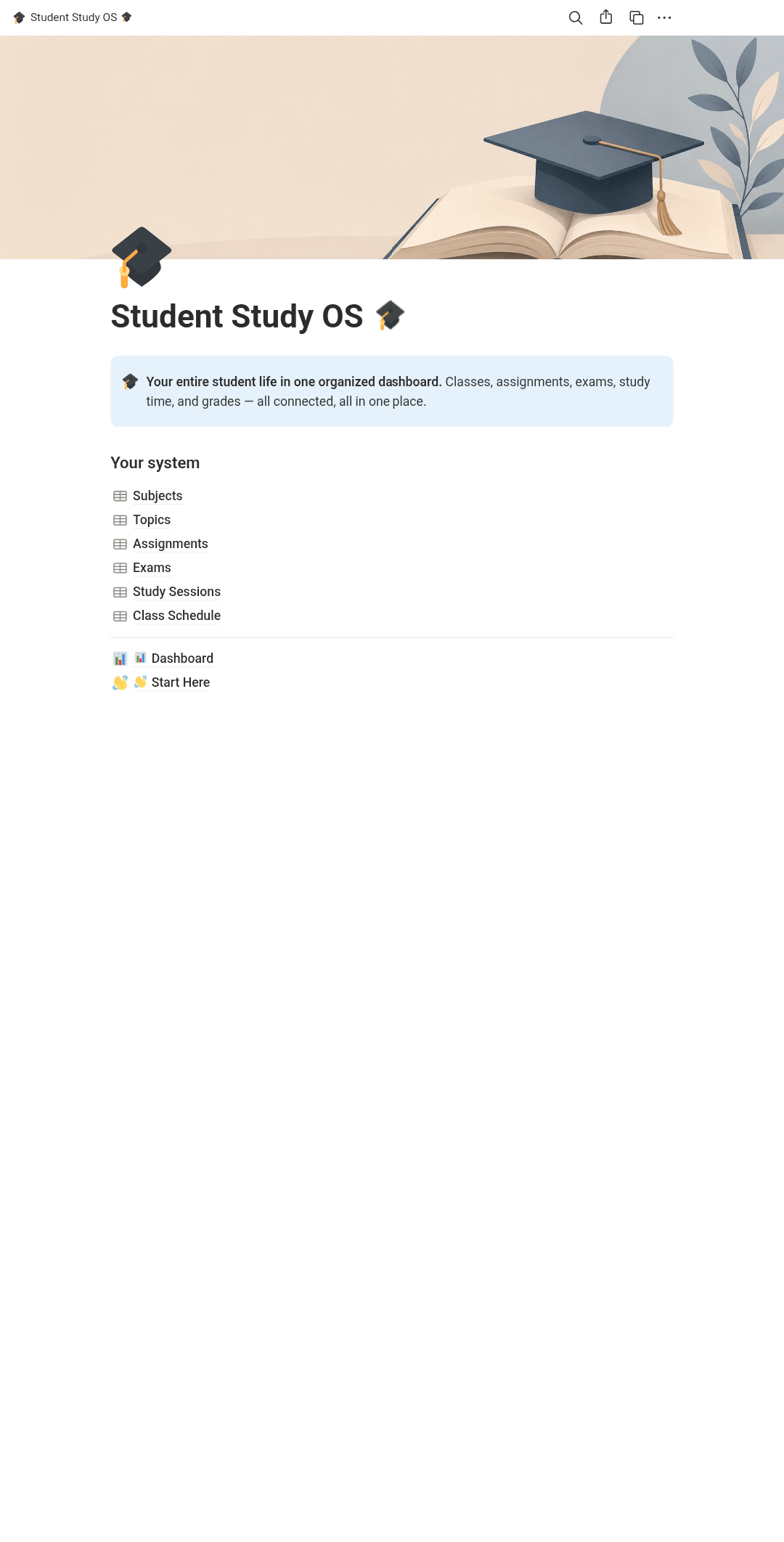
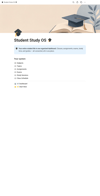
Student Study OS – All-in-One Notion Template for Students (Assignments, Exams, Grades & Study Planner)
A complete Notion student planner template that connects your class schedule, assignments, exams, and study sessions into one live dashboard — built for high school and college students who want to stop juggling five different apps.
You've got assignments due Tuesday, a quiz Thursday, and a chapter you were "supposed to" review last week. It's not that you're disorganized — it's that your school life is scattered across five different apps, three group chats, and a notebook you keep losing.
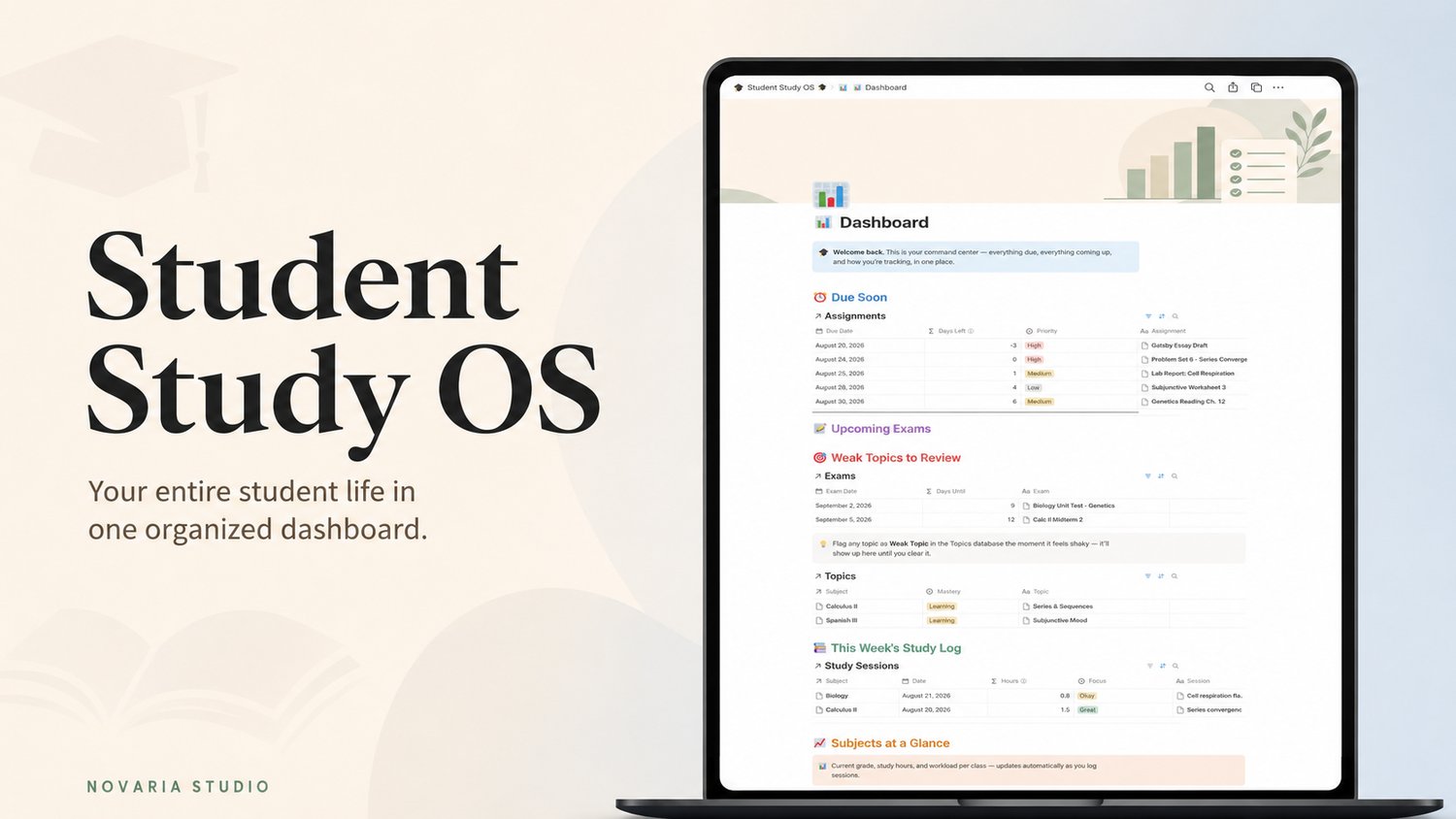
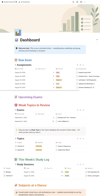
Student Study OS puts it all in one place. Every class you're taking, every assignment, every exam, every study session — connected, so your Dashboard can tell you in seconds what needs your attention today.
It's not a pretty planner that looks good in a screenshot and falls apart in week two. Every database has a real job: log a study session and your subject's hour total updates itself. Flag a topic as shaky and it surfaces on your dashboard until you clear it. Grade an exam and your current standing per class updates automatically. No manual math, no re-typing the same due date in three places.
Built for students who want to actually use their system, not maintain one.
What's Included
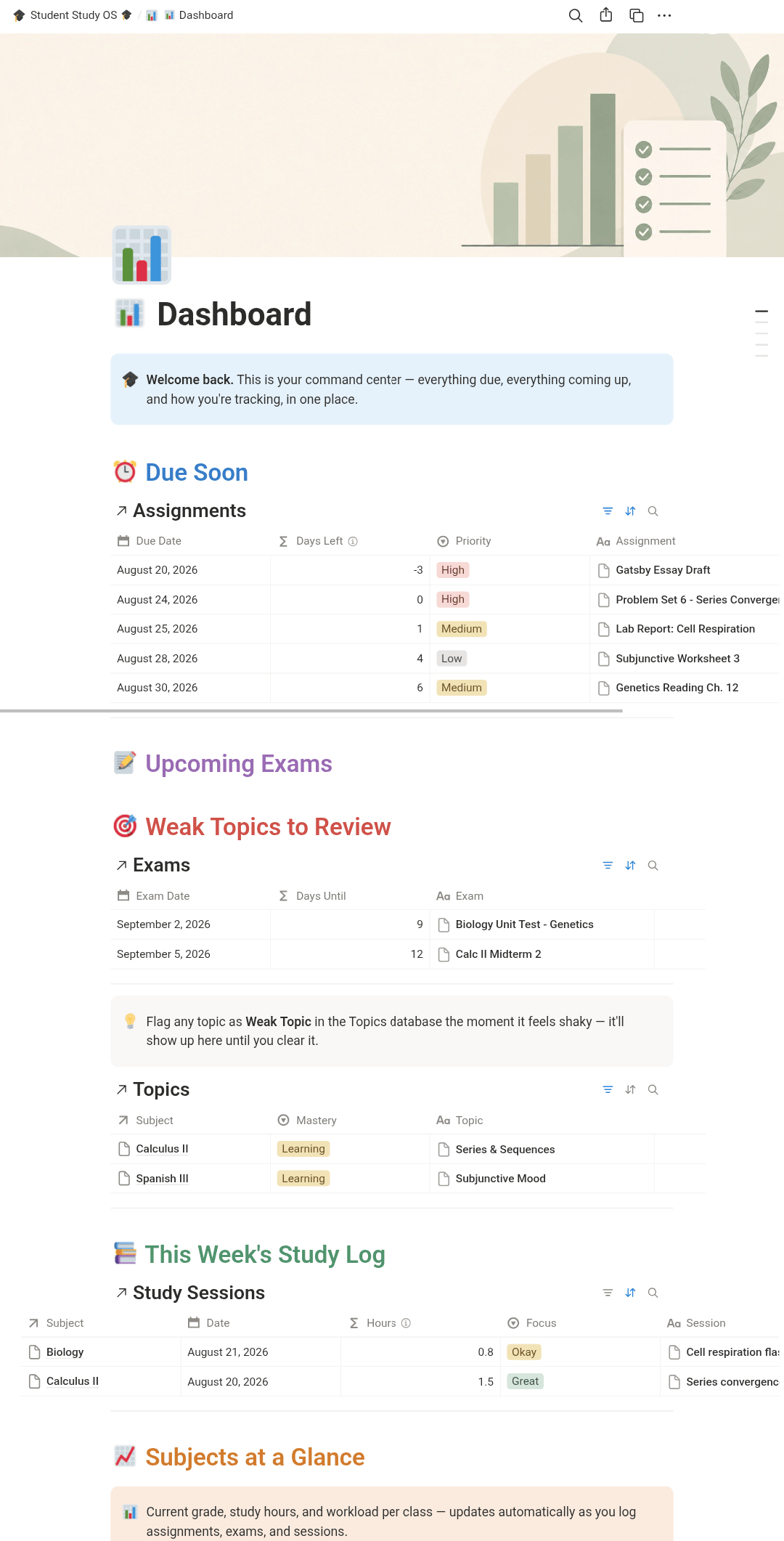
- Main student dashboard with Due Soon, Upcoming Exams, Weak Topics, and Study Log
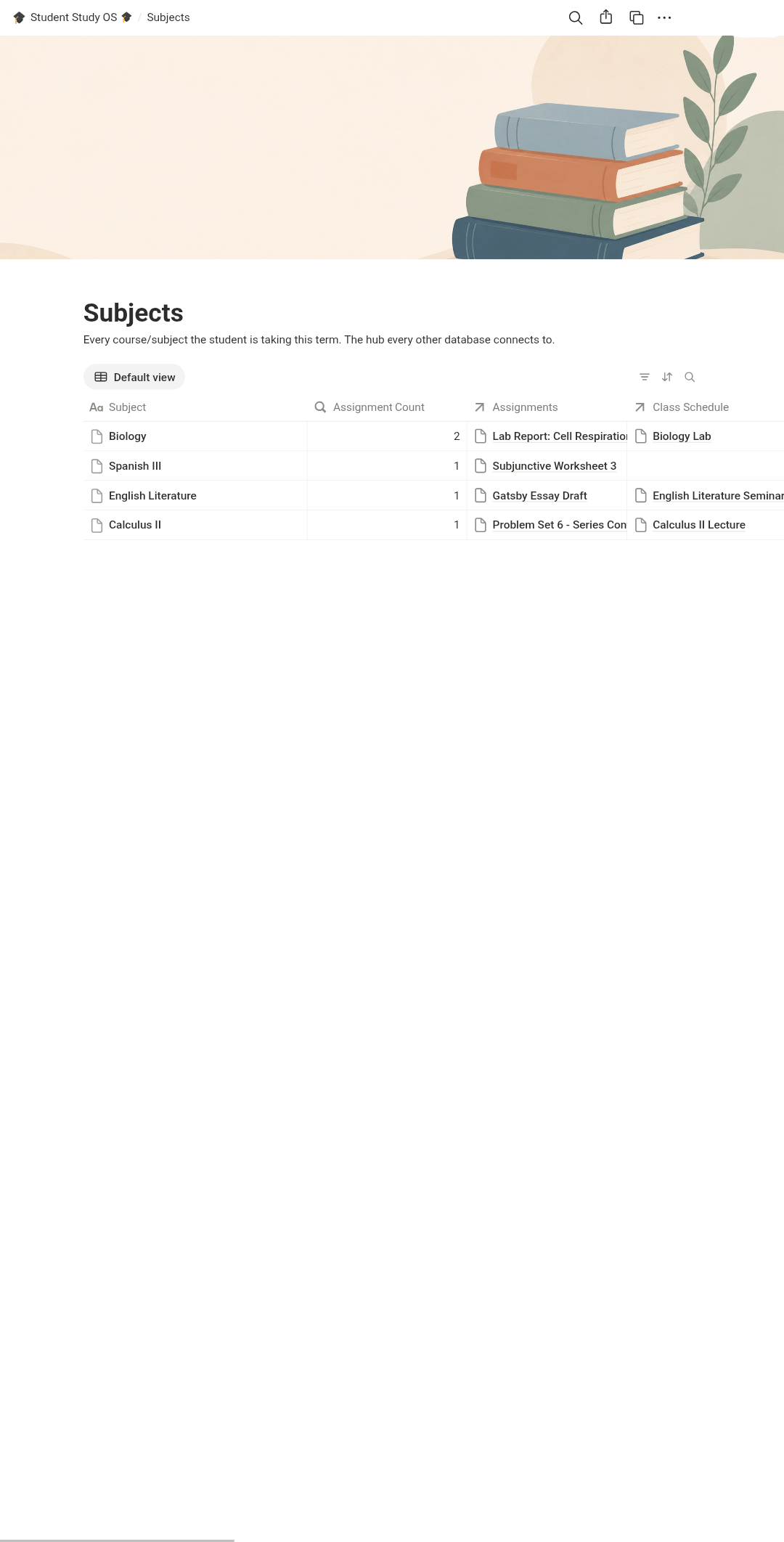
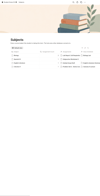
- Subjects database with automatic grade and study-hour rollups
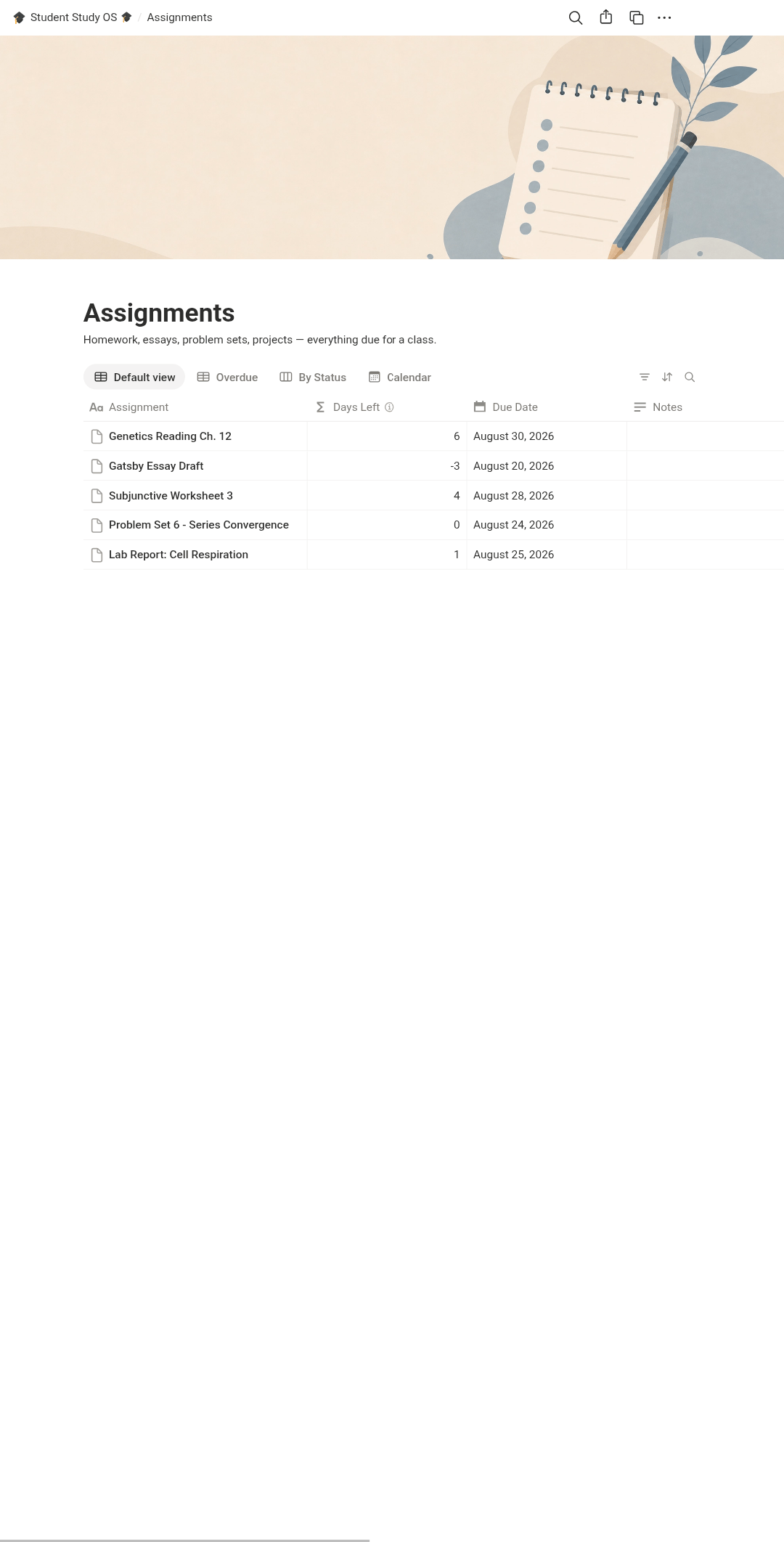
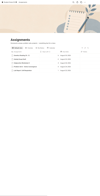
- Assignments tracker with priority, status, and overdue detection
- Exams tracker with live countdowns and grade-vs-target tracking
- Topic/syllabus tracker with weak-topic flagging
- Study session logger with automatic hour conversion
- Weekly class schedule
- Calendar, board, and filtered table views for every workflow
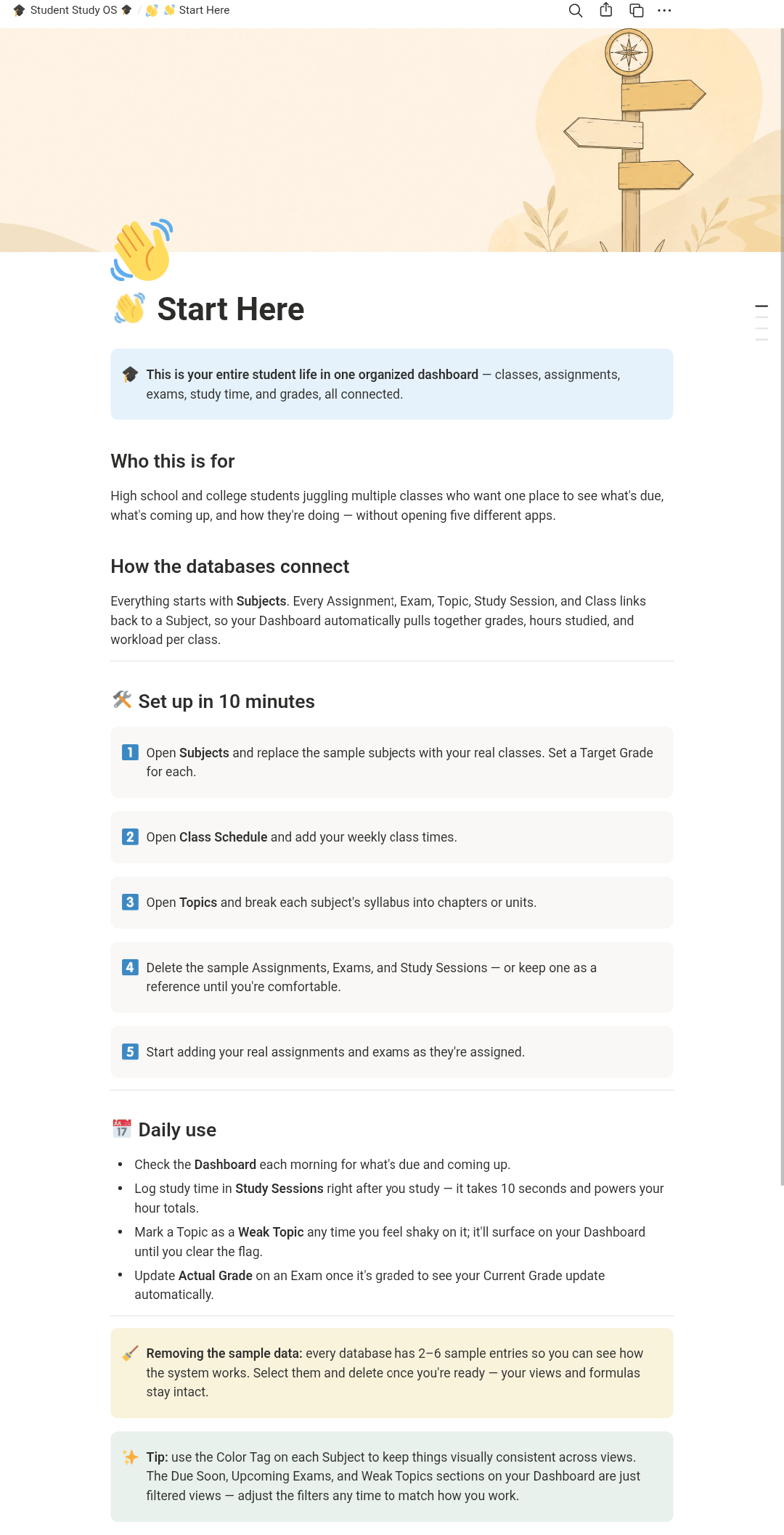
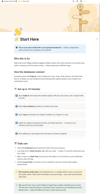
- Beginner-friendly onboarding page with realistic sample data
Who It's For
High school and college students juggling multiple classes who want one system to manage assignments, exams, and study time — without spreadsheets or five separate apps.
Who It's NOT For
Students who want a heavily decorative, sticker-covered planner aesthetic, or anyone looking for a project-management tool for group work — this is built for individual academic tracking, not team collaboration.
How It Works
- Duplicate the template into your own Notion workspace
- Follow the Start Here page to add your classes and clear the sample data
- Use the Dashboard daily to see what's due and what to study
FAQ
1. Do I need a paid Notion account?
A. No — the free Notion plan works fine for this template.
2. Will this work on my phone?
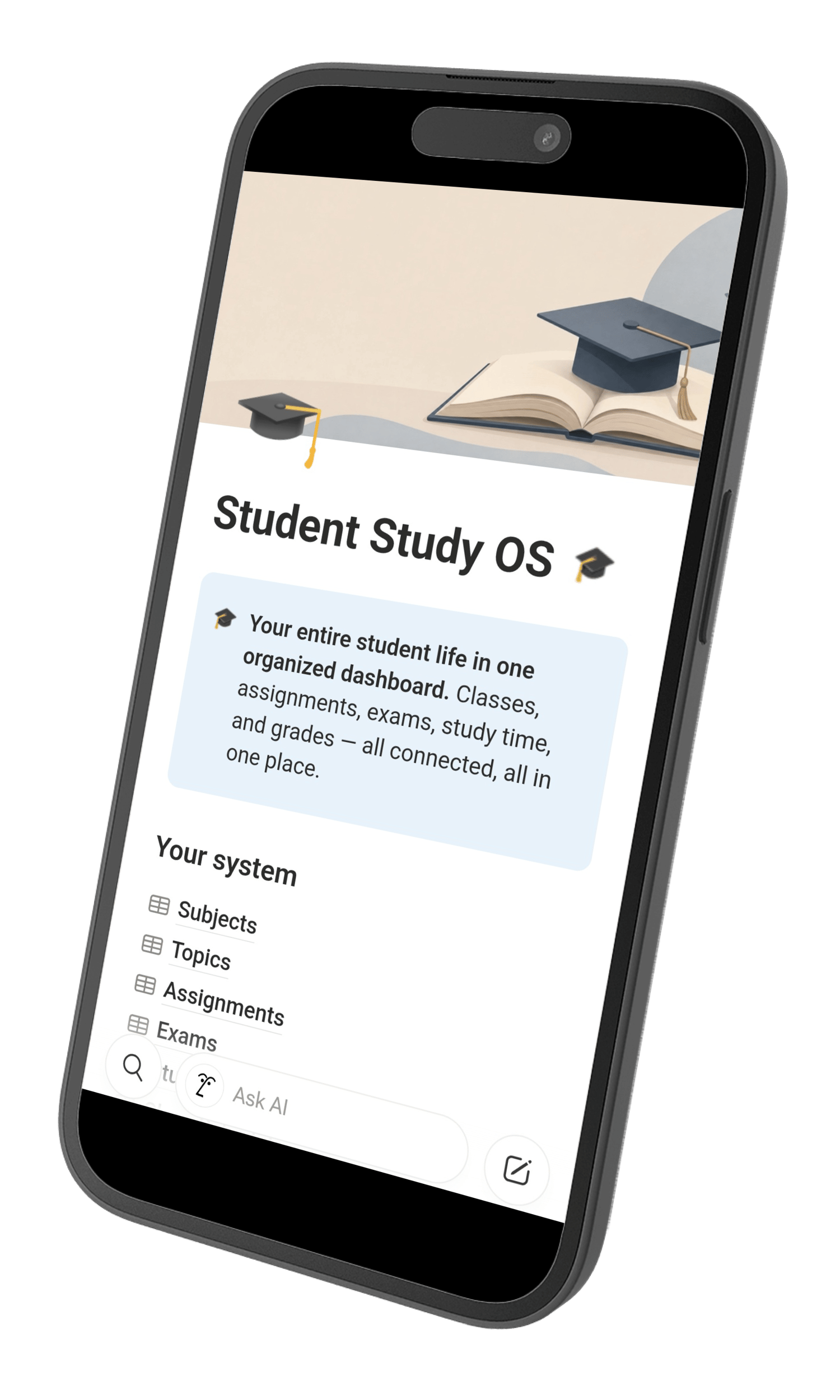
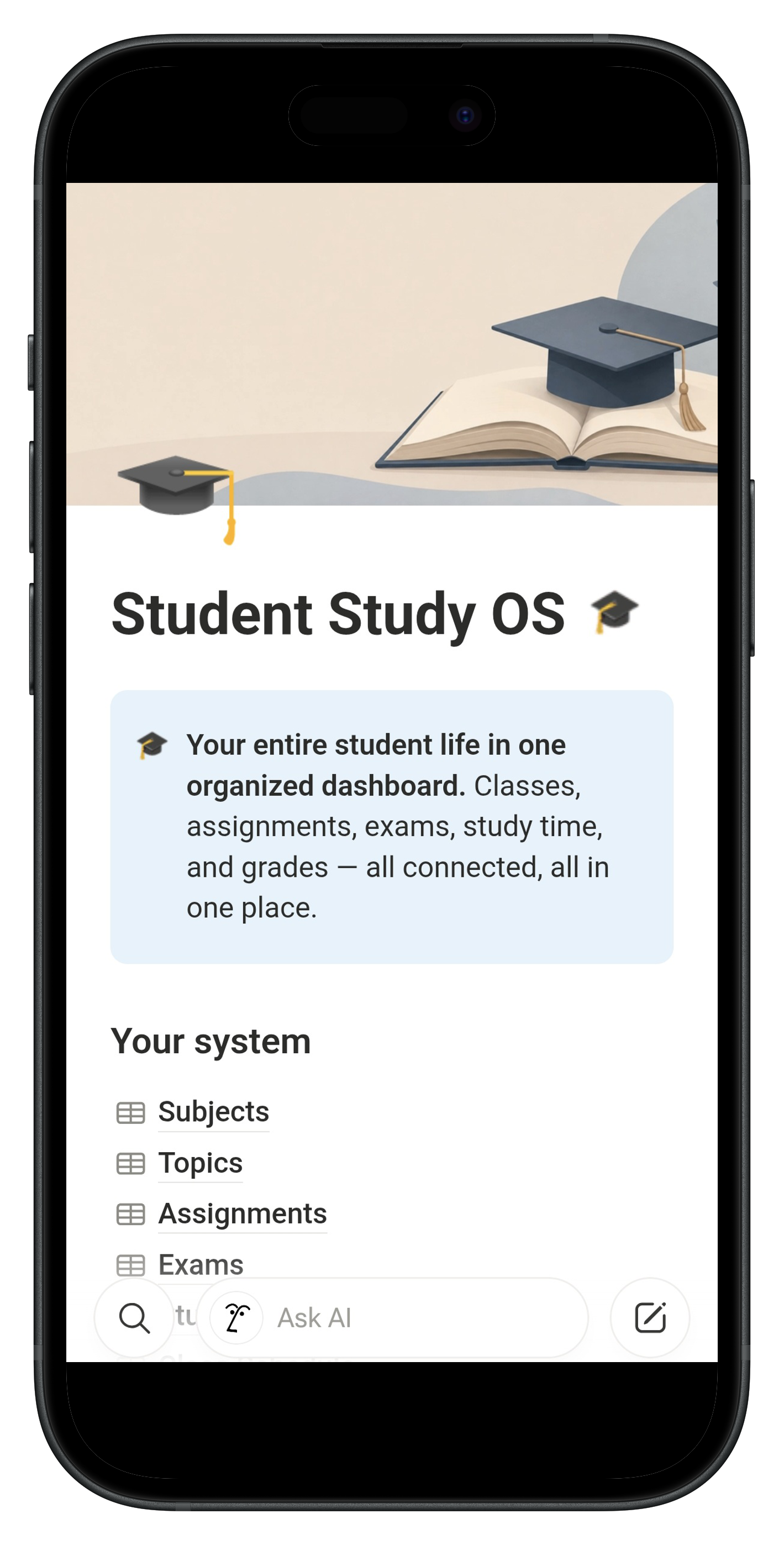
A. Yes, it's designed mobile-first with condensed views built for smaller screens.
3. I've never built a Notion system before — is this too advanced?
A. No. Everything is pre-built; you're just adding your own classes and assignments. The Start Here page walks you through it in about 10 minutes.
4. Can I customize it?
A. Yes — it's a normal Notion template, so you can edit colors, add properties, or adjust views freely once it's yours.
Get organized before the next deadline sneaks up on you — grab Student Study OS now.