





HSK 3.0 Level 1 — 20-Lesson Course Pack (Recording-Ready)
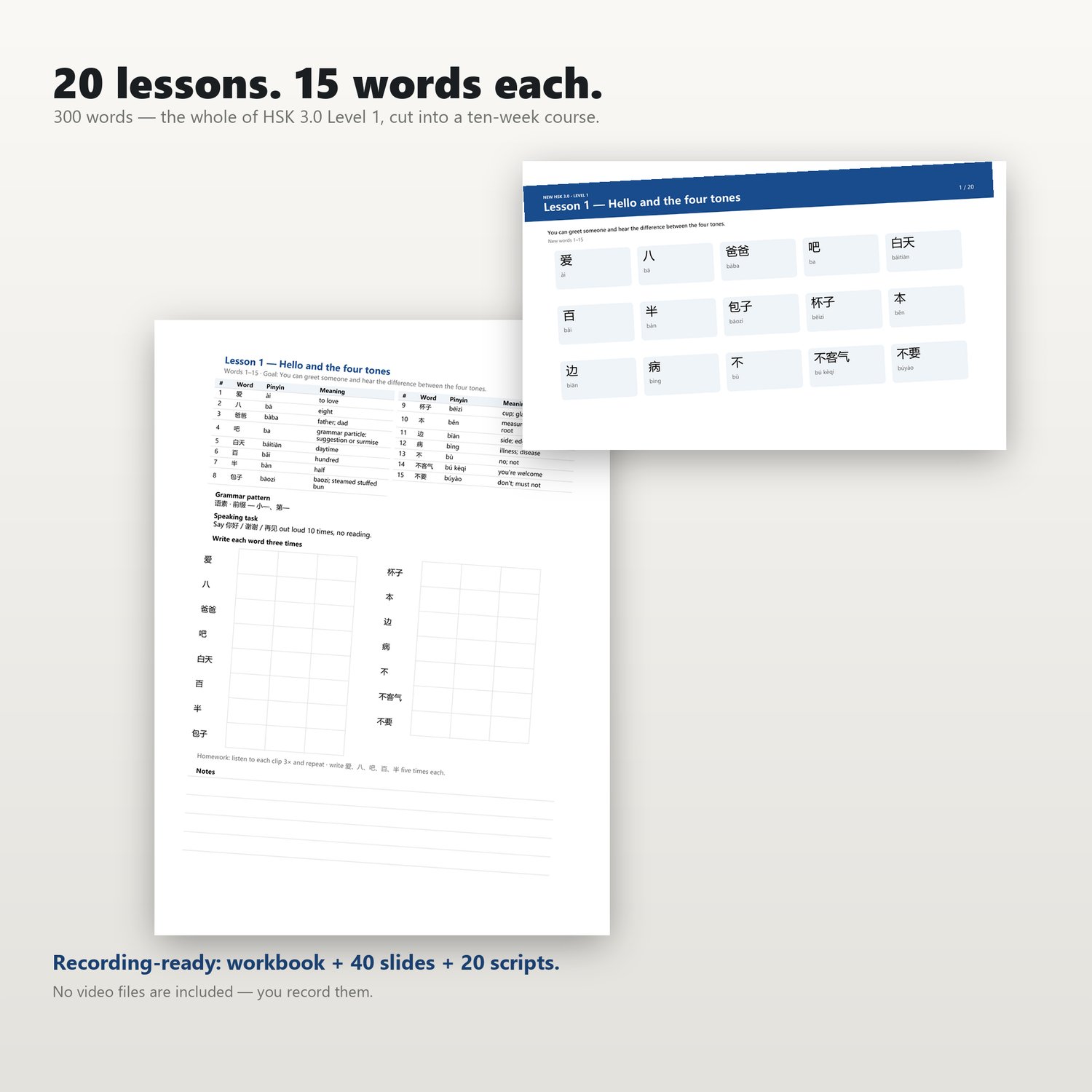
• 20 lessons × 15 vocabulary words each = full coverage of all 300 vocabulary items specified in the "Level 1" syllabus. The curriculum is structured for a pace of two lessons per week, spanning a total of ten weeks.
• Each lesson features a specific grammatical point from the syllabus, along with a speaking task that serves as both practice and assessment.
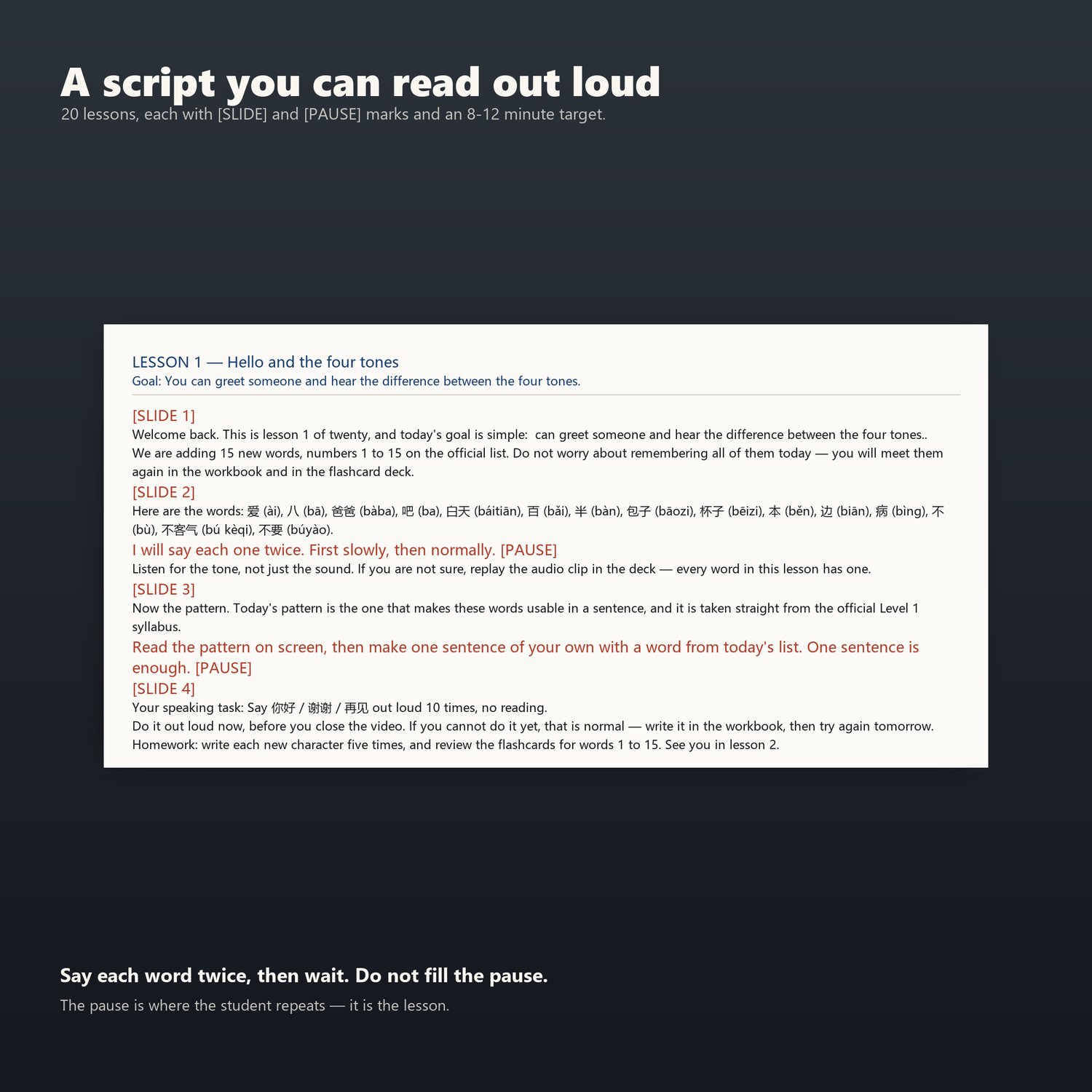
• Includes 20 verbatim scripts, complete with cues for [slide transitions] and [pauses]. Each lesson is designed to last 8–12 minutes—addressing the very hurdle that often prevents instructors from ever recording their first lesson.
• You are granted a written license to teach the material and sell your own recorded videos, with all proceeds belonging to you.
• Comes with a printable "Level 1" starter kit, ensuring students have all the necessary handouts without needing to purchase any additional materials.
• Ideal for instructors who prefer a structured, ten-week "Level 1" curriculum rather than improvising each lesson on the fly.
• Perfect for teachers or content creators who want to record and sell an introductory Chinese course.
• Great for parents running a Chinese language program at home who are unsure of what to teach each week.
• Designed for those whose primary obstacle isn't a lack of knowledge, but rather not knowing what to present (or how to fill that 8–12 minute timeframe).
Content Overview
00_Start_Here.pdf (2 pages): An introduction to the course structure, teaching and learning methodology, and an overview of what is not covered in the curriculum.
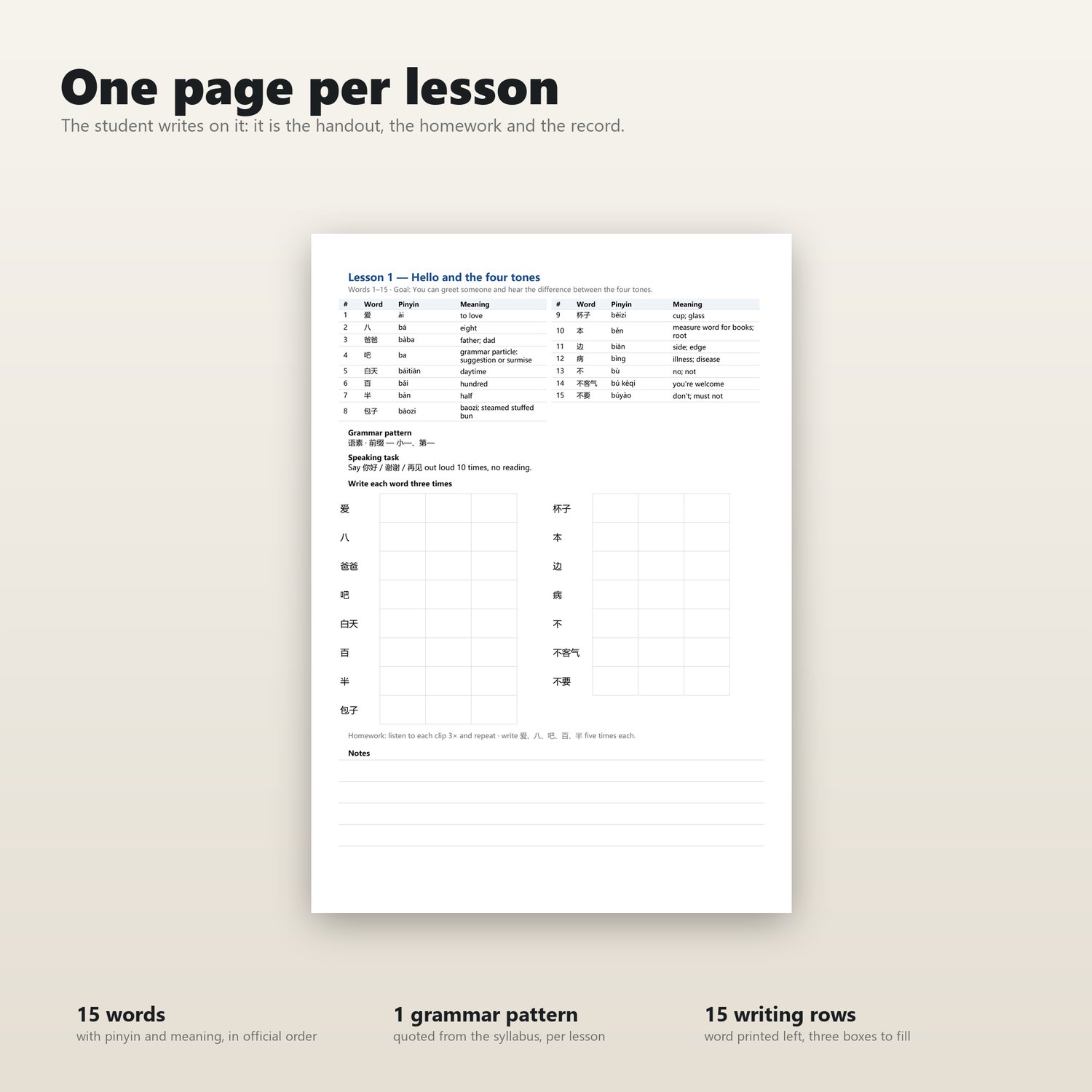
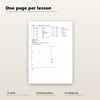
01_Workbook_20_Lessons.pdf (21 pages): Includes a table of contents, with one workbook page dedicated to each lesson. Each page contains: 15 vocabulary words (with Pinyin and definitions), the day’s grammatical point, a speaking practice task, and 15 lines for writing practice (with space to write each word three times). Simply print one page per lesson for your students; it serves as a handout, an assignment, and a record of their learning progress. 02_Lesson_Slides.pdf (40 slides, 16:9 aspect ratio): Each lesson consists of two slides—a vocabulary list and an exercise page. These can be displayed on-screen during lesson recordings, or the entire set can be provided to students as a course summary.
03_Video_Scripts.txt (20 scripts, one for each lesson): The scripts include cues for [SLIDE] (slide transitions) and [PAUSE] (pauses), with each lesson designed to last 8 to 12 minutes. Instructional prompts are embedded within the scripts: each word is read twice—first slowly, then at a natural speaking pace—followed by a designated pause. These pauses are critical moments for learning; please do not fill this time with any other content.
04_Level1_Kit/ (A comprehensive, printable starter kit): Includes a 300-word vocabulary list, 300 cut-out vocabulary flashcards, 246 Chinese character flashcards, a workbook for practicing 95 Chinese characters, a 30-day study schedule, an A3-sized chart of tone combinations, and an Anki flashcard deck containing 300 audio clips. Students can print the materials they need. Ten-week teaching plan:
Two lessons per week. Each lesson covers 15 vocabulary words, one grammatical point, and a speaking task. By the end of Lesson 20, students will have mastered all 300 vocabulary words required for the "Level 1" syllabus and will be able to deliver a 60-second self-introduction without relying on a script—which is the specific requirement for Lesson 20.**Is this course suitable for students who are not at the "Level 1" stage?**
Lesson 1 covers introductory vocabulary for "Level 1," making it ideal for absolute beginners. For "false beginners"—those who have some prior knowledge but are still at a very basic level—it is recommended to start from Lesson 4–6 rather than Lesson 1.
**Do students need to purchase any additional materials?**
No. The "04_Level1_Kit" package contains all the printable materials students need; you can simply print them out and distribute them to your students.
The package uses the standard `.apkg` file format, which can be opened by any application that supports importing `.apkg` files. You are not locked into any specific app store, nor is there any need for further purchases.
Android — Free
You can use AnkiDroid (available for free on Google Play). Simply unzip the downloaded file, tap the `.apkg` file, and select AnkiDroid to complete the setup.
iPhone / iPad — Three options available, two of which are free:
1. Free apps that support direct import of `.apkg` files: sumi, MintDeck, and MemU. All three apps preserve audio content. Note: MintDeck requires iOS 18 or later. These are third-party applications, not developed by the official Anki team. If you encounter issues such as missing audio or fewer cards appearing than expected, please try a different app—the file itself is perfectly fine. We recommend using the Anki desktop version (Desktop Anki) or AnkiMobile. 2. Free option (requires a computer): Install the free desktop version of Anki on your Windows or Mac computer,
import the `.apkg` file, and sync it to a free AnkiWeb account.
You can then access your materials by visiting ankiweb.net via the Safari browser on your mobile device. Since AnkiWeb itself does not support direct `.apkg` file imports,
the initial import must be performed using a computer. Additionally, using the web-based version requires an internet connection. 3. Official paid app: AnkiMobile, priced at $24.99 (approximately 168 RMB on the Chinese App Store; a single purchase works on both iPhone and iPad).
This is the only option that supports offline study and audio playback while offering the full range of features found in the desktop version of Anki. This is optional; the study material package is not tied to this specific app.
Frequently Asked Questions (FAQs)
Do I have to pay for an app to use this study package?
No. It is completely free on Android, and there are also free options available for iPhone. Purchasing AnkiMobile is primarily for added convenience; it is not a requirement.
Which app should I choose?
For Android: AnkiDroid is recommended. For iPhone (free options): You can use MintDeck or sumi. For iPhone (paid option): AnkiMobile is recommended; as the official app, it ensures full support for audio playback and offline study.
Why is the audio missing after importing?
This is an issue with the app itself, not the file. Both the desktop version of Anki and AnkiMobile support audio playback correctly.
You can try a different app, or import the files on your computer first and then sync them via AnkiWeb.
Can I use the materials without any app?
Yes. This package includes printable content, which can also be used effectively for study purposes.