
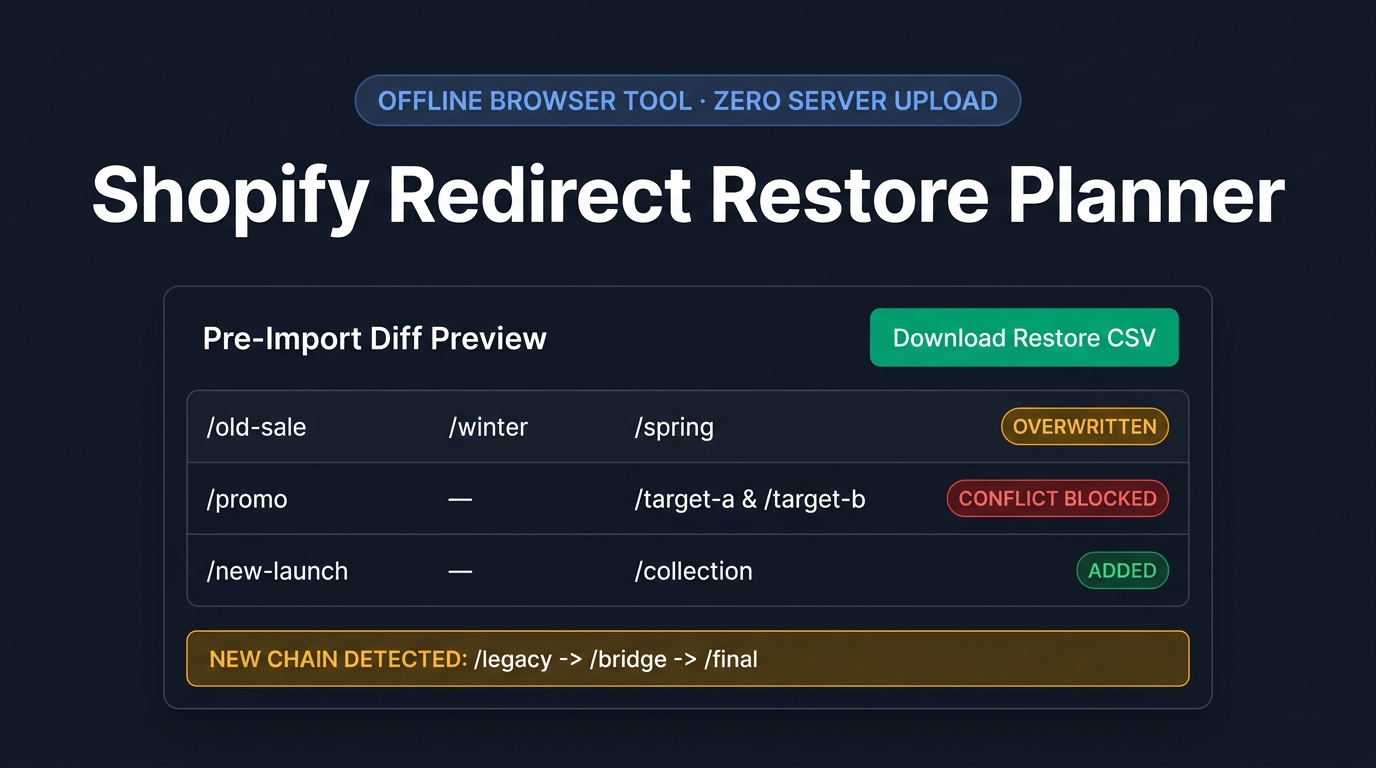
Shopify Redirect Overwrite & Restore Planner (Offline Pro) — Pre-Import Diff & Rollback CSV Generator
Uploading a redirect CSV during a Shopify migration is one of the highest-risk steps at launch: Shopify silently overwrites existing redirects that share a source path, and CSV imports can't roll back newly added rows automatically.
Shopify Redirect Overwrite & Restore Planner (Offline Pro) is a single self-contained HTML tool that runs 100% offline in your browser—zero server uploads, zero store logins, zero monthly subscriptions.
What You Download:
• shopify-redirect-restore-planner-pro.html — Double-click to open in Chrome, Safari, Edge, or Firefox on Mac, Windows, or Linux. Works completely offline for unlimited client migrations.
What It Does:
• Exact Source-Path Diff: Compares your current Shopify export (Redirect from,Redirect to) against your planned import without case-folding or decoding percent-escapes, classifying every row into Overwritten, Added, Unchanged, or Conflicting.
• Conflict Blocker: Automatically blocks export and flags exact row numbers if your proposed CSV maps the same source path to two different targets.
• Projected Chain & Loop Detector: Overlays your proposed import onto your live export to catch newly introduced multi-hop chains (/legacy -> /bridge -> /final) and redirect loops before launch.
• 1-Click Rollback Exports:
1. restore-overwritten-redirects.csv — Native Shopify CSV mapping only overwritten source paths back to their original targets.
2. delete-added-redirects-checklist.csv — Exact list of newly added source paths to remove manually if rolling back.
3. rollback-runbook.md — Printable QA recovery checklist for your launch team.
Note: Offline CSV analysis only; never modifies your Shopify store directly. Always take a fresh Shopify export before any recovery operation and verify live HTTP behavior after launch.