

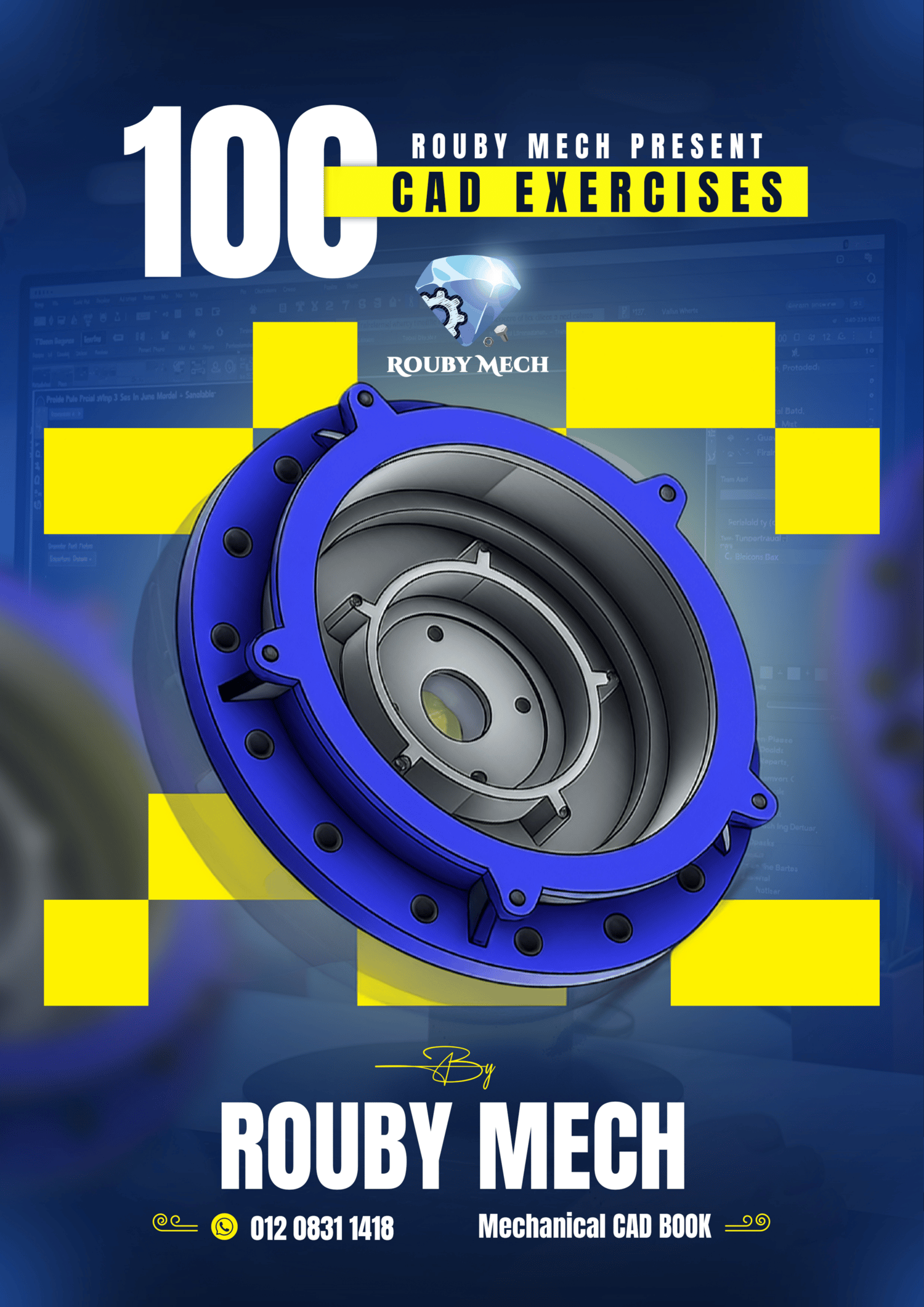
100 CAD EXERCISES BY ROUBYMECH
Welcome to "100 CAD Exercises by ROUBYMECH"
Level up your 2D drafting and 3D modeling skills with this comprehensive practice workbook!
Whether you are a beginner looking to learn the basics or a professional aiming to sharpen your mechanical design speed, this guide is perfectly designed to test and improve your abilities. This isn't just theory; it's hands-on, practical training using real engineering principles.
What's Inside the Workbook?
This 107-page guide is built to be clear, practical, and incredibly useful for daily practice. Here is exactly what you get:
1. High-Quality 2D Flattened Technical Drawings Every exercise is presented as a crystal-clear, dimensionally complete technical draft. We ensure all necessary dimensions are provided in millimeters (mm), using precise tolerances for accurate modeling. The "Flattened" format ensures no overlapping lines or confusing layouts, providing an ideal template for accurate CAD reproduction.
2. 3D Isometric Views for Visual Clarity To aid your visualization process, every single exercise includes a clean 3D isometric view. This allows you to immediately understand the final part's complex geometry and verified features, making your modeling process faster and more efficient.
3. Material & Mass Verification System Check your accuracy like a pro! Each exercise includes specific material properties (e.g., Plain Carbon Steel) and the exact calculated part mass. Model the part, apply the material, and compare your physical property results to verify your accuracy and skills!
4. Progressive Difficulty for Step-by-Step Learning The exercises are structured by difficulty level (e.g., "EASY", "MEDIUM", "HARD"). This allows you to start building confidence with foundational parts and progressively move to advanced complex mechanical assemblies as your skills improve.
Universal Software Compatibility
These exercises are entirely software-independent! You can use them to practice on any parametric CAD software of your choice. Sharpen your skills, regardless of the platform!
- 🚀 SolidWorks, AutoCAD, Autodesk Inventor, Fusion 360, CATIA, Siemens NX, Onshape, PTC Creo
🤝 Let's Connect & Learn Together!
Have questions, want to share your 3D modeling progress, or looking for more in-depth tutorials? I would love to hear from you! Follow me and join our growing community of engineers and designers:
- 🎓 Take My Full Course: Want to master CAD step-by-step? Check out my comprehensive training course on Udemy: https://www.udemy.com/course/solidworks-mastery-b/?referralCode=AACDCF7FB01E6D36B07A
- ▶️ YouTube: Watch free CAD tutorials, tips, and tricks: https://www.youtube.com/@MahmoudElrouby-q2d
- 💼 LinkedIn: Connect with me professionally: https://www.linkedin.com/company/rouby-mech/
- 📘 Facebook: Join the discussion and share your work: https://www.facebook.com/profile.php?id=61584875182164&sk=about
- 💬 WhatsApp: For direct support or business inquiries: https://q.me-qr.com/eq7ptv6e
Thank you for your trust and support. Happy Designing! ROUBYMECH
"Please note: These source files are provided for personal and educational use only. Reselling, redistributing, or using these files to create competing commercial products is strictly prohibited."
"Due to the digital nature of this product, all sales are final and no refunds will be issued."