

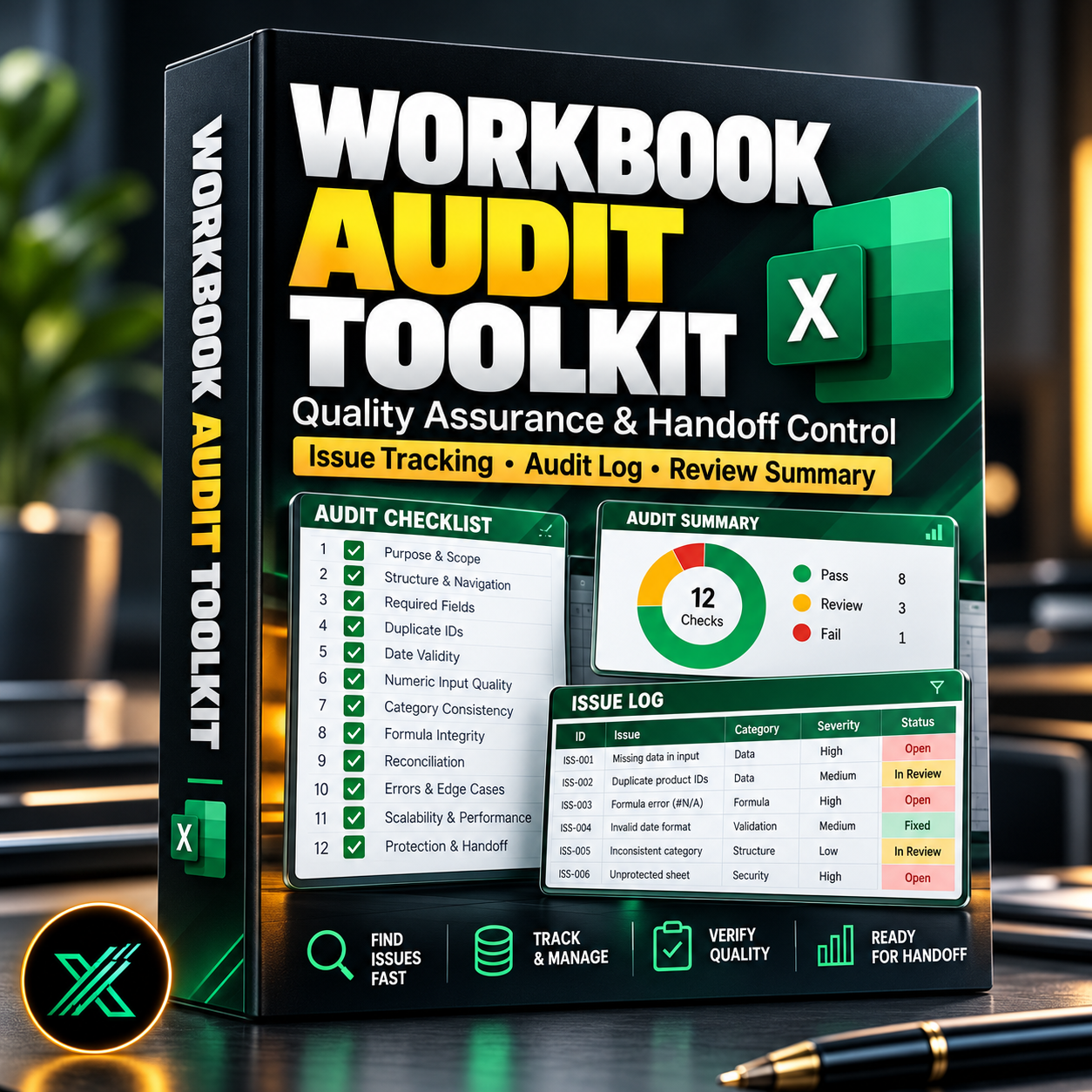
Excel Workbook Audit & Quality Assurance Toolkit — Issue Tracking and Handoff Control
Excel Workbook Audit & Quality Assurance Toolkit
A reusable Excel-based system for documenting spreadsheet audits, tracking quality issues, and managing workbook handoff decisions.
When spreadsheets support financial reporting, business operations, or management decisions, even small errors can create significant problems.
This toolkit helps professionals approach Excel quality assurance with a more structured and repeatable workflow.
Instead of keeping audit notes across emails, documents, and disconnected spreadsheets, organize the review process in one workbook.
What's Inside
1. Structured Workbook Audit Checklist
Review essential spreadsheet quality areas, including:
- Workbook purpose and documentation
- Sheet organization and navigation
- Required data fields
- Duplicate identifiers
- Date and numeric validity
- Consistent categories
- Formula integrity
- Reconciliation controls
- Error handling
- Scalability
- Protection and handoff readiness
2. Reusable Audit Log
Document audit findings across multiple workbook reviews.
Track issues, describe problems, and maintain an organized history of review activity.
The audit log uses an expandable Excel Table, allowing additional findings to be recorded without relying on a fixed 500-row input limit.
3. Audit Summary
Review recorded findings in a consolidated summary, helping you understand which areas require attention before final delivery.
4. Issue Documentation
Create a consistent record of identified problems and their status so outstanding issues are less likely to be overlooked.
5. Handoff-Oriented Workflow
Support more consistent decisions about whether a workbook is ready for delivery or requires additional correction and review.
Key Benefits
Improve consistency
Apply the same quality-assurance approach to different reporting workbooks.
Save administrative time
Keep audit findings and review records in a structured format.
Support accountability
Document issues and follow-up work rather than relying on memory or informal messages.
Build a reusable audit history
Keep records of previous workbook reviews as new audit entries are added.
Reduce avoidable spreadsheet risk
Identify and document common problems before handing files to colleagues, management, or clients.
Designed For
- Financial analysts
- FP&A professionals
- Accountants
- Business analysts
- Reporting teams
- Operations managers
- Excel consultants
Included Excel Components
- Audit checklist and review guidance
- Structured audit log
- Audit summary
- Supporting controls and example data
Compatibility
File format: XLSB
Excel versions: 2016, 2019, 2021, Microsoft 365
Macros: Not required
Important: This toolkit supports structured manual auditing and issue management. It does not automatically inspect formulas, external links, hidden sheets, or errors across arbitrary third-party workbooks.
Performance with very large audit histories depends on your Excel environment.
Turn spreadsheet quality assurance into a documented, repeatable business process.