
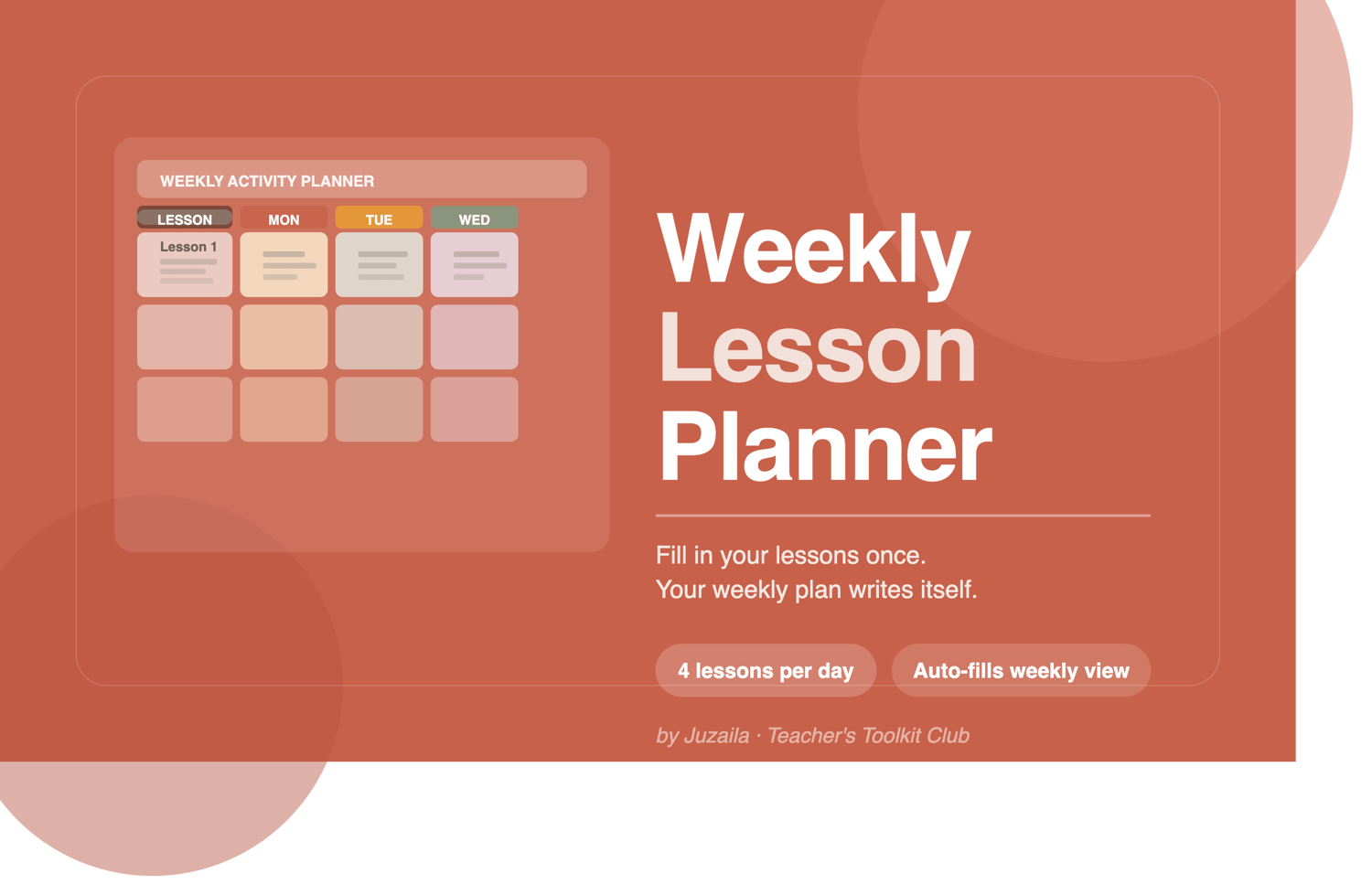
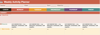
Weekly Lesson to Planner Dashboard
Still copying and pasting your lesson plans into a weekly planner every Sunday?
There's a better way.
The Weekly Activity Lesson Planner Dashboard is a Google Sheets tool that automatically builds your weekly activity planner the moment you fill in your daily lessons — no copy-pasting, no retyping, no reformatting.
How it works:
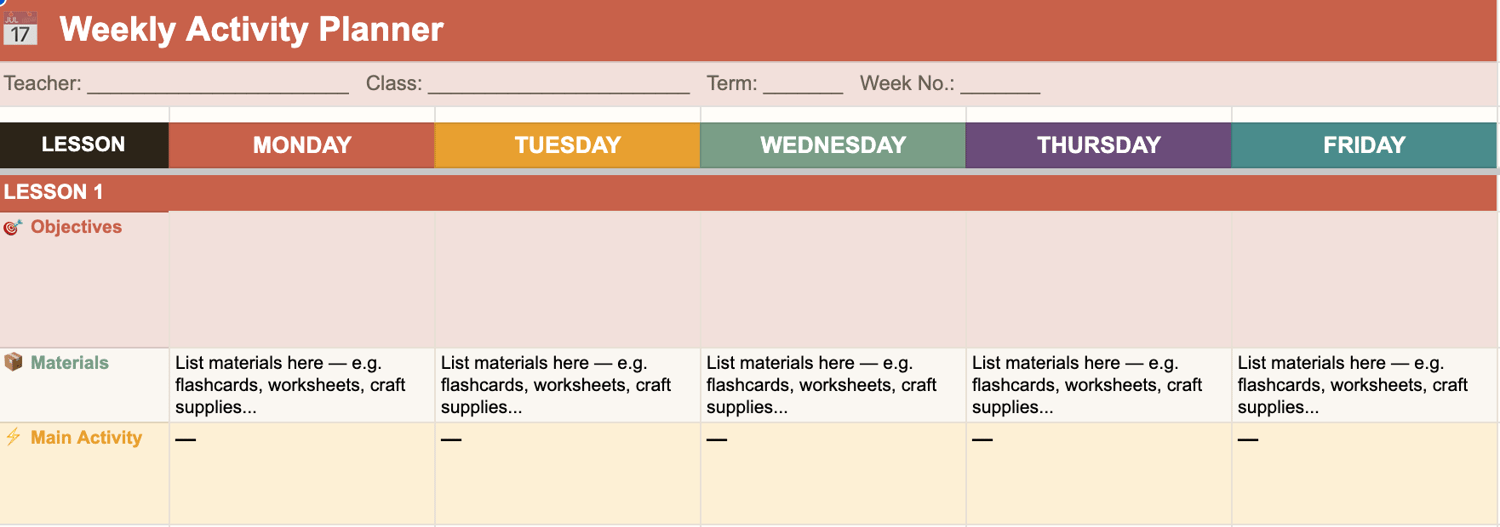
Fill in your lesson details for each day. Your Weekly Planner updates itself instantly — showing every lesson's objectives, materials and main activity in one clean, bird's eye view.
What's inside:
📅 Weekly Activity Planner — one page overview of your entire week, auto-filled
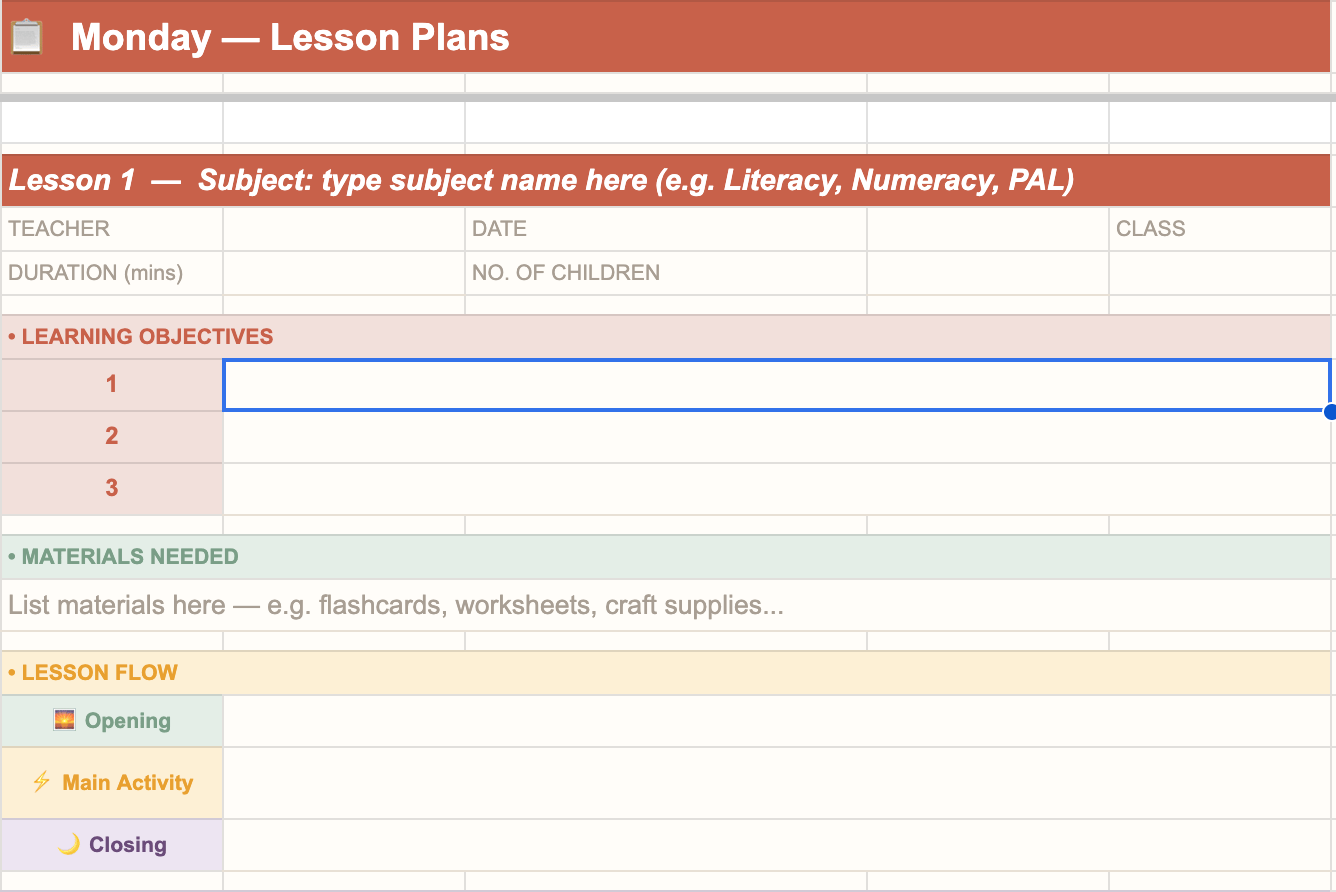
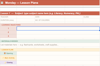
📋 5 daily lesson plan tabs — Monday to Friday, each with 4 lesson slots
🎯 3 learning objectives per lesson
📦 Materials checklist per lesson
⚡ Lesson flow — Opening, Main Activity, Closing
🔧 Quick reflection after each lesson
📝 Lesson Evaluation tab — track what worked and what to improve
✅ Works for any subject, any class level, any age group
No more switching between tabs. No more copy-pasting. Just plan, teach, and go.
Everything runs in Google Sheets — free with any Google account. No extra software, no subscriptions.