

E-Commerce-Management-System-Fully Functional;
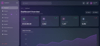
GlassAdmin - Glass Morphism E-commerce Admin Panel
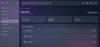
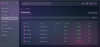
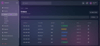
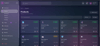
A stunning, fully-functional e-commerce admin panel built with Next.js 16, featuring a beautiful glass morphism design with liquid transparent effects, backdrop blur, and frosted glass aesthetics.




Table of Contents
- Overview
- Features
- Tech Stack
- Project Structure
- Getting Started
- Pages & Functionality
- Design System
- Customization
- API Reference
- Contributing
Overview
GlassAdmin is a modern, responsive admin dashboard designed for e-commerce platforms. It features a sophisticated glass morphism design language with:
- Glass Liquid Colorless Transparent Design: Frosted glass effect with 20-30px backdrop blur
- Collapsible Sidebar: Expands to 260px, collapses to 80px with smooth animations
- Dark Mode Default: Eye-friendly dark theme with light mode toggle
- Fully Responsive: Mobile-first design that works on all devices
- Real-time Notifications: Bell icon with dropdown notification center
- Dynamic Branding: System name changeable in settings, updates logo and footer
Features
Core Features
Feature
Description
DashboardOverview with stats cards, sales charts, and recent ordersProducts ManagementAdd, edit, delete, search, and filter productsOrders ManagementView, search, filter orders by status, update order statusCustomers ManagementView customer profiles, order history, and contact infoPaymentsTransaction history, revenue tracking, payout managementAnalyticsBar charts, pie charts, revenue by month, sales by categoryDiscounts & CouponsCreate, enable/disable discount codesReviews ManagementApprove, hide, or manage customer reviewsSettingsSystem configuration, notifications preferences, data export
UI/UX Features
- Glass Morphism Effects: Transparent backgrounds with blur effects
- Animated Transitions: Smooth Framer Motion animations throughout
- Toast Notifications: Real-time feedback for all actions
- Modal Dialogs: Order details, product forms, customer info, confirmation dialogs
- Responsive Tables: Horizontal scroll on mobile with custom scrollbar
- Interactive Charts: Area, bar, and pie charts with Recharts
- Submenu Navigation: Expandable navigation items with nested options
- Theme Toggle: Dark/light mode with persistent preference
Tech Stack
Category
Technology
FrameworkNext.js 16 (App Router)LanguageTypeScript 5StylingTailwind CSS 4UI ComponentsCustom glass morphism componentsAnimationsFramer Motion 12ChartsRecharts 2.15IconsLucide ReactState ManagementReact useState/useMemoThemenext-themes
Project Structure
text
my-project/
├── src/
│ ├── app/
│ │ ├── page.tsx # Main admin panel component
│ │ ├── layout.tsx # Root layout with theme provider
│ │ └── globals.css # Global styles & glass morphism
│ └── components/
│ └── ui/ # shadcn/ui components
├── prisma/
│ └── schema.prisma # Database schema (if needed)
├── public/ # Static assets
├── package.json # Dependencies & scripts
├── tailwind.config.ts # Tailwind configuration
├── next.config.ts # Next.js configuration
└── README.md # This file
Getting Started
Prerequisites
- Node.js 18+ or Bun runtime
- npm, yarn, or bun package manager
Installation
- Clone the repositorybash
- git clone <repository-url>
- cd my-project
- Install dependenciesbash
- bun install
- # or
- npm install
- Start development serverbash
- bun run dev
- # or
- npm run dev
- Open in browserNavigate to the Preview Panel or open http://localhost:3000 in your browser.
Available Scripts
Script
Description
bun run devStart development server on port 3000bun run buildBuild for productionbun run startStart production serverbun run lintRun ESLint for code qualitybun run db:pushPush Prisma schema to databasebun run db:generateGenerate Prisma client
Pages & Functionality
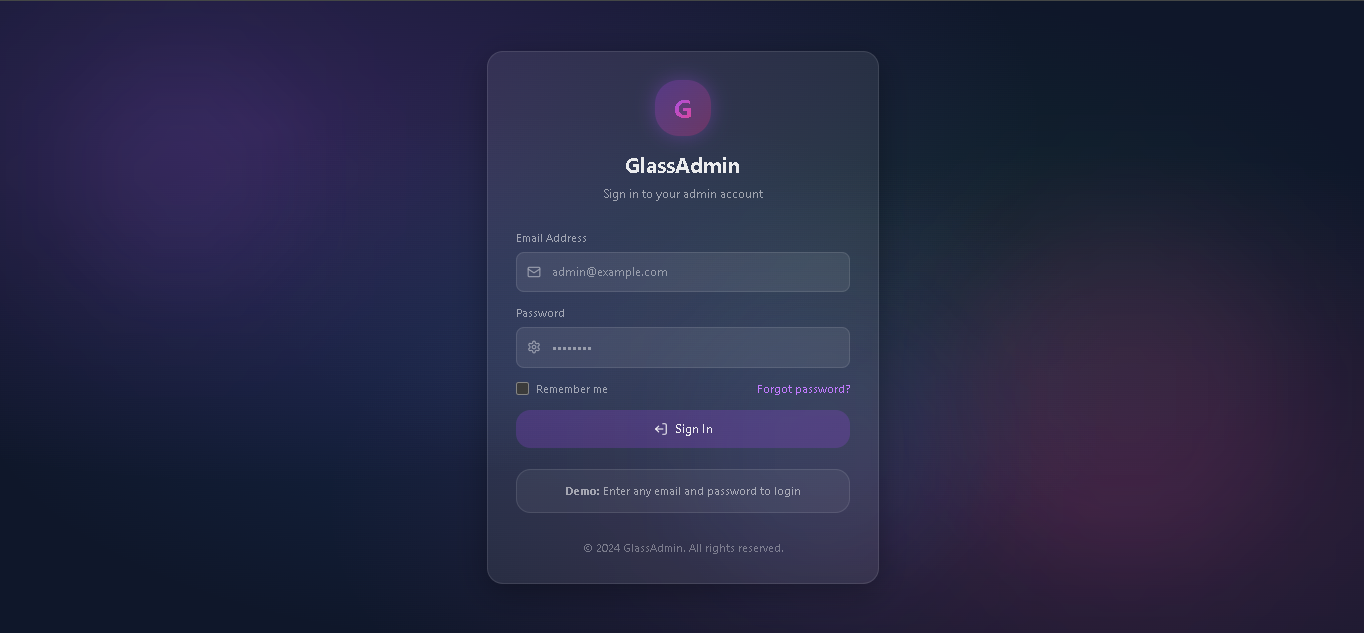
1. Login Page
- Glass morphism login form
- Email and password fields
- Remember me checkbox
- Forgot password link
- Demo mode: any credentials work
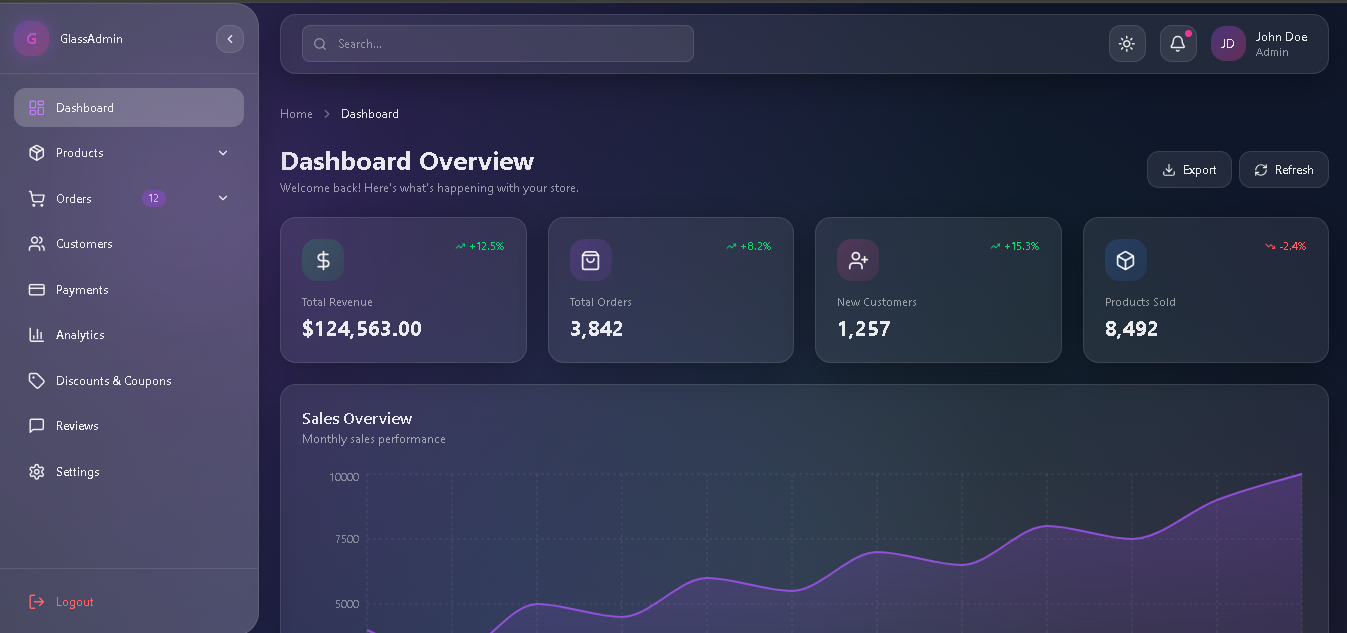
2. Dashboard
- Stats Cards: Revenue, Orders, Customers, Products Sold
- Sales Chart: Interactive area chart with monthly data
- Recent Orders Table: Quick view with status badges
- Export/Refresh: Data export and refresh buttons
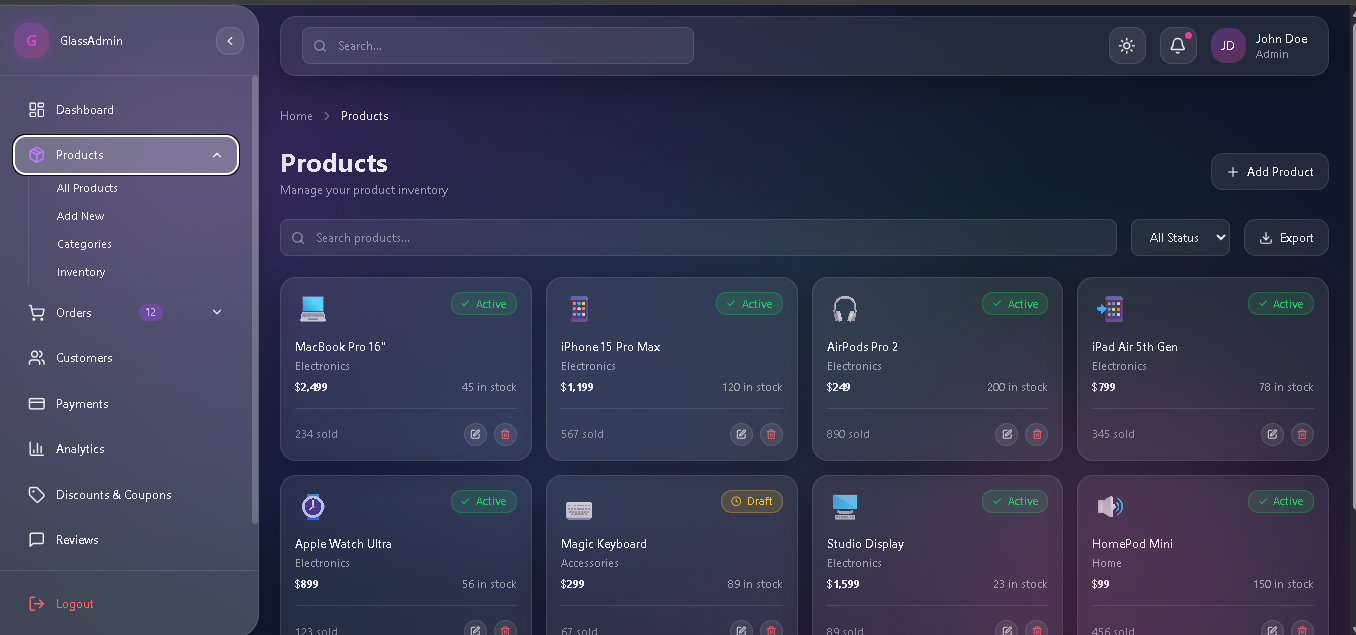
3. Products Page
- Product grid with cards
- Search by name or ID
- Filter by status (Active/Draft)
- Add new product modal
- Edit/Delete functionality
- Stock tracking
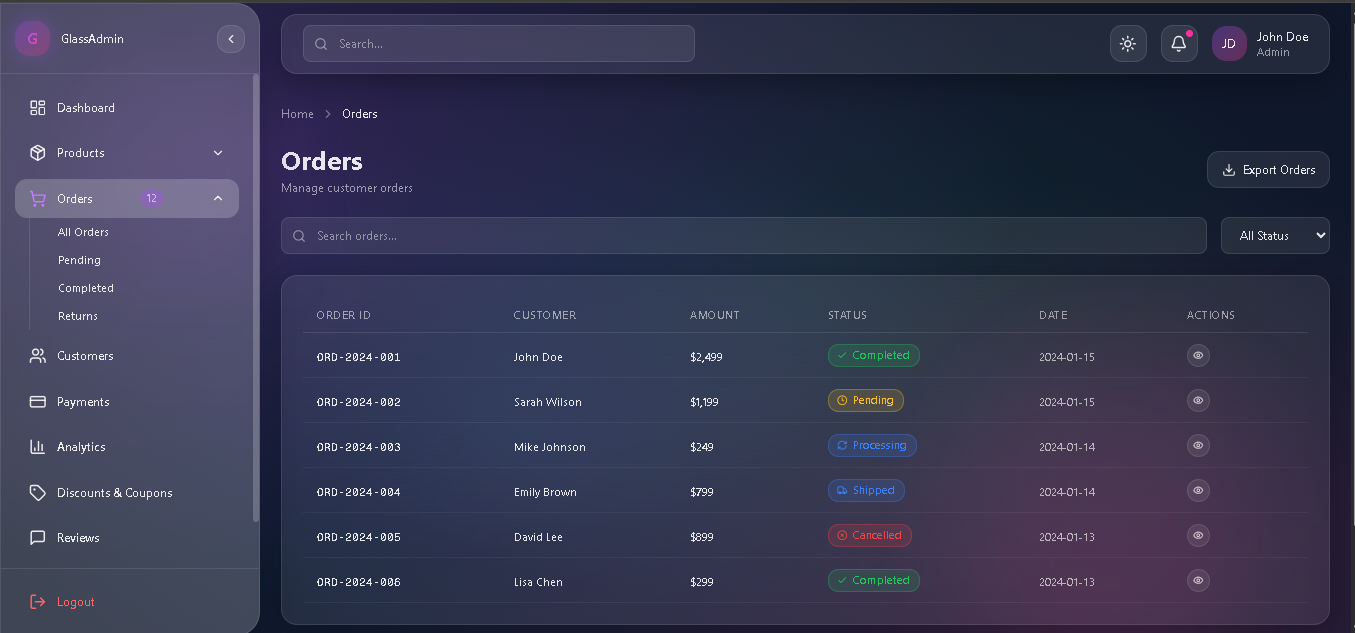
4. Orders Page
- Full orders table
- Search by customer or order ID
- Filter by status (Pending/Processing/Shipped/Completed/Cancelled)
- Order details modal
- Status update functionality
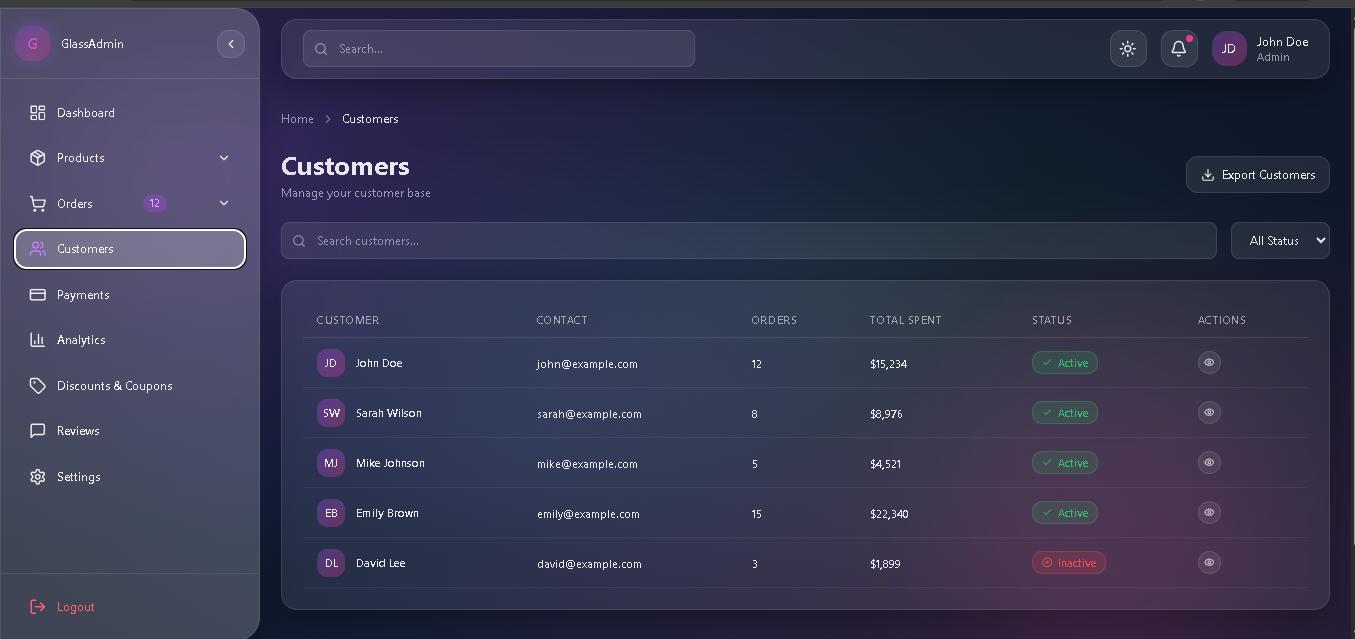
5. Customers Page
- Customer list with avatars
- Contact information display
- Order count and total spent
- Active/Inactive status
- Customer detail modal
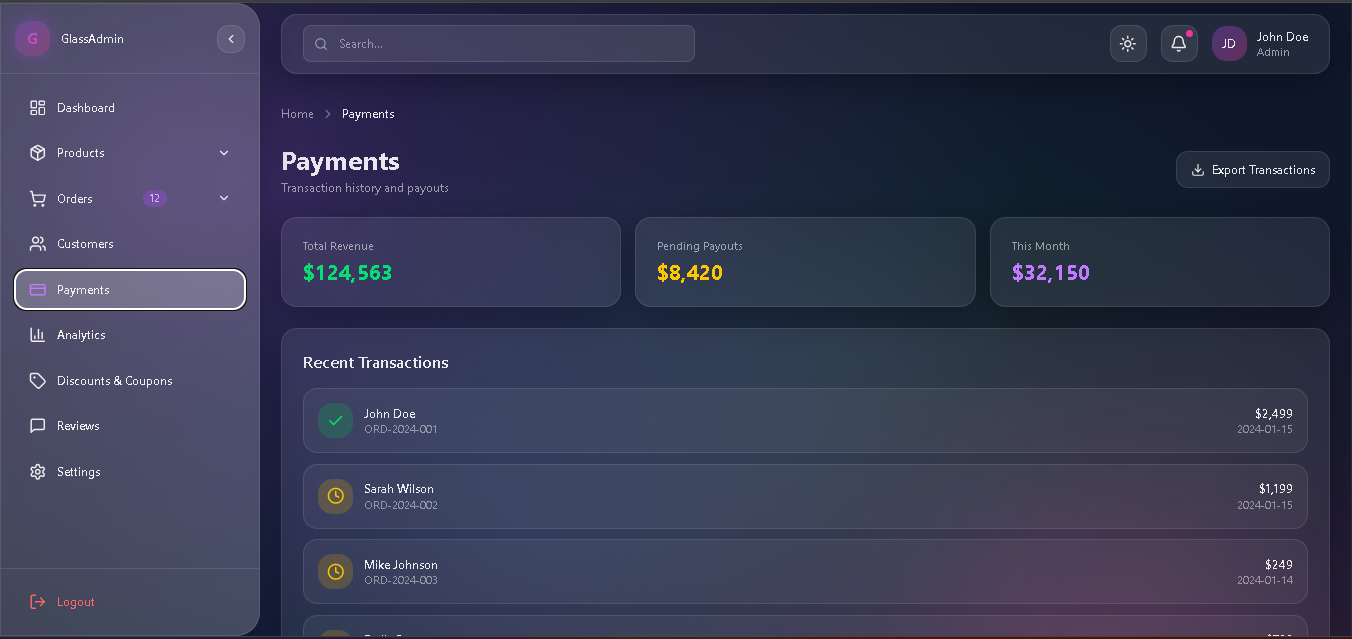
6. Payments Page
- Revenue summary cards
- Transaction history
- Payment status indicators
- Export functionality
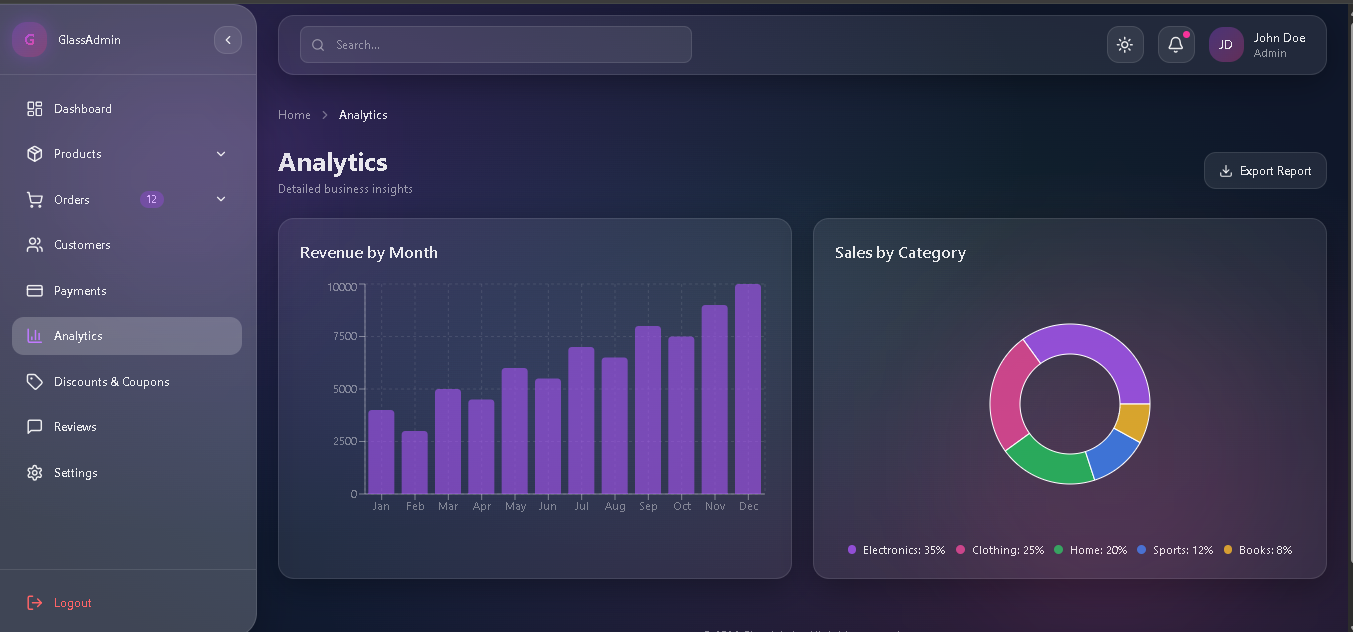
7. Analytics Page
- Revenue by month (Bar Chart)
- Sales by category (Pie Chart)
- Export reports
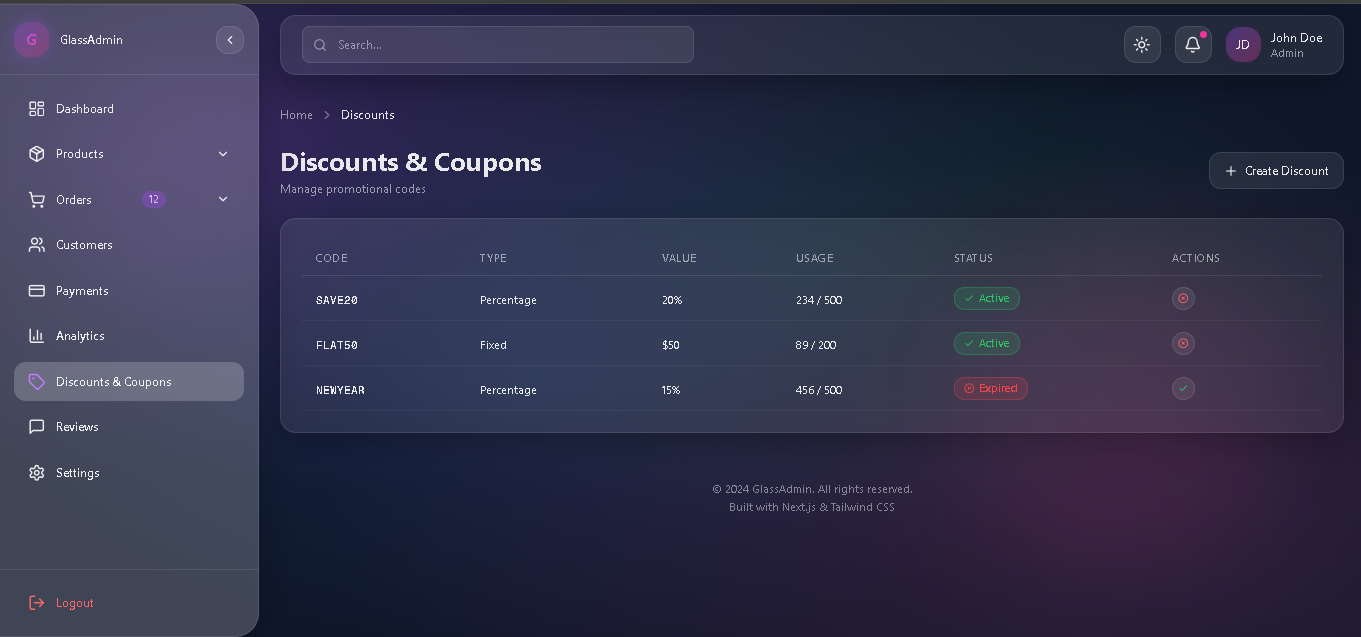
8. Discounts & Coupons
- Discount code table
- Create new discount modal
- Percentage/Fixed amount types
- Usage tracking
- Enable/Disable toggle
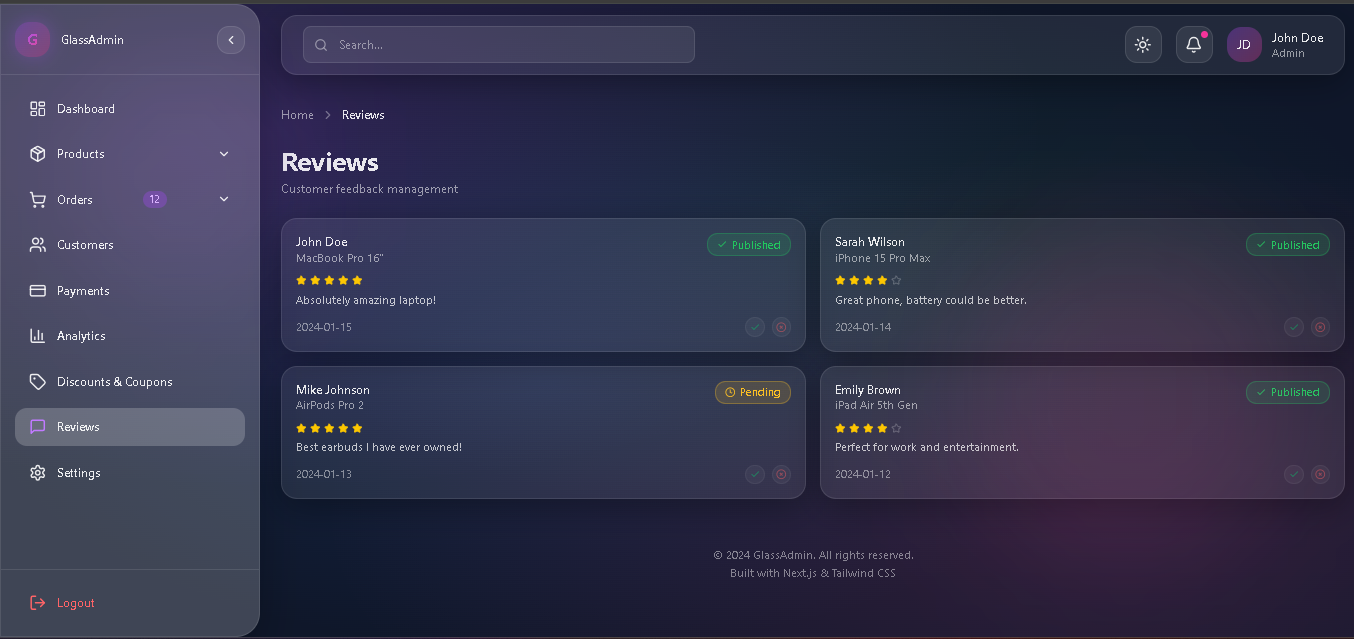
9. Reviews Page
- Customer review cards
- Star ratings display
- Approve/Hide functionality
- Published/Pending/Hidden status
10. Settings Page
- System Settings: Name, Email, Phone, Address, Currency, Timezone
- Preferences: Dark Mode, Email/Push Notifications, Order/Stock Alerts
- Data Management: Export all data, Create backup
Design System
Glass Morphism Variables
css
/* Light Mode */
--glass-bg: rgba(255, 255, 255, 0.15);
--glass-bg-hover: rgba(255, 255, 255, 0.25);
--glass-border: rgba(255, 255, 255, 0.25);
--blur-amount: 20px;
/* Dark Mode */
--glass-bg: rgba(255, 255, 255, 0.08);
--glass-bg-hover: rgba(255, 255, 255, 0.15);
--glass-border: rgba(255, 255, 255, 0.1);
Color Palette
Color
Usage
Purple (#a855f7)Primary accent, active statesPink (#ec4899)Secondary accent, notificationsGreen (#22c55e)Success states, revenueYellow (#fbbf24)Warning states, pendingRed (#ef4444)Error states, delete actionsBlue (#3b82f6)Info states, processing
Typography
- Font Size Range: 11px - 14px
- Base Font: 14px
- Small Text: 12px
- Extra Small: 11px
Sidebar Dimensions
- Expanded: 260px
- Collapsed: 80px
- Transition: 0.3s ease-in-out
Customization
Changing System Name
- Navigate to Settings page
- Edit the "System Name" field
- Click "Save Changes"
- The name updates in:
- Sidebar logo
- Login page
- Footer
Adding New Navigation Items
Edit the navItems array in src/app/page.tsx:
typescript
const navItems = [
{ id: 'new-page', icon: YourIcon, label: 'New Page' },
// ... existing items
]
Customizing Theme Colors
Edit CSS variables in src/app/globals.css:
css
:root {
--primary: rgba(255, 255, 255, 0.25);
--accent: rgba(168, 85, 247, 0.8);
/* ... more variables */
}
API Reference
State Management
The application uses React's built-in state management:
typescript
// Page navigation
const [activePage, setActivePage] = useState<Page>('dashboard')
// Data states
const [products, setProducts] = useState<Product[]>(initialProducts)
const [orders, setOrders] = useState<Order[]>(initialOrders)
const [customers, setCustomers] = useState<Customer[]>(initialCustomers)
// UI states
const [sidebarExpanded, setSidebarExpanded] = useState(true)
const [showNotifications, setShowNotifications] = useState(false)
Key Functions
Function
Purpose
handleLogin()Process login form submissionhandleLogout()Show logout confirmation modalhandleViewOrder()Display order details modalhandleAddProduct()Create new producthandleDeleteProduct()Remove product with confirmationhandleUpdateOrderStatus()Change order statushandleSaveSettings()Persist settings changesshowToastNotification()Display toast messagehandleExport()Export data (triggers notification)
Data Models
Product
typescript
interface Product {
id: string
name: string
category: string
price: number
stock: number
status: 'active' | 'draft' | 'archived'
image: string
sales: number
}
Order
typescript
interface Order {
id: string
customer: string
email: string
product: string
amount: number
status: 'completed' | 'pending' | 'processing' | 'shipped' | 'cancelled'
date: string
address: string
phone: string
}
Customer
typescript
interface Customer {
id: string
name: string
email: string
phone: string
orders: number
spent: number
status: 'active' | 'inactive'
joinDate: string
avatar: string
}
Contributing
- Fork the repository
- Create a feature branch (git checkout -b feature/amazing-feature)
- Commit your changes (git commit -m 'Add amazing feature')
- Push to the branch (git push origin feature/amazing-feature)
- Open a Pull Request
License
This project is licensed under the MIT License - see the LICENSE file for details.
Acknowledgments
- Next.js - The React Framework
- Tailwind CSS - Utility-first CSS
- Framer Motion - Animation library
- Recharts - Charting library
- Lucide Icons - Beautiful icons
Built with Next.js 16 & Tailwind CSS 4